AI Enlarger: for Photo & Anime
Vertexshare Software Ltd
4.4 ★
34K ratings
1,000,000+
downloads
Free
+ in-app
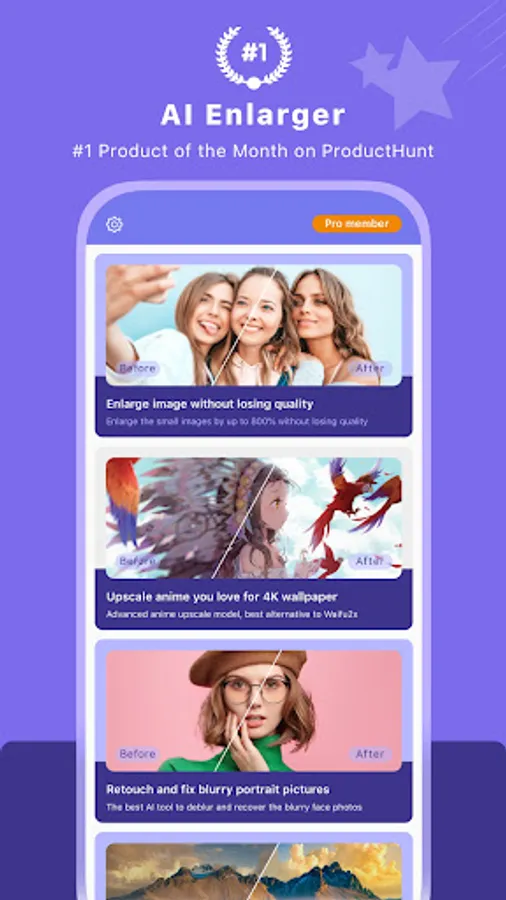
In this photo and anime image enlarger app, you can upload images and upscale them by up to 800% while maintaining quality. Includes noise reduction, color enhancement, and repair of blurry photos.
AppRecs review analysis
AppRecs rating 4.5. Trustworthiness 77 out of 100. Review manipulation risk 37 out of 100. Based on a review sample analyzed.
★★★★☆
4.5
AppRecs Rating
Ratings breakdown
5 star
76%
4 star
9%
3 star
5%
2 star
2%
1 star
8%
What to know
✓
Credible reviews
77% trustworthiness score from analyzed reviews
✓
High user satisfaction
85% of sampled ratings are 4+ stars (4.4★ average)
✓
Authentic reviews
Natural distribution, no red flags
About AI Enlarger: for Photo & Anime
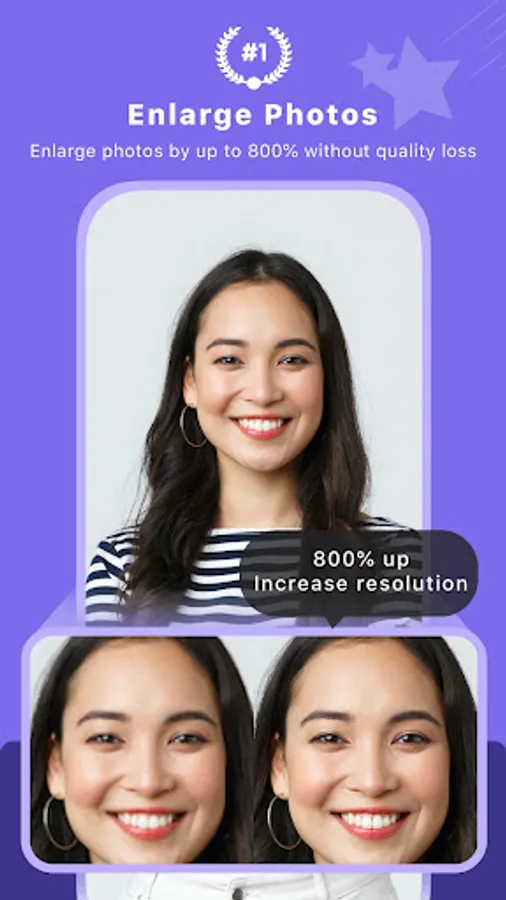
Transform your photos and anime pictures effortlessly with AI Enlarger. Upscale your images by 200%, 400%, or 800% without losing quality. Repair pixelated or blurry photos and enhance resolution seamlessly.
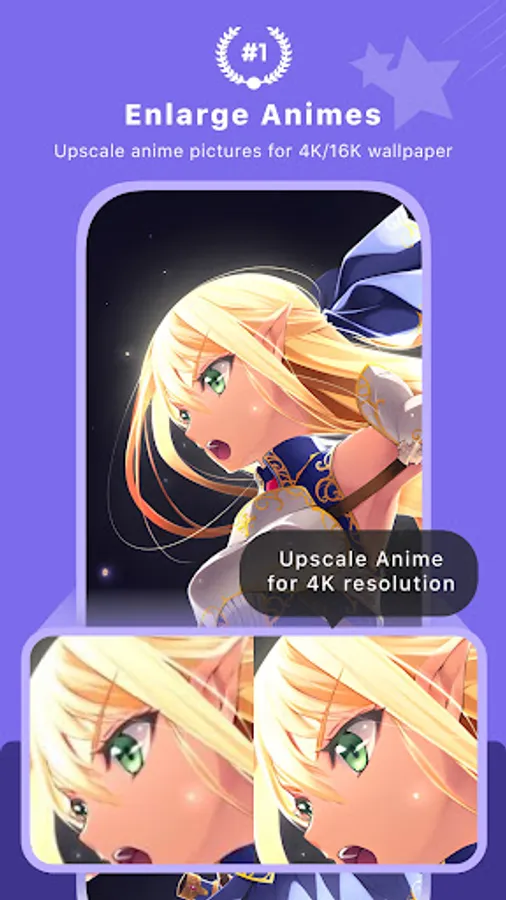
Using advanced AI photo super-resolution technology, AI Enlarger allows you to enlarge images, photos, and anime pictures without blurring or damaging the quality. Easily convert your pictures, cartoons, and animations into 4k, 8k, or even 16k ultra-high-definition wallpapers.
**** Key Features:
1. User-Friendly: Simply upload a picture, and let AI Enlarger handle the rest automatically.
2. Powerful Upscaling: Enlarge photos by 2x, 4x, or 8x to create stunning 4k, 8k, or even 16k HD images.
3. Noise Reduction: Maintain image clarity with advanced noise reduction algorithms.
4. Anime Upscaling: Specially optimized for anime and cartoon images, delivering better quality than Waifu2x and Yome2x.
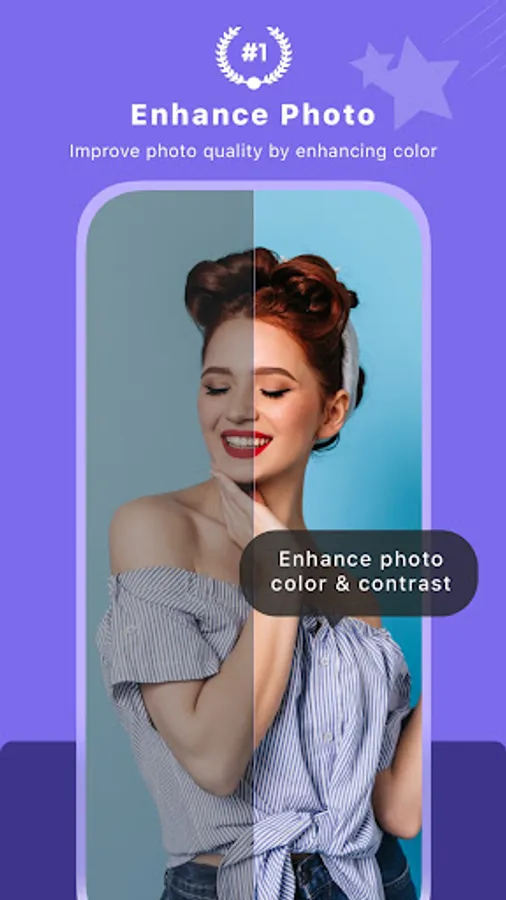
5. Smart Color Enhancement: Improve color and contrast with AI technology.
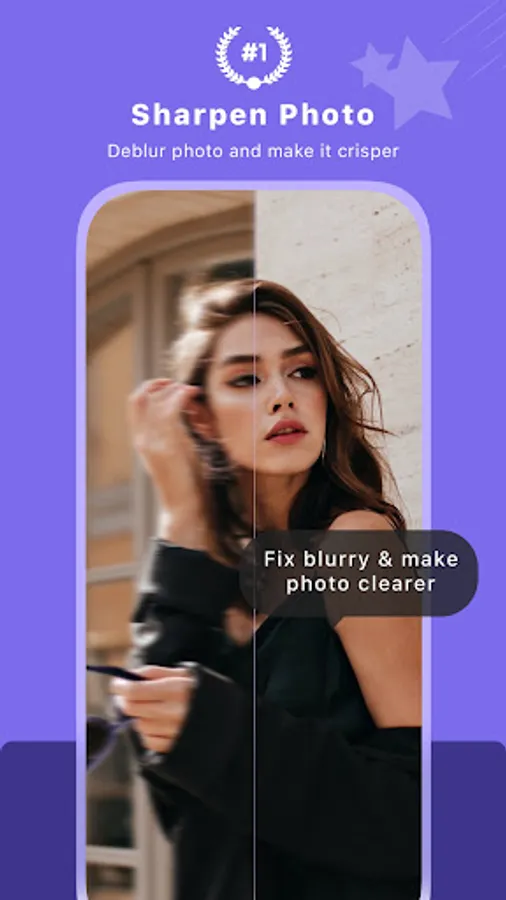
6. Fix Blurry Photos: Enhance image clarity and resolution with AI sharpening.
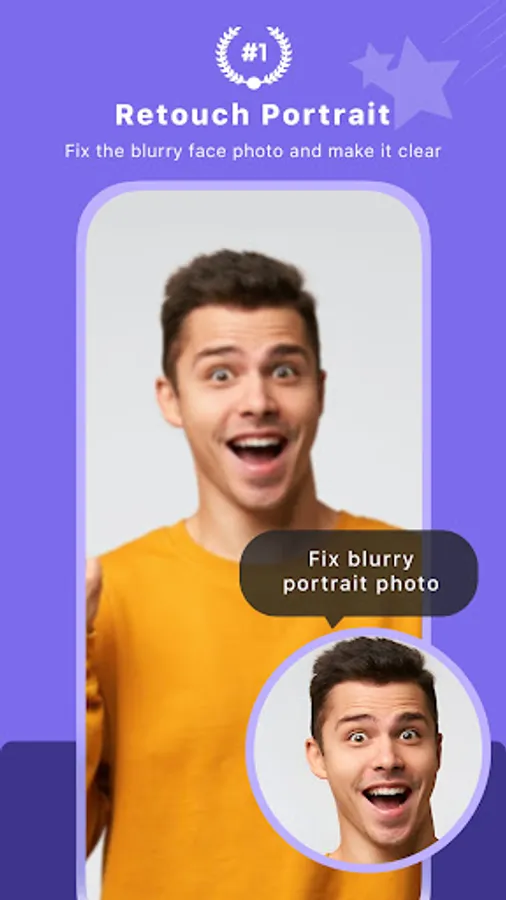
7. Repair Blurry Faces: Use AI to repair and enhance blurry faces, converting low-definition photos to high-definition.
**** How to Use AI Enlarger:
1. Select the photo or image you want to enhance.
2. Upload it and receive a task ID.
3. Wait or Close the app.
4. Check the task ID. Once it shows "success," preview or download your enhanced photo.
**** Subscription Plans:
Upgrade to Pro for unlimited access with our flexible subscription plans:
Monthly Plan: $4.99
Yearly Plan: $16.99
**** Benefits of Pro Subscription:
Access the recent 10 task IDs
Upscale images by 200%, 400%, and 800%
Ad-free experience
Unlimited access
**** Privacy Protection:
All uploaded and processed photos are removed every 24 hours to ensure your privacy.
**** Contact Us
Have questions? Please contact support@imglarger.com
Privacy Policy: https://imglarger.com/blog/privacy-policy/
Terms of use: https://imglarger.com/blog/terms/
Using advanced AI photo super-resolution technology, AI Enlarger allows you to enlarge images, photos, and anime pictures without blurring or damaging the quality. Easily convert your pictures, cartoons, and animations into 4k, 8k, or even 16k ultra-high-definition wallpapers.
**** Key Features:
1. User-Friendly: Simply upload a picture, and let AI Enlarger handle the rest automatically.
2. Powerful Upscaling: Enlarge photos by 2x, 4x, or 8x to create stunning 4k, 8k, or even 16k HD images.
3. Noise Reduction: Maintain image clarity with advanced noise reduction algorithms.
4. Anime Upscaling: Specially optimized for anime and cartoon images, delivering better quality than Waifu2x and Yome2x.
5. Smart Color Enhancement: Improve color and contrast with AI technology.
6. Fix Blurry Photos: Enhance image clarity and resolution with AI sharpening.
7. Repair Blurry Faces: Use AI to repair and enhance blurry faces, converting low-definition photos to high-definition.
**** How to Use AI Enlarger:
1. Select the photo or image you want to enhance.
2. Upload it and receive a task ID.
3. Wait or Close the app.
4. Check the task ID. Once it shows "success," preview or download your enhanced photo.
**** Subscription Plans:
Upgrade to Pro for unlimited access with our flexible subscription plans:
Monthly Plan: $4.99
Yearly Plan: $16.99
**** Benefits of Pro Subscription:
Access the recent 10 task IDs
Upscale images by 200%, 400%, and 800%
Ad-free experience
Unlimited access
**** Privacy Protection:
All uploaded and processed photos are removed every 24 hours to ensure your privacy.
**** Contact Us
Have questions? Please contact support@imglarger.com
Privacy Policy: https://imglarger.com/blog/privacy-policy/
Terms of use: https://imglarger.com/blog/terms/