AppRecs review analysis
AppRecs rating 3.6. Trustworthiness 83 out of 100. Review manipulation risk 23 out of 100. Based on a review sample analyzed.
★★★☆☆
3.6
AppRecs Rating
Ratings breakdown
5 star
47%
4 star
18%
3 star
0%
2 star
4%
1 star
31%
What to know
✓
Low review manipulation risk
23% review manipulation risk
✓
Credible reviews
83% trustworthiness score from analyzed reviews
✓
Detailed user feedback
42% of sampled reviews provide substantial detail
About Hue TV
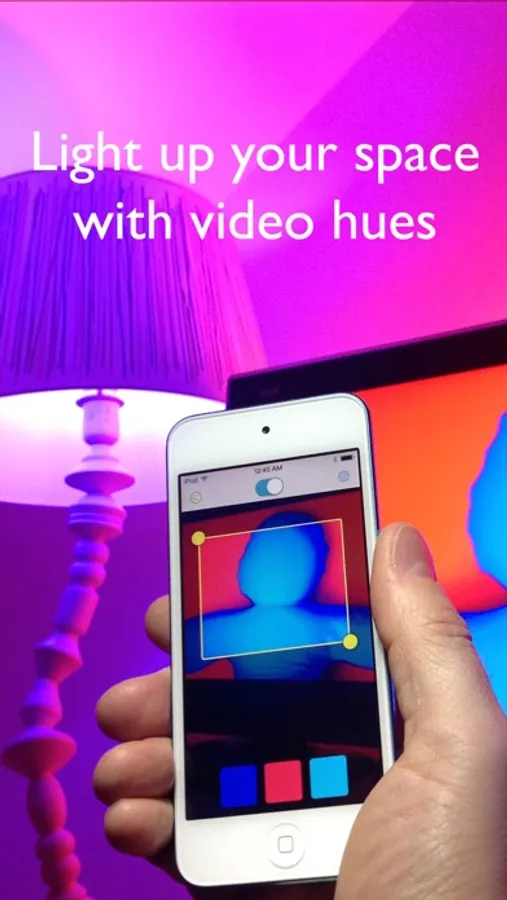
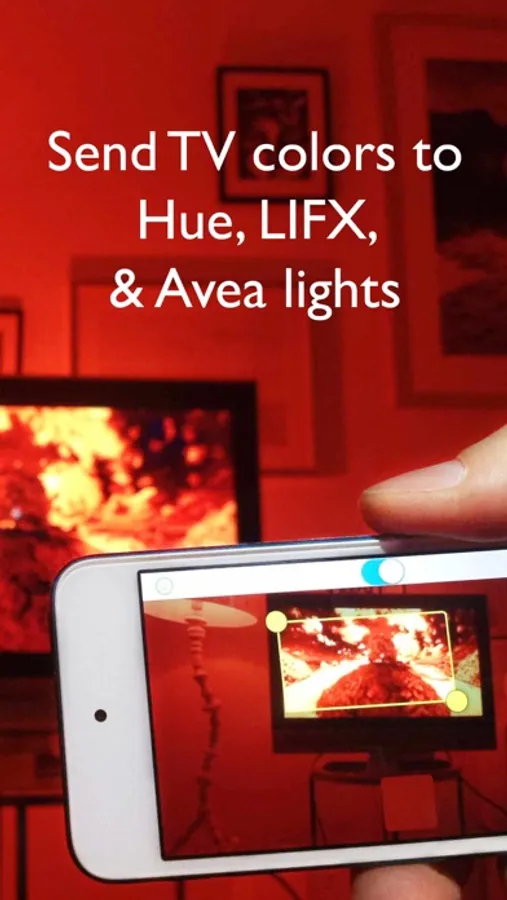
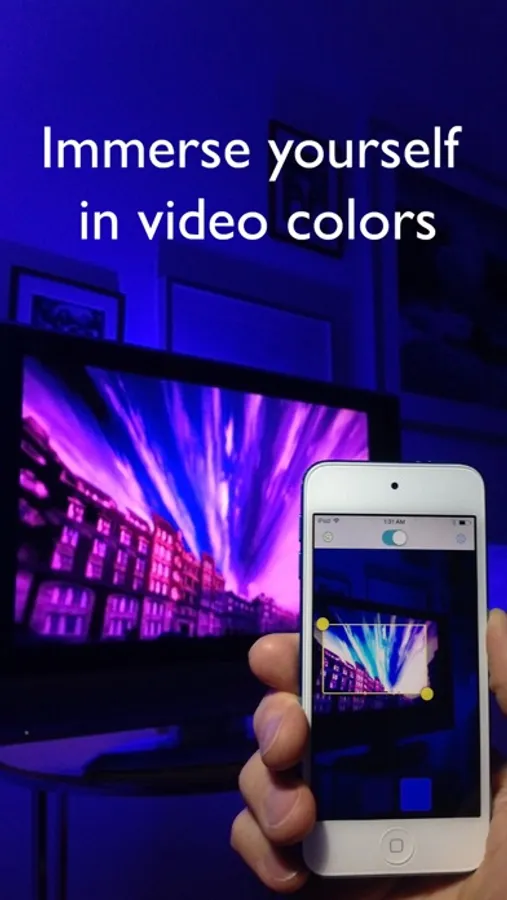
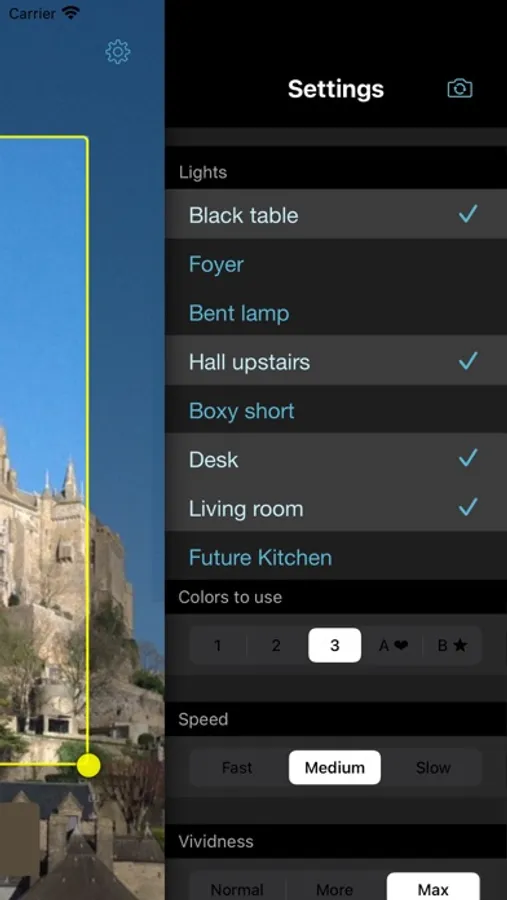
Send colors from your TV to Hue, LIFX, Nanoleaf, and Avea bulbs. Just aim Hue TV at your monitor and your space lights up with colors that follow the show you're watching. Too cool!
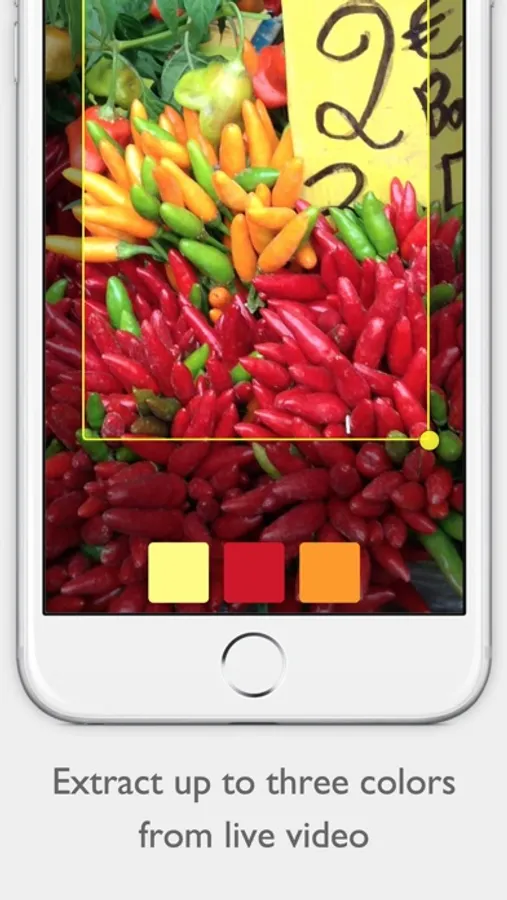
Using your device’s camera, the app chooses the most important colors in the picture – up to three – and puts you in the show. Even add extra, harmonized colors for a sophisticated effect.
Too bright? The global brightness control lets you dial it down for a quieter mood.
- Change the speed and vividness to your taste
- Selection tool lets you focus on just one part of the screen
- Quick on/ quick off switch
- Use up to fifty bulbs
- Remembers your settings between uses
- Use Hue, LIFX, Nanoleaf, and Avea together at the same time
To use Hue TV you need at least one of...
- a Philips Hue bridge with at least one controlled bulb
- LIFX bulbs
- Nanoleaf panels and controller
- an Elgato Avea bulb and an iOS device with Bluetooth 4.0
LIFX bulbs should have the latest firmware update from http://www.lifx.com/pages/updates .
See meethue.com, lifx.co, nanoleaf.me, or elgato.com for more information.
Using your device’s camera, the app chooses the most important colors in the picture – up to three – and puts you in the show. Even add extra, harmonized colors for a sophisticated effect.
Too bright? The global brightness control lets you dial it down for a quieter mood.
- Change the speed and vividness to your taste
- Selection tool lets you focus on just one part of the screen
- Quick on/ quick off switch
- Use up to fifty bulbs
- Remembers your settings between uses
- Use Hue, LIFX, Nanoleaf, and Avea together at the same time
To use Hue TV you need at least one of...
- a Philips Hue bridge with at least one controlled bulb
- LIFX bulbs
- Nanoleaf panels and controller
- an Elgato Avea bulb and an iOS device with Bluetooth 4.0
LIFX bulbs should have the latest firmware update from http://www.lifx.com/pages/updates .
See meethue.com, lifx.co, nanoleaf.me, or elgato.com for more information.