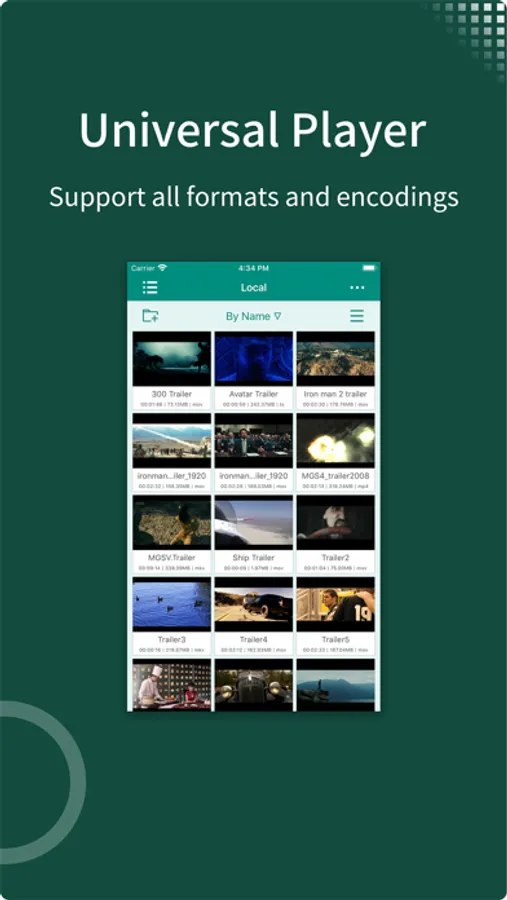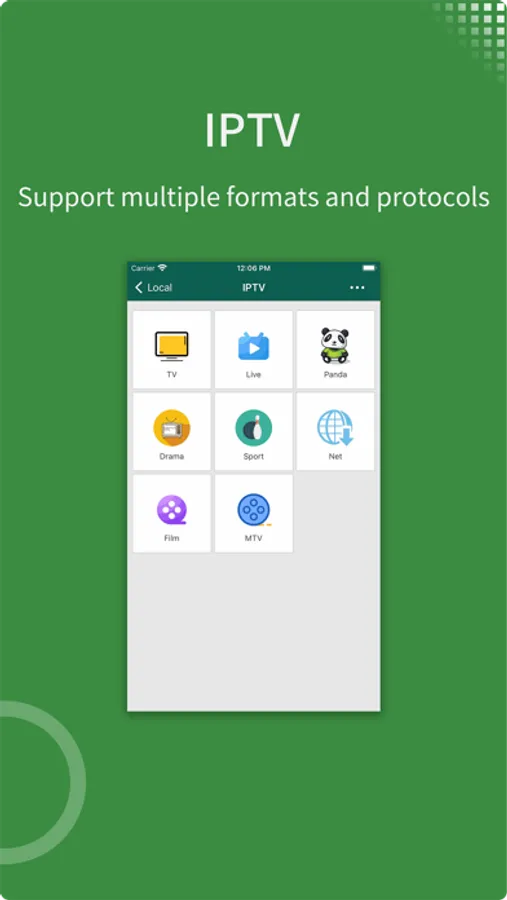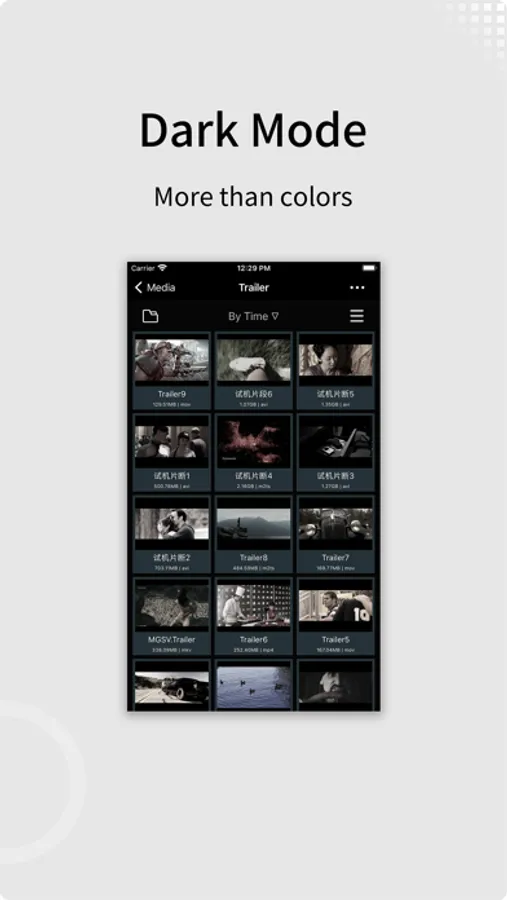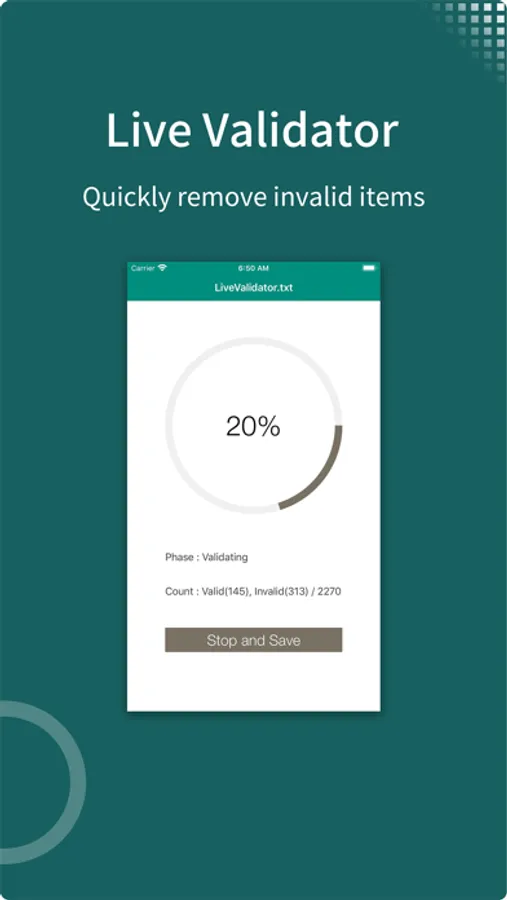
In this video player app, users can play nearly all video formats and control playback with gestures. Includes subtitle effects, media streaming from network sources, and file management features.
AppRecs review analysis
AppRecs rating 3.7. Trustworthiness 73 out of 100. Review manipulation risk 24 out of 100. Based on a review sample analyzed.
★★★☆☆
3.7
AppRecs Rating
Ratings breakdown
5 star
71%
4 star
14%
3 star
7%
2 star
1%
1 star
8%
What to know
✓
Low review manipulation risk
24% review manipulation risk
✓
Credible reviews
73% trustworthiness score from analyzed reviews
⚠
Review quality concerns
44% of sampled 5-star reviews are very short
About zFuse - Video Player
- zFuse can play all video formats and encodings, allowing you to play video files on your mobile device without the need to convert to MP4.
- zFuse supports ASS/SSA/SUP effect subtitles, enabling you to experience full subtitle effects just like on your PC/Mac.
- zFuse features powerful networking technologies that allow you to play media from your PC or NAS directly, without occupying any space on your limited device storage and without needing to download anything.
- zFuse also allows you to easily download files or directories directly from your PC or NAS, making it the perfect companion for your trips.
- zFuse supports a variety of gestures - simply move your fingers to adjust playback position, font size, volume, and brightness.
- zFuse carefully protects your privacy with folder encryption, so you no longer need to worry about privacy issues.
- zFuse's detailed features include:
* SMB/CIFS playback and discovery (easily play media files from your PC).
* Download media files or directories from SAMBA/DLNA/WebDAV/FTP directly.
* UPnP/DLNA playback and discovery.
* Emby and Jellyfin media server support.
* AirPlay playback.
* Picture-in-Picture mode support.
* iPad split-screen multitasking support.
* Hardware acceleration.
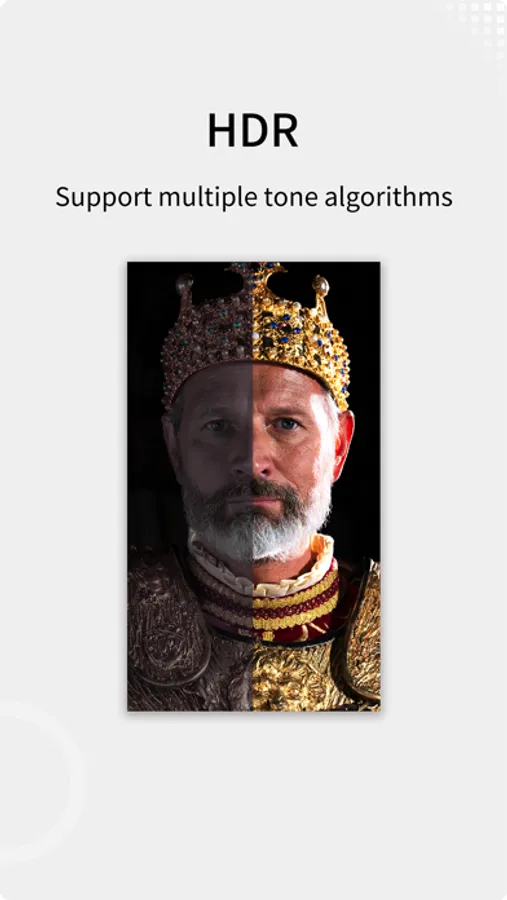
* HDR Tone Mapping support on non-HDR displays.
* Subtitle effects support.
* 0.5x-3.0x playback speed control.
* 0.5x-5.0x screen zoom.
* Media preview while seeking.
* Built-in audio enhancement.
* Multi-soundtrack selection.
* Embedded/external subtitle track selection.
* Subtitle synchronization.
* Audio synchronization.
* External subtitle font selection support.
* Playlist file preview before playback.
* Blu-ray directory playback.
* Real-time playlist management and editing.
* Screen mirroring.
* File Management:
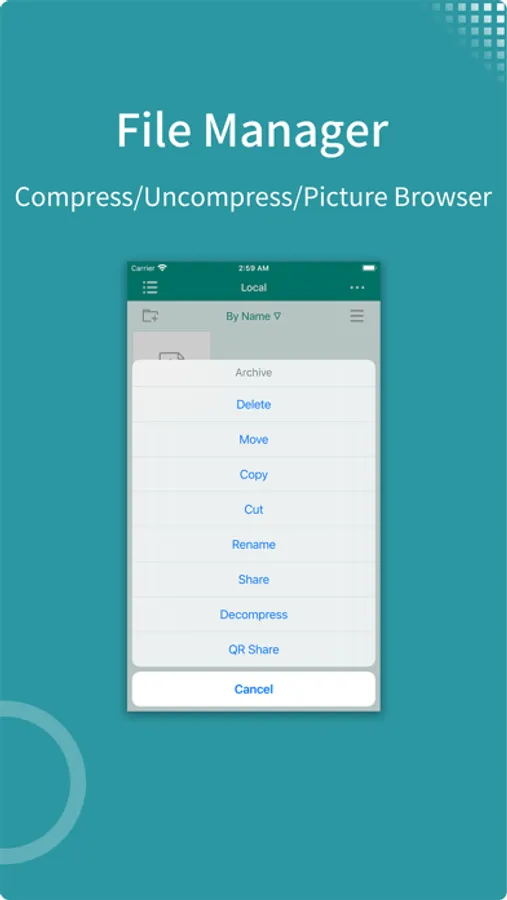
- Delete, move, rename, create folders.
- Wi-Fi file transfer support without USB cable connection.
- Streaming media playlist creation support.
- File decompression support: 7z, zip, rar, tar, bz, bz2, etc.
* Gesture Controls:
- Horizontal drag: adjust playback position.
- Vertical drag on left side: adjust volume.
- Vertical drag on right side: adjust brightness.
- Pinch to zoom: adjust screen size.
- Double-tap: play/pause.
- Two-finger double-tap: change video aspect ratio.
* External Keyboard Support:
- Space: pause/play.
- Left Arrow: backward seek.
- Right Arrow: forward seek.
- Esc: exit playback.
- S: change playback speed.
- B: play previous.
- N: play next.
- Z: change screen scale.
* Supported Video Formats: MP4, MOV, MKV, AVI, WMV, FLV, RMVB, ASF, OGV, Blu-ray ISO and more.
* Supported Audio Formats: MP3, WAV, WMA, FLAC, APE and more.
* Supported Subtitle Formats: SRT, SSA, ASS, SUP, VTT.
* Supported Image Formats: JPG, PNG, BMP, TIFF, GIF, HEIC and more.
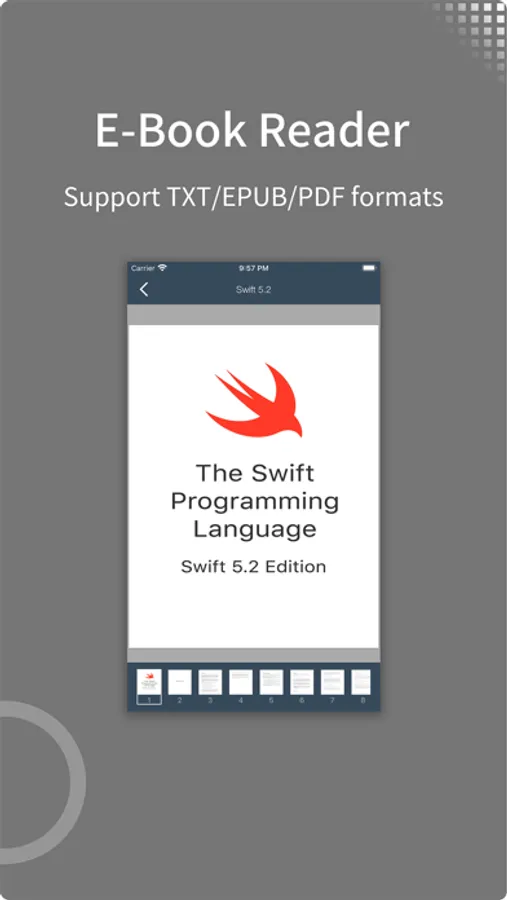
* Supported eBook Formats: EPUB, TXT, PDF.
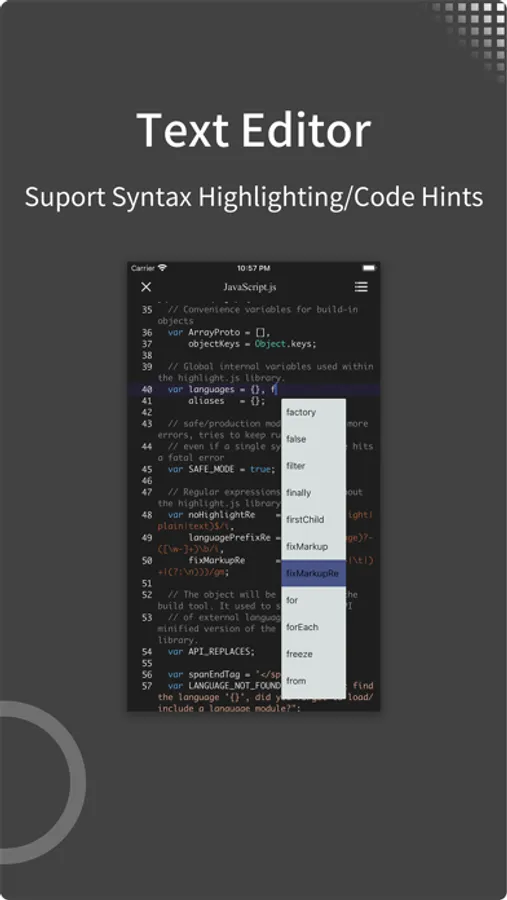
* Code Editor Supported Languages: JSON, HTML, XML, C/C++, Lua, Java, Objective-C, Swift, Python, JavaScript.
* Supported Document Formats: Word, Excel, PowerPoint, Numbers, Keynote, Pages, RTF, CSV.
- zFuse supports ASS/SSA/SUP effect subtitles, enabling you to experience full subtitle effects just like on your PC/Mac.
- zFuse features powerful networking technologies that allow you to play media from your PC or NAS directly, without occupying any space on your limited device storage and without needing to download anything.
- zFuse also allows you to easily download files or directories directly from your PC or NAS, making it the perfect companion for your trips.
- zFuse supports a variety of gestures - simply move your fingers to adjust playback position, font size, volume, and brightness.
- zFuse carefully protects your privacy with folder encryption, so you no longer need to worry about privacy issues.
- zFuse's detailed features include:
* SMB/CIFS playback and discovery (easily play media files from your PC).
* Download media files or directories from SAMBA/DLNA/WebDAV/FTP directly.
* UPnP/DLNA playback and discovery.
* Emby and Jellyfin media server support.
* AirPlay playback.
* Picture-in-Picture mode support.
* iPad split-screen multitasking support.
* Hardware acceleration.
* HDR Tone Mapping support on non-HDR displays.
* Subtitle effects support.
* 0.5x-3.0x playback speed control.
* 0.5x-5.0x screen zoom.
* Media preview while seeking.
* Built-in audio enhancement.
* Multi-soundtrack selection.
* Embedded/external subtitle track selection.
* Subtitle synchronization.
* Audio synchronization.
* External subtitle font selection support.
* Playlist file preview before playback.
* Blu-ray directory playback.
* Real-time playlist management and editing.
* Screen mirroring.
* File Management:
- Delete, move, rename, create folders.
- Wi-Fi file transfer support without USB cable connection.
- Streaming media playlist creation support.
- File decompression support: 7z, zip, rar, tar, bz, bz2, etc.
* Gesture Controls:
- Horizontal drag: adjust playback position.
- Vertical drag on left side: adjust volume.
- Vertical drag on right side: adjust brightness.
- Pinch to zoom: adjust screen size.
- Double-tap: play/pause.
- Two-finger double-tap: change video aspect ratio.
* External Keyboard Support:
- Space: pause/play.
- Left Arrow: backward seek.
- Right Arrow: forward seek.
- Esc: exit playback.
- S: change playback speed.
- B: play previous.
- N: play next.
- Z: change screen scale.
* Supported Video Formats: MP4, MOV, MKV, AVI, WMV, FLV, RMVB, ASF, OGV, Blu-ray ISO and more.
* Supported Audio Formats: MP3, WAV, WMA, FLAC, APE and more.
* Supported Subtitle Formats: SRT, SSA, ASS, SUP, VTT.
* Supported Image Formats: JPG, PNG, BMP, TIFF, GIF, HEIC and more.
* Supported eBook Formats: EPUB, TXT, PDF.
* Code Editor Supported Languages: JSON, HTML, XML, C/C++, Lua, Java, Objective-C, Swift, Python, JavaScript.
* Supported Document Formats: Word, Excel, PowerPoint, Numbers, Keynote, Pages, RTF, CSV.