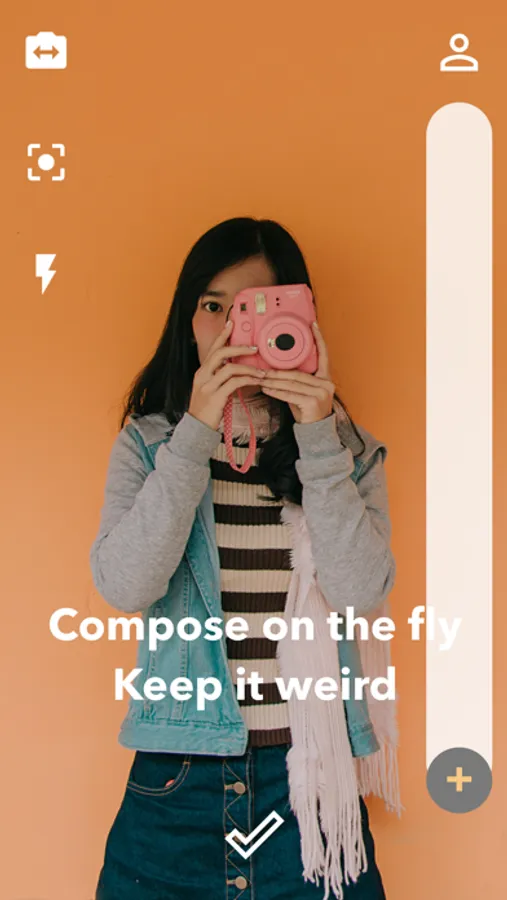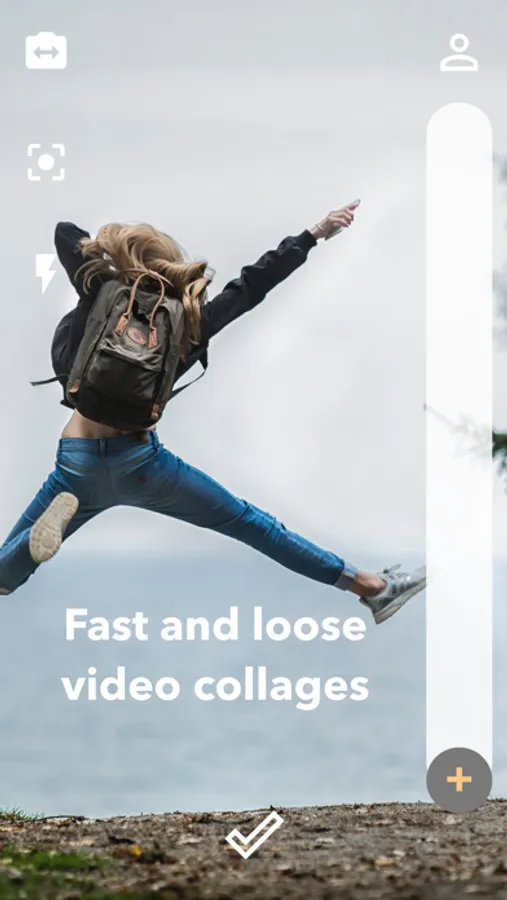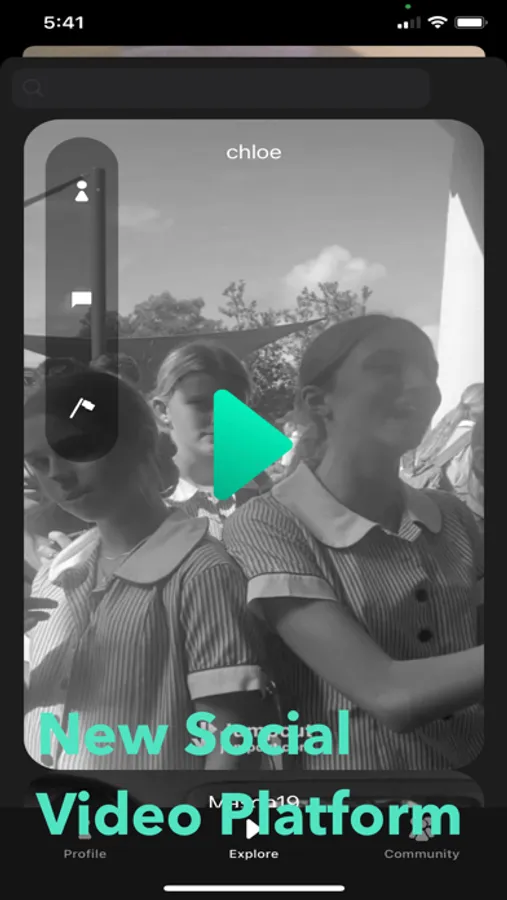
In this video editing app, users can incorporate still images and record audio to create videos. Includes image insertion, audio dubbing, and sharing features.
AppRecs review analysis
AppRecs rating 4.2. Trustworthiness 80 out of 100. Review manipulation risk 24 out of 100. Based on a review sample analyzed.
★★★★☆
4.2
AppRecs Rating
Ratings breakdown
5 star
76%
4 star
8%
3 star
2%
2 star
5%
1 star
8%
What to know
✓
Low review manipulation risk
24% review manipulation risk
✓
Credible reviews
80% trustworthiness score from analyzed reviews
✓
High user satisfaction
85% of sampled ratings are 4+ stars (4.4★ average)
About Jumpcut
A new way to capture video. You can add still images to your videos and record additional audio over them. Tap to snap pictures. Press and hold to start recording video. To set the duration that a still image appears in the video, swipe left and right on the screen. The focus button is in the toolbar. Then, to create your video, tap the checkmark. On the next screen, you can dub over your video. To dub audio, use the microphone button. Recording will end when the next loop begins. Tap to pause to start recording at the perfect spot.
Now you can save videos to your Jumpcut profile in the app. Sign up with your email to share your videos and to see what others are capturing around you.
privacy policy:
https://docs.google.com/document/d/1GqpTNfSwi2WlcPyaXQ_ajepLqc1S7Z7f6_njEu-jQwY/edit?usp=sharing
terms of service:
https://docs.google.com/document/d/1FZezHfNhiSzUC-3Cpbj3tM7vn77nLQS5LRPEoCnDqKE/edit?usp=sharing
Now you can save videos to your Jumpcut profile in the app. Sign up with your email to share your videos and to see what others are capturing around you.
privacy policy:
https://docs.google.com/document/d/1GqpTNfSwi2WlcPyaXQ_ajepLqc1S7Z7f6_njEu-jQwY/edit?usp=sharing
terms of service:
https://docs.google.com/document/d/1FZezHfNhiSzUC-3Cpbj3tM7vn77nLQS5LRPEoCnDqKE/edit?usp=sharing