About BCB m-OTP App
“An easy to use One-Time Passcode to help you conduct secure online banking transactions with Bermuda Commercial Bank"
Procedure
1. Activate m-OTP
• Download & Install the BCB OTP Application
• Launch the App on your Mobile Phone
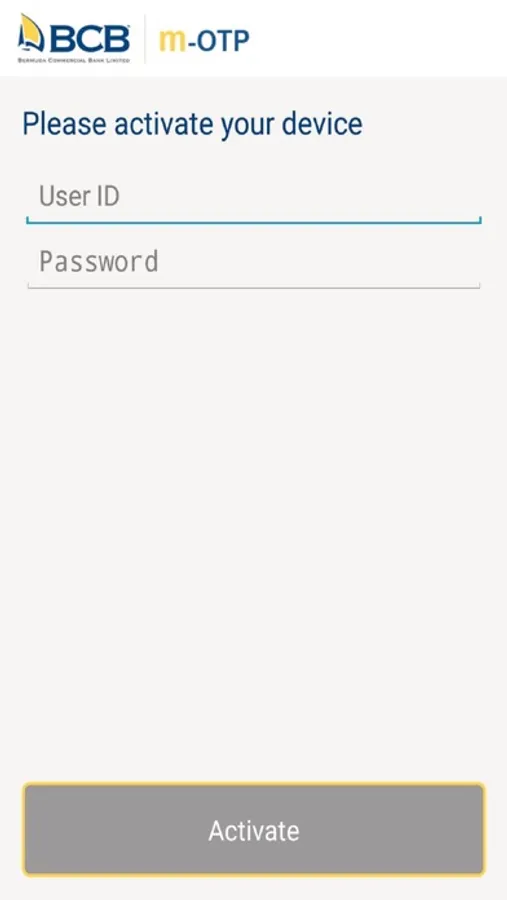
• Input your Internet Banking Username and Password in the App and click the “Activate” button.
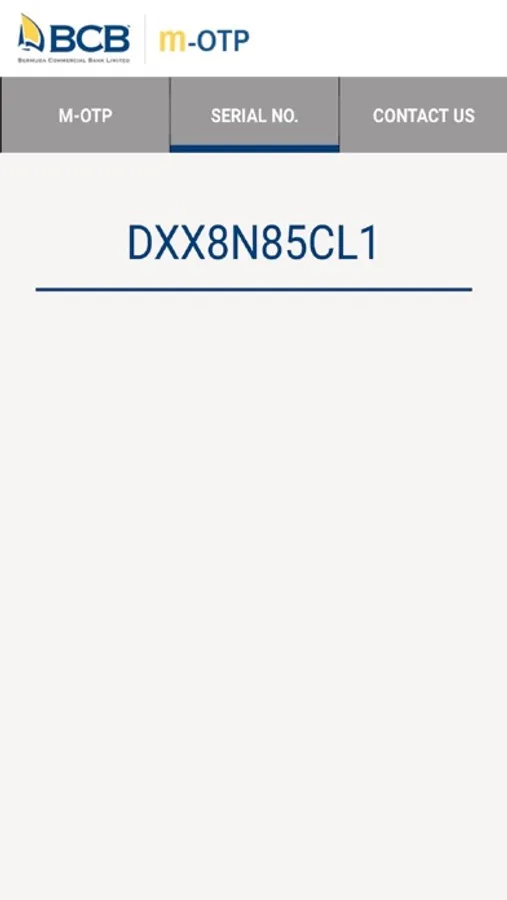
• Make a note of the Serial Number
2. Connect m-OTP with your eBanking User Account
• Launch the eBanking system through your web browser on your PC
• Select “User Options” Menu and “M-OTP Activation”
3. Register m-OTP on your Internet Banking User Account
• Input the Serial Number as noted in Step 1 above
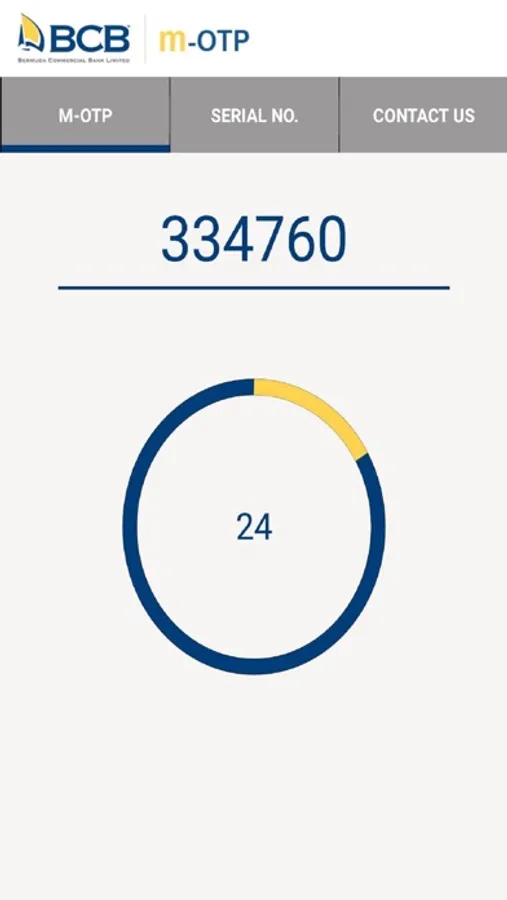
• Input Code from on m-OTP App. This code changes every 60 seconds
• Click the Submit button
4. Activate m-OTP on your Internet Banking User Account
• Input Code from the “Hard” Security token or the one sent to you by SMS on your registered Mobile
number
• Hit Submit to Activate
You will receive a successful activation message after which you can start using m-OTP
Procedure
1. Activate m-OTP
• Download & Install the BCB OTP Application
• Launch the App on your Mobile Phone
• Input your Internet Banking Username and Password in the App and click the “Activate” button.
• Make a note of the Serial Number
2. Connect m-OTP with your eBanking User Account
• Launch the eBanking system through your web browser on your PC
• Select “User Options” Menu and “M-OTP Activation”
3. Register m-OTP on your Internet Banking User Account
• Input the Serial Number as noted in Step 1 above
• Input Code from on m-OTP App. This code changes every 60 seconds
• Click the Submit button
4. Activate m-OTP on your Internet Banking User Account
• Input Code from the “Hard” Security token or the one sent to you by SMS on your registered Mobile
number
• Hit Submit to Activate
You will receive a successful activation message after which you can start using m-OTP