AppRecs review analysis
AppRecs rating 3.7. Trustworthiness 65 out of 100. Review manipulation risk 29 out of 100. Based on a review sample analyzed.
★★★☆☆
3.7
AppRecs Rating
Ratings breakdown
5 star
67%
4 star
17%
3 star
0%
2 star
0%
1 star
17%
What to know
✓
Low review manipulation risk
29% review manipulation risk
✓
High user satisfaction
83% of sampled ratings are 4+ stars (4.2★ average)
About ArcGIS AppStudio Player
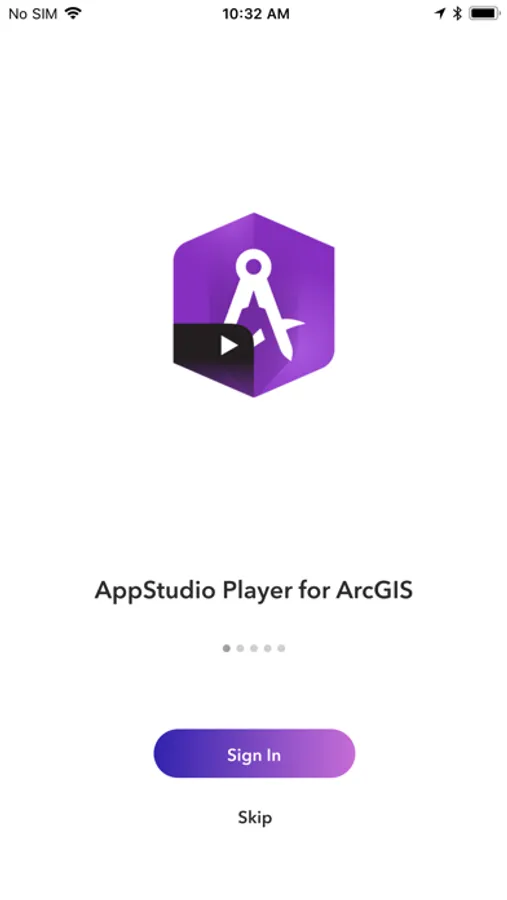
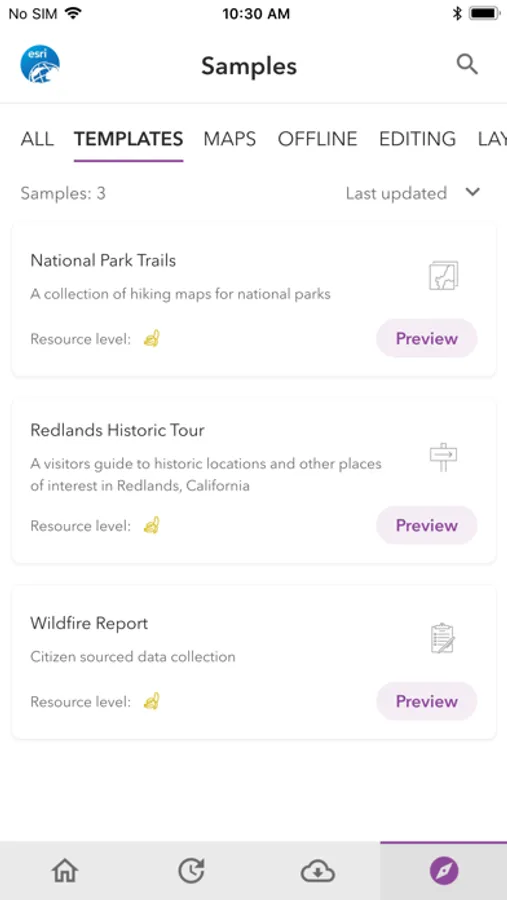
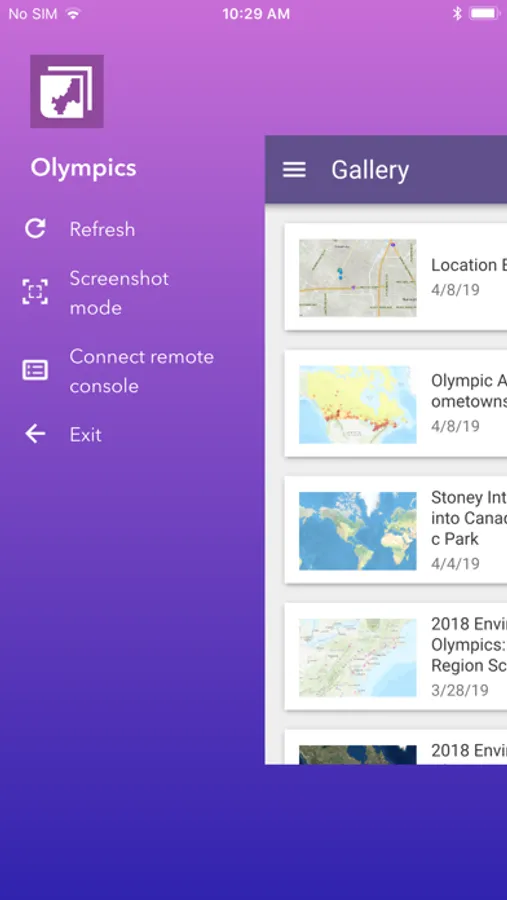
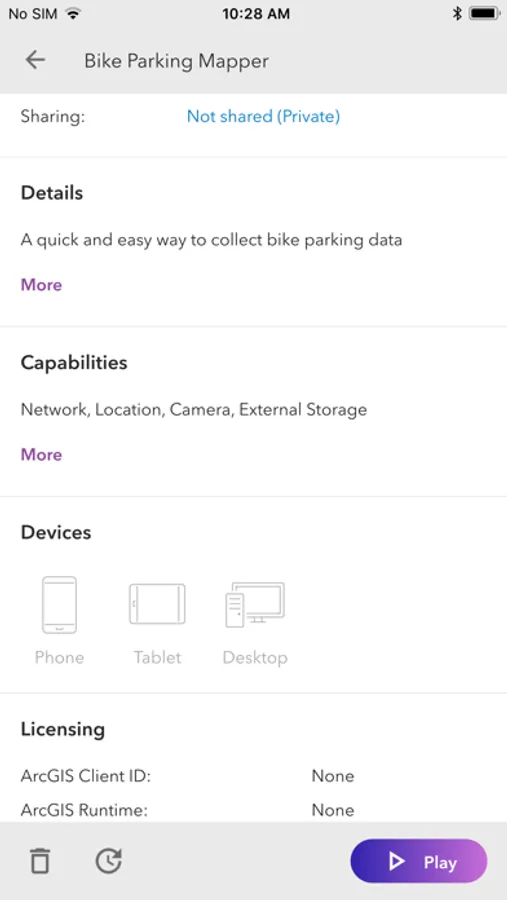
AppStudio Player lets you instantly view mapping applications created with ArcGIS AppStudio. It offers you a great way to quickly test your own creations before you build and distribute them.
To get started:
1. Install the ArcGIS AppStudio for Player app
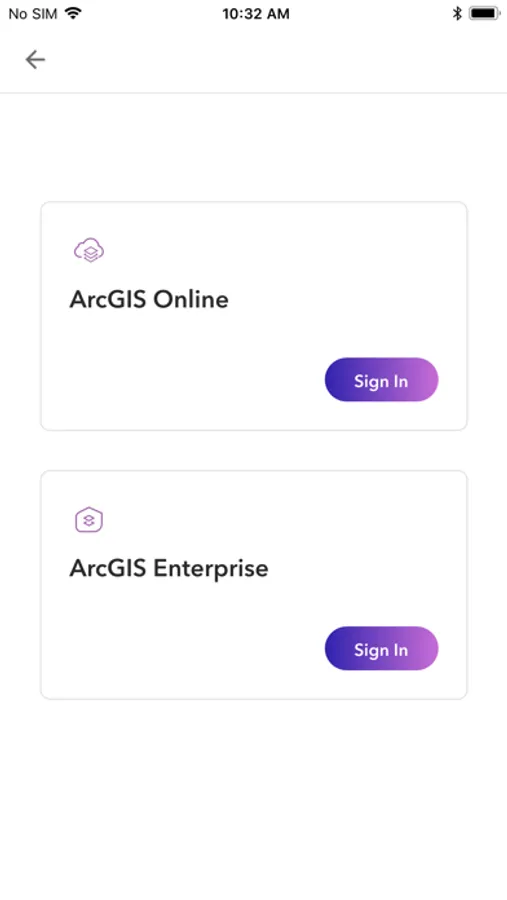
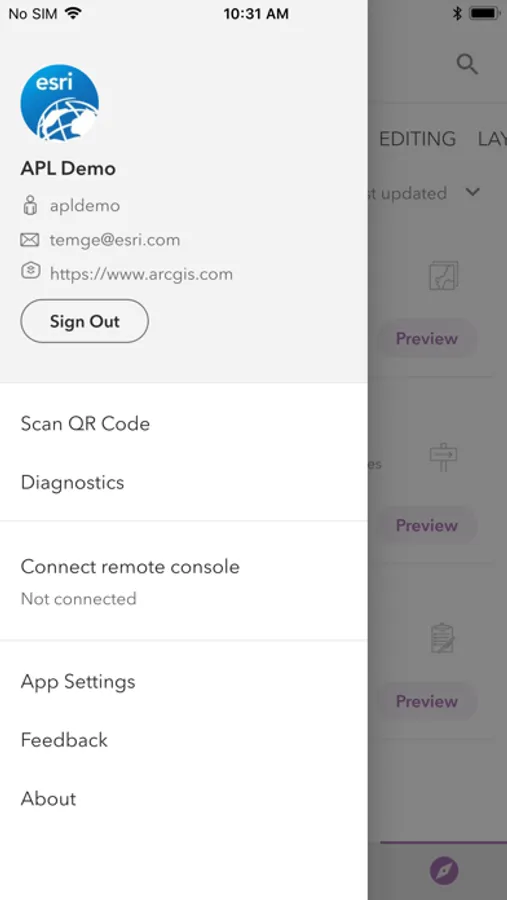
2. Open and sign in with your ArcGIS Online or Enterprise credentials.
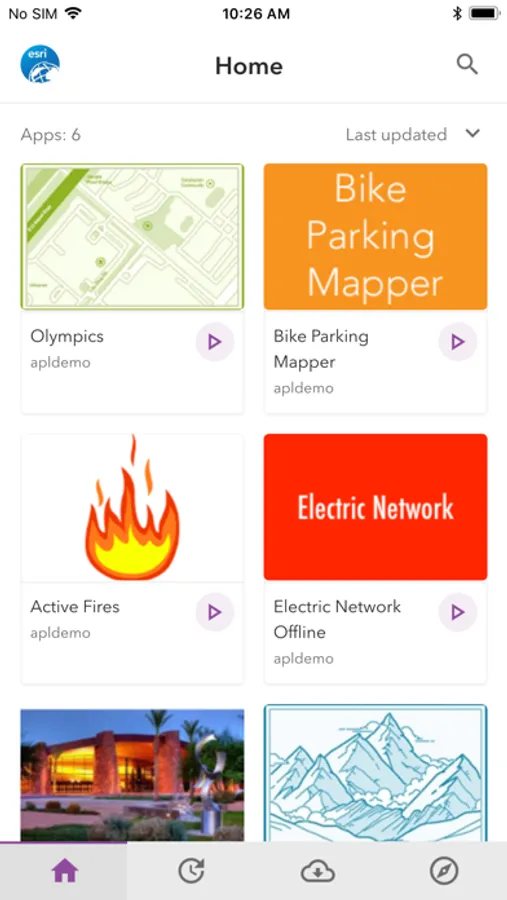
3. Select, download and test the mapping applications you have created or that have been shared with you.
To get started:
1. Install the ArcGIS AppStudio for Player app
2. Open and sign in with your ArcGIS Online or Enterprise credentials.
3. Select, download and test the mapping applications you have created or that have been shared with you.