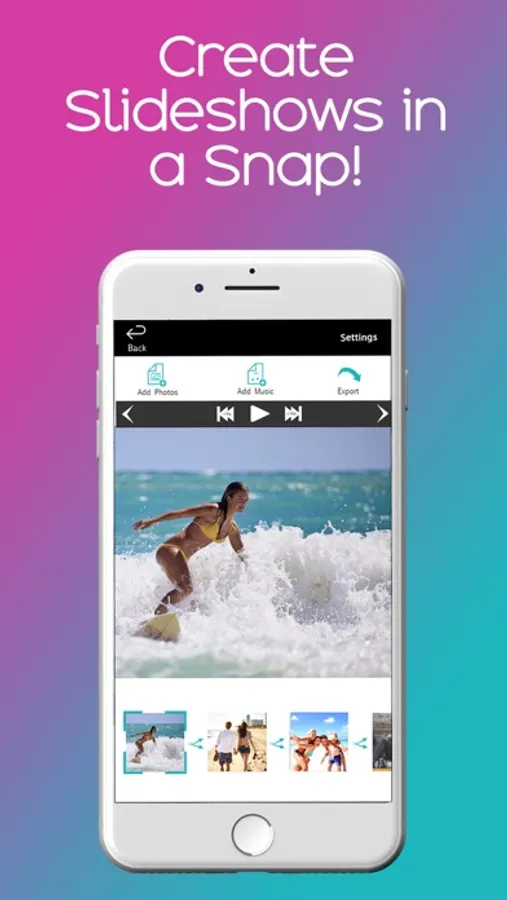
Create slideshows easily by adding photos and music, then export and share. Includes options for filters, frames, and text customization.
AppRecs review analysis
AppRecs rating 4.1. Trustworthiness 71 out of 100. Review manipulation risk 29 out of 100. Based on a review sample analyzed.
★★★★☆
4.1
AppRecs Rating
Ratings breakdown
5 star
82%
4 star
7%
3 star
4%
2 star
2%
1 star
5%
What to know
✓
Low review manipulation risk
29% review manipulation risk
⚠
Ad complaints
Many low ratings mention excessive ads
⚠
Pricing complaints
Many low ratings mention paywalls or pricing
About Quick & Easy Slideshow Maker
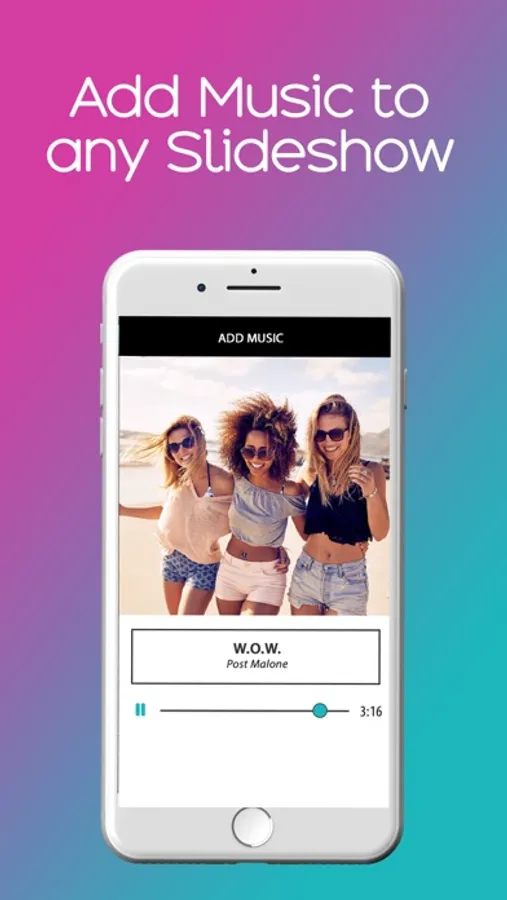
Make beautiful slideshows with music in a snap! Use one of your own songs or pick one of our own. When it comes to making slideshows from your phone, it's best to KEEP IT SIMPLE! Create beautiful customized slideshows in just a snap!
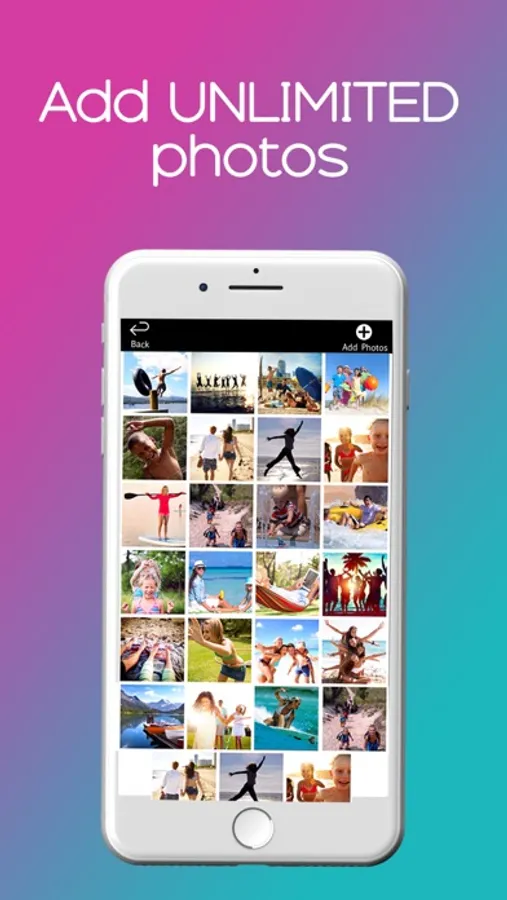
Step 1: Add Photos
Step 2: Add Music
Step 3: Export Video (saves to your gallery)
Thats it- your video is now ready to be shared on Facebook, Instagram, Youtube, Instagram, Email, and more with just a single click.
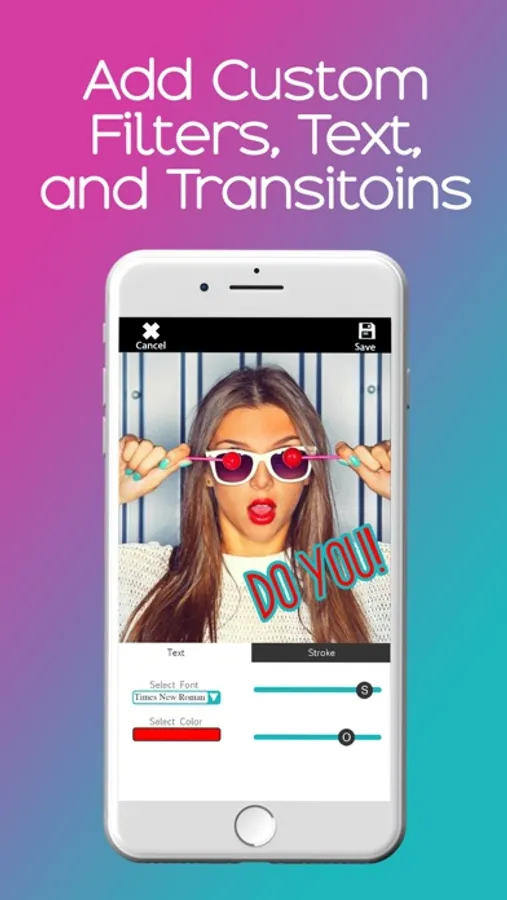
The default settings already have beautiful random transitions built in. If you want to further customize your slideshow, just tap on any photo where you can add a filter, a frame, or custom text if you'd like.
You've tried the rest, now try the best!!!
-----
There is an additional option to upgrade to Pro which will give you access to additional features on an ongoing basis including:
Unlimited photos
Additional transitions
Additional photo editing options
Removal of ads and watermarks
Unlocks all stock music
Choose from different packages such as:
1 month @ $3.99
Forever @ $6.99
Additional details:
• Payment will be charged to iTunes Account at confirmation of purchase
• Subscription automatically renews unless auto-renew is turned off at least 24-hours before the end of the current period
• Account will be charged for renewal within 24-hours prior to the end of the current period, and identify the cost of the renewal
• Subscriptions may be managed by the user and auto-renewal may be turned off by going to the user's Account Settings after purchase
• Any unused portion of a free trial period, if offered, will be forfeited when the user purchases a subscription to that publication, where applicable
– https://www.grassapper.com/terms-and-conditions
– https://www.grassapper.com/application-privacy-policy
Step 1: Add Photos
Step 2: Add Music
Step 3: Export Video (saves to your gallery)
Thats it- your video is now ready to be shared on Facebook, Instagram, Youtube, Instagram, Email, and more with just a single click.
The default settings already have beautiful random transitions built in. If you want to further customize your slideshow, just tap on any photo where you can add a filter, a frame, or custom text if you'd like.
You've tried the rest, now try the best!!!
-----
There is an additional option to upgrade to Pro which will give you access to additional features on an ongoing basis including:
Unlimited photos
Additional transitions
Additional photo editing options
Removal of ads and watermarks
Unlocks all stock music
Choose from different packages such as:
1 month @ $3.99
Forever @ $6.99
Additional details:
• Payment will be charged to iTunes Account at confirmation of purchase
• Subscription automatically renews unless auto-renew is turned off at least 24-hours before the end of the current period
• Account will be charged for renewal within 24-hours prior to the end of the current period, and identify the cost of the renewal
• Subscriptions may be managed by the user and auto-renewal may be turned off by going to the user's Account Settings after purchase
• Any unused portion of a free trial period, if offered, will be forfeited when the user purchases a subscription to that publication, where applicable
– https://www.grassapper.com/terms-and-conditions
– https://www.grassapper.com/application-privacy-policy