PolySpeak
Nikhil Tibrewal
3.7 ★
store rating
$0.99
In this translation keyboard app, you can input text in your language and easily translate it to over 85 languages with a tap. Includes language swapping, undo and redo features, and emoji translation options.
About PolySpeak
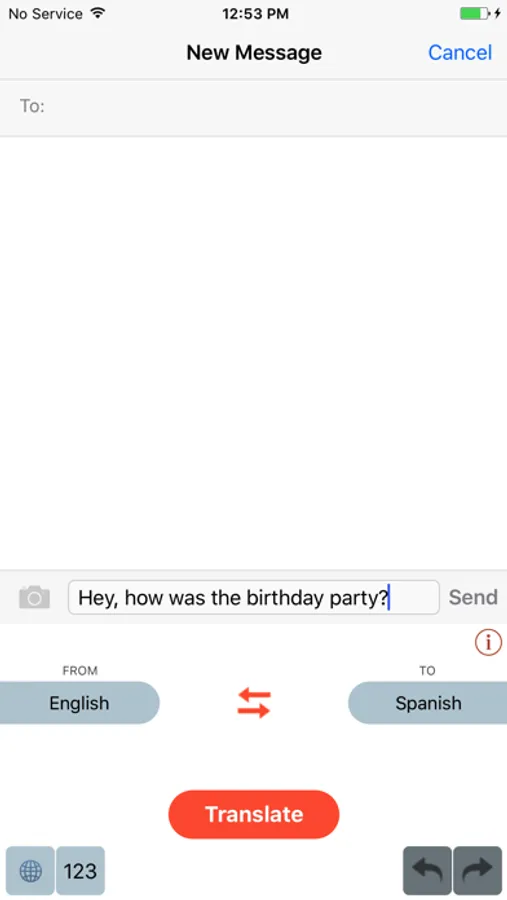
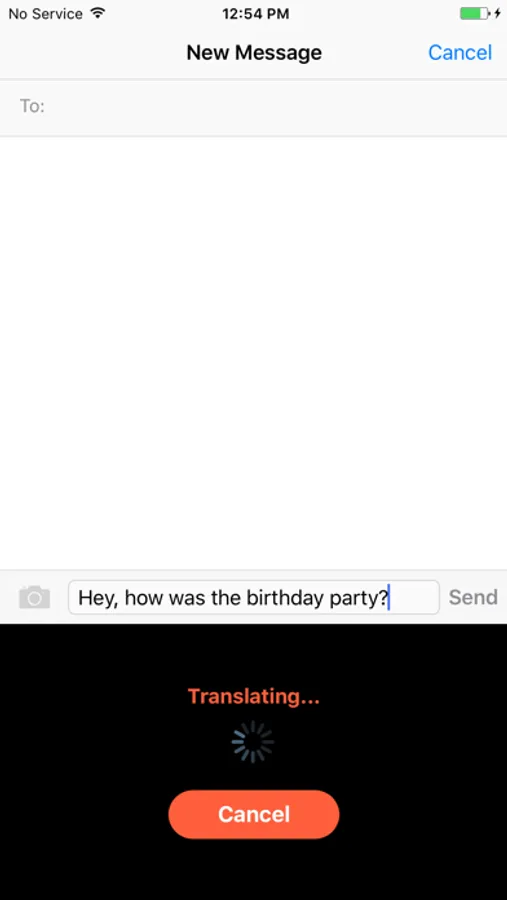
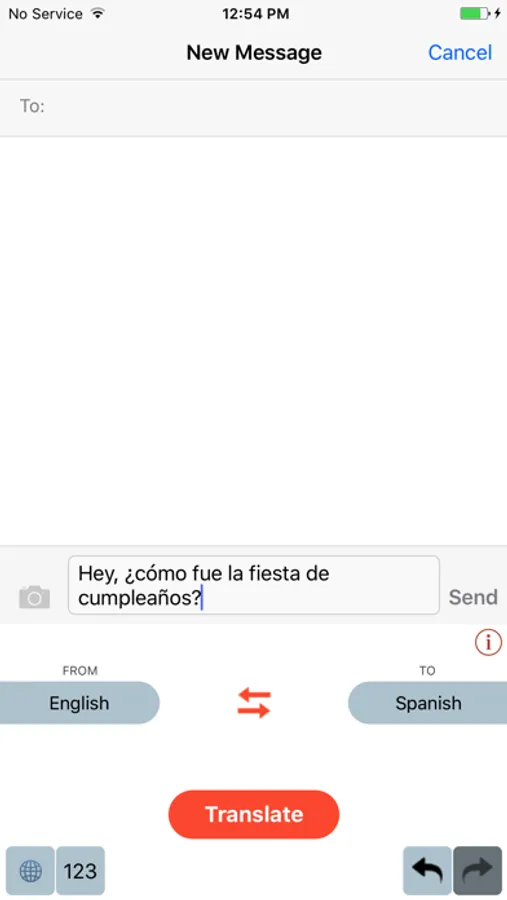
PolySpeak is a lightweight, easy to use translation keyboard for your smartphone. Type the text in your language, and translate it to the desired language simply by switching over to PolySpeak keyboard and pressing translate.
To activate PolySpeak go to Settings > General > Keyboard > Keyboards > Add New Keyboard... and select PolySpeak
Note: PolySpeak needs Internet access to translate your text. To allow Internet access to PolySpeak go to Settings > General > Keyboard > Keyboards > PolySpeak and enable Allow Full Access. Then select Allow in the popup. PolySpeak does not store your text anywhere, but simply translates it for you. You can read more about it in our Privacy Policy.
Features:
1) Swap button to easily swap 'From' and 'To' languages.
2) Undo/Redo buttons to go back to previous and current translation.
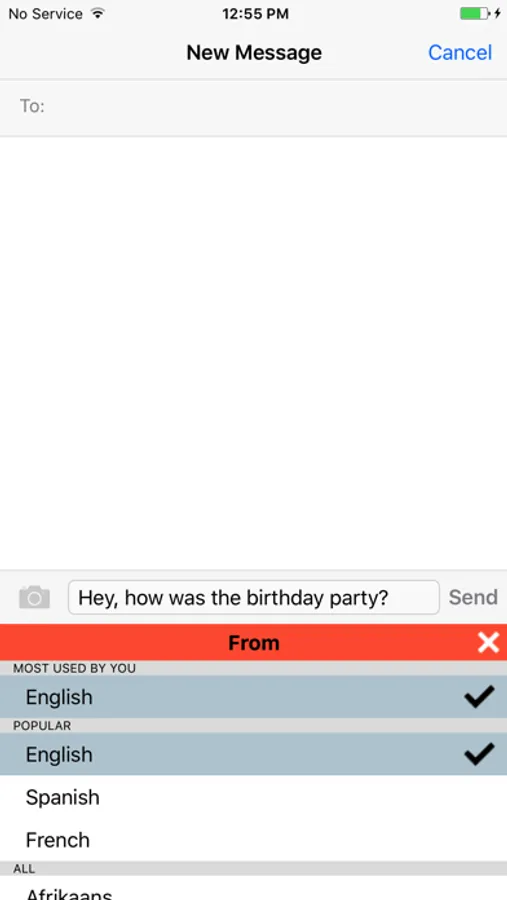
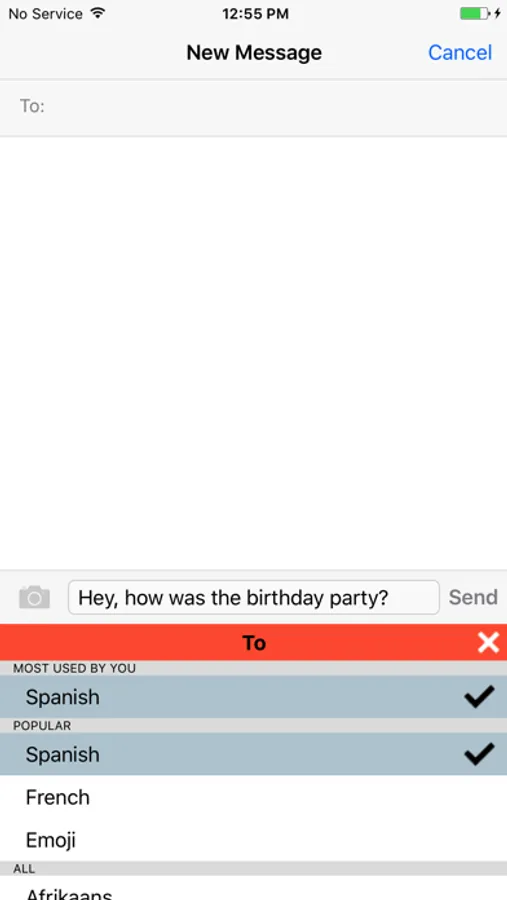
3) 'From' and 'To' language choices are saved for future use so you don't have to select them when you come back to PolySpeak later.
4) 'Emoji' translation: translate an English text to Emoji. For e.g., try translating 'I love the city of New York'. Currently we only support translation from English to Emoji. But in future versions we plan to support from other languages to Emoji as well.
5) Language pickers show "MOST USED BY YOU" and "POPULAR" languages for easy access.
6) Translate between 85+ languages (the most that any translate keyboard offers currently!).
To activate PolySpeak go to Settings > General > Keyboard > Keyboards > Add New Keyboard... and select PolySpeak
Note: PolySpeak needs Internet access to translate your text. To allow Internet access to PolySpeak go to Settings > General > Keyboard > Keyboards > PolySpeak and enable Allow Full Access. Then select Allow in the popup. PolySpeak does not store your text anywhere, but simply translates it for you. You can read more about it in our Privacy Policy.
Features:
1) Swap button to easily swap 'From' and 'To' languages.
2) Undo/Redo buttons to go back to previous and current translation.
3) 'From' and 'To' language choices are saved for future use so you don't have to select them when you come back to PolySpeak later.
4) 'Emoji' translation: translate an English text to Emoji. For e.g., try translating 'I love the city of New York'. Currently we only support translation from English to Emoji. But in future versions we plan to support from other languages to Emoji as well.
5) Language pickers show "MOST USED BY YOU" and "POPULAR" languages for easy access.
6) Translate between 85+ languages (the most that any translate keyboard offers currently!).