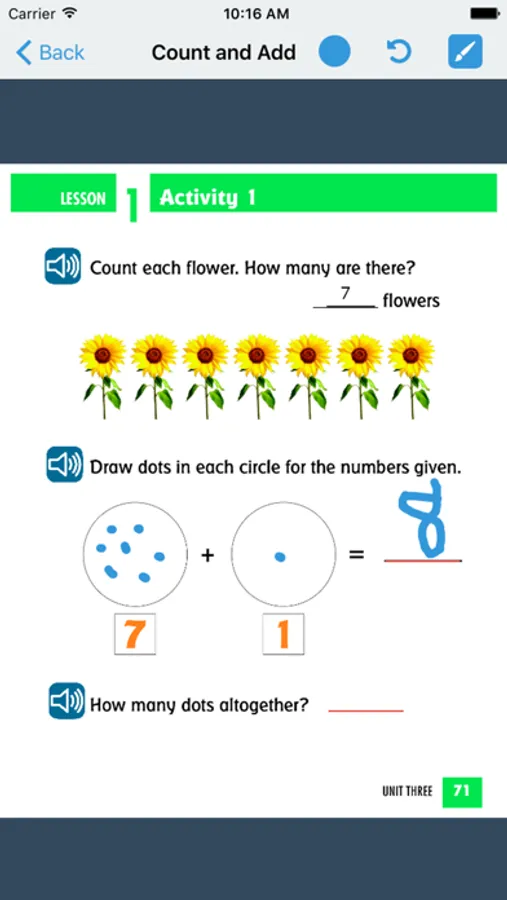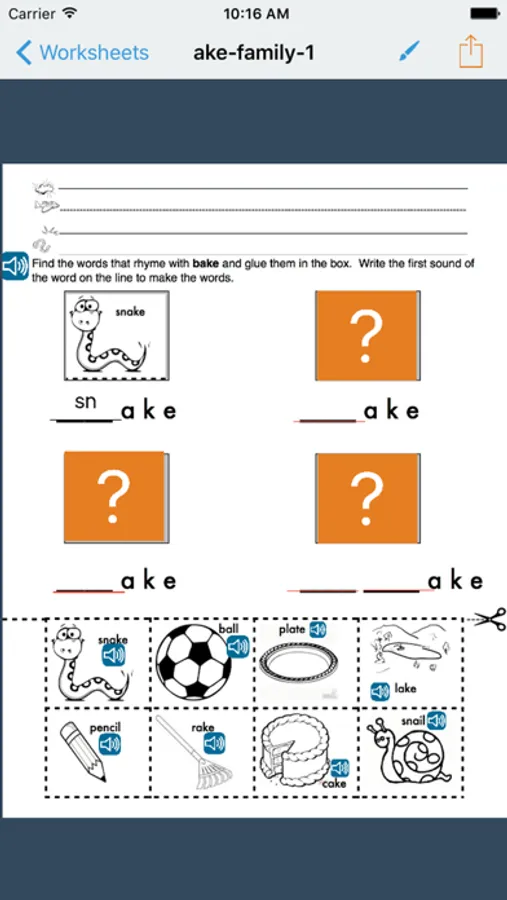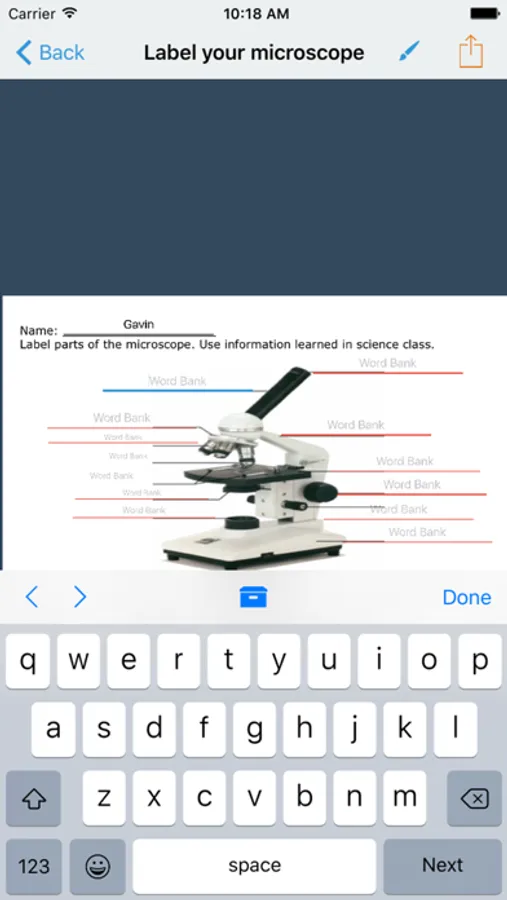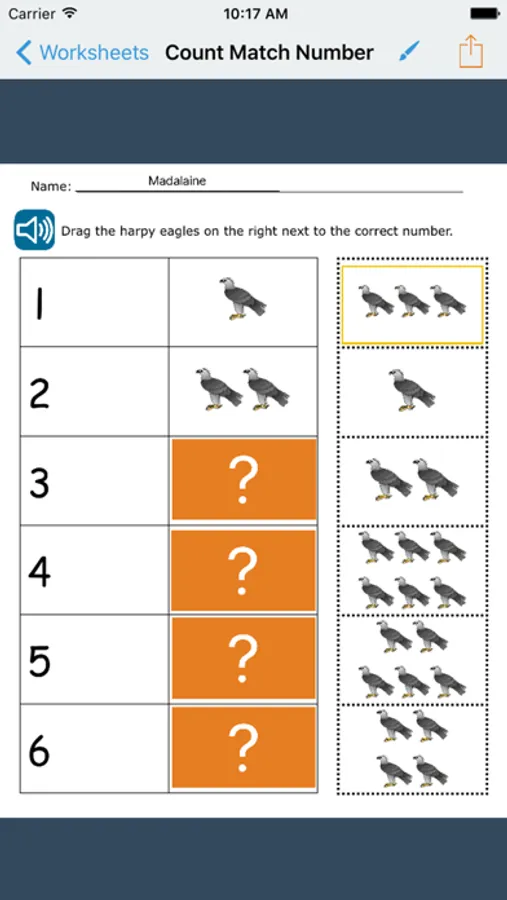
With this educational app, you can convert printed worksheets into interactive digital versions using images or photos, then customize them with features like tapping, dragging, and audio prompts. Includes tools for editing worksheets, sharing via email or cloud services, and exporting completed work.
AppRecs review analysis
AppRecs rating 4.2. Trustworthiness 0 out of 100. Review manipulation risk 0 out of 100. Based on a review sample analyzed.
★★★★☆
4.2
AppRecs Rating
Ratings breakdown
5 star
67%
4 star
9%
3 star
11%
2 star
3%
1 star
11%
What to know
✓
High user satisfaction
76% of sampled ratings are 4+ stars (4.2★ average)
✓
Authentic reviews
Natural distribution, no red flags
About GoWorksheet
GoWorksheet makes printed classroom worksheets and tests accessible with an iPad!
This is the free version which is for filling out customized worksheets created with GoWorksheet PLUS. Unlock the power to edit and create your own GoWorksheets via in-app purchase.
GoWorksheet is used to turn printed worksheets and tests into work all students can use. The teacher brings in an image or takes a photo of the worksheet, then customizes it for the student. Customization includes added word banks, allowance of tapping to fill multiple choice answers, drag and drop answers, line matching, virtual manipulatives for counting exercises, or audio output that includes more detailed instructions or additional prompting.
Once a GoWorksheet is created, multiple ways are available for the teacher to share it with the student, and for the student to return the completed worksheet. Sharing options include AirDrop, email, local broadcasting, any cloud storage set up on the iPad (such as Google Drive or Dropbox), print, or save to Photos.
This is the free version which is for filling out customized worksheets created with GoWorksheet PLUS. Unlock the power to edit and create your own GoWorksheets via in-app purchase.
GoWorksheet is used to turn printed worksheets and tests into work all students can use. The teacher brings in an image or takes a photo of the worksheet, then customizes it for the student. Customization includes added word banks, allowance of tapping to fill multiple choice answers, drag and drop answers, line matching, virtual manipulatives for counting exercises, or audio output that includes more detailed instructions or additional prompting.
Once a GoWorksheet is created, multiple ways are available for the teacher to share it with the student, and for the student to return the completed worksheet. Sharing options include AirDrop, email, local broadcasting, any cloud storage set up on the iPad (such as Google Drive or Dropbox), print, or save to Photos.