Free QR Code Reader simply to scan a QR Code
NAKAYUBI CORPORATION
4.4 ★
store rating
Free
In this QR code reader app, you can scan and generate QR codes quickly and easily. Includes history management and sharing features.
AppRecs review analysis
AppRecs rating 4.4. Trustworthiness 71 out of 100. Review manipulation risk 28 out of 100. Based on a review sample analyzed.
★★★★☆
4.4
AppRecs Rating
Ratings breakdown
5 star
64%
4 star
23%
3 star
5%
2 star
2%
1 star
6%
What to know
✓
Low review manipulation risk
28% review manipulation risk
✓
Credible reviews
71% trustworthiness score from analyzed reviews
✓
High user satisfaction
87% of sampled ratings are 4+ stars (4.4★ average)
About Free QR Code Reader simply to scan a QR Code
"QR code reader" is a very easy to read and generate the QR code.
--Feature--
1:Reading of the QR code
2:Generation of the QR code
3:Management of the history
1:Reading of the QR code
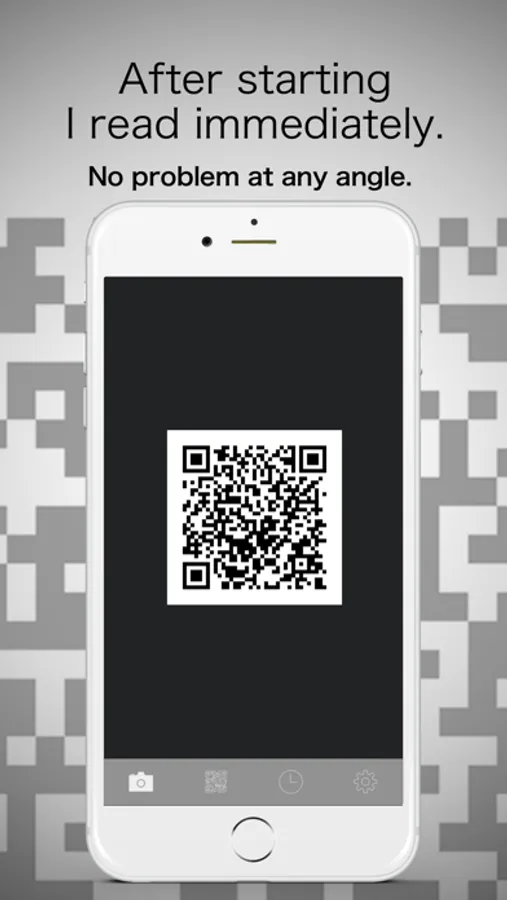
You can immediately start reading after the application launch. Just reflect a QR code that you want to read on the screen, reading is complete.
2:Generation of the QR code
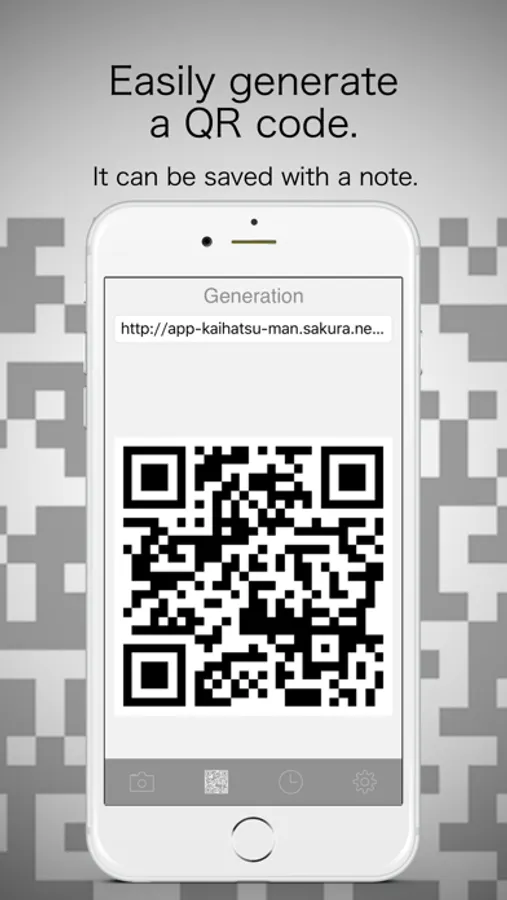
You can create a QR code If you type your favorite characters and URL. you can save it with the text and share friends, family.
3:Management of the history
Data generated and read data will look back.You can also easily removed when no longer needed.
If the camera does not start, please set the following.
[Setting]→[Privacy]→[Camera]
It wants to turn ON the setting of the QR code.
coding:アプリ開発マン
--Feature--
1:Reading of the QR code
2:Generation of the QR code
3:Management of the history
1:Reading of the QR code
You can immediately start reading after the application launch. Just reflect a QR code that you want to read on the screen, reading is complete.
2:Generation of the QR code
You can create a QR code If you type your favorite characters and URL. you can save it with the text and share friends, family.
3:Management of the history
Data generated and read data will look back.You can also easily removed when no longer needed.
If the camera does not start, please set the following.
[Setting]→[Privacy]→[Camera]
It wants to turn ON the setting of the QR code.
coding:アプリ開発マン