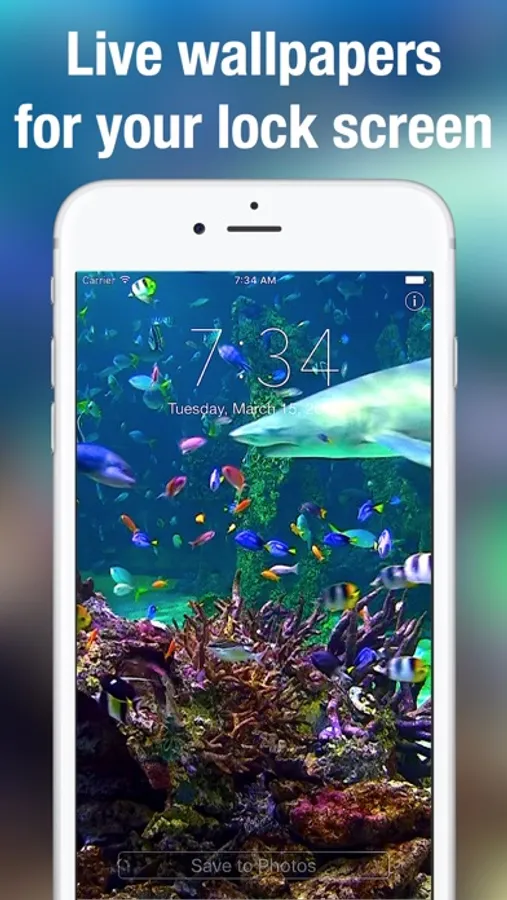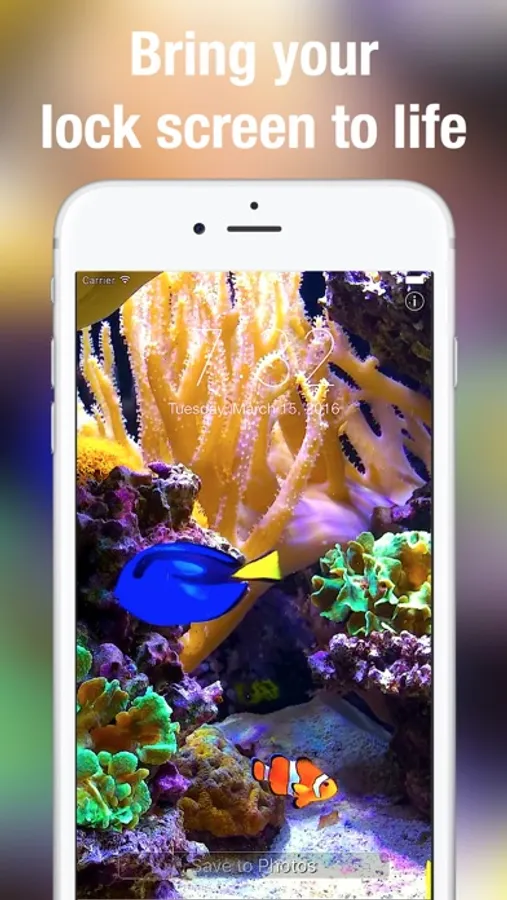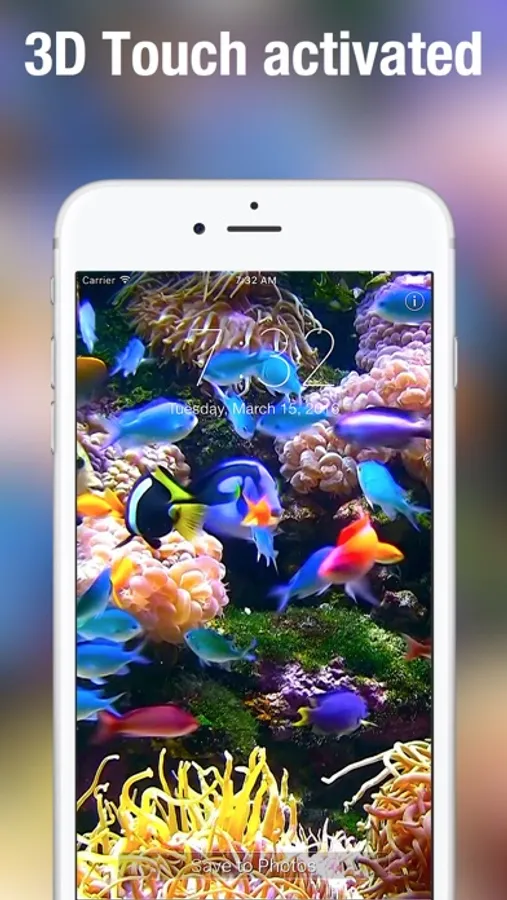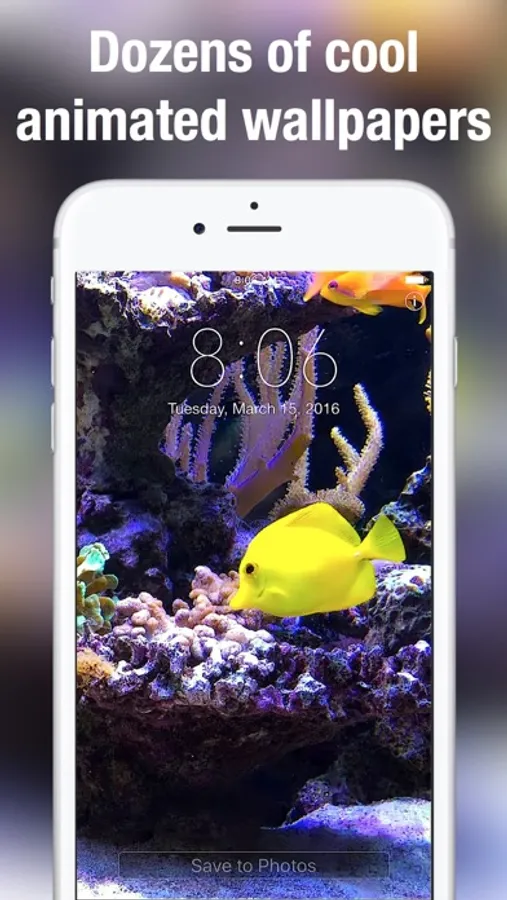
In this live wallpaper app, you can browse and set tropical aquarium-themed wallpapers on your iPhone, and play animated scenes by holding your finger on the lock screen. Includes multiple wallpaper scenes, save options, and zoom adjustment features.
AppRecs review analysis
AppRecs rating 4.2. Trustworthiness 71 out of 100. Review manipulation risk 22 out of 100. Based on a review sample analyzed.
★★★★☆
4.2
AppRecs Rating
Ratings breakdown
5 star
69%
4 star
9%
3 star
4%
2 star
5%
1 star
12%
What to know
✓
Low review manipulation risk
22% review manipulation risk
✓
Credible reviews
71% trustworthiness score from analyzed reviews
✓
High user satisfaction
78% of sampled ratings are 4+ stars (4.2★ average)
About Aquarium Dynamic Wallpapers+
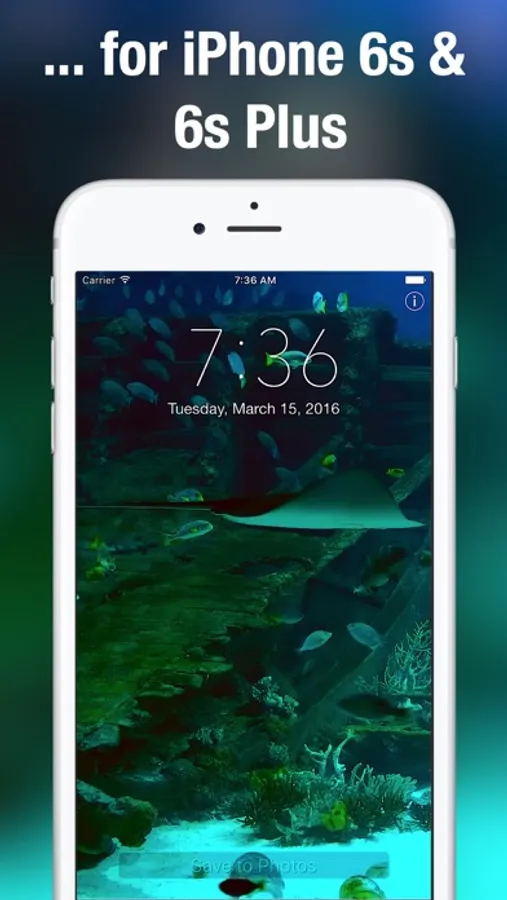
Stunning, aquarium themed Live Wallpaper on your iPhone! Many beautifully designed, tropical moving wallpapers to choose from. Aquarium Live Wallpaper only works on iPhone 6s, 7, 8, X, Xs, Xs Max or later.
Featuring sharks, clownfish (Nemo), blue tang (Dory) and many other colourful fish these long Aquarium Live Wallpaper scenes will light up your iPhone.
Swipe between the various wallpapers to find your favourites. Then save the ones you would like to use to your Camera Roll. From there simply take the same steps you normally do to make regular photos your lockscreen and/or wallpaper. To play the aquarium scenes simply hold your finger to your lock screen.
How to set as a live lock screen wallpaper:
+ Simply swipe between the Live Wallpapers
+ Touch the photo to play animation fully
+ If you like a particular live wallpaper, press the save button to save it to your Photo's app Camera Roll
+ To set as a live wallpaper for your lock screen press the action button and select wallpaper action
+ For best quality, please zoom out the picture because it is slightly zoomed in by default
+ If you touch the lock screen it will play your selected aquarium scene
Featuring sharks, clownfish (Nemo), blue tang (Dory) and many other colourful fish these long Aquarium Live Wallpaper scenes will light up your iPhone.
Swipe between the various wallpapers to find your favourites. Then save the ones you would like to use to your Camera Roll. From there simply take the same steps you normally do to make regular photos your lockscreen and/or wallpaper. To play the aquarium scenes simply hold your finger to your lock screen.
How to set as a live lock screen wallpaper:
+ Simply swipe between the Live Wallpapers
+ Touch the photo to play animation fully
+ If you like a particular live wallpaper, press the save button to save it to your Photo's app Camera Roll
+ To set as a live wallpaper for your lock screen press the action button and select wallpaper action
+ For best quality, please zoom out the picture because it is slightly zoomed in by default
+ If you touch the lock screen it will play your selected aquarium scene