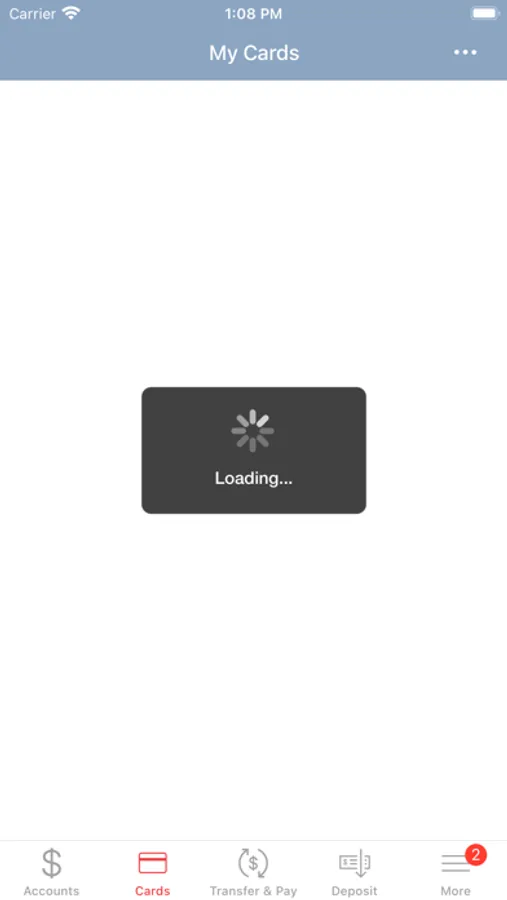
With this banking app, you can view account balances, transfer funds, and pay bills. Includes deposit checks, locate branches, and access ATMs.
AppRecs review analysis
AppRecs rating 4.4. Trustworthiness 0 out of 100. Review manipulation risk 0 out of 100. Based on a review sample analyzed.
★★★★☆
4.4
AppRecs Rating
Ratings breakdown
5 star
87%
4 star
7%
3 star
3%
2 star
1%
1 star
2%
What to know
✓
High user satisfaction
87% of sampled ratings are 5 stars
✓
Authentic reviews
No red flags detected
About Chippewa Valley Bank
Chippewa Valley Bank’s Mobile App gives you convenient and secure access to your accounts. With our app, you are able to access your CVB accounts in the same way you access them through CVB’s Online Banking. With this app, you are able to:
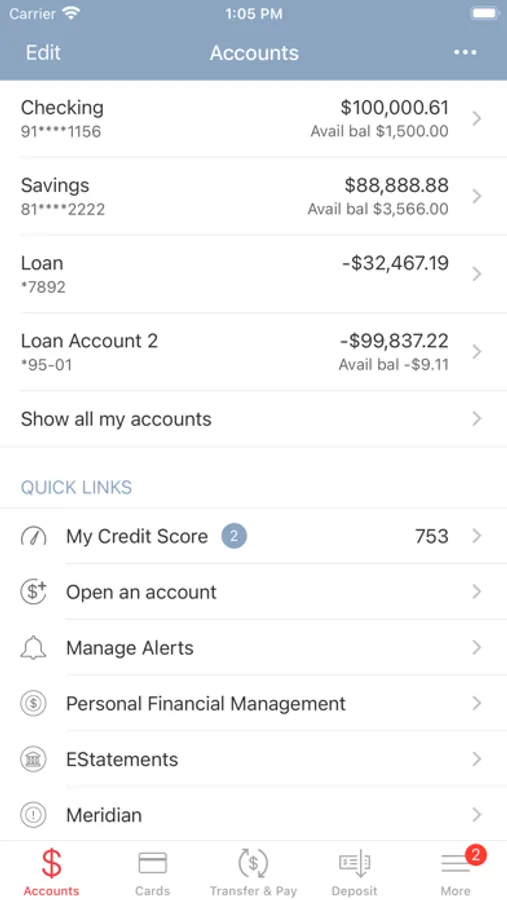
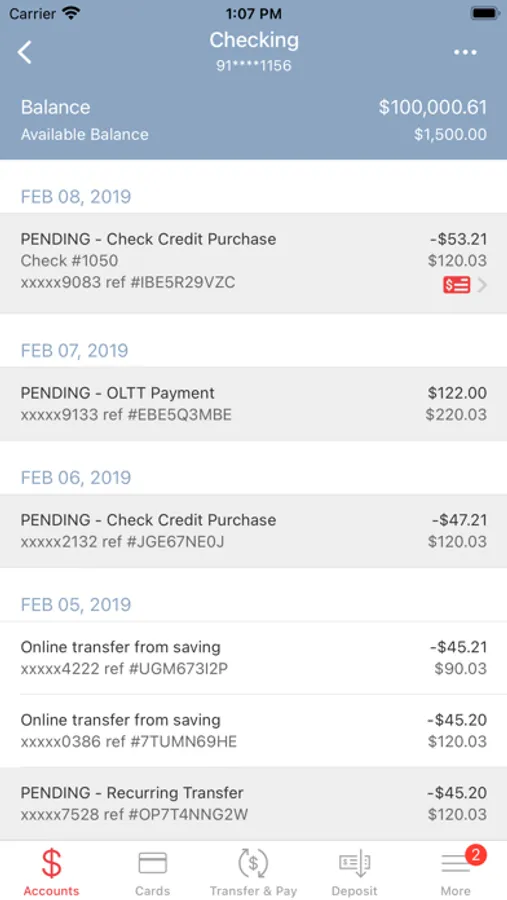
• View account balances and recent transactions
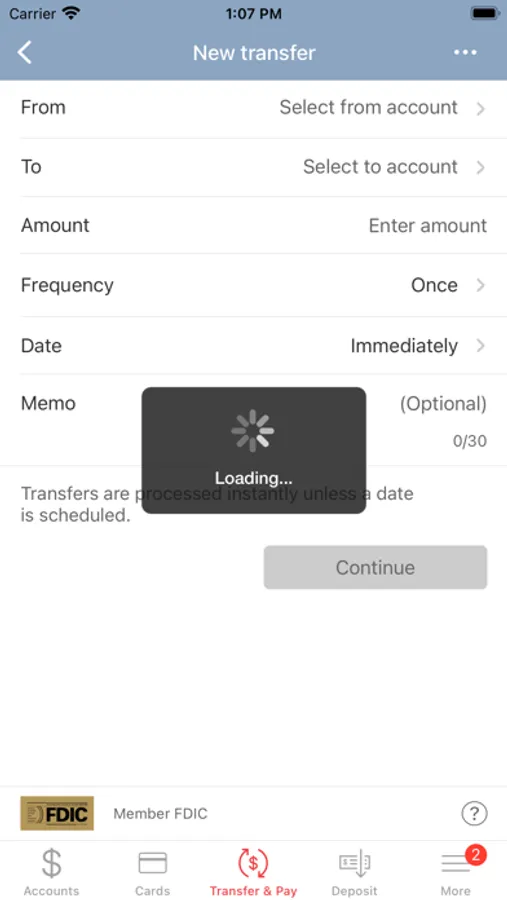
• Transfer money between your CVB accounts
• Pay Bills
• Deposit checks with your phone
• Find your nearest CVB Locations and CVB ATMs
How it works:
1. Download the Chippewa Valley Bank app from the App Store.
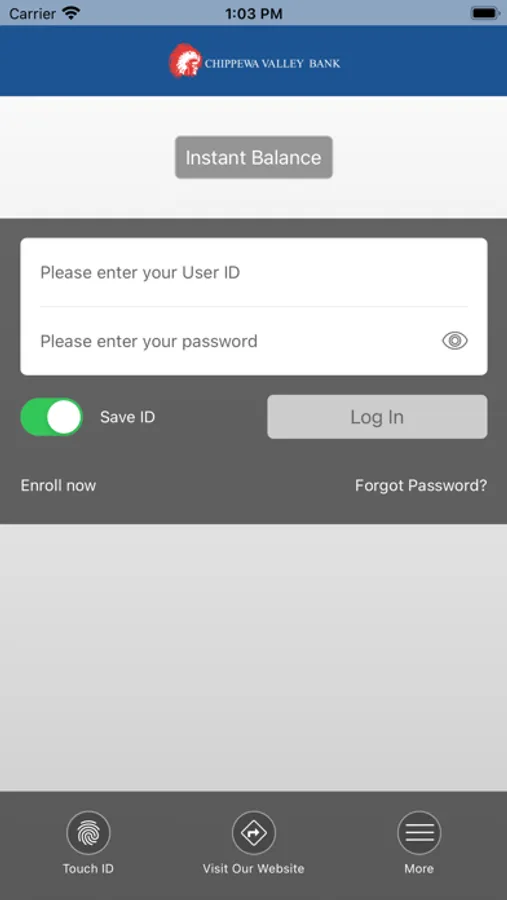
2. Enter your Online Banking credentials (Access ID, Password, and Security Questions).
3. View your CVB balances and transactions and make transfers between CVB accounts.
4. The app will automatically log you out when you are inactive so your information stays secure. You will be required to put in the password whenever the app is reopened.
Questions? Call your local Chippewa Valley Bank office.
*Standard data usage charges may apply through your wireless carrier.
• View account balances and recent transactions
• Transfer money between your CVB accounts
• Pay Bills
• Deposit checks with your phone
• Find your nearest CVB Locations and CVB ATMs
How it works:
1. Download the Chippewa Valley Bank app from the App Store.
2. Enter your Online Banking credentials (Access ID, Password, and Security Questions).
3. View your CVB balances and transactions and make transfers between CVB accounts.
4. The app will automatically log you out when you are inactive so your information stays secure. You will be required to put in the password whenever the app is reopened.
Questions? Call your local Chippewa Valley Bank office.
*Standard data usage charges may apply through your wireless carrier.