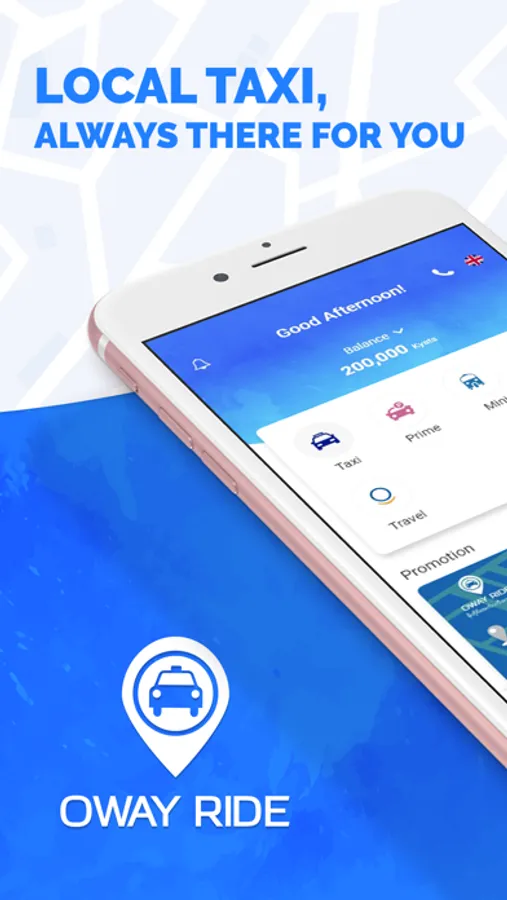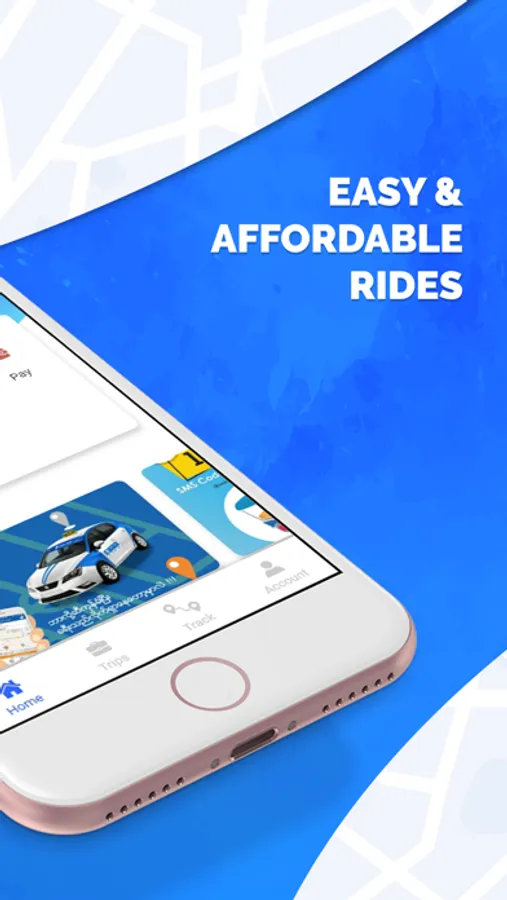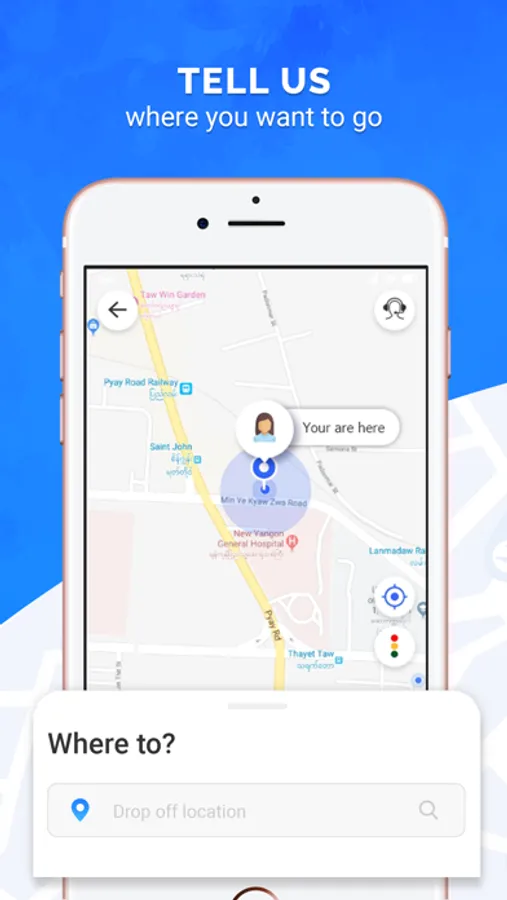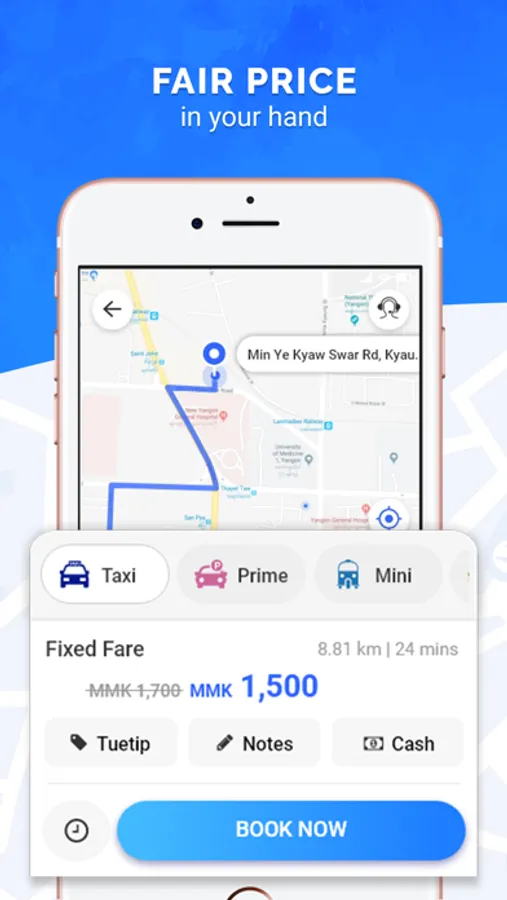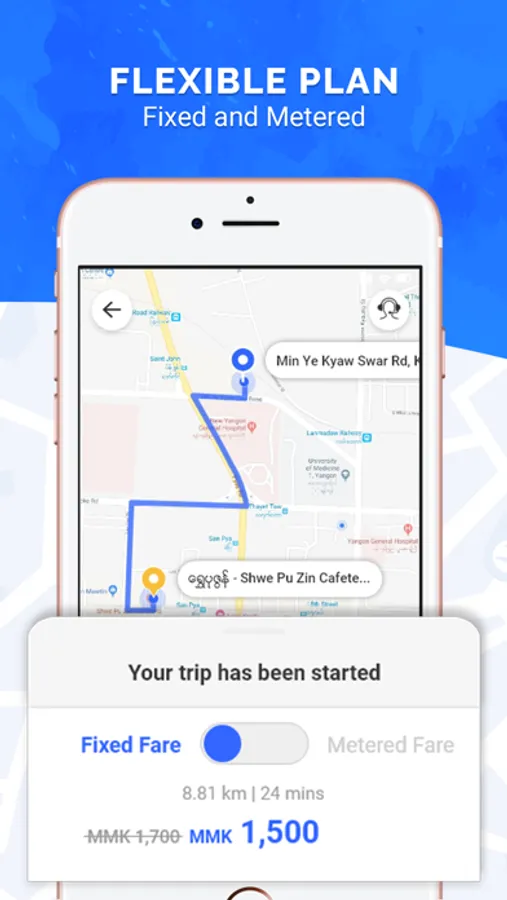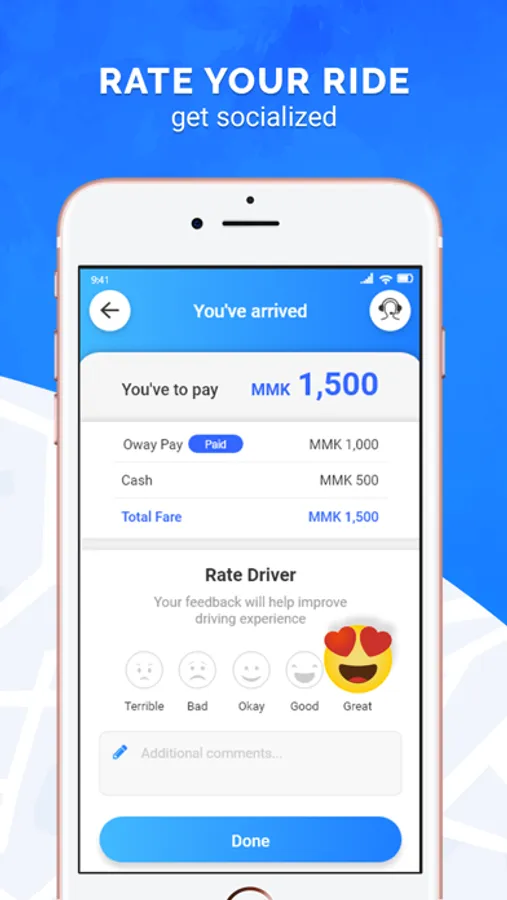
With this ride-hailing app, you can request on-demand transport, monitor your driver through live tracking, and receive booking confirmations quickly. Includes driver screening, real-time updates, and safety features.
AppRecs review analysis
AppRecs rating 4.0. Trustworthiness 78 out of 100. Review manipulation risk 24 out of 100. Based on a review sample analyzed.
★★★★☆
4.0
AppRecs Rating
Ratings breakdown
5 star
75%
4 star
12%
3 star
7%
2 star
2%
1 star
3%
What to know
✓
Low review manipulation risk
24% review manipulation risk
✓
Credible reviews
78% trustworthiness score from analyzed reviews
⚠
Pricing complaints
Many low ratings mention paywalls or pricing
About Oway Ride
We offer a selection of on-demand services at the touch of your mobile device to suit your needs.
A Oway ride is one that is Safe, Certain and Fast, the 3 key pillars that we focus on.
App features include live tracking, receive information of your driver’s details, strict driver selection and screening processes and receive booking confirmation within a minute.
1. Download the app for free.
2. Register your name and number. This is a one-time registration.
3. The app auto detects your location and sets it in the Pick-up field.
4. Select your Drop-off destination.
5. Tap "Confirm Booking". You’ll know the status of your booking within a minute.
Note: Continued use of GPS running in the background can dramatically decrease battery life.
Usage of Background mode location Updating:
1. We need to update driver current location to our server for checking driver availability on particular place.
2. Update your location to Driver to reach your place to pickup the passenger.
A Oway ride is one that is Safe, Certain and Fast, the 3 key pillars that we focus on.
App features include live tracking, receive information of your driver’s details, strict driver selection and screening processes and receive booking confirmation within a minute.
1. Download the app for free.
2. Register your name and number. This is a one-time registration.
3. The app auto detects your location and sets it in the Pick-up field.
4. Select your Drop-off destination.
5. Tap "Confirm Booking". You’ll know the status of your booking within a minute.
Note: Continued use of GPS running in the background can dramatically decrease battery life.
Usage of Background mode location Updating:
1. We need to update driver current location to our server for checking driver availability on particular place.
2. Update your location to Driver to reach your place to pickup the passenger.