AppRecs review analysis
AppRecs rating 2.2. Trustworthiness 78 out of 100. Review manipulation risk 20 out of 100. Based on a review sample analyzed.
★★☆☆☆
2.2
AppRecs Rating
Ratings breakdown
5 star
31%
4 star
7%
3 star
2%
2 star
12%
1 star
48%
What to know
✓
Low review manipulation risk
20% review manipulation risk
⚠
Pricing complaints
Many low ratings mention paywalls or pricing
⚠
Mixed user feedback
Average 2.6★ rating suggests room for improvement
About Video Frame Player
Sometimes we want to play a video frame by frame, so we can observe every detail, and differences between details.
Functions:
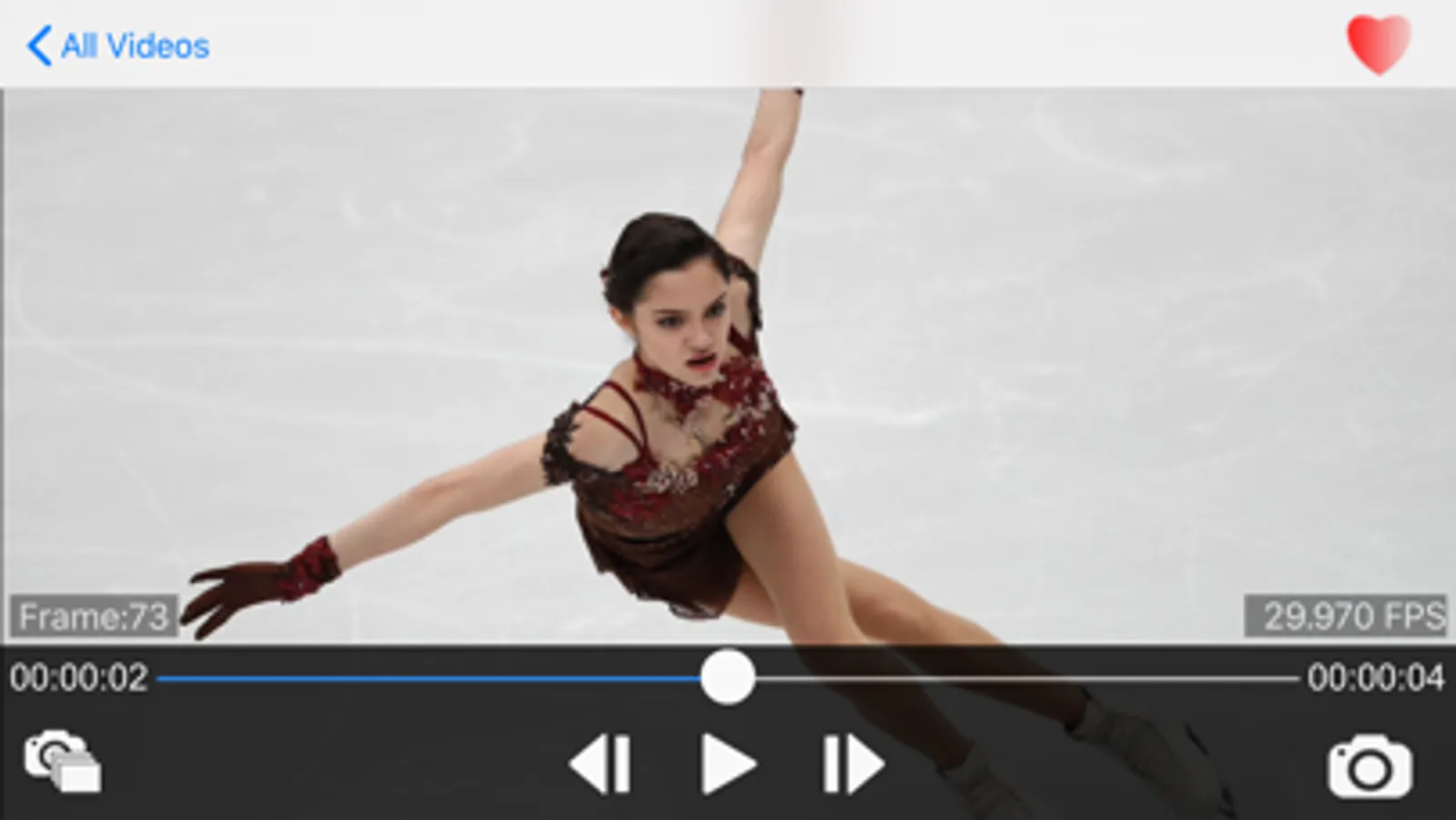
1) Step-play frames, you can easily play video/GIF forward or backward frame by frame with clicking buttons or dragging finger.
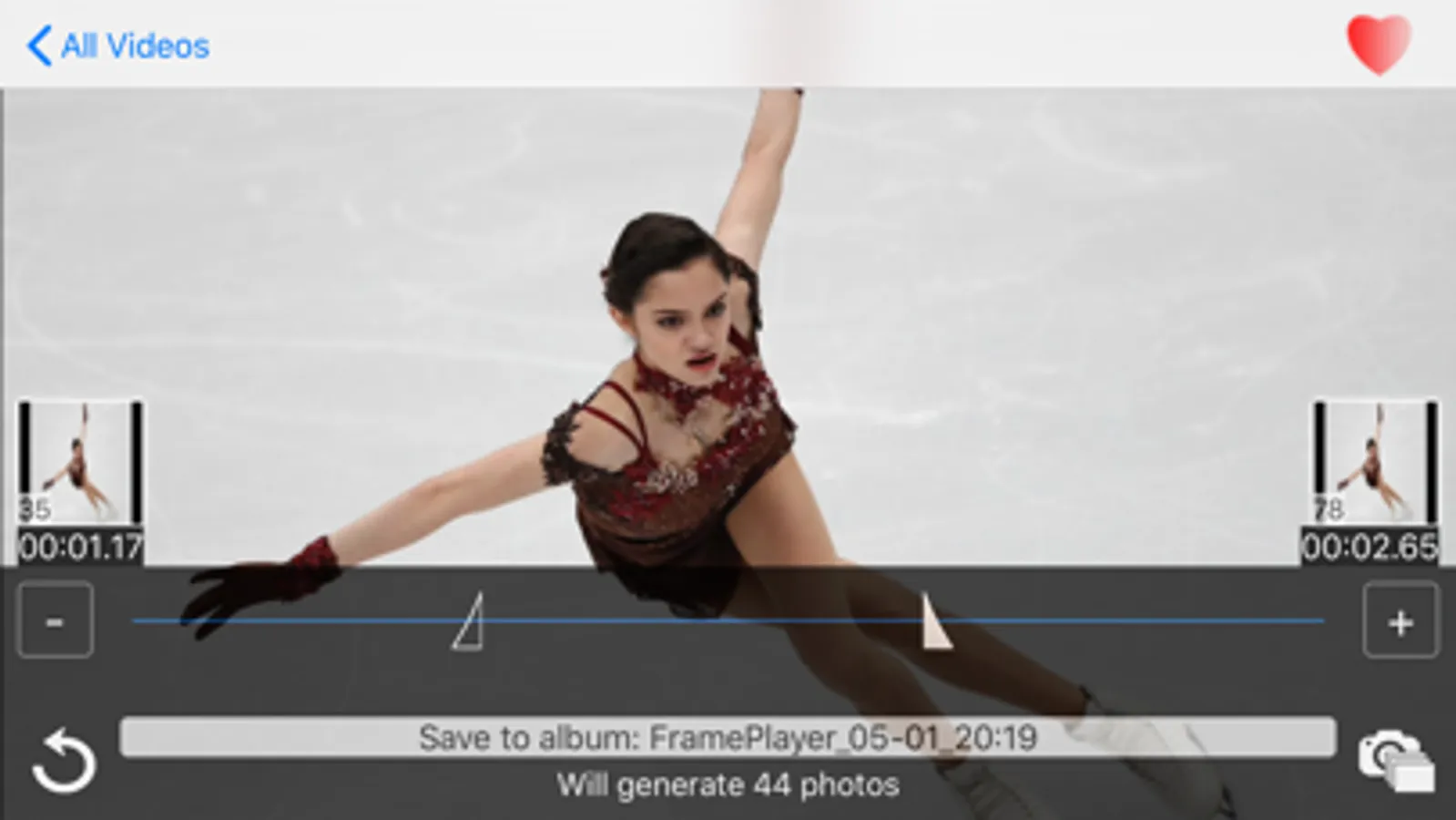
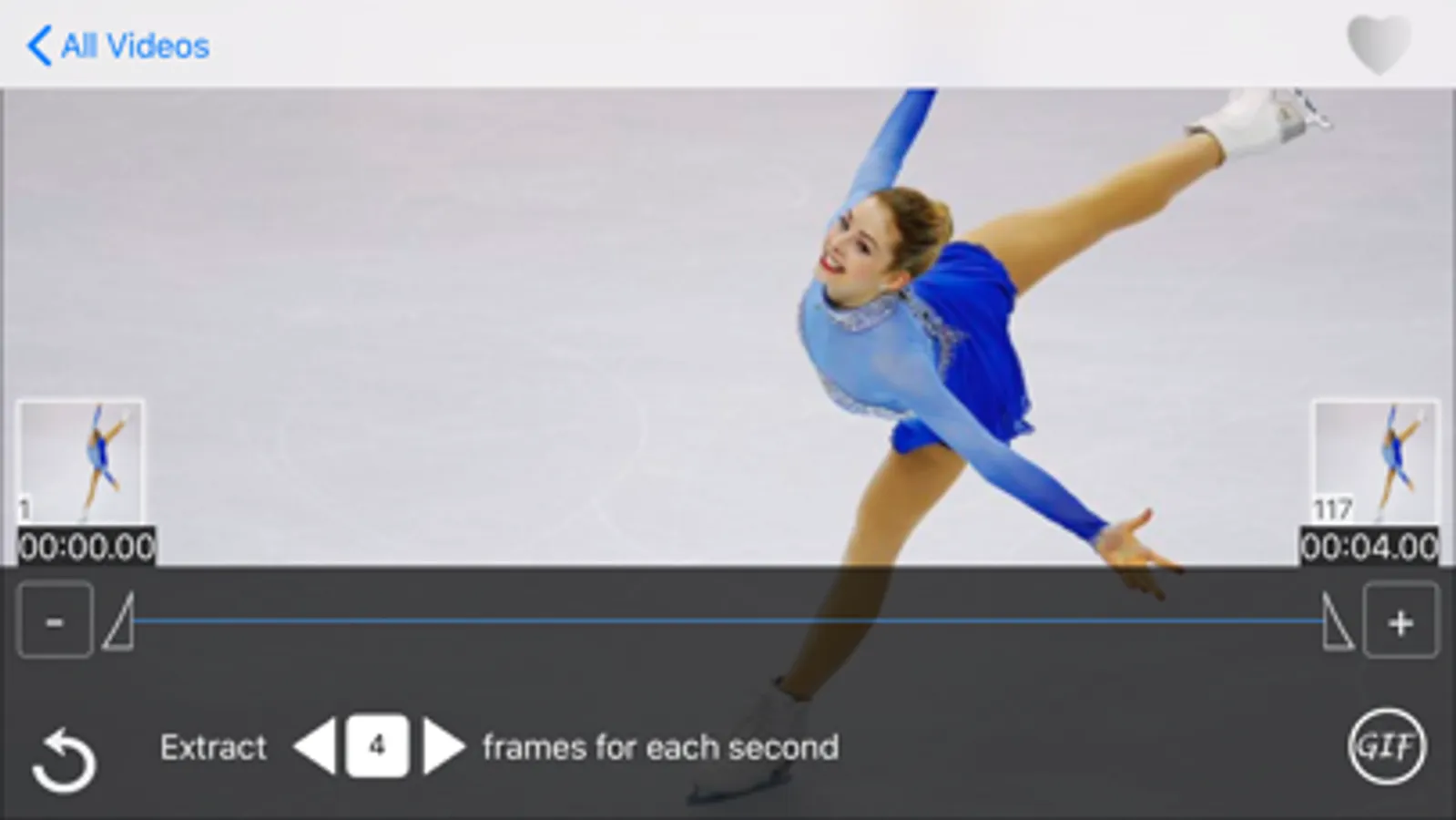
2) Extract frames, you can extract frames and save them to Photos. You can extract the current frame, you also can extract all frames between 2 time point in batch mode.
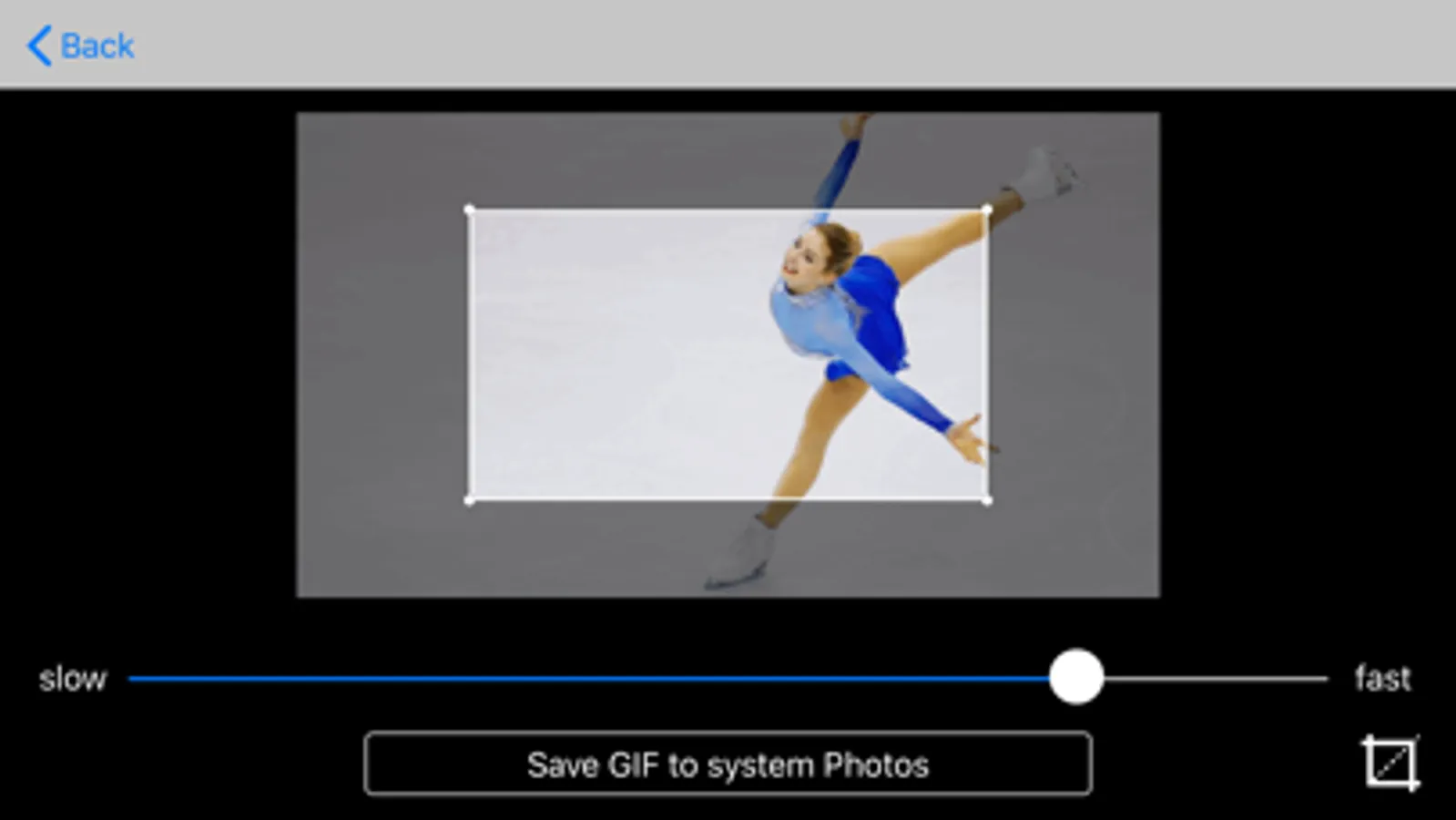
3) Support for making GIF animation from any segment of videos.
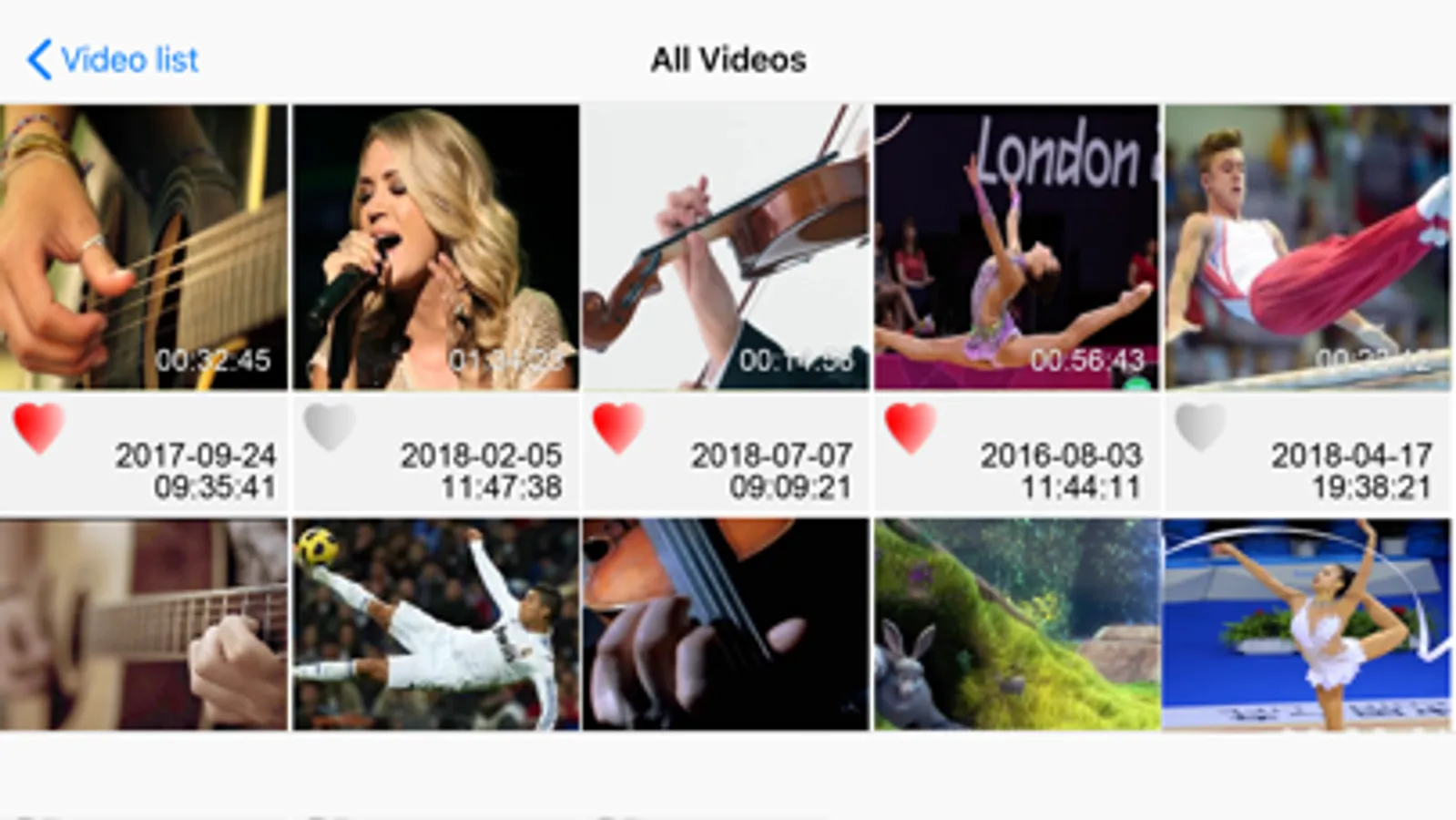
4) Support video imported by iTunes.
5) Support for zooming in/out video with 2-finger gesture to see more details.
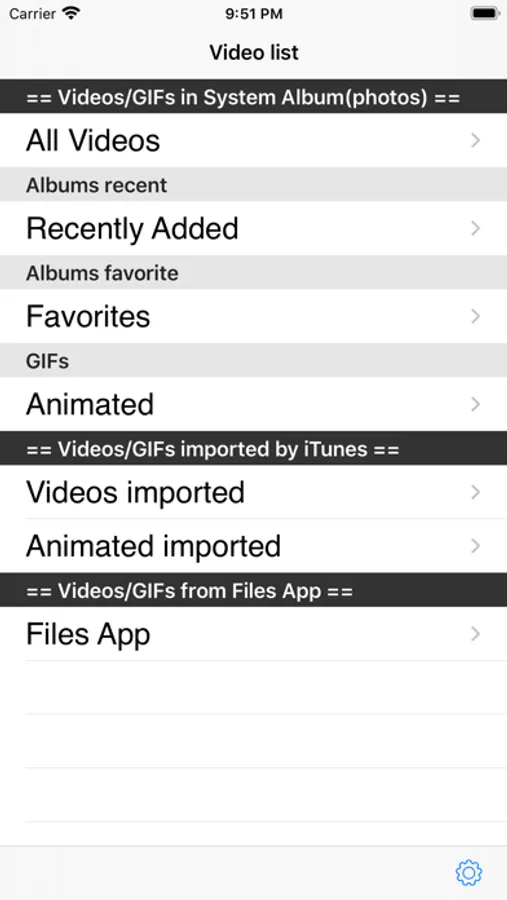
6) Support video/gif from "Files" App.
7) Onion Skin. You can overlay the half-transparent previous and next frames on the current frame.
8) Convert FPS. You can easily convert the video to your desired FPS number in case you need it.
9) Support external(USB or Bluetooth) keyboard. You can use hotkeys to control playing conveniently.
10) Support Drawing on every frame. Your drawing can be saved automatically. And you can export your video+annotations.
Functions:
1) Step-play frames, you can easily play video/GIF forward or backward frame by frame with clicking buttons or dragging finger.
2) Extract frames, you can extract frames and save them to Photos. You can extract the current frame, you also can extract all frames between 2 time point in batch mode.
3) Support for making GIF animation from any segment of videos.
4) Support video imported by iTunes.
5) Support for zooming in/out video with 2-finger gesture to see more details.
6) Support video/gif from "Files" App.
7) Onion Skin. You can overlay the half-transparent previous and next frames on the current frame.
8) Convert FPS. You can easily convert the video to your desired FPS number in case you need it.
9) Support external(USB or Bluetooth) keyboard. You can use hotkeys to control playing conveniently.
10) Support Drawing on every frame. Your drawing can be saved automatically. And you can export your video+annotations.