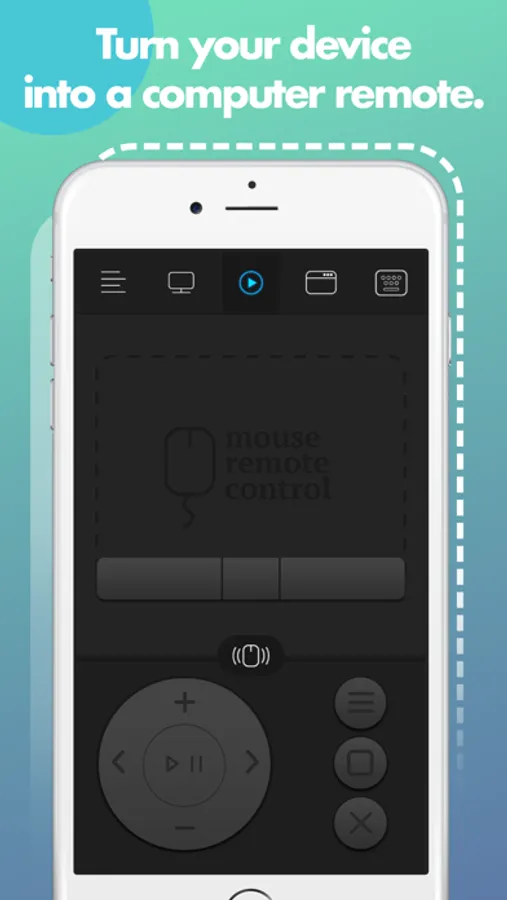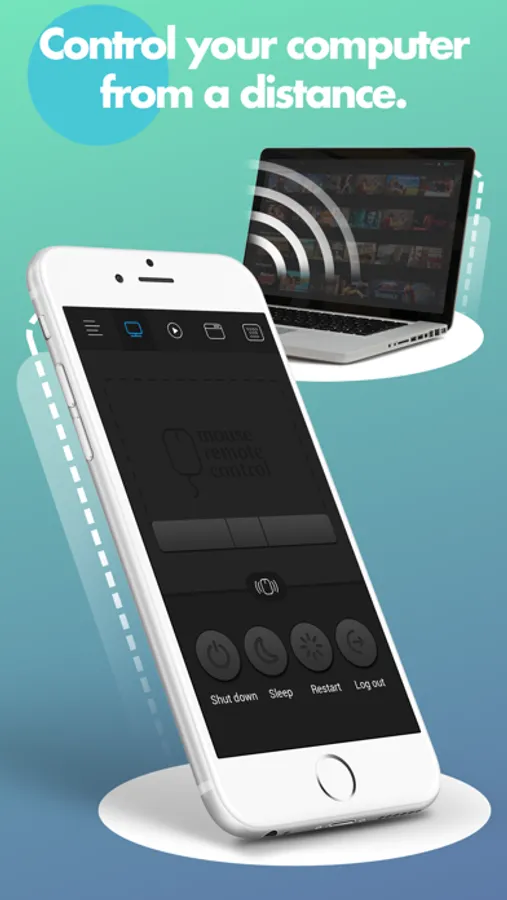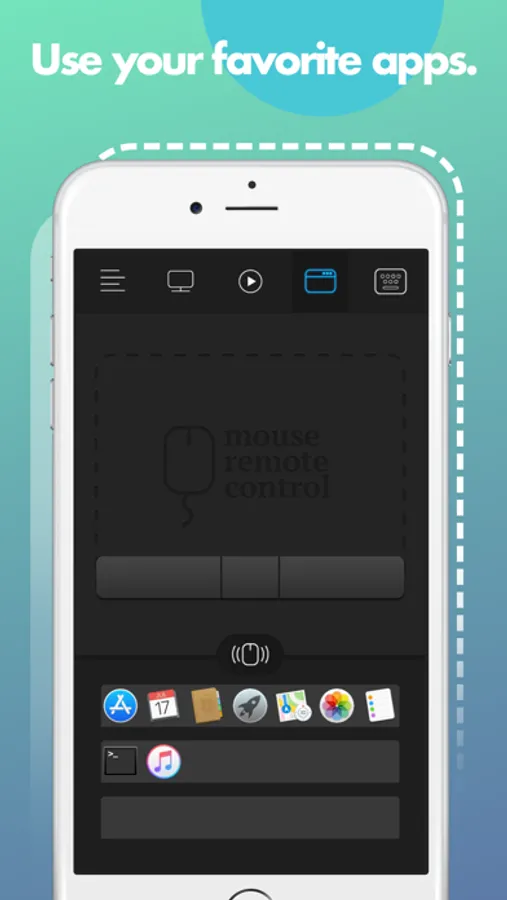
With this remote control app, you can manage your Mac remotely, control media playback, and navigate applications. Includes a fully simulated mouse, keyboard, multi-touch gestures, and remote shutdown options.
About Remote for Mac
Turn your iPhone or iPad into a wireless remote control for your Mac.
Enjoy full control of your Mac while giving presentations, watching movies, listening to your favorite music and many more! Super fast, super easy, right from your mobile device!
* * * FEATURES * * *
• Fully Simulated Mouse
• Magic Remote
• Multi-Touch Gestures
• Functional Keyboard
• Application Launcher & Switcher
• Shut Down / Sleep / Restart / Log Off Remotely
• Password Protection
• Customizable Interface
• Works under Wi-Fi network
* * * BEFORE YOUR START * * *
1. Visit remotemouse.aexol.com and download & install an app for Mac client on your computer.
2. Open app client on your Mac, click "Pair devices" and set up a password which allows you to connect to your Mac with your iPhone & iPad
3. Make sure that your mobile device is connected to the same Wi-Fi as your computer
4. Open app on iPhone or iPad and press "Connect", provide a password and enjoy!
Enjoy full control of your Mac while giving presentations, watching movies, listening to your favorite music and many more! Super fast, super easy, right from your mobile device!
* * * FEATURES * * *
• Fully Simulated Mouse
• Magic Remote
• Multi-Touch Gestures
• Functional Keyboard
• Application Launcher & Switcher
• Shut Down / Sleep / Restart / Log Off Remotely
• Password Protection
• Customizable Interface
• Works under Wi-Fi network
* * * BEFORE YOUR START * * *
1. Visit remotemouse.aexol.com and download & install an app for Mac client on your computer.
2. Open app client on your Mac, click "Pair devices" and set up a password which allows you to connect to your Mac with your iPhone & iPad
3. Make sure that your mobile device is connected to the same Wi-Fi as your computer
4. Open app on iPhone or iPad and press "Connect", provide a password and enjoy!