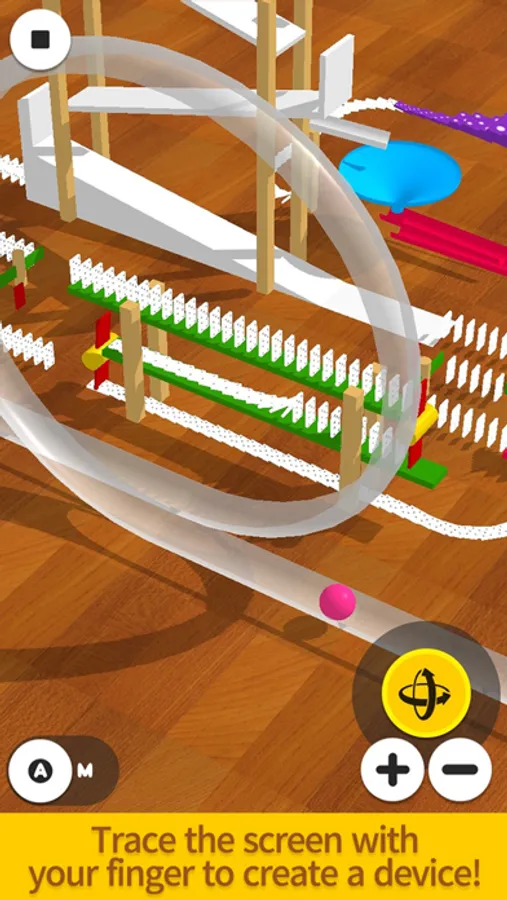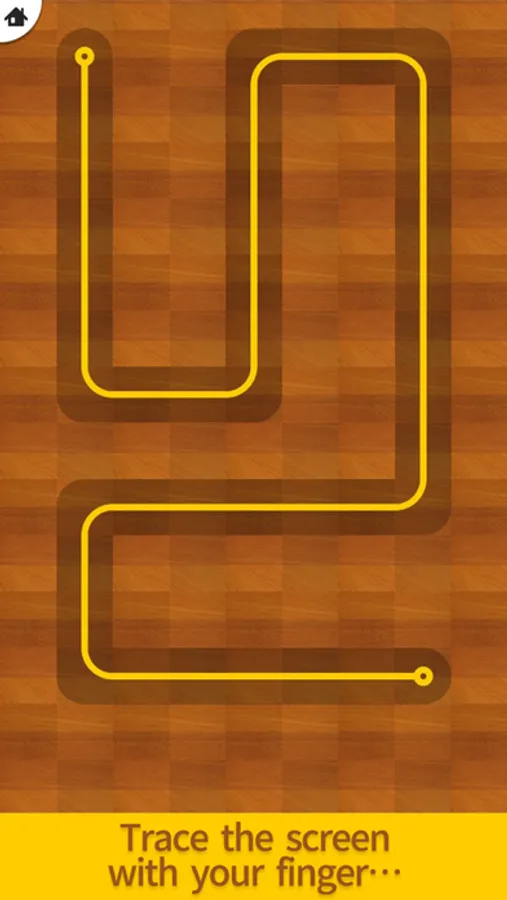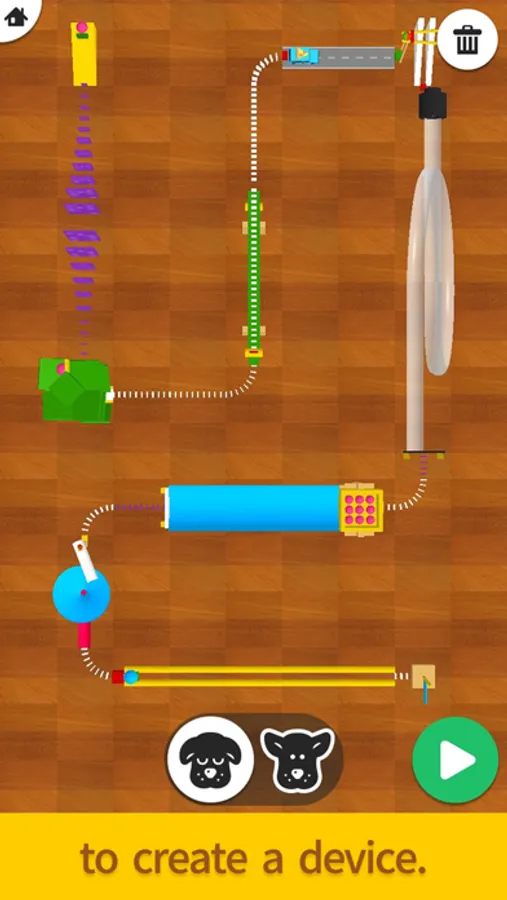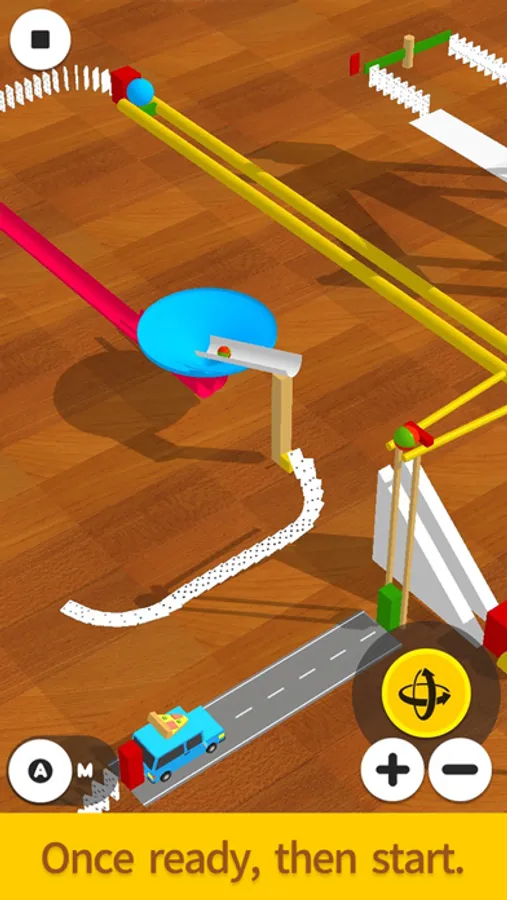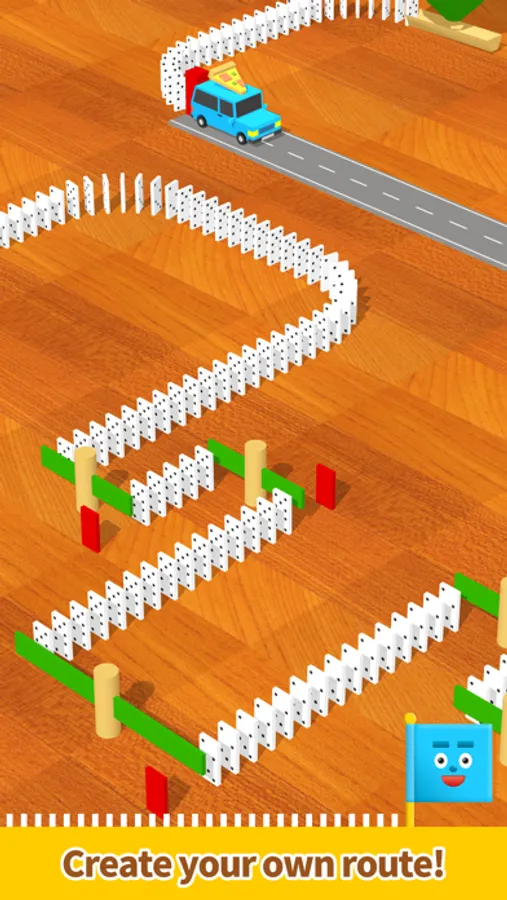
In this marble run creation app, users trace the screen to generate paths and assemble device sequences that activate marbles. Includes features like device swapping, background music control, and shadow toggling for customization.
AppRecs review analysis
AppRecs rating 4.2. Trustworthiness 69 out of 100. Review manipulation risk 27 out of 100. Based on a review sample analyzed.
★★★★☆
4.2
AppRecs Rating
Ratings breakdown
5 star
81%
4 star
10%
3 star
4%
2 star
2%
1 star
2%
What to know
✓
Low review manipulation risk
27% review manipulation risk
✓
High user satisfaction
81% of sampled ratings are 5 stars
✓
Authentic reviews
Natural distribution, no red flags
About Pocket Marble Runs
Simply trace the screen to create a Marble Runs!
An easy-to-use app designed for everyone – it allows them to create fun devices similar to those featured on Marble Runs (Chain reaction machine).
Use a dragging motion to draw a line and create a simple device that follows that path, and then try changing the device afterward!
The longer the straight line, the more devices you can choose from.
Have fun making your device move in many different ways!
We plan to add many more devices in the future!
*Method of operation:
- Trace the screen with your finger to create a path.
- Lift your finger to create a simple device.
- Tap the device to swap it for another one.
- Press the Start button to start. Have fun by changing the angle and the zoom on the camera.
- Sound effects: turn them on/off from the options on the top right of the top screen.
- Music: turn it on/off from the options on the top right of the top screen.
- Device shadows: turn them on/off from the options on the top right of the top screen.
*If your smartphone is showing low performance, we recommend turning the shadows off.
An easy-to-use app designed for everyone – it allows them to create fun devices similar to those featured on Marble Runs (Chain reaction machine).
Use a dragging motion to draw a line and create a simple device that follows that path, and then try changing the device afterward!
The longer the straight line, the more devices you can choose from.
Have fun making your device move in many different ways!
We plan to add many more devices in the future!
*Method of operation:
- Trace the screen with your finger to create a path.
- Lift your finger to create a simple device.
- Tap the device to swap it for another one.
- Press the Start button to start. Have fun by changing the angle and the zoom on the camera.
- Sound effects: turn them on/off from the options on the top right of the top screen.
- Music: turn it on/off from the options on the top right of the top screen.
- Device shadows: turn them on/off from the options on the top right of the top screen.
*If your smartphone is showing low performance, we recommend turning the shadows off.