micro:bit
Micro:bit Educational Foundation
3.2 ★
store rating
Free
AppRecs review analysis
AppRecs rating 2.7. Trustworthiness 82 out of 100. Review manipulation risk 23 out of 100. Based on a review sample analyzed.
★★☆☆☆
2.7
AppRecs Rating
Ratings breakdown
5 star
46%
4 star
9%
3 star
2%
2 star
6%
1 star
37%
What to know
✓
Low review manipulation risk
23% review manipulation risk
✓
Credible reviews
82% trustworthiness score from analyzed reviews
⚠
High negative review ratio
43% of sampled ratings are 1–2 stars
About micro:bit
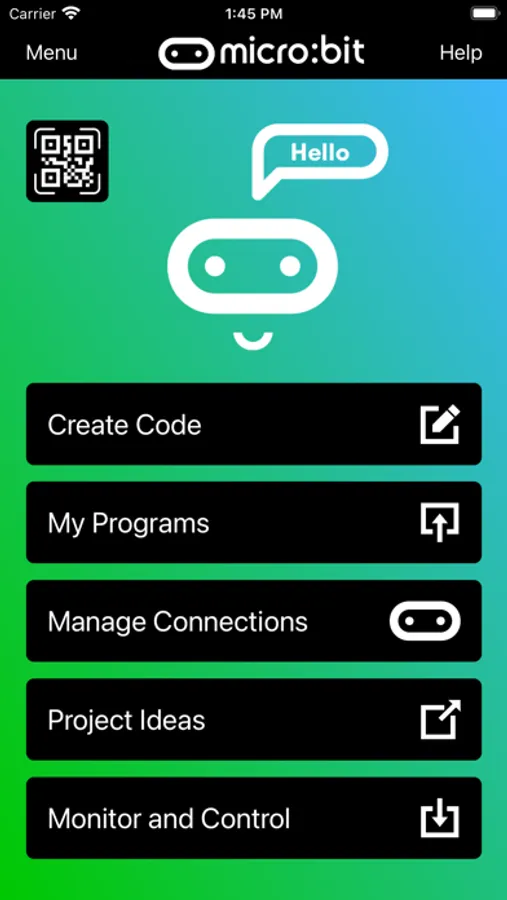
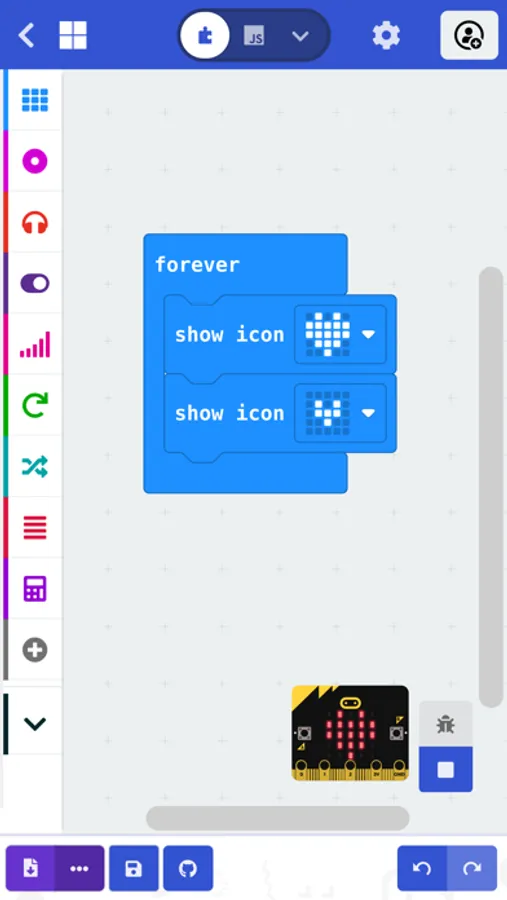
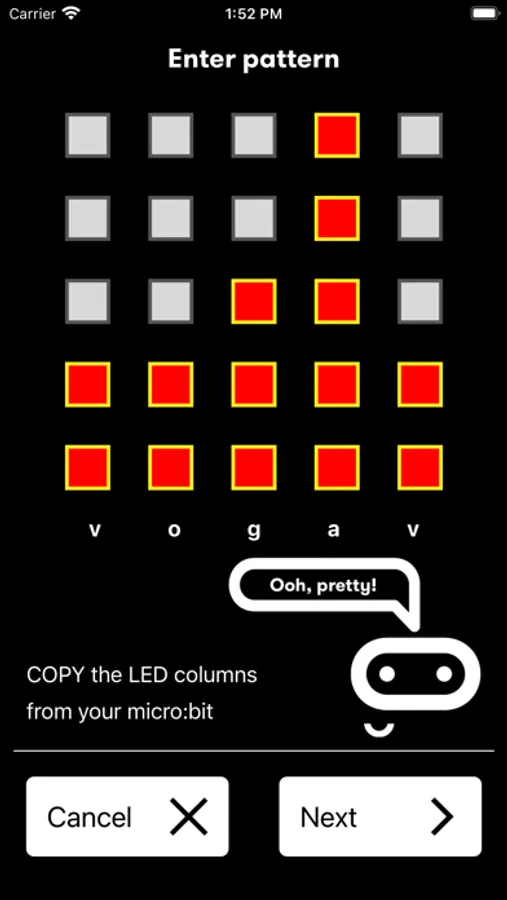
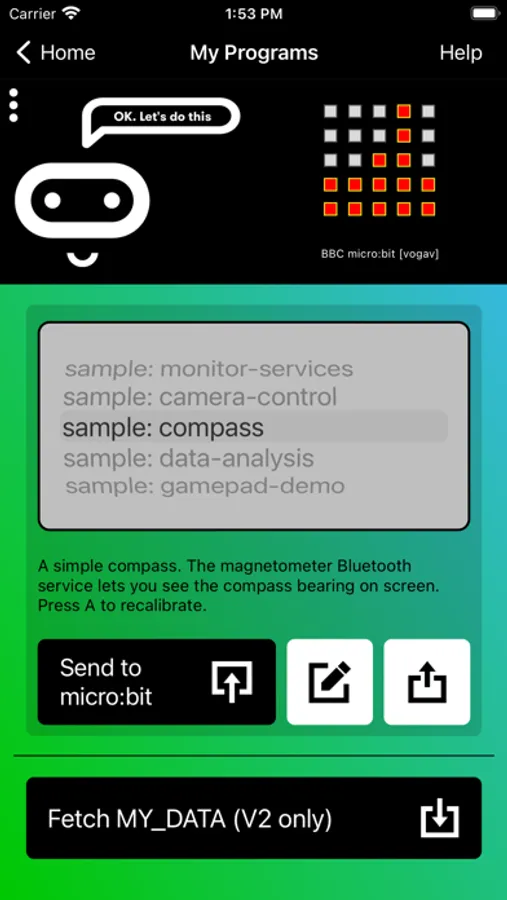
The micro:bit app is the essential companion to the BBC micro:bit, the pocket sized programmable computer. The app allows you to flash any micro:bit hex file to your device, as well as including online access to the Microsoft MakeCode editor for simple block-based programming. When your program is ready, the app beams it to the micro:bit via Bluetooth wirelessly. Easy-to-follow screens lead you through the process of pairing your iPad (or iPhone) to the micro:bit and then transferring your program code.
Compared with previous versions, the micro:bit app Version 3.1 contains these additional features:
• A simpler pairing and micro:bit discovery flow
• The micro:bit V2 can be put into pairing mode by triple-tapping the reset button
• Retrieval of the micro:bit data log files from off your micro:bit
• Pair with any number of micro:bits
• Choose which micro:bit is currently connected
• Store HEX files in the app
• Choose a HEX file for flashing
• Export and delete HEX files
• Import stored HEX files directly into JavaScript Blocks editor
• Rapid download from JavaScript Blocks editor
• Monitor data detected by micro:bit sensors
• Use the range of micro:bit Bluetooth services in real time
• Display messages on the micro:bit LEDs
• Send control commands to the micro:bit buttons and pins
• De-bug your program code while it is running in the micro:bit
• Use a simulated gamepad to send commands to the micro:bit
• View camera images ready for taking photos or video
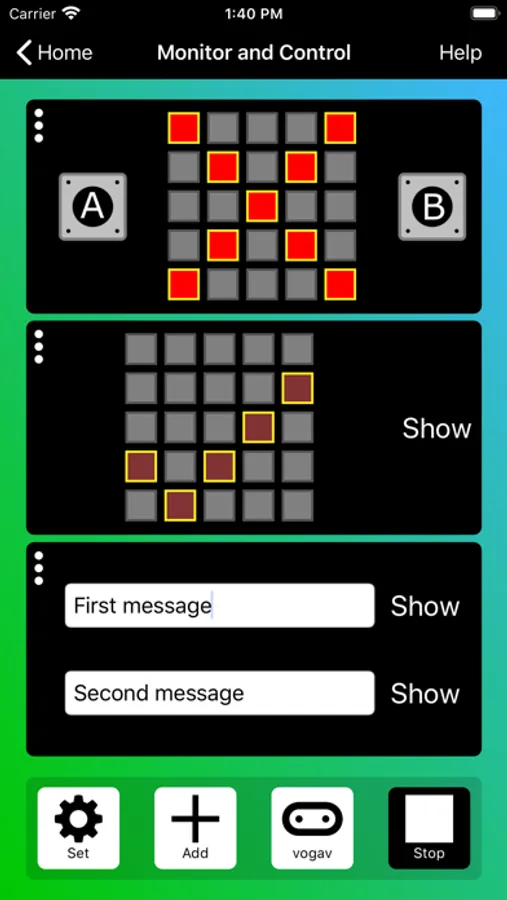
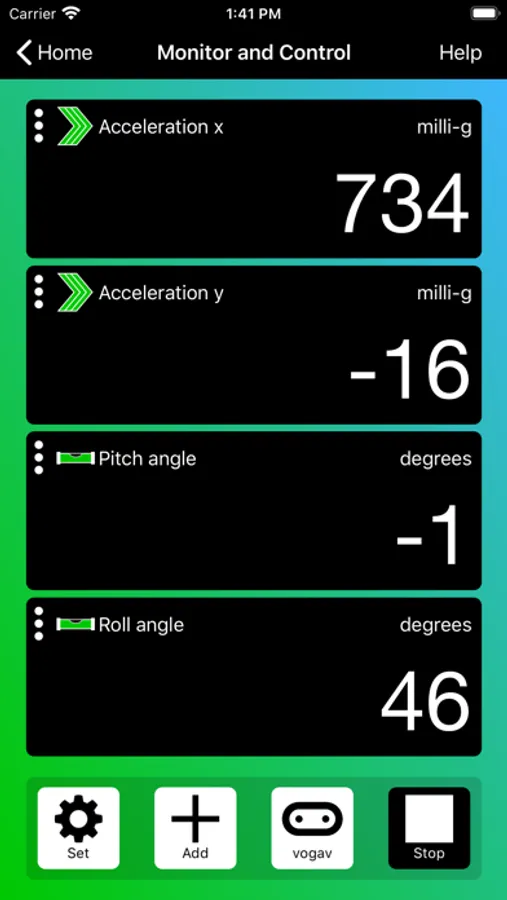
As well as providing more flexible handling of your program scripts and HEX files, a major addition in Version 3 is the Monitor and Control page. This lets you observe real-time data from the micro:bit sensors, send messages directly to the LEDs and control the micro:bit buttons and pins from your iPad or iPhone. Monitor is ideal for exploiting Bluetooth services in real time, and for de-bugging your program code while it is running in the micro:bit.
The MakeCode code editor now requires iOS 13 or later.
Compared with previous versions, the micro:bit app Version 3.1 contains these additional features:
• A simpler pairing and micro:bit discovery flow
• The micro:bit V2 can be put into pairing mode by triple-tapping the reset button
• Retrieval of the micro:bit data log files from off your micro:bit
• Pair with any number of micro:bits
• Choose which micro:bit is currently connected
• Store HEX files in the app
• Choose a HEX file for flashing
• Export and delete HEX files
• Import stored HEX files directly into JavaScript Blocks editor
• Rapid download from JavaScript Blocks editor
• Monitor data detected by micro:bit sensors
• Use the range of micro:bit Bluetooth services in real time
• Display messages on the micro:bit LEDs
• Send control commands to the micro:bit buttons and pins
• De-bug your program code while it is running in the micro:bit
• Use a simulated gamepad to send commands to the micro:bit
• View camera images ready for taking photos or video
As well as providing more flexible handling of your program scripts and HEX files, a major addition in Version 3 is the Monitor and Control page. This lets you observe real-time data from the micro:bit sensors, send messages directly to the LEDs and control the micro:bit buttons and pins from your iPad or iPhone. Monitor is ideal for exploiting Bluetooth services in real time, and for de-bugging your program code while it is running in the micro:bit.
The MakeCode code editor now requires iOS 13 or later.