Censor Image Editor: Pixel Lab
Pocket Art Studio
3.7 ★
store rating
Free
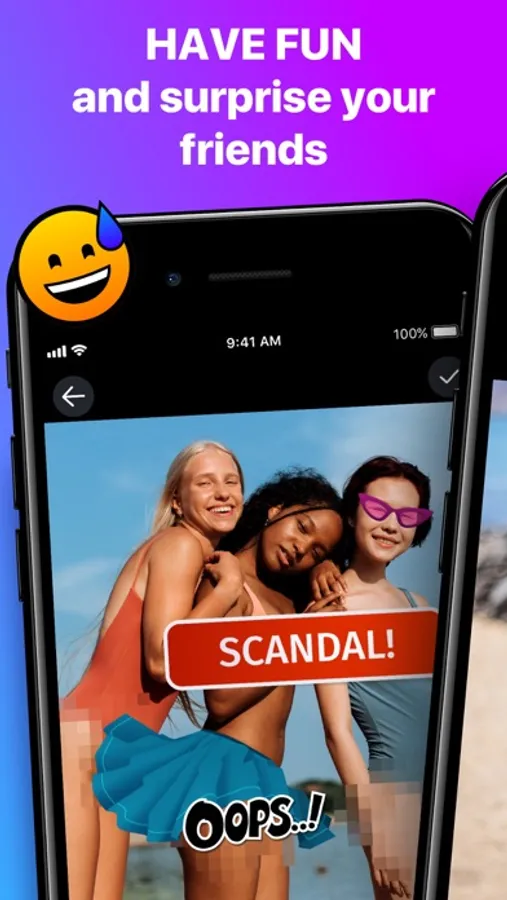
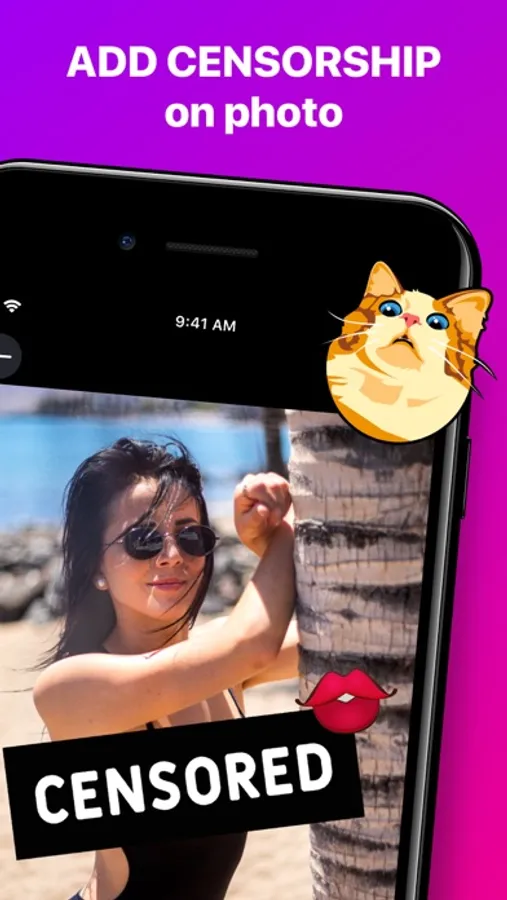
With this image editor, you can censor specific areas with pixels or stickers and add text for humorous effects. Includes filters for hiding photo parts and quick editing tools.
About Censor Image Editor: Pixel Lab
Are you looking for ways to diversify your photo feed online?
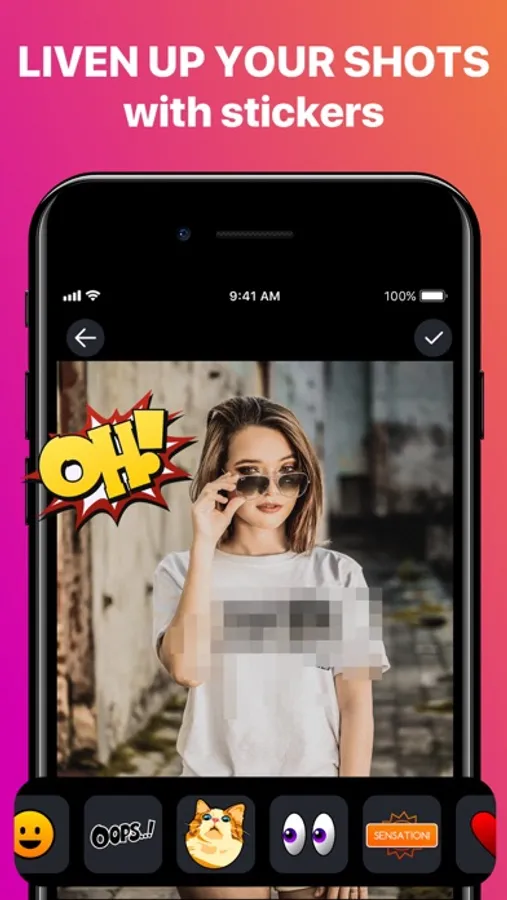
Liven up your photos with a blurring effect, add cool stickers, or even place yourself on the cover of a magazine!
How to use our app:
– Choose a photo –
Choose from the gallery or make a new one
– Censor features with a paint brush –
Use a pipette to choose an appropriate shade
– Make the photo look like it was censored –
Cover needed areas with pixels or stickers
– Put the photo onto a magazine cover –
Add some text to make it funnier
The more creative you are the funnier are the photos.
Use our app for endless laughter!
Inside you will find:
- Hilarious magazine cover
- Cool filters to hide parts of the photos
- Responsive and quick manipulation
------------------------------------------------------
Privacy Policy: http://pocketart.studio/privacy
Terms of use: http://pocketart.studio/tos
Liven up your photos with a blurring effect, add cool stickers, or even place yourself on the cover of a magazine!
How to use our app:
– Choose a photo –
Choose from the gallery or make a new one
– Censor features with a paint brush –
Use a pipette to choose an appropriate shade
– Make the photo look like it was censored –
Cover needed areas with pixels or stickers
– Put the photo onto a magazine cover –
Add some text to make it funnier
The more creative you are the funnier are the photos.
Use our app for endless laughter!
Inside you will find:
- Hilarious magazine cover
- Cool filters to hide parts of the photos
- Responsive and quick manipulation
------------------------------------------------------
Privacy Policy: http://pocketart.studio/privacy
Terms of use: http://pocketart.studio/tos