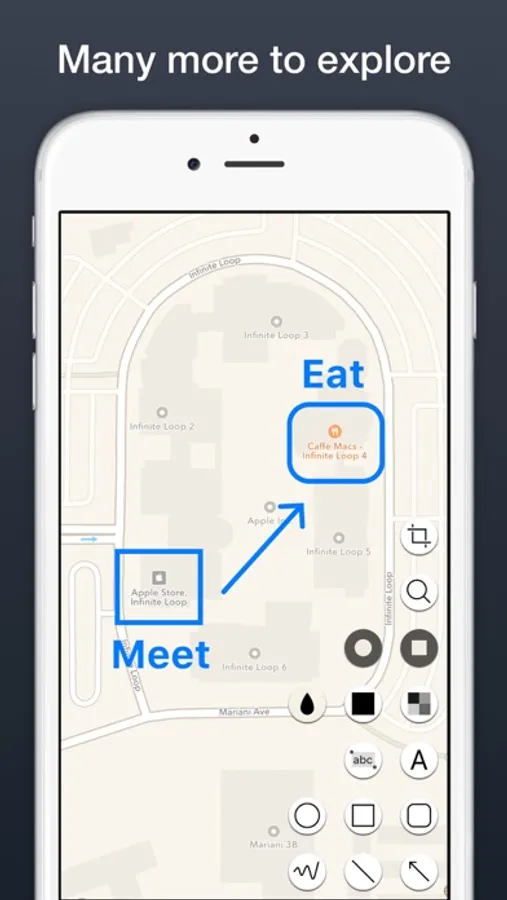
With this image annotation app, you can draw shapes, add text, and obscure private information. Includes customizable tools, support for high-resolution images, and integration with iOS extensions.
AppRecs review analysis
AppRecs rating 4.1. Trustworthiness 79 out of 100. Review manipulation risk 28 out of 100. Based on a review sample analyzed.
★★★★☆
4.1
AppRecs Rating
Ratings breakdown
5 star
82%
4 star
10%
3 star
3%
2 star
2%
1 star
3%
What to know
✓
Low review manipulation risk
28% review manipulation risk
✓
Credible reviews
79% trustworthiness score from analyzed reviews
⚠
Pricing complaints
Many low ratings mention paywalls or pricing
About Annotable: Annotation & Markup
Annotable is the most full-featured all-in-one image annotation tool.
Featured by Apple in many places:
● Best of 2016
● New Apps We Love
● Best Apps to Edit Your Photos
● Best Productivity Apps
● Best Utilities
"I’ve finally found the best all-in-one image annotation tool for iOS – Annotable for iPhone and iPad." —— Federico Viticci of MacStories
Features (many are free, some are unlocked with purchases):
◉ All the expected common tools: rectangles, ovals, arrows, lines and texts.
◉ Fully customizable: colors, sizes, outlines, fonts…
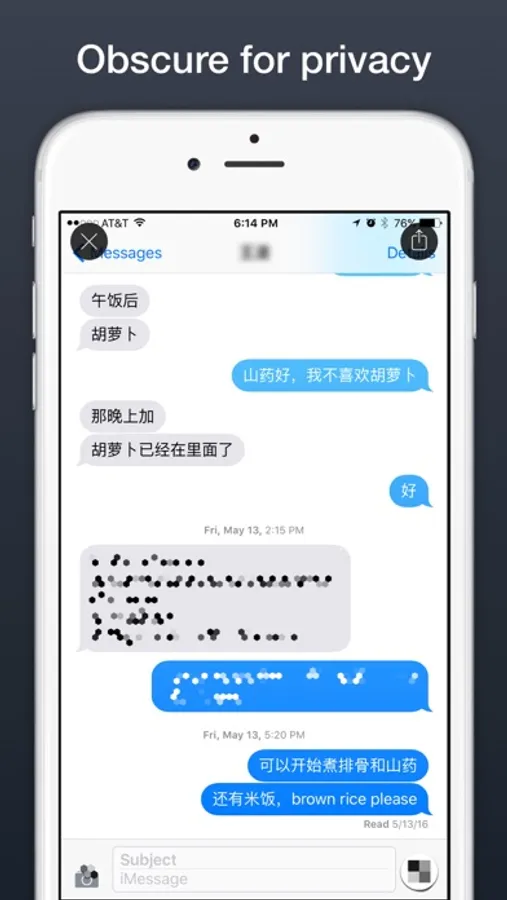
◉ Stylishly obscure private information with Blur and Pixelation.
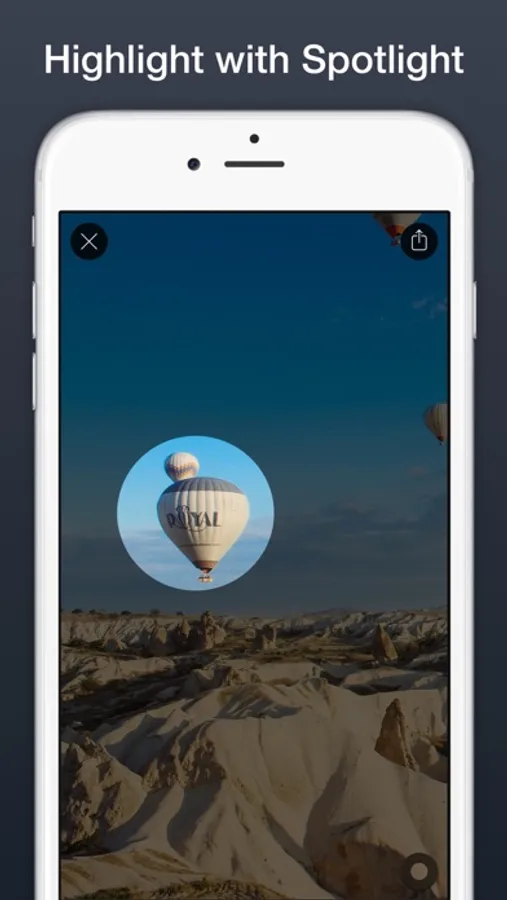
◉ Or on the contrary, highlight something with Spotlights.
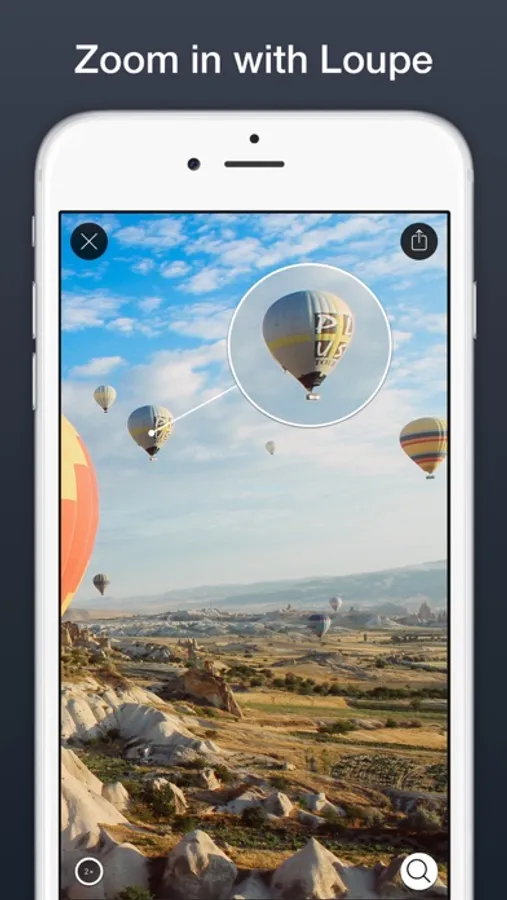
◉ If you really want to focus on a particular spot use a Loupe.
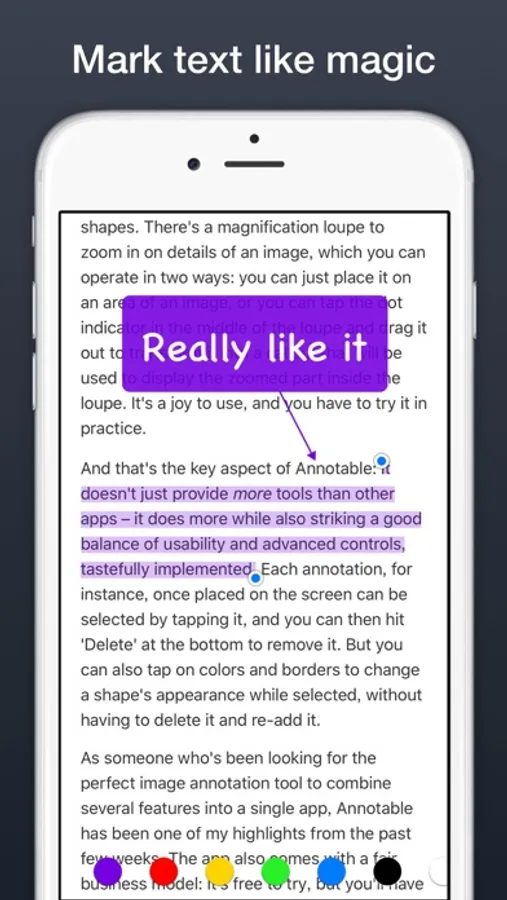
◉ You can even highlight text on screenshots of apps like Notes, Twitter, and Safari. It feels like magic, and can really save the day when you want to share a web page screenshot with some words highlighted but forgot to select the words when you took the screenshot.
◉ Fully support Action Extension, Photo Editing Extension, Edits Sync via iCloud Photo Library, URL Schemes, 3D Touch, Wide Color…Annotable utilizes your powerful iOS system to the extreme.
Distinctions from many other similar Apps:
◆ All the results are high-resolution images.
◆ Not only screenshots but all images are supported.
◆ Large images can be directly annotated and do not have to be cropped.
Featured by Apple in many places:
● Best of 2016
● New Apps We Love
● Best Apps to Edit Your Photos
● Best Productivity Apps
● Best Utilities
"I’ve finally found the best all-in-one image annotation tool for iOS – Annotable for iPhone and iPad." —— Federico Viticci of MacStories
Features (many are free, some are unlocked with purchases):
◉ All the expected common tools: rectangles, ovals, arrows, lines and texts.
◉ Fully customizable: colors, sizes, outlines, fonts…
◉ Stylishly obscure private information with Blur and Pixelation.
◉ Or on the contrary, highlight something with Spotlights.
◉ If you really want to focus on a particular spot use a Loupe.
◉ You can even highlight text on screenshots of apps like Notes, Twitter, and Safari. It feels like magic, and can really save the day when you want to share a web page screenshot with some words highlighted but forgot to select the words when you took the screenshot.
◉ Fully support Action Extension, Photo Editing Extension, Edits Sync via iCloud Photo Library, URL Schemes, 3D Touch, Wide Color…Annotable utilizes your powerful iOS system to the extreme.
Distinctions from many other similar Apps:
◆ All the results are high-resolution images.
◆ Not only screenshots but all images are supported.
◆ Large images can be directly annotated and do not have to be cropped.