With this note-taking app, you can create, organize, and share text notes easily using a simple interface. Includes note sorting, character count, automatic saving, and quick sharing via messaging apps.
AppRecs review analysis
AppRecs rating 4.7. Trustworthiness 75 out of 100. Review manipulation risk 23 out of 100. Based on a review sample analyzed.
★★★★☆
4.7
AppRecs Rating
Ratings breakdown
5 star
76%
4 star
16%
3 star
6%
2 star
2%
1 star
0%
What to know
✓
Low review manipulation risk
23% review manipulation risk
✓
Credible reviews
75% trustworthiness score from analyzed reviews
✓
High user satisfaction
76% of sampled ratings are 5 stars
About Simple Notes.
Simple Notes. is exactly what the name says, a simple note taking app.
The app's core idea is to provide an app with features that everyone is going to use. There's no grids, cameras, audio and etc. Just text, and sharing.
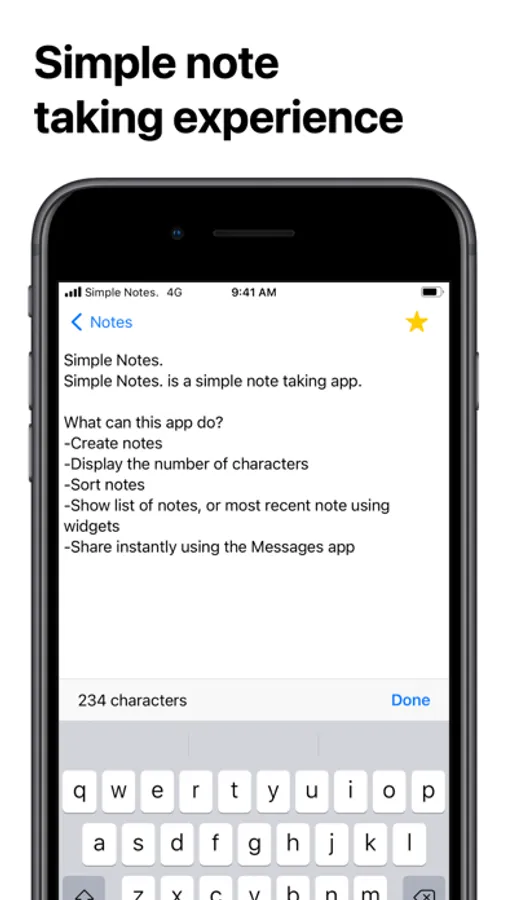
What can this app do?
-Create notes
-Display the number of characters
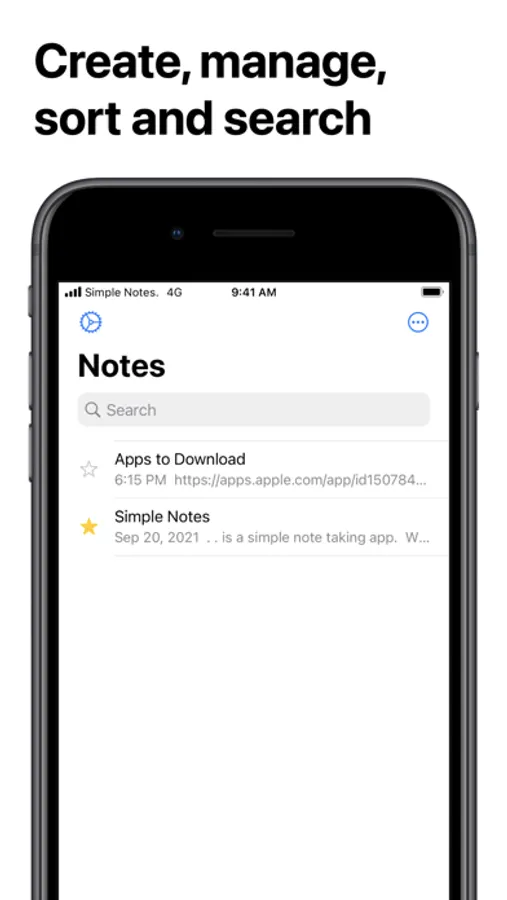
-Sort notes
-Show list of notes, or most recent note using widgets
-Share instantly using the Messages app
-How to Create Notes
1. Press "Create new Note"
2. Enter the any text you'd like to save
3. Press "Save"
After your first save, your note will be saved automatically
-How to delete Notes
Swipe your note to the left
or
1. Tap the three dots button
2. Press edit
3. Then press "-" then press "delete"
-How to sort notes
1. Tap the three dots button
2. Tap the way you want to sort your notes
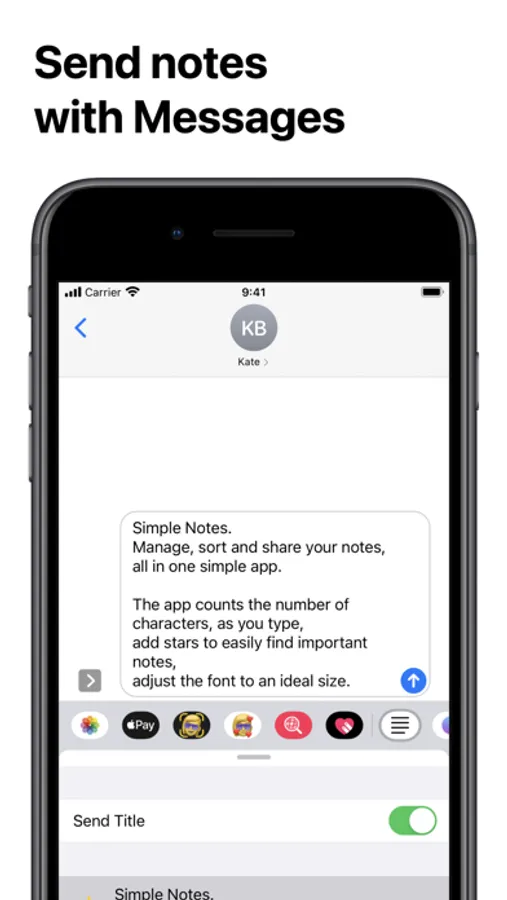
-How to share notes with iMessage
0. Open "iMessage"
1. Tap on a conversation
2. Tap on Simple Notes. from the app drawer
3. Select a note you'd like to send
4. Press the blue arrow and your message is sent!
(If you don't want to send your title, turn on the switch on the top)
Please leave reviews and comments in the App Store/Twitter Direct Message about what should be done to make this app better
The app's core idea is to provide an app with features that everyone is going to use. There's no grids, cameras, audio and etc. Just text, and sharing.
What can this app do?
-Create notes
-Display the number of characters
-Sort notes
-Show list of notes, or most recent note using widgets
-Share instantly using the Messages app
-How to Create Notes
1. Press "Create new Note"
2. Enter the any text you'd like to save
3. Press "Save"
After your first save, your note will be saved automatically
-How to delete Notes
Swipe your note to the left
or
1. Tap the three dots button
2. Press edit
3. Then press "-" then press "delete"
-How to sort notes
1. Tap the three dots button
2. Tap the way you want to sort your notes
-How to share notes with iMessage
0. Open "iMessage"
1. Tap on a conversation
2. Tap on Simple Notes. from the app drawer
3. Select a note you'd like to send
4. Press the blue arrow and your message is sent!
(If you don't want to send your title, turn on the switch on the top)
Please leave reviews and comments in the App Store/Twitter Direct Message about what should be done to make this app better