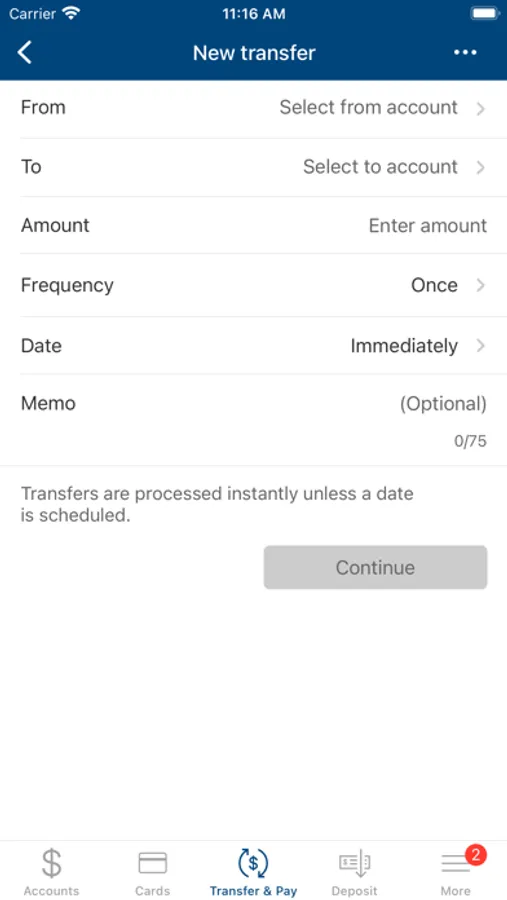
With this banking app, you can check balances, view transaction history, and make bill payments. Includes account management features and branch locator tools.
AppRecs review analysis
AppRecs rating 5.0. Trustworthiness 0 out of 100. Review manipulation risk 0 out of 100. Based on a review sample analyzed.
★★★★☆
5.0
AppRecs Rating
Ratings breakdown
5 star
98%
4 star
2%
3 star
0%
2 star
0%
1 star
0%
What to know
✓
High user satisfaction
98% of sampled ratings are 5 stars
✓
Authentic reviews
No red flags detected
About Security Bank TN
Security Bank Mobile Banking helps you manage your account(s) from anywhere when it’s convenient
for you. The App combines the benefits of internet banking and your mobile device, giving you
speedy access to your accounts.
Features:
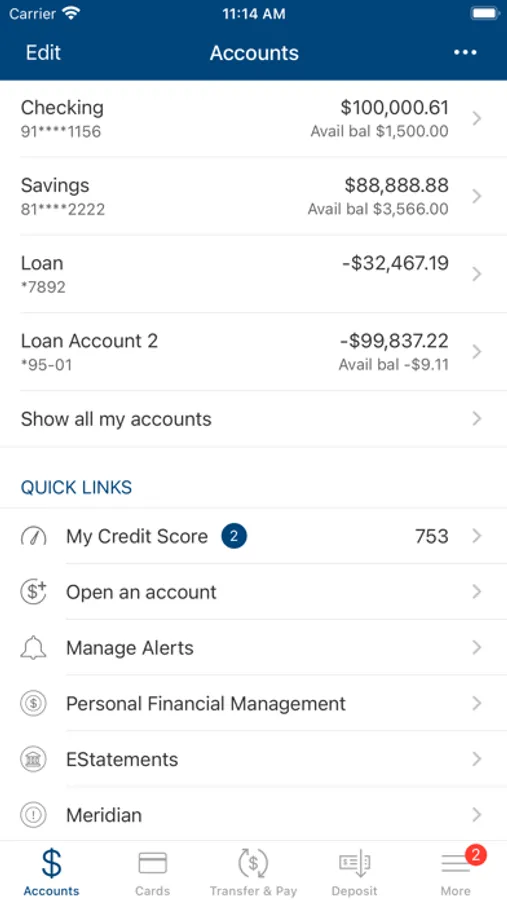
• Check account balances
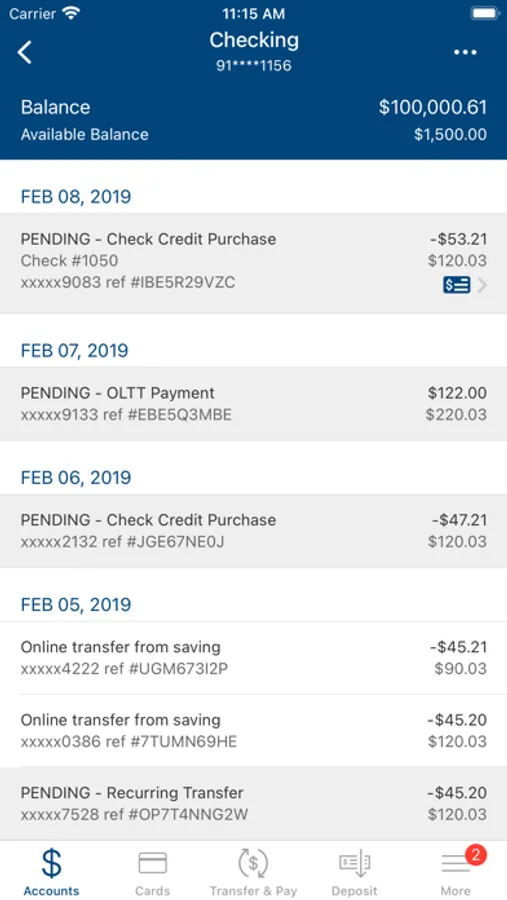
• See recent activity
• Pay bills
• View transaction history
• Transfer money between Security Bank accounts
• Locate branches and ATMs using GPS or search criteria
Registration:
To use Security Bank Mobile Banking, you must first have a Security Bank account with a Personal
Online Banking customer ID and password. At this time, Security Bank Mobile Banking is not
available for customers using Business Cash Management. To register for Internet Banking, please
visit www.bankatsecurity.com.
Security:
Protecting your account information is our top priority. Security Bank Mobile Banking safeguards
your personal financial information by:
• Security questions to verify your identity
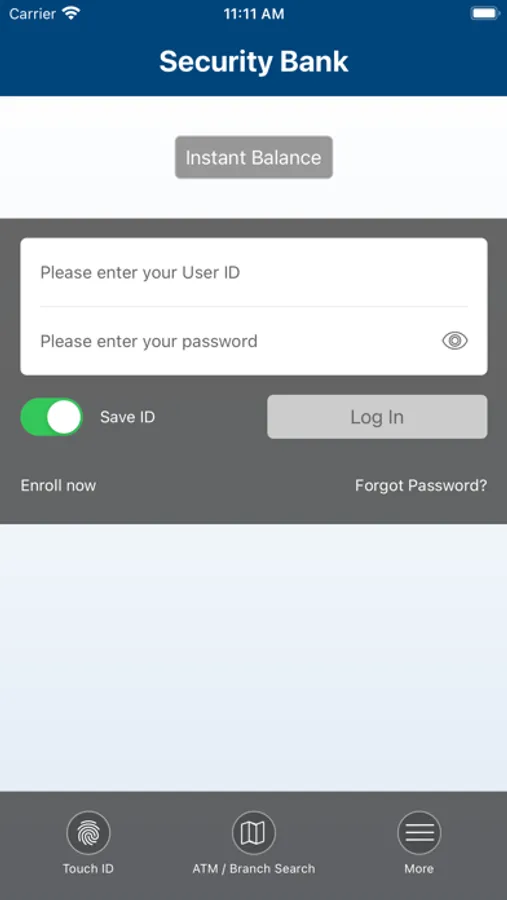
• Secure login with password
• Advanced encryption technology
• Partial or “masked” account numbers
Support:
Need help or have questions? You may contact the e-banking department by phone at 731-287-4909
or afterhours at 731-445-9587.
for you. The App combines the benefits of internet banking and your mobile device, giving you
speedy access to your accounts.
Features:
• Check account balances
• See recent activity
• Pay bills
• View transaction history
• Transfer money between Security Bank accounts
• Locate branches and ATMs using GPS or search criteria
Registration:
To use Security Bank Mobile Banking, you must first have a Security Bank account with a Personal
Online Banking customer ID and password. At this time, Security Bank Mobile Banking is not
available for customers using Business Cash Management. To register for Internet Banking, please
visit www.bankatsecurity.com.
Security:
Protecting your account information is our top priority. Security Bank Mobile Banking safeguards
your personal financial information by:
• Security questions to verify your identity
• Secure login with password
• Advanced encryption technology
• Partial or “masked” account numbers
Support:
Need help or have questions? You may contact the e-banking department by phone at 731-287-4909
or afterhours at 731-445-9587.