Samsung Galaxy Fit (Gear Fit)
Samsung Electronics Co., Ltd.
3.9 ★
store rating
Free
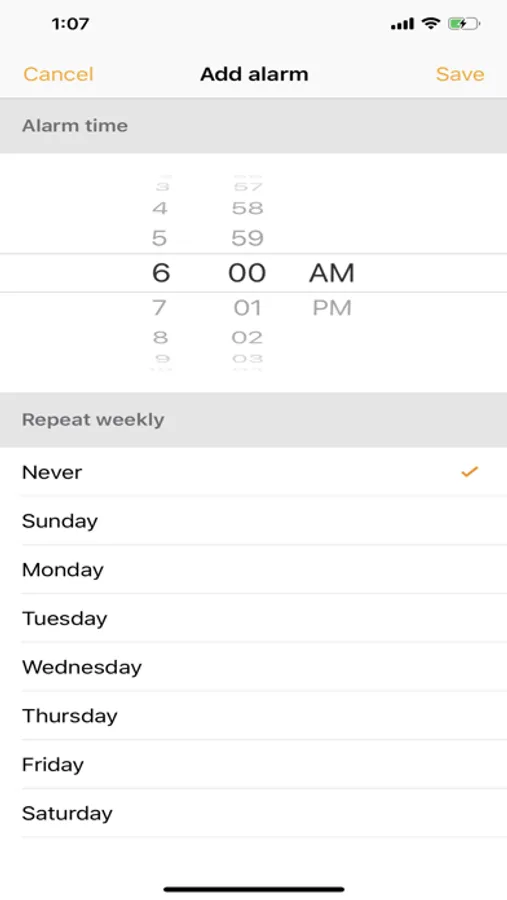
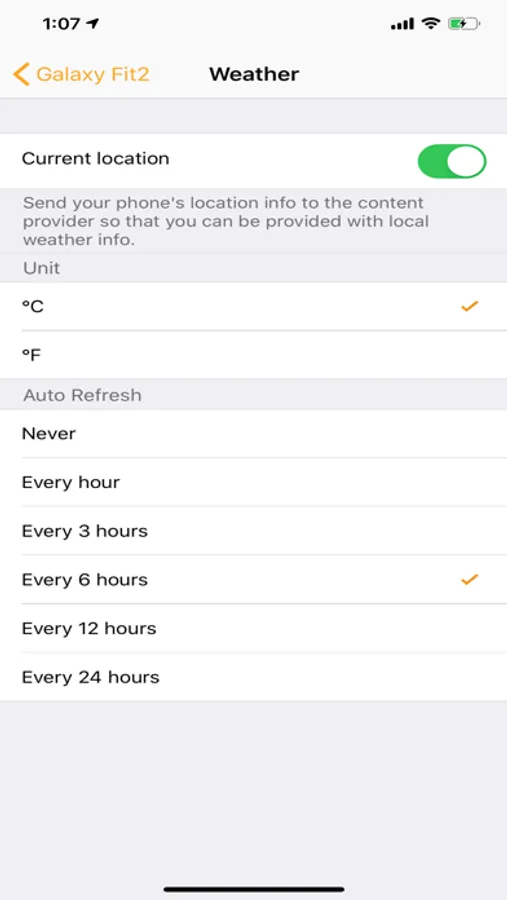
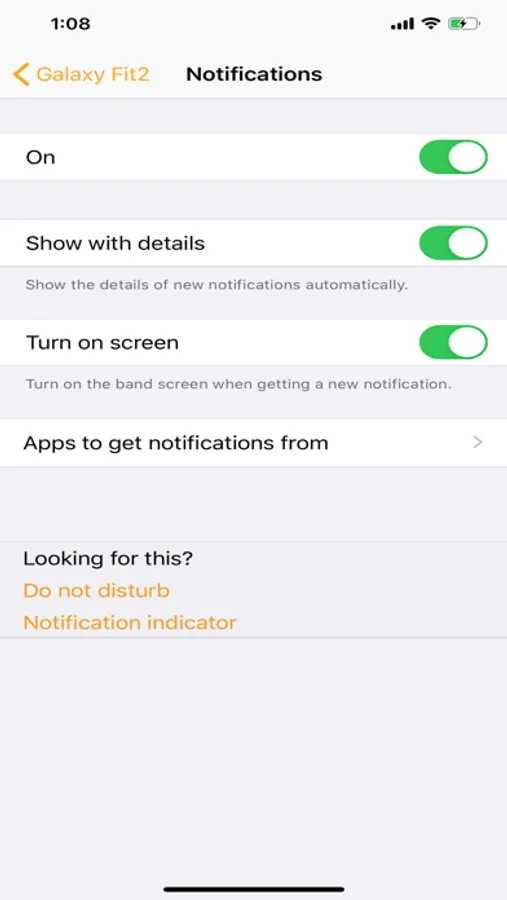
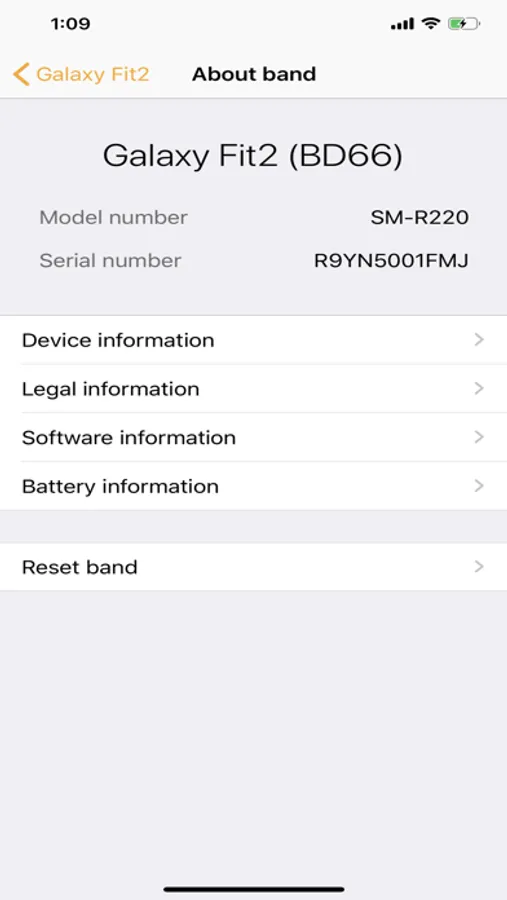
In this app, you can connect Samsung Galaxy Fit devices to your mobile and manage features. Includes device pairing, settings adjustment, and app downloads.
AppRecs review analysis
AppRecs rating 3.4. Trustworthiness 68 out of 100. Review manipulation risk 26 out of 100. Based on a review sample analyzed.
★★★☆☆
3.4
AppRecs Rating
Ratings breakdown
5 star
50%
4 star
23%
3 star
8%
2 star
5%
1 star
14%
What to know
✓
Low review manipulation risk
26% review manipulation risk
✓
Good user ratings
73% positive sampled reviews
✓
Authentic reviews
Natural distribution, no red flags
About Samsung Galaxy Fit (Gear Fit)
* Galaxy Fit is not Compatible with iPad and iPod touch
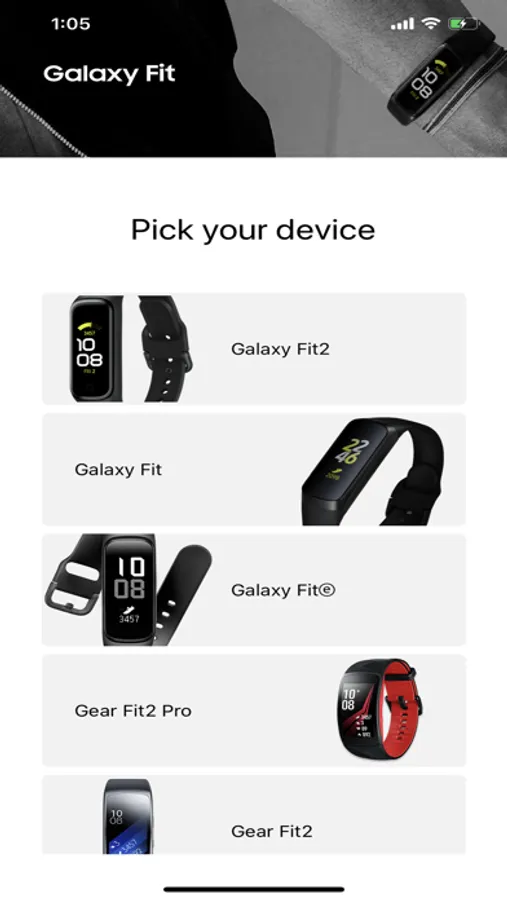
The Samsung Galaxy Fit application connects Samsung Galaxy Fit2, Gear Fit2, Gear Fit2 pro and Galaxy Fit, Galaxy Fitⓔ to your mobile device. It also manages and monitors Samsung Galaxy Fit2, Gear Fit2, Gear Fit2 pro, Galaxy Fit and Galaxy Fitⓔ features and applications installed through Gear Appstore.
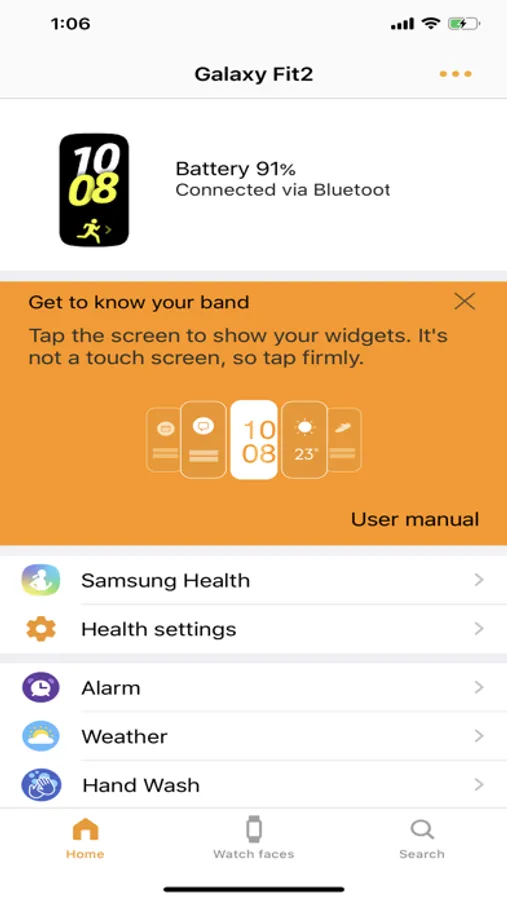
Use the Samsung Galaxy Fit application to set up and manage the following features:
- Connect to and disconnect from a mobile device
- Application download and settings
- Find my Gear
Install the Samsung Galaxy Fit application on your mobile device, then pair your Samsung Galaxy Fit2, Gear Fit2, Gear Fit2 pro and Galaxy Fit, Galaxy Fitⓔ with a Bluetooth connection and enjoy all of its features.
※ Compatibility
- Samsung Galaxy Fit is not Compatible with iPad and iPod touch
※ Settings and features provided by the Samsung Galaxy Fit application are only available when Samsung Galaxy Fit2, Gear Fit2, Gear Fit2 pro and Galaxy Fit, Galaxy Fitⓔ is connected to your mobile device. Features will not work properly without a proper connection between Samsung Galaxy Fit2, Gear Fit2, Gear Fit2 pro or Galaxy Fit, Galaxy Fitⓔ and your mobile device.
※ This application is only for Samsung Galaxy Fit2, Gear Fit2, Gear Fit2 pro and Galaxy Fit, Galaxy Fitⓔ
* Continued use of GPS running in the background can dramatically decrease battery life.
* If you have any questions about Samsung Galaxy Fit, please contact to the web page below.
(http://www.samsung.com/support/)
The Samsung Galaxy Fit application connects Samsung Galaxy Fit2, Gear Fit2, Gear Fit2 pro and Galaxy Fit, Galaxy Fitⓔ to your mobile device. It also manages and monitors Samsung Galaxy Fit2, Gear Fit2, Gear Fit2 pro, Galaxy Fit and Galaxy Fitⓔ features and applications installed through Gear Appstore.
Use the Samsung Galaxy Fit application to set up and manage the following features:
- Connect to and disconnect from a mobile device
- Application download and settings
- Find my Gear
Install the Samsung Galaxy Fit application on your mobile device, then pair your Samsung Galaxy Fit2, Gear Fit2, Gear Fit2 pro and Galaxy Fit, Galaxy Fitⓔ with a Bluetooth connection and enjoy all of its features.
※ Compatibility
- Samsung Galaxy Fit is not Compatible with iPad and iPod touch
※ Settings and features provided by the Samsung Galaxy Fit application are only available when Samsung Galaxy Fit2, Gear Fit2, Gear Fit2 pro and Galaxy Fit, Galaxy Fitⓔ is connected to your mobile device. Features will not work properly without a proper connection between Samsung Galaxy Fit2, Gear Fit2, Gear Fit2 pro or Galaxy Fit, Galaxy Fitⓔ and your mobile device.
※ This application is only for Samsung Galaxy Fit2, Gear Fit2, Gear Fit2 pro and Galaxy Fit, Galaxy Fitⓔ
* Continued use of GPS running in the background can dramatically decrease battery life.
* If you have any questions about Samsung Galaxy Fit, please contact to the web page below.
(http://www.samsung.com/support/)