WiFi+Transfer
Nero AG
3.7 ★
store rating
Free
AppRecs review analysis
AppRecs rating 3.5. Trustworthiness 75 out of 100. Review manipulation risk 23 out of 100. Based on a review sample analyzed.
★★★☆☆
3.5
AppRecs Rating
Ratings breakdown
5 star
44%
4 star
22%
3 star
11%
2 star
0%
1 star
22%
What to know
✓
Low review manipulation risk
23% review manipulation risk
✓
Credible reviews
75% trustworthiness score from analyzed reviews
✓
Good user ratings
67% positive sampled reviews
About WiFi+Transfer
Transfer anytime, anywhere: Share and transfer files easily, quickly, and without limits between different platforms!
No USB cable needed anymore! Wirelessly transfer your media content between mobile devices, PC, MAC - no complex setup, no additional application needed.
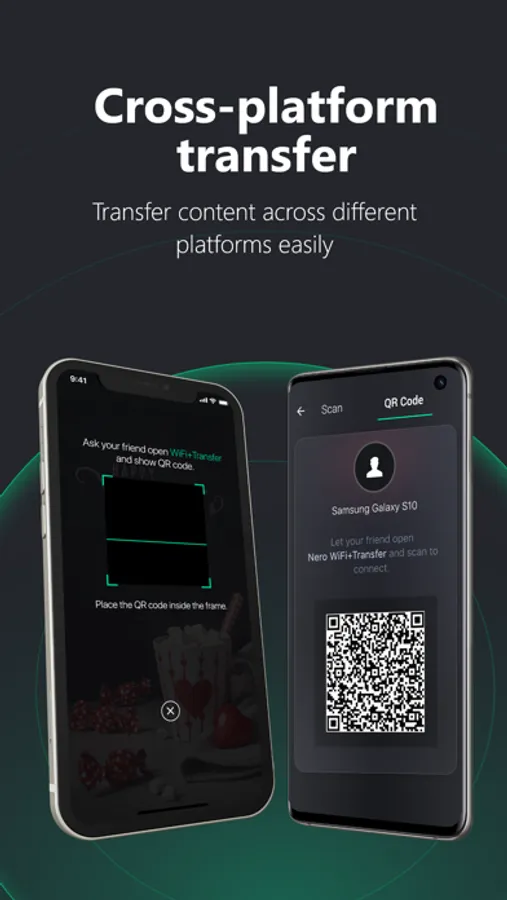
【Easy to use & cross platforms】
- Find nearby devices automatically
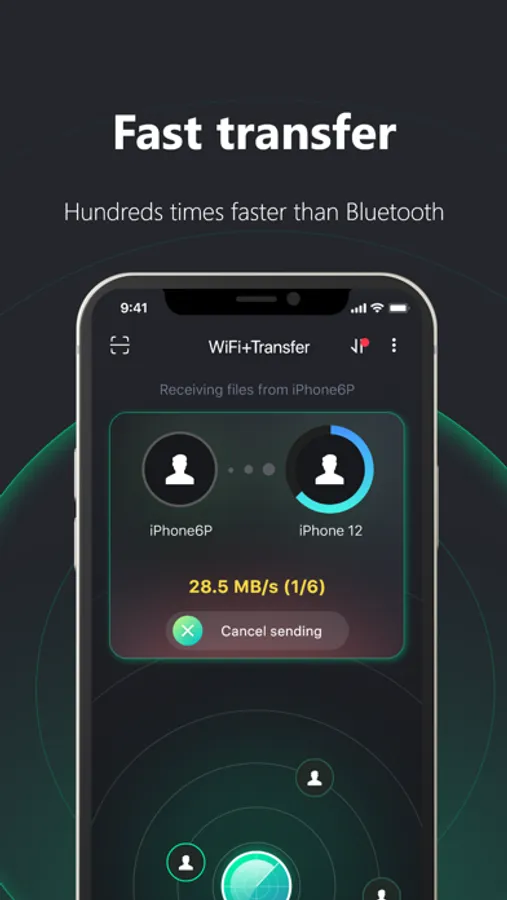
- One tap to send or receive files between mobile devices
- Multiple ways to connect devices
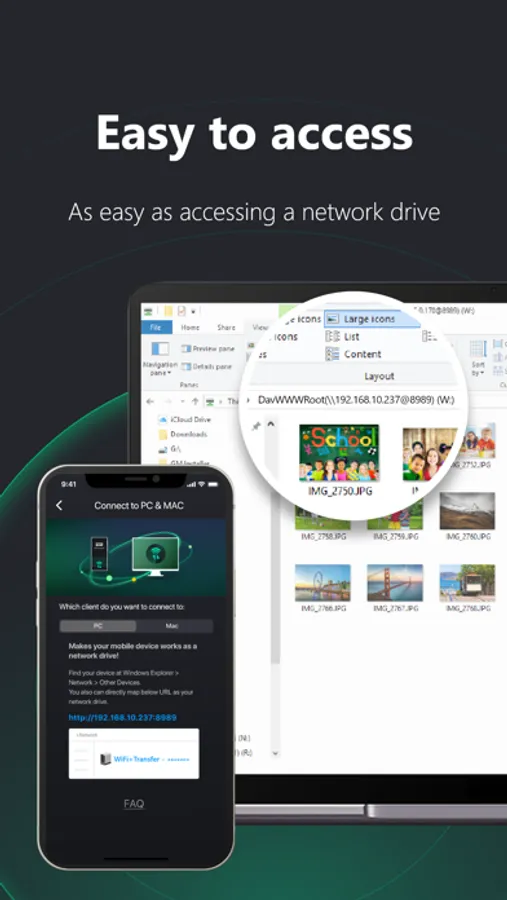
- Easily connect your mobile devices to PC and MAC
【Secure the transfer】
- Authorize the connection with one confirmation
- Full control the transfer at both of sender and receiver
【No internet required 】
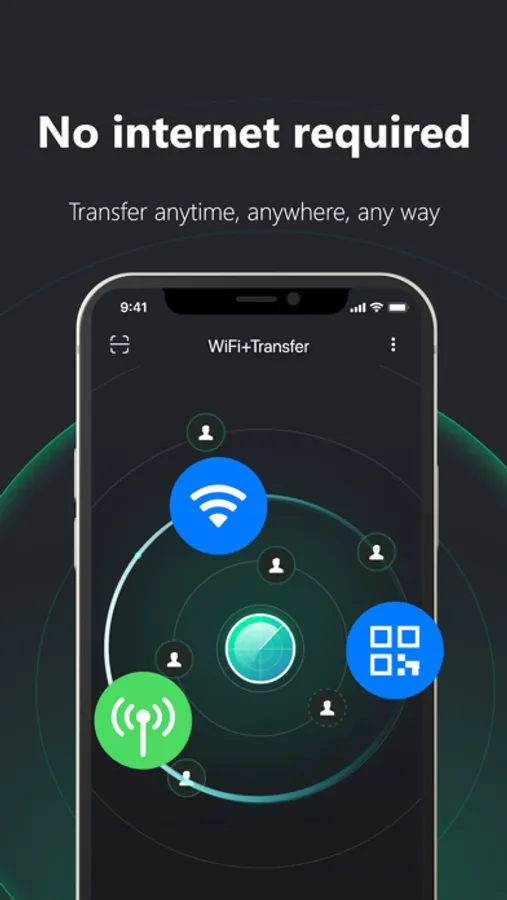
- Transfer files anytime and anywhere
- No mobile data, and not mandatory network connection
- No transfer speed limit
- Unlimited count and size of transferred files
【Main functions】
- Find nearby devices automatically
- Transfer to any device in the same Wi-Fi network
- Connect devices via QR code optionally
- Share photos, videos and music files to any mobile device offline
- Turn Wi-Fi on – that’s all that is needed for Apple devices to connect
- Transfer between iPhone, iPad, PC and MAC
- Copy, paste, delete media files from iPhone, just like a network drive
- Authorize the connection and secure the transfer
No USB cable needed anymore! Wirelessly transfer your media content between mobile devices, PC, MAC - no complex setup, no additional application needed.
【Easy to use & cross platforms】
- Find nearby devices automatically
- One tap to send or receive files between mobile devices
- Multiple ways to connect devices
- Easily connect your mobile devices to PC and MAC
【Secure the transfer】
- Authorize the connection with one confirmation
- Full control the transfer at both of sender and receiver
【No internet required 】
- Transfer files anytime and anywhere
- No mobile data, and not mandatory network connection
- No transfer speed limit
- Unlimited count and size of transferred files
【Main functions】
- Find nearby devices automatically
- Transfer to any device in the same Wi-Fi network
- Connect devices via QR code optionally
- Share photos, videos and music files to any mobile device offline
- Turn Wi-Fi on – that’s all that is needed for Apple devices to connect
- Transfer between iPhone, iPad, PC and MAC
- Copy, paste, delete media files from iPhone, just like a network drive
- Authorize the connection and secure the transfer