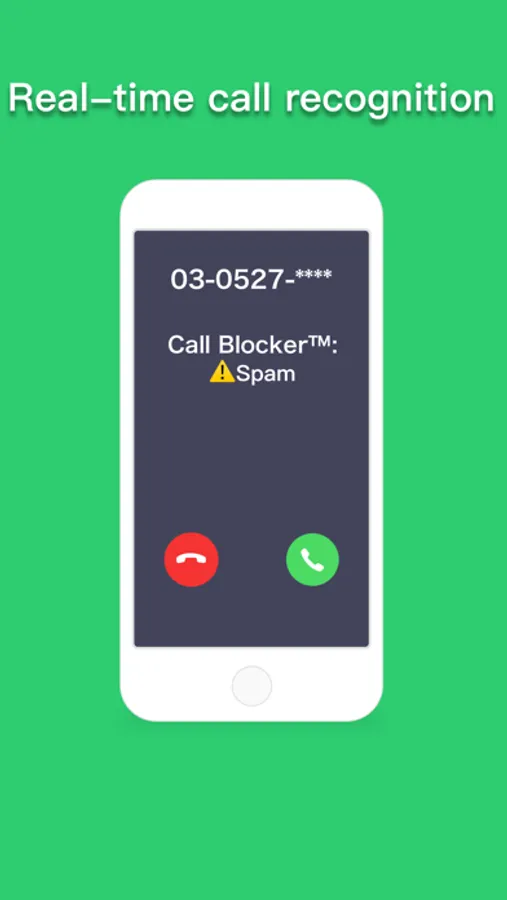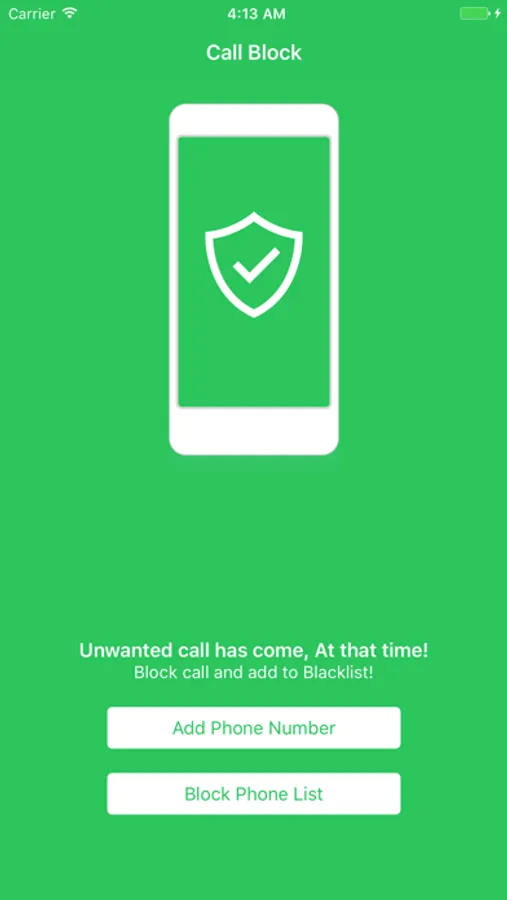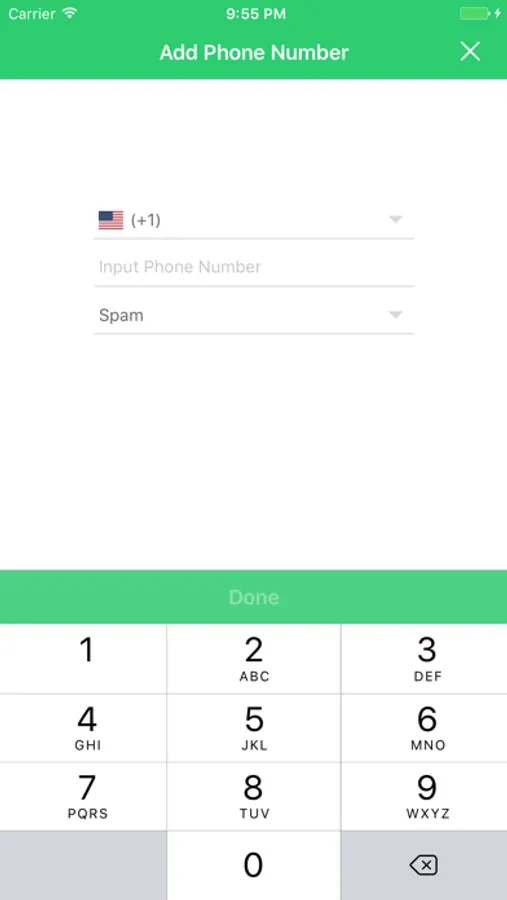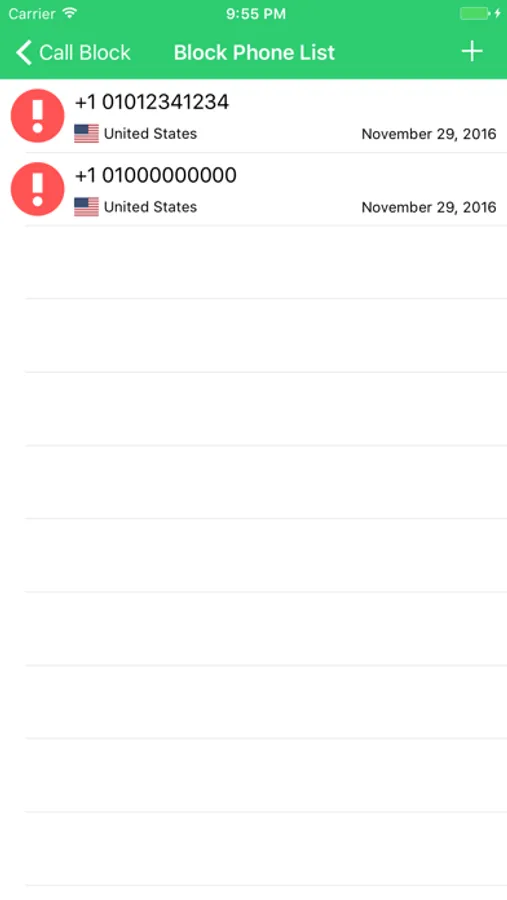
With this call blocking app, you can add unwanted numbers to your block list and manage spam calls and messages easily. Includes features to block calls and messages, report spam, and backup your settings.
AppRecs review analysis
AppRecs rating 4.0. Trustworthiness 69 out of 100. Review manipulation risk 25 out of 100. Based on a review sample analyzed.
★★★★☆
4.0
AppRecs Rating
Ratings breakdown
5 star
74%
4 star
14%
3 star
6%
2 star
2%
1 star
4%
What to know
✓
Low review manipulation risk
25% review manipulation risk
✓
High user satisfaction
74% of sampled ratings are 5 stars
✓
Authentic reviews
Natural distribution, no red flags
About Call Blocker™ - Block Spam
Call Blocker™ - Block Spam・Unwanted calls
- Call Blocker™ is an application that blocks calls you want to block.
Main features:
- It is possible to block calls by easily adding the Spam Calls and Unwanted Calls to the block list unlimitedly.
- Block spam mail (SMS / MMS) Or Unwanted messages.
- You can pause the rejected phone and restart it.
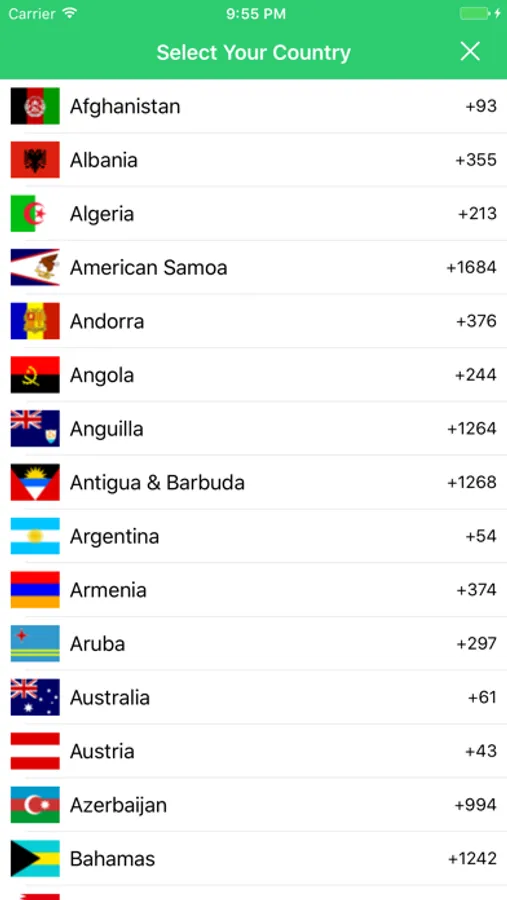
- We support 239 countries and regions all over the world.
- You can check blocked calls at "Phone→Recents".
- Report spam phone number and communicate with everyone.
- Backup your block phone list.
Instructions for use
- Download, launch the Call Blocker™.
- Let's move of a mobile phone to the "Settings".
- Let's choose the "Phone" from the settings.
- Let's choose the "Incoming rejection setting and called ID" from the phone.
- Let's to enable it to find a Call Blocker™.
- Let's complete return to the Call Blocker™.
If you have any questions or comments, follow and message us:
https://www.facebook.com/callblockerios
- Call Blocker™ is an application that blocks calls you want to block.
Main features:
- It is possible to block calls by easily adding the Spam Calls and Unwanted Calls to the block list unlimitedly.
- Block spam mail (SMS / MMS) Or Unwanted messages.
- You can pause the rejected phone and restart it.
- We support 239 countries and regions all over the world.
- You can check blocked calls at "Phone→Recents".
- Report spam phone number and communicate with everyone.
- Backup your block phone list.
Instructions for use
- Download, launch the Call Blocker™.
- Let's move of a mobile phone to the "Settings".
- Let's choose the "Phone" from the settings.
- Let's choose the "Incoming rejection setting and called ID" from the phone.
- Let's to enable it to find a Call Blocker™.
- Let's complete return to the Call Blocker™.
If you have any questions or comments, follow and message us:
https://www.facebook.com/callblockerios