
AppRecs review analysis
AppRecs rating 3.1. Trustworthiness 80 out of 100. Review manipulation risk 28 out of 100. Based on a review sample analyzed.
★★★☆☆
3.1
AppRecs Rating
Ratings breakdown
5 star
39%
4 star
22%
3 star
0%
2 star
11%
1 star
28%
What to know
✓
Low review manipulation risk
28% review manipulation risk
✓
Credible reviews
80% trustworthiness score from analyzed reviews
About Stop Motion Video Editor
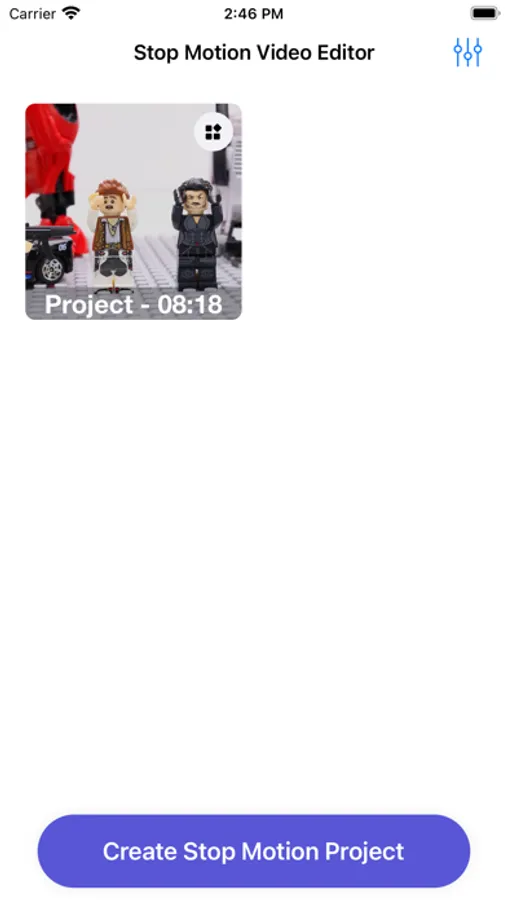
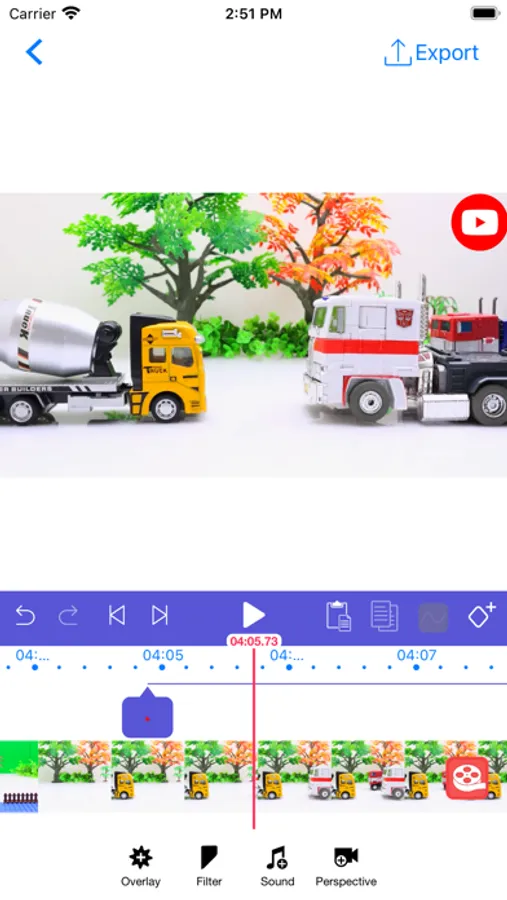
This Stop Motion Video Editor help you to create stop motion video and add background music to videos.
STEPS:
1. Add source videos
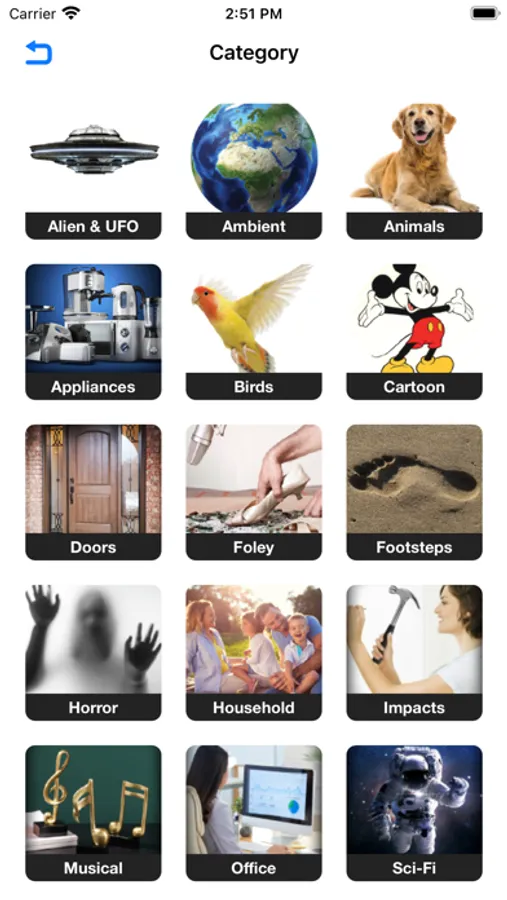
2. Add background music from library or record your voice
3. Start merge and preview
4. Save to Camera Roll or share to Instagram, Facebook, YouTube
The result video will be saved to the Camera Roll. You can then open Camera Roll to start sharing.
TIPS:
- Control volume of the original videos, music and records
- Using range slider to trim video, music, record
- You can add as many videos, music and records as you want
- Using feature "share to Instagram" to let the app square the final video for you
Stop Motion Premium
We currently offer the following auto-renewing subscription option:
- 3 days of free trial followed by $2.99 per week
- $7.99 per month
By subscribing you get unlimited access to effects and remove advertisement.
Payment will be charged to iTunes Account at confirmation of purchase. Your subscription will automatically renews unless auto-renew is turned off at least 24-hours before the end of the current period. Your account will be charged for renewal within 24-hours prior to the end of the current period. Subscriptions may be managed and auto-renewal may be turned off by going to the Account Settings after purchase. No cancellation of the current subscription is allowed during active subscription period.
• Any unused portion of a free trial period, if offered, will be forfeited when the user purchases a subscription to that publication, where applicable
Terms of Use: https://tos.atlantismobileapps.com
Privacy Policy: https://privacy.atlantismobileapps.com
STEPS:
1. Add source videos
2. Add background music from library or record your voice
3. Start merge and preview
4. Save to Camera Roll or share to Instagram, Facebook, YouTube
The result video will be saved to the Camera Roll. You can then open Camera Roll to start sharing.
TIPS:
- Control volume of the original videos, music and records
- Using range slider to trim video, music, record
- You can add as many videos, music and records as you want
- Using feature "share to Instagram" to let the app square the final video for you
Stop Motion Premium
We currently offer the following auto-renewing subscription option:
- 3 days of free trial followed by $2.99 per week
- $7.99 per month
By subscribing you get unlimited access to effects and remove advertisement.
Payment will be charged to iTunes Account at confirmation of purchase. Your subscription will automatically renews unless auto-renew is turned off at least 24-hours before the end of the current period. Your account will be charged for renewal within 24-hours prior to the end of the current period. Subscriptions may be managed and auto-renewal may be turned off by going to the Account Settings after purchase. No cancellation of the current subscription is allowed during active subscription period.
• Any unused portion of a free trial period, if offered, will be forfeited when the user purchases a subscription to that publication, where applicable
Terms of Use: https://tos.atlantismobileapps.com
Privacy Policy: https://privacy.atlantismobileapps.com
Stop Motion Video Editor Screenshots
More from Nguyen Nam Giang
Similar to Stop Motion Video Editor








More from Nguyen Nam Giang

Digital Ruler - Pocket Measure
1.0

Pro Editor - Video Maker for FaceBook & Youtube
3.3

Music Player & MP3 Manager for Dropbox
2.7

FB Downloader:Reels Browser
3.0

Car Play Connect Music Sync
2.0

Pro Editor - Video Maker Pro for Facebook and Youtube
4.2

Invitation Maker -Party Invite
4.0

Video Eraser Compressor BlurVi