About Frisquet Connect
The FRISQUET CONNECT application lets you manage your Visio Equipment remotely. Simply check or adjust your settings to adapt your comfort to suit at any time.
This application requires Frisquet Connect Box set-up.
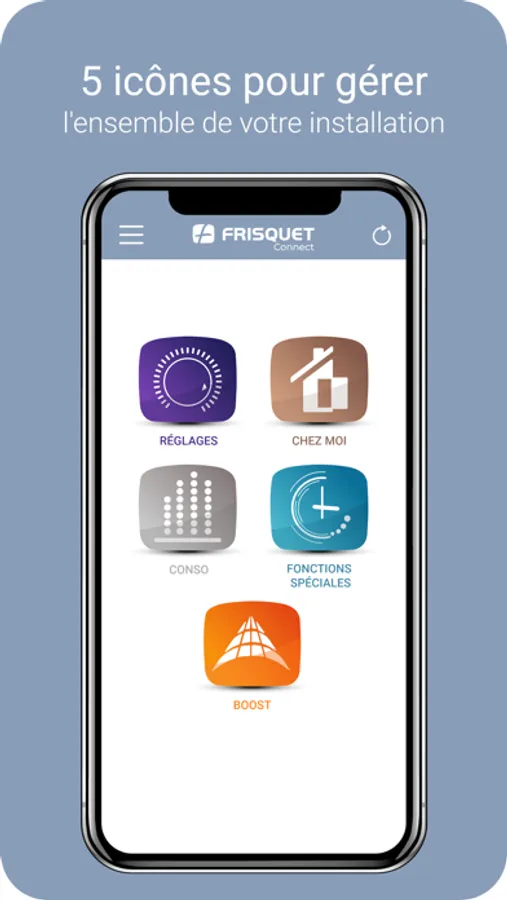
FRISQUET CONNECT guides you simply and intuitively to:
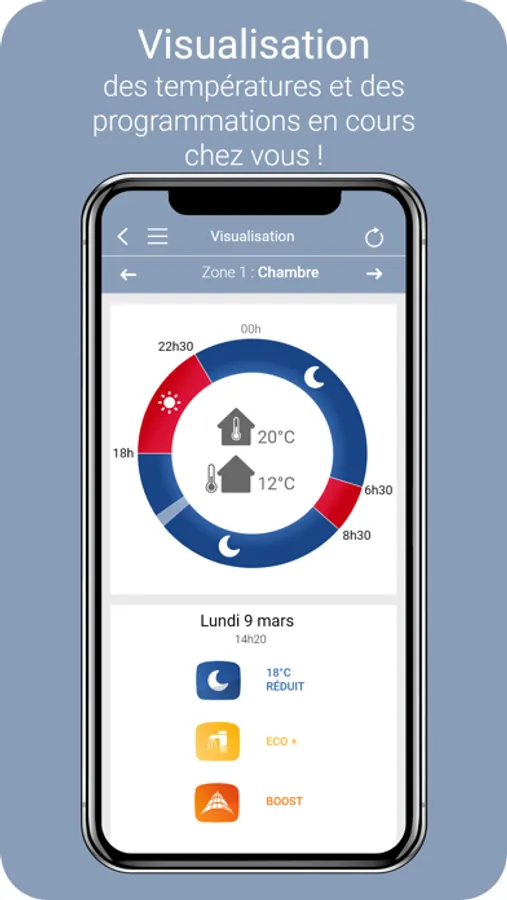
- Check temperatures and heating programmes currently running.
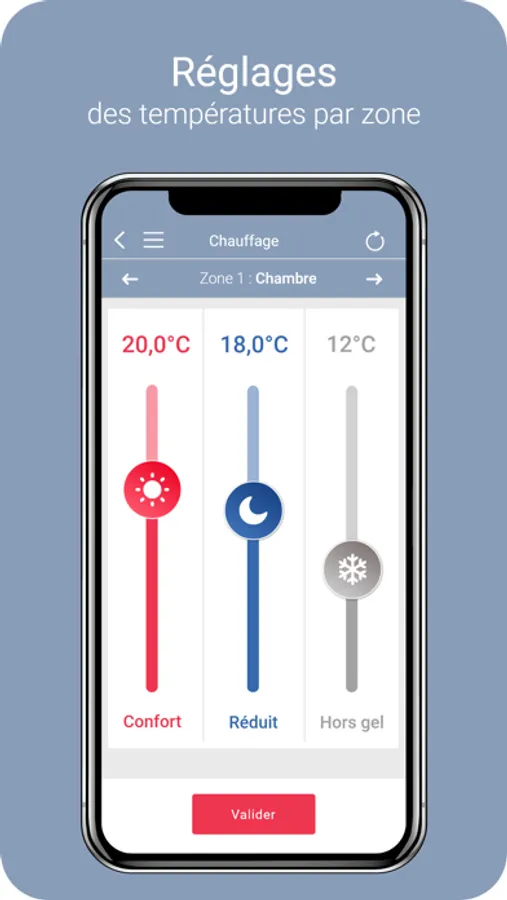
- Modify the temperature of the different modes (Comfort temperature, Reduced temperature, Frost-free temperature) for each heating zone, if your residence has more than one heating circuit.
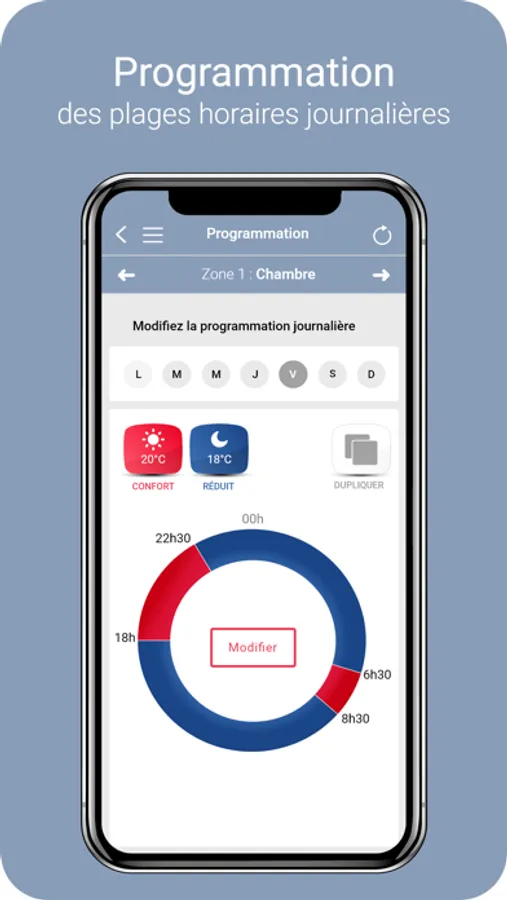
■ Modify daily programmes.
- Modify domestic hot water mode.
And also,
- Program your holidays
■ Set a PERMANENT mode: Frost-free, Reduced, Comfort.
■ Override the current heating programme.
- Activate Boost mode (increase your Comfort mode by 1°C extra until the Reduced mode returns automatically).
- Check your heating and hot water energy consumption (condensation boiler).
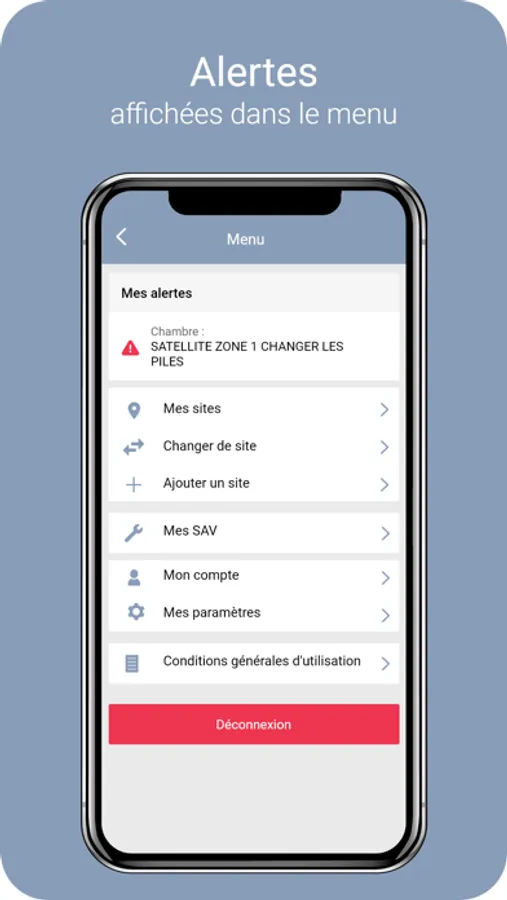
■ Get notification of any problem, if water pressure drops, for instance.
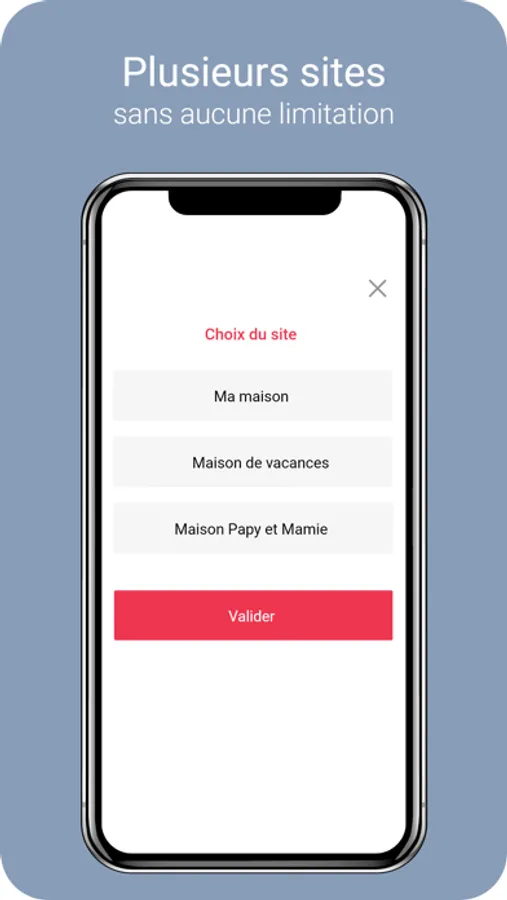
Our application lets you manage several sites (home, workplace, second home, etc.).
This application requires Frisquet Connect Box set-up.
FRISQUET CONNECT guides you simply and intuitively to:
- Check temperatures and heating programmes currently running.
- Modify the temperature of the different modes (Comfort temperature, Reduced temperature, Frost-free temperature) for each heating zone, if your residence has more than one heating circuit.
■ Modify daily programmes.
- Modify domestic hot water mode.
And also,
- Program your holidays
■ Set a PERMANENT mode: Frost-free, Reduced, Comfort.
■ Override the current heating programme.
- Activate Boost mode (increase your Comfort mode by 1°C extra until the Reduced mode returns automatically).
- Check your heating and hot water energy consumption (condensation boiler).
■ Get notification of any problem, if water pressure drops, for instance.
Our application lets you manage several sites (home, workplace, second home, etc.).