DMP - Tech APP
Digital Monitoring Products, Inc.
4.0 ★
store rating
Free
AppRecs review analysis
AppRecs rating 3.5. Trustworthiness 65 out of 100. Review manipulation risk 29 out of 100. Based on a review sample analyzed.
★★★☆☆
3.5
AppRecs Rating
Ratings breakdown
5 star
70%
4 star
4%
3 star
4%
2 star
4%
1 star
19%
What to know
✓
Low review manipulation risk
29% review manipulation risk
✓
High user satisfaction
74% of sampled ratings are 4+ stars (4.0★ average)
About DMP - Tech APP
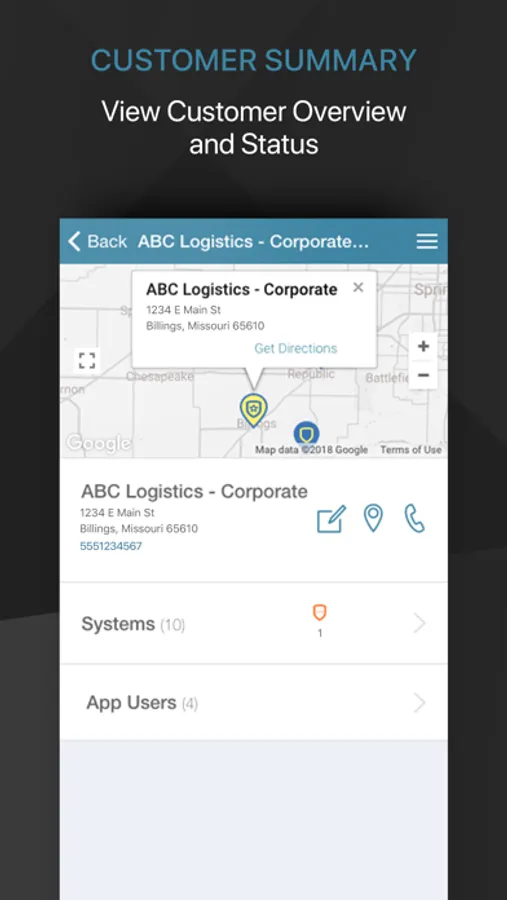
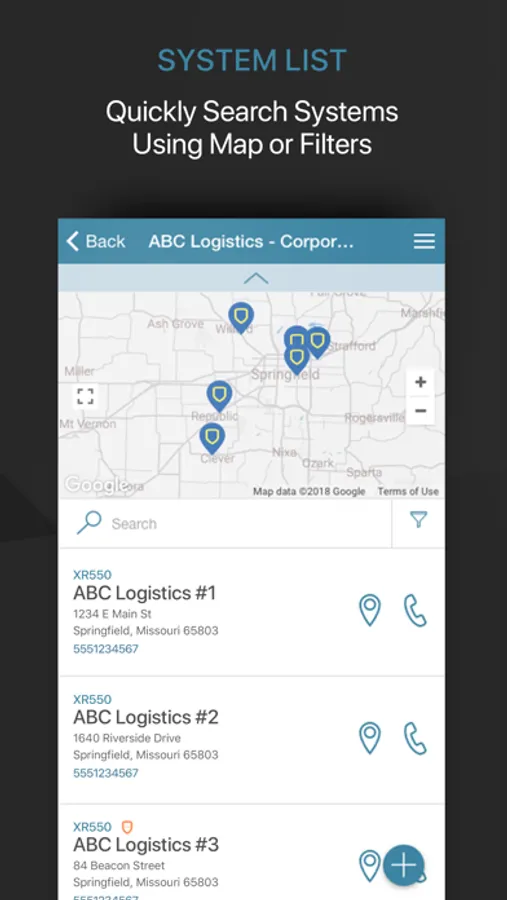
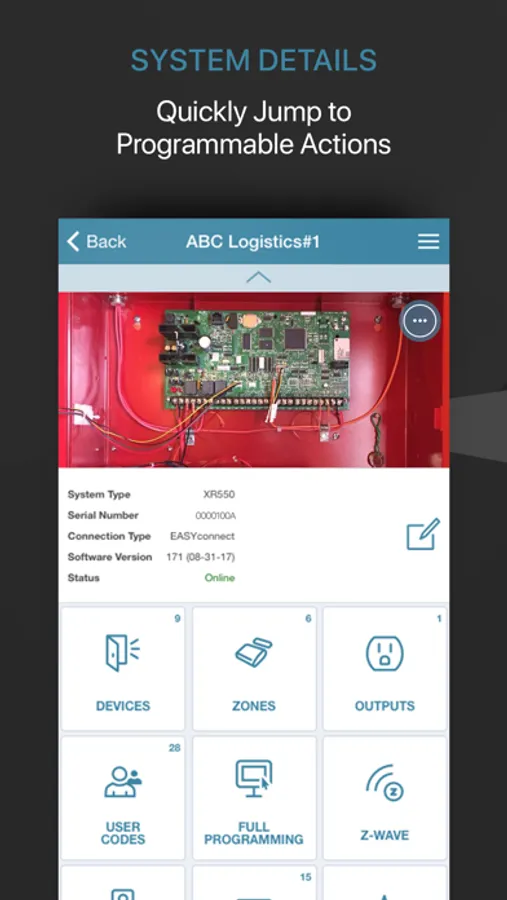
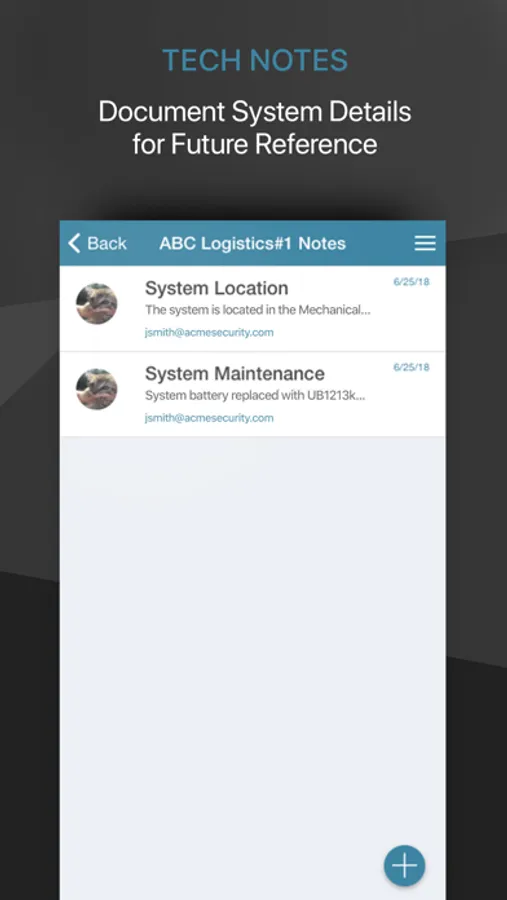
With the DMP Tech APP, there's no need to program the same settings on every system. Instead, save time and money with the Tech APP's Automatic Panel Programming, and when more customized programming is necessary, the app also has full panel programming capabilities.
DMP's Tech APP gives service installers a dynamic resource at their fingertips for quick installs. It's all there, including instant access to documentation, troubleshooting information, zone statuses, Wi-Fi signal strength, cellular-device activation and more.
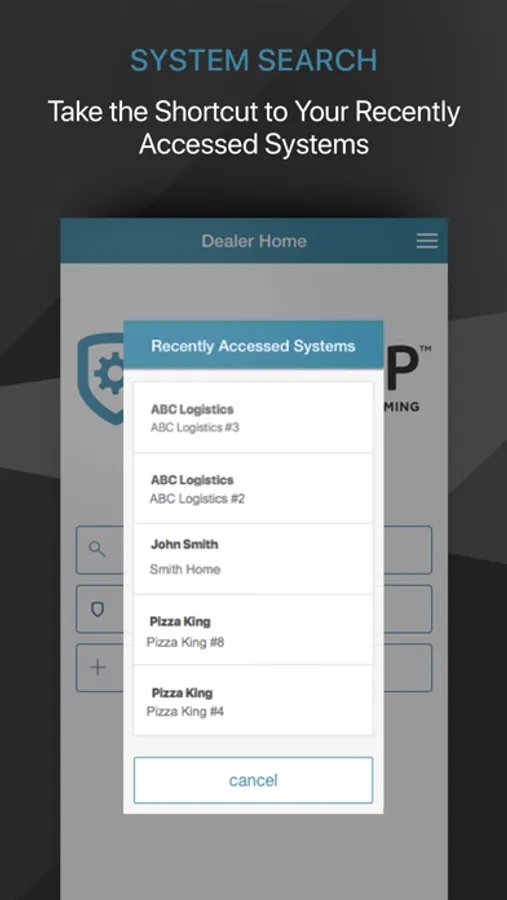
The App requires a compatible control panel and a Dealer Admin login. As a dealer, you have the ability to limit your technicians' system access. This allows you to give your technicians the tools they need, only when they need it.
The DMP Tech APP lets you add and modify the following on the XTLplus, XT Series & XR Series Panels.
- Customers
- App Users
- System Users
- Systems
- Sensors
- Devices
- Outputs
- Full Programming
- Remote Firmware Updates
- System Defaults (XTLplus, XT30 and XT50)
DMP's Tech APP gives service installers a dynamic resource at their fingertips for quick installs. It's all there, including instant access to documentation, troubleshooting information, zone statuses, Wi-Fi signal strength, cellular-device activation and more.
The App requires a compatible control panel and a Dealer Admin login. As a dealer, you have the ability to limit your technicians' system access. This allows you to give your technicians the tools they need, only when they need it.
The DMP Tech APP lets you add and modify the following on the XTLplus, XT Series & XR Series Panels.
- Customers
- App Users
- System Users
- Systems
- Sensors
- Devices
- Outputs
- Full Programming
- Remote Firmware Updates
- System Defaults (XTLplus, XT30 and XT50)