In this DJ app, you can mix music from streaming services and stored tracks using FX, sampler, and EQ features. Includes support for various DJ gear, track looping, and mix recording capabilities.
AppRecs review analysis
AppRecs rating 3.7. Trustworthiness 75 out of 100. Review manipulation risk 28 out of 100. Based on a review sample analyzed.
★★★☆☆
3.7
AppRecs Rating
Ratings breakdown
5 star
86%
4 star
6%
3 star
3%
2 star
2%
1 star
3%
What to know
✓
Low review manipulation risk
28% review manipulation risk
⚠
Pricing complaints
Many low ratings mention paywalls or pricing
⚠
Review quality concerns
45% of sampled 5-star reviews are very short
About WeDJ for iPhone
Get the party started with WeDJ for iPhone! Developed by Pioneer DJ – the brand known for its club-standard DJ equipment – this app offers a flexible and seamless DJ experience. Play and mix music from streaming services such as Beatport Steaming and SoundCloud Go+/DJ, as well as tracks stored on your iPhone, and use performance features and FX to create your own sound.
◆Key features
Discover and mix new music.
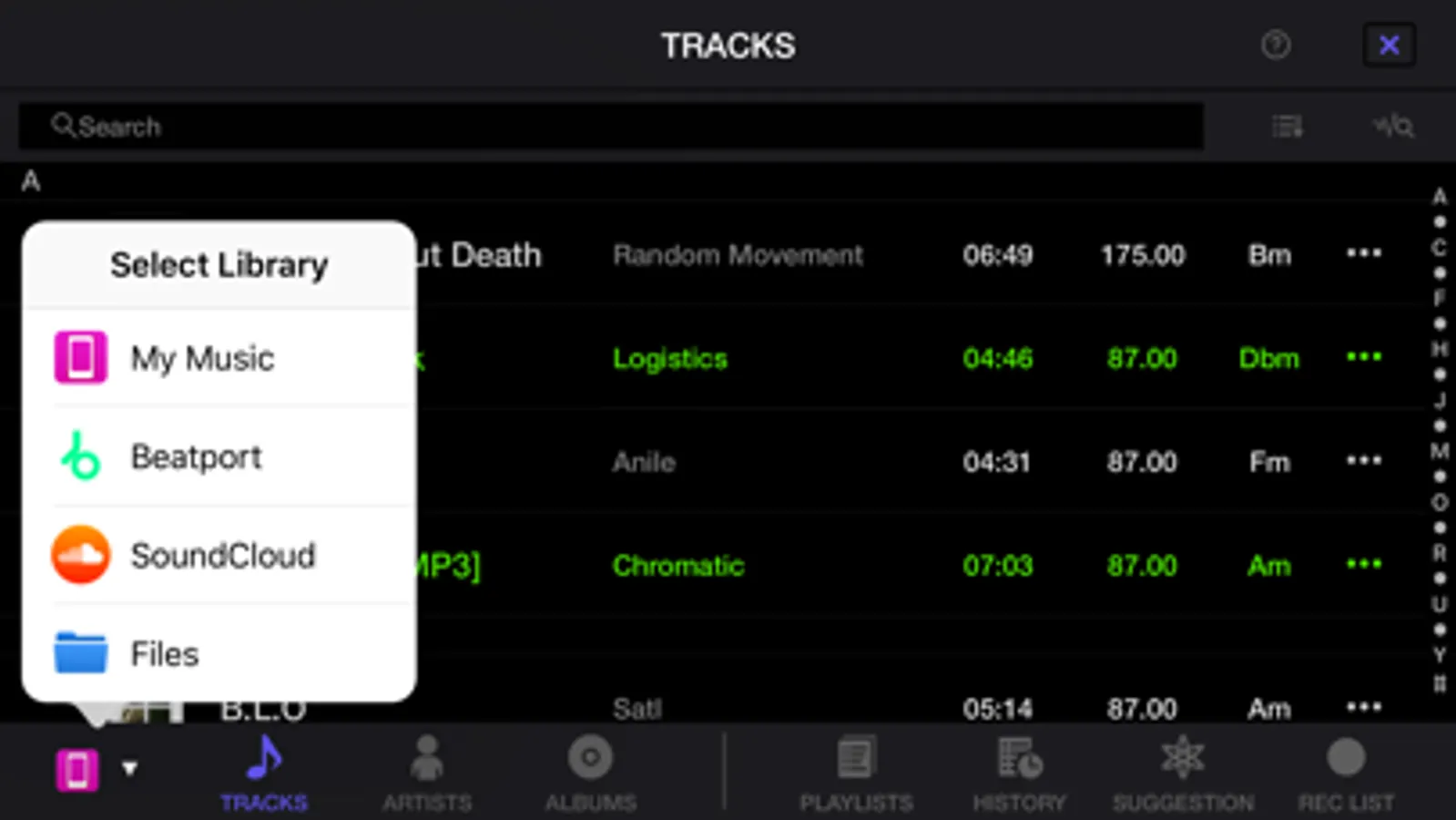
Play tracks from:
- Your iTunes
- Beatport Steaming (subscription required)*
- SoundCloud Go+/DJ (subscription required)*
- Other locations on your iPhone, such as Dropbox
* Please contact the service developer about the corresponding countries of each streaming service.
◆Take your performances to the next level by connecting compatible DJ gear.
Get hands-on with any of these units:
- DDJ-200
- DDJ-WeGO4
- DDJ-WeGO3
◆Main features
◇Make the music your own.
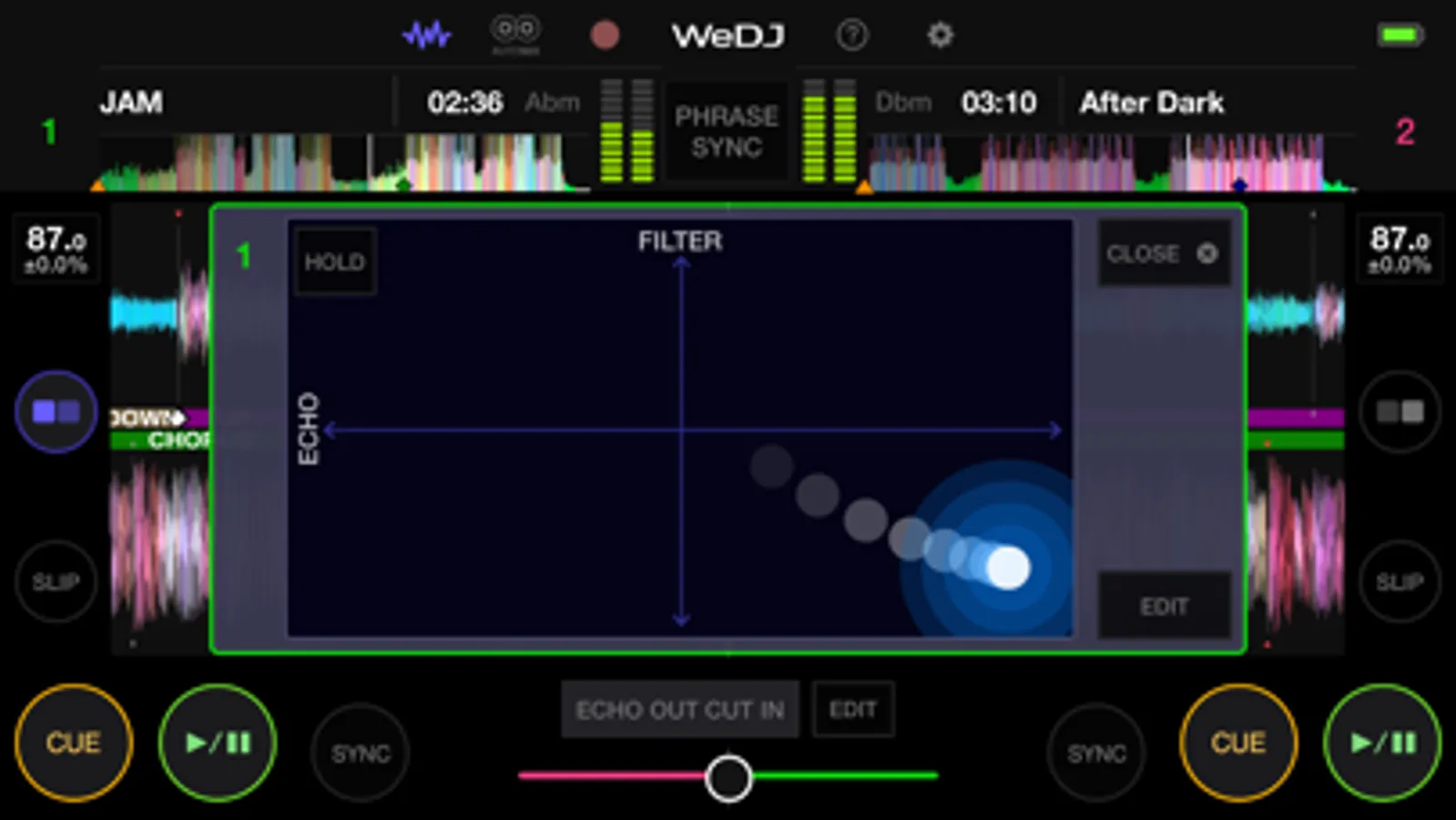
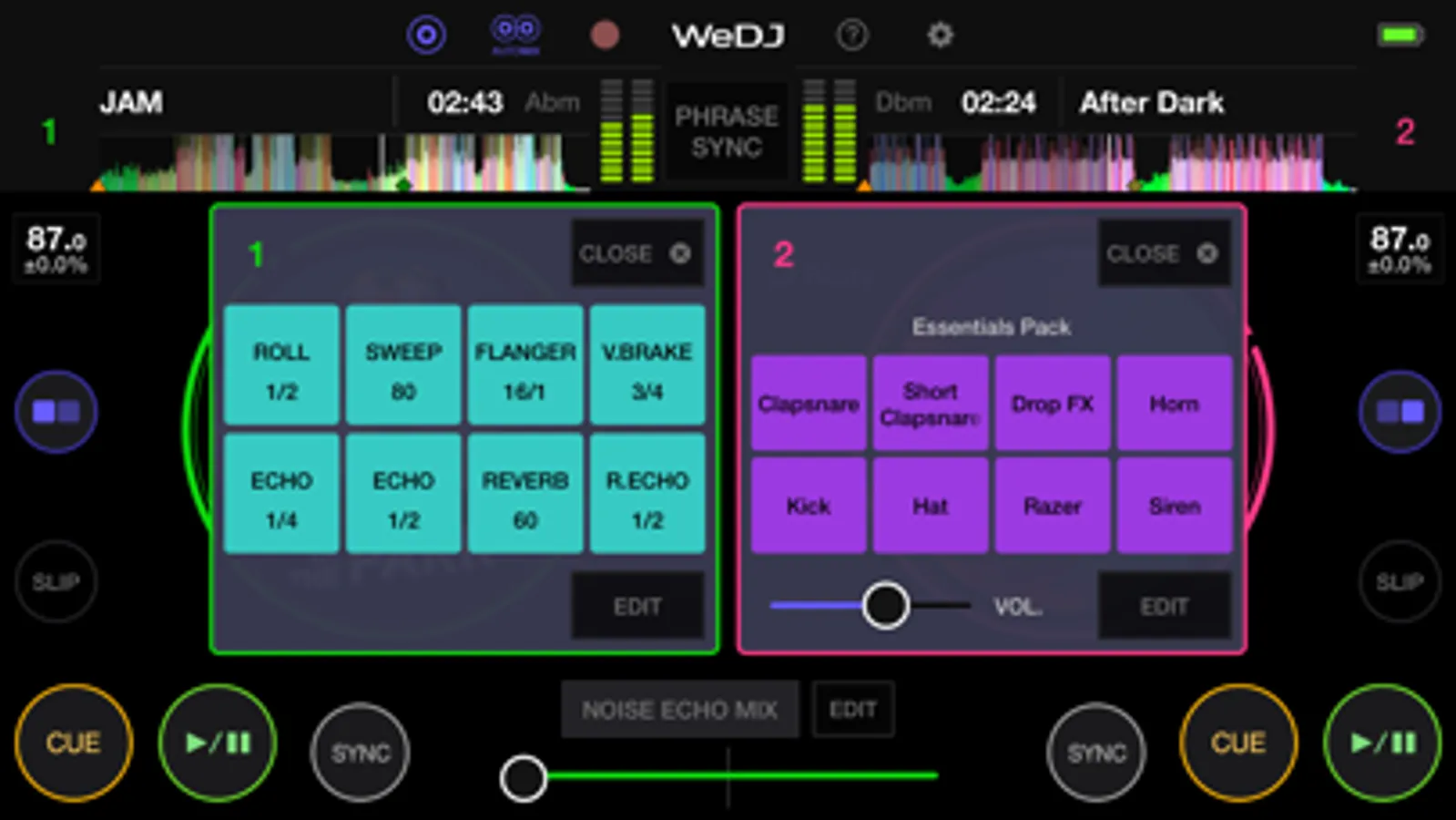
FX (effects): Change the texture of the sound using various FX, such as Echo and Reverb.
Sampler: Get creative by triggering included sounds such as Horn and Siren.
3-band EQ: Mix smoothly by adjusting the volume of three sound ranges: high, medium, and low.
Tempo slider: Control the speed of each track and use Master Tempo to prevent changes to the key.
◇Other features
2-channel layout: Play two different tracks at the same time.
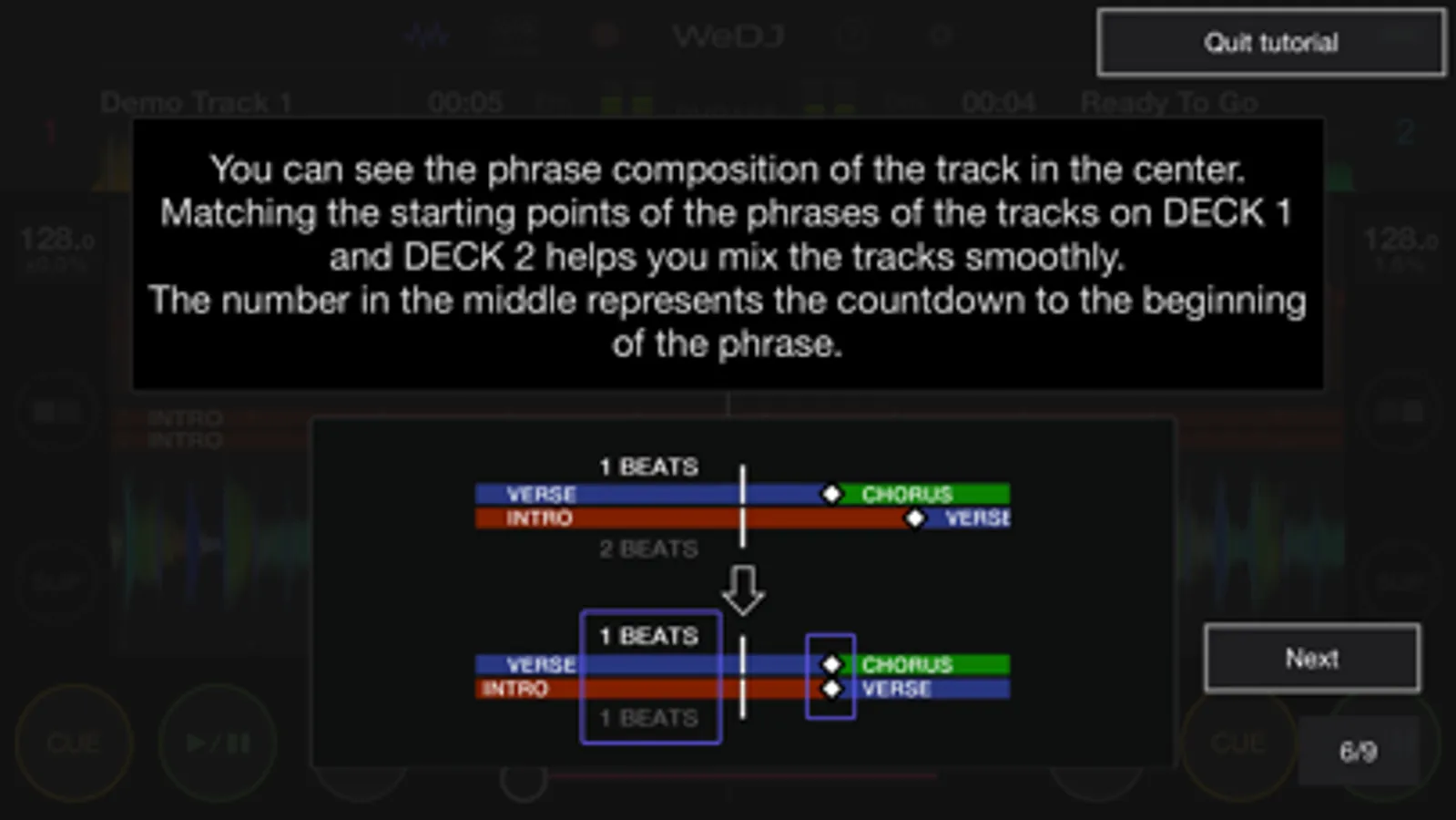
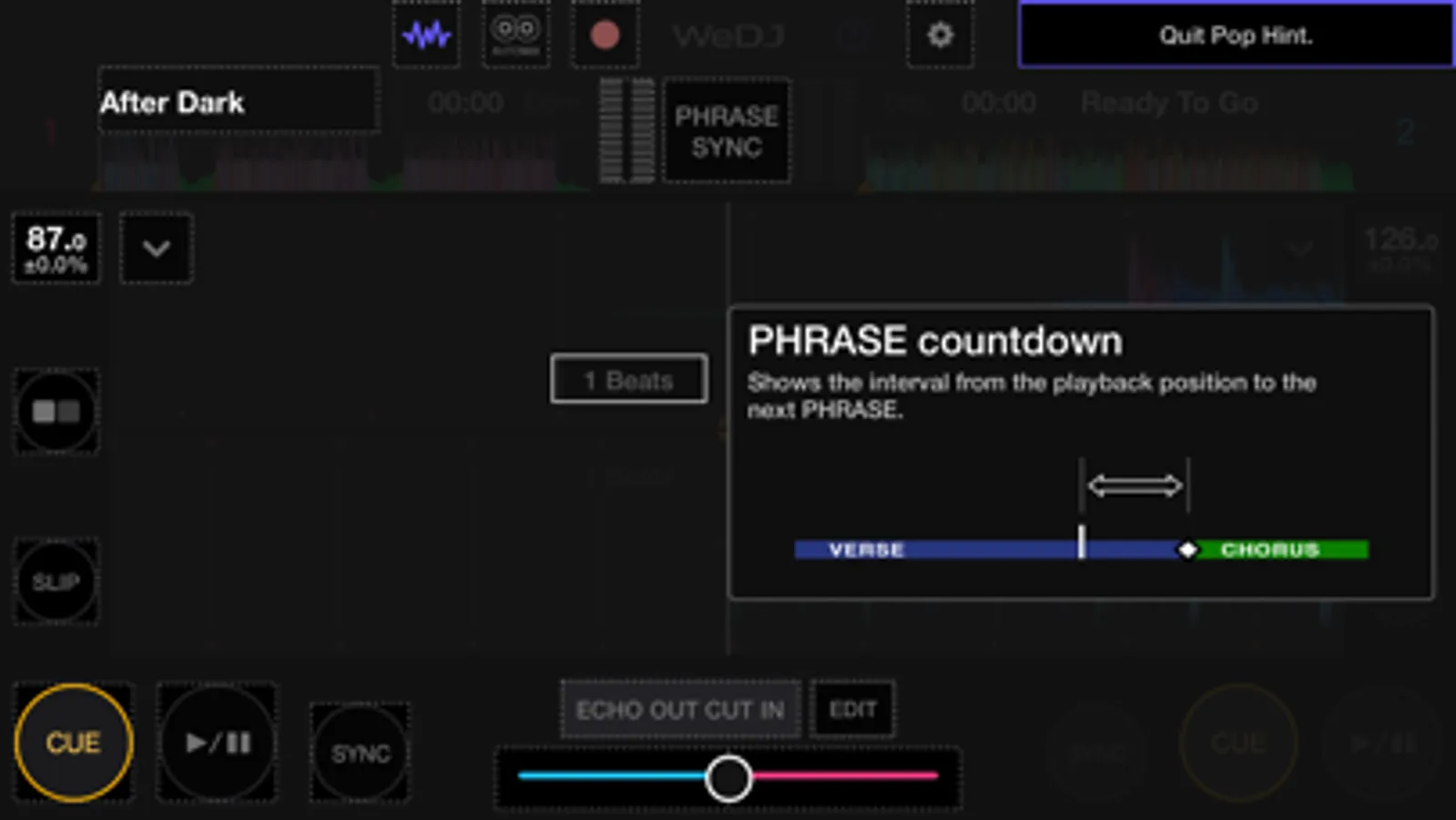
Beat Sync: Sync the tempo of two songs with the touch of a button.
Crossfader: Adjust the volume balance of the two tracks.
Transition FX: Create a professional-sounding transition between tracks by simply moving the crossfader.
◇Play your favorite parts of a track
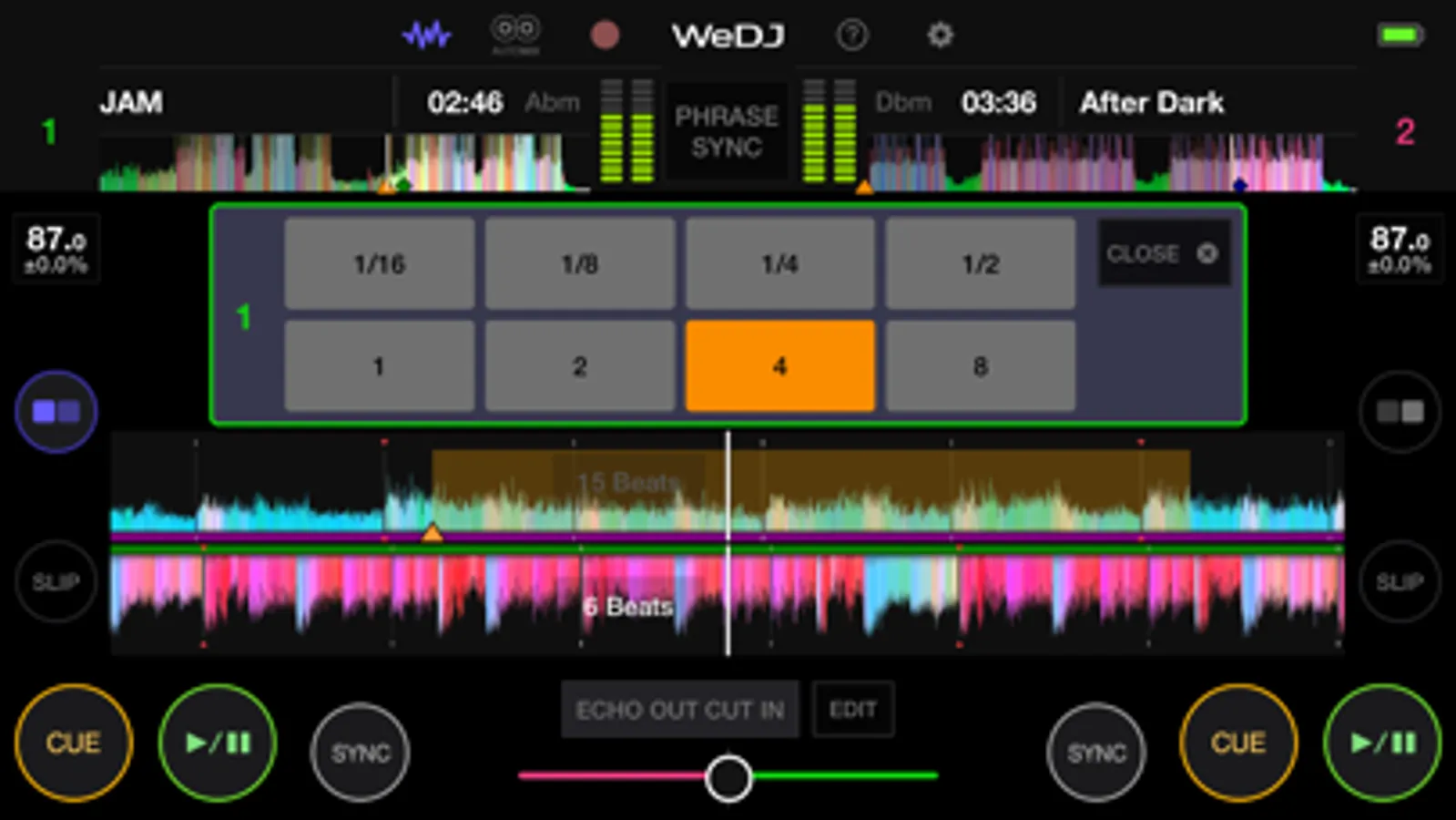
Loop: Choose a section of a track and play it repeatedly.
Hot Cue: Mark the point in a track where you want to start playing from and jump to it at any time.
◇Listen and share
Automix: Let the app do the mixing so you can simply enjoy listening.
Record: Capture your mix and play it back (disabled when streaming music).
Upload: Share your mix with friends and music lovers via Mixcloud or SoundCloud.
◇Design
Jog wheels: Scratch tracks by touching the jog wheel on the screen.
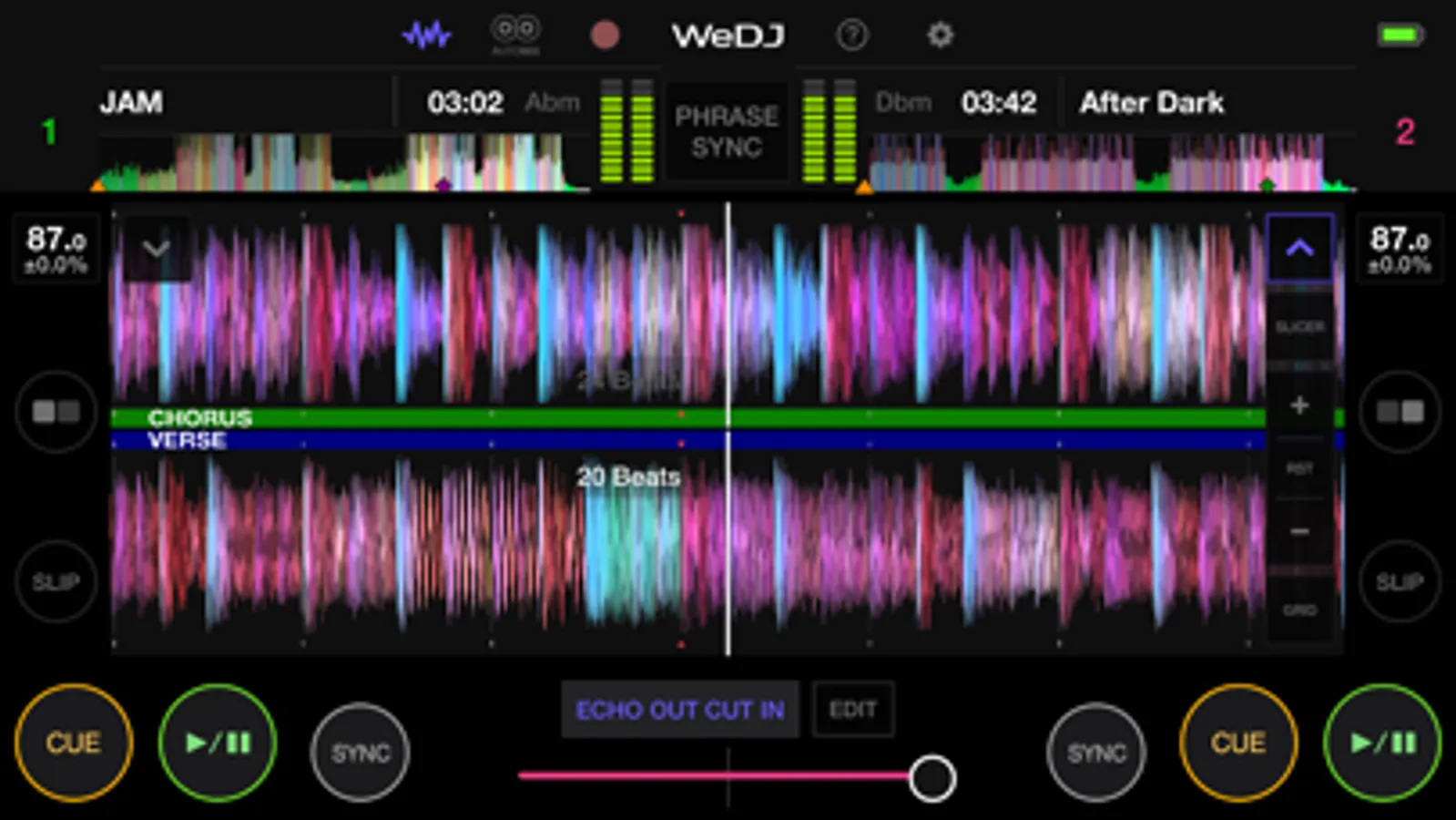
Enlarged waveforms: See a visual representation of the track and touch the waveform to visually check the playback position.
◆Key features
Discover and mix new music.
Play tracks from:
- Your iTunes
- Beatport Steaming (subscription required)*
- SoundCloud Go+/DJ (subscription required)*
- Other locations on your iPhone, such as Dropbox
* Please contact the service developer about the corresponding countries of each streaming service.
◆Take your performances to the next level by connecting compatible DJ gear.
Get hands-on with any of these units:
- DDJ-200
- DDJ-WeGO4
- DDJ-WeGO3
◆Main features
◇Make the music your own.
FX (effects): Change the texture of the sound using various FX, such as Echo and Reverb.
Sampler: Get creative by triggering included sounds such as Horn and Siren.
3-band EQ: Mix smoothly by adjusting the volume of three sound ranges: high, medium, and low.
Tempo slider: Control the speed of each track and use Master Tempo to prevent changes to the key.
◇Other features
2-channel layout: Play two different tracks at the same time.
Beat Sync: Sync the tempo of two songs with the touch of a button.
Crossfader: Adjust the volume balance of the two tracks.
Transition FX: Create a professional-sounding transition between tracks by simply moving the crossfader.
◇Play your favorite parts of a track
Loop: Choose a section of a track and play it repeatedly.
Hot Cue: Mark the point in a track where you want to start playing from and jump to it at any time.
◇Listen and share
Automix: Let the app do the mixing so you can simply enjoy listening.
Record: Capture your mix and play it back (disabled when streaming music).
Upload: Share your mix with friends and music lovers via Mixcloud or SoundCloud.
◇Design
Jog wheels: Scratch tracks by touching the jog wheel on the screen.
Enlarged waveforms: See a visual representation of the track and touch the waveform to visually check the playback position.