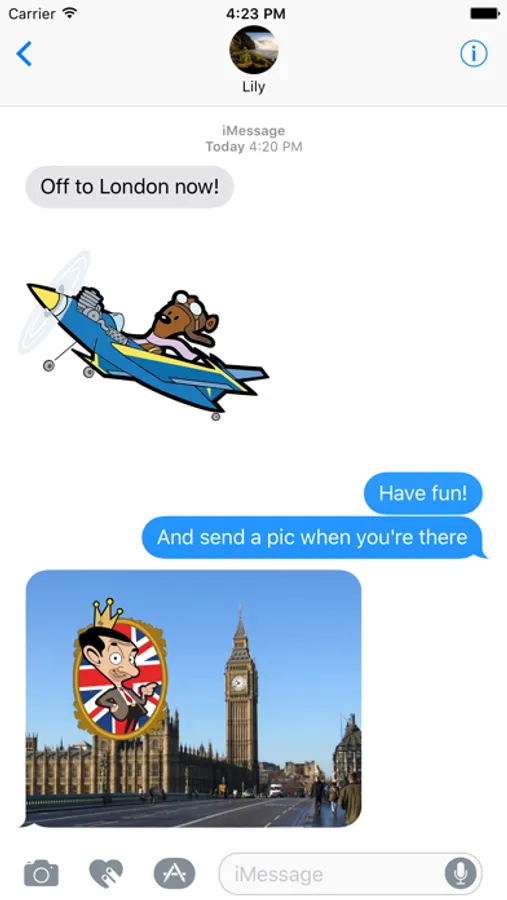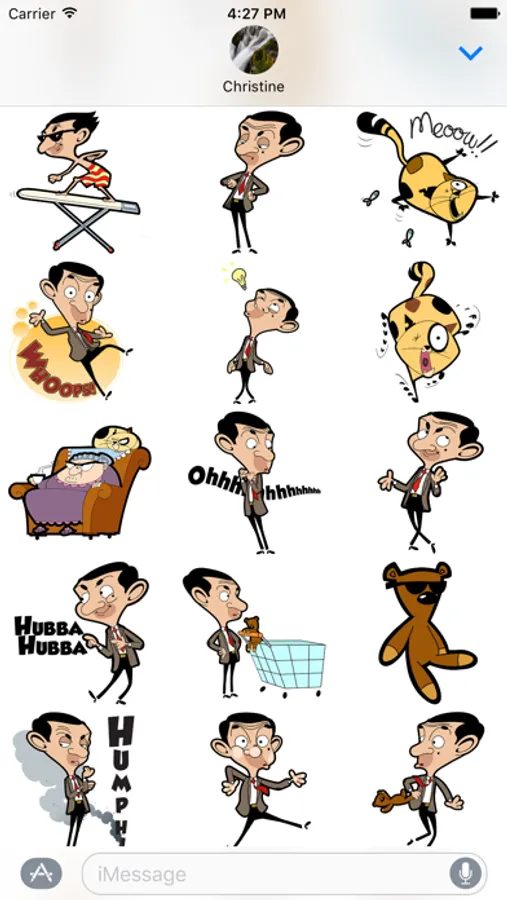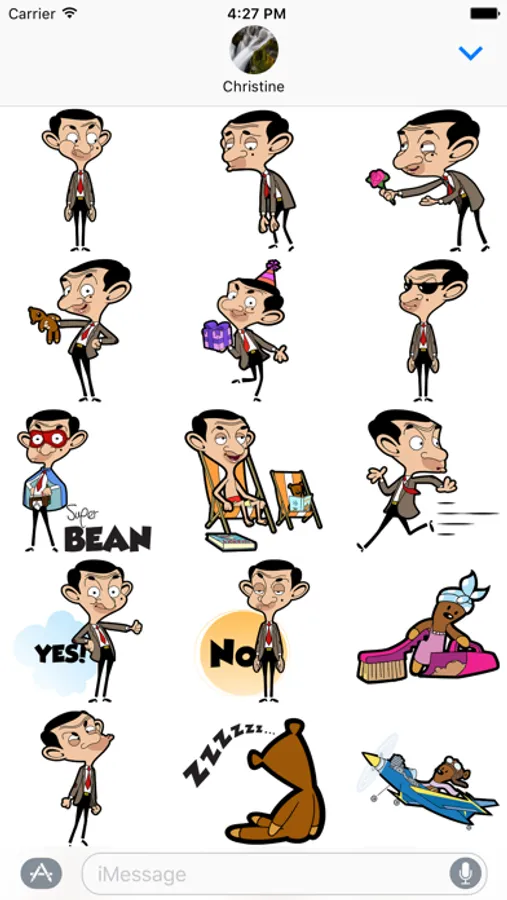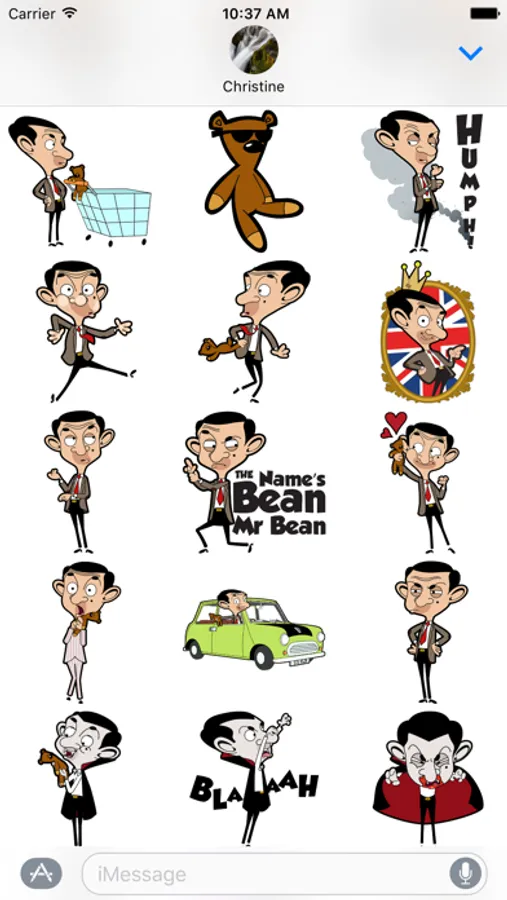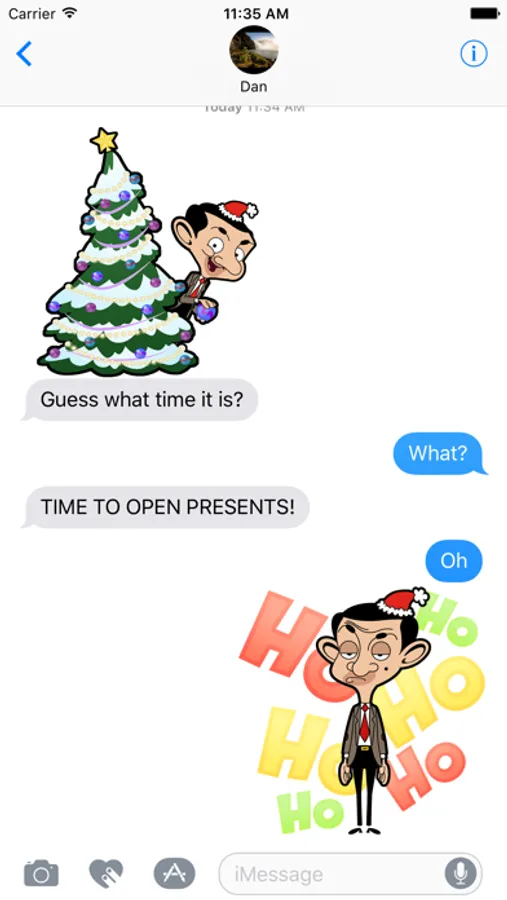
In this messaging app, you can share over 60 Mr Bean stickers and place them over images to create fun scenes. Includes sticker packs and customization options for layering and positioning.
AppRecs review analysis
AppRecs rating 3.3. Trustworthiness 76 out of 100. Review manipulation risk 24 out of 100. Based on a review sample analyzed.
★★★☆☆
3.3
AppRecs Rating
Ratings breakdown
5 star
45%
4 star
9%
3 star
0%
2 star
18%
1 star
27%
What to know
✓
Low review manipulation risk
24% review manipulation risk
✓
Credible reviews
76% trustworthiness score from analyzed reviews
About Mr Bean™
Mr Bean has snuck into iMessage and is up to mischief!
Spread the fun when chatting with friends with over 60 fantastic and exclusive Mr Bean stickers or place them over images and see what you can create.
Tips on installing stickers in iMessage:
• Tap the grey App Store icon to open the iMessage app drawer. (If the App Store icon is blue skip this step)
• On your app drawer along the bottom of iMessage, drag the Mr Bean app icon and drop it next to the blue App Store icon to add to your favorites.
How to use stickers:
• TAP a sticker to add it to your message thread
• PEEL & PLACE stickers on top of message bubbles or photos, just tap, hold and drop!
• LAYER stickers over each other in conversations in iMessage
• SCALE & ROTATE stickers by using a second finger before you place it on a bubble
Spread the fun when chatting with friends with over 60 fantastic and exclusive Mr Bean stickers or place them over images and see what you can create.
Tips on installing stickers in iMessage:
• Tap the grey App Store icon to open the iMessage app drawer. (If the App Store icon is blue skip this step)
• On your app drawer along the bottom of iMessage, drag the Mr Bean app icon and drop it next to the blue App Store icon to add to your favorites.
How to use stickers:
• TAP a sticker to add it to your message thread
• PEEL & PLACE stickers on top of message bubbles or photos, just tap, hold and drop!
• LAYER stickers over each other in conversations in iMessage
• SCALE & ROTATE stickers by using a second finger before you place it on a bubble