AppRecs review analysis
AppRecs rating 2.6. Trustworthiness 45 out of 100. Review manipulation risk 52 out of 100. Based on a review sample analyzed.
★★☆☆☆
2.6
AppRecs Rating
Ratings breakdown
5 star
50%
4 star
14%
3 star
7%
2 star
7%
1 star
21%
What to know
⚠
Questionable review patterns
52% review manipulation risk - some review patterns appear unusual
About Tenda Link
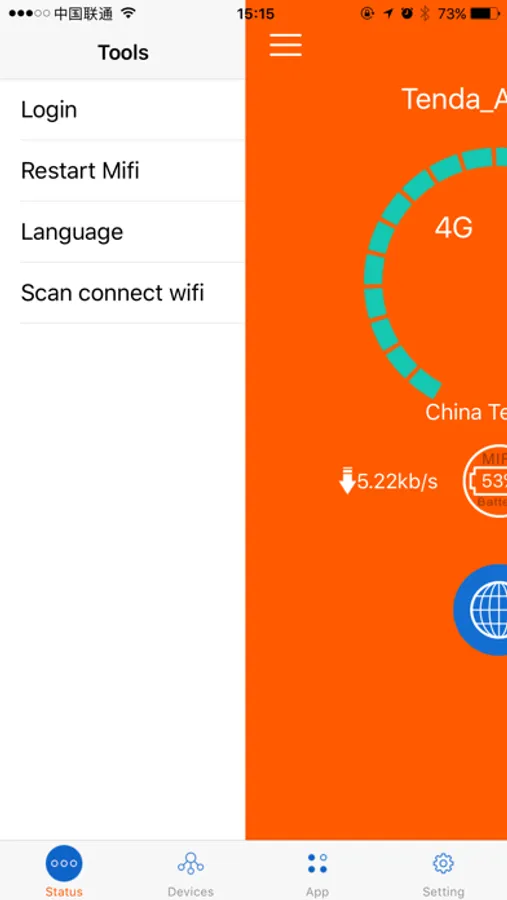
Manage your Mi-Fi and network conveniently and efficiently via your connected smart phone or tablet. (Supports Tenda Mi-Fi: 4G185)
Connect the 4G185 Wi-Fi via scan QR code;
Check Mi-Fi carrier information
Check Mi-Fi data traffic packet usage information;
Check Mi-Fi current upload and download speed anywhere;
Check Mi-Fi battery life;
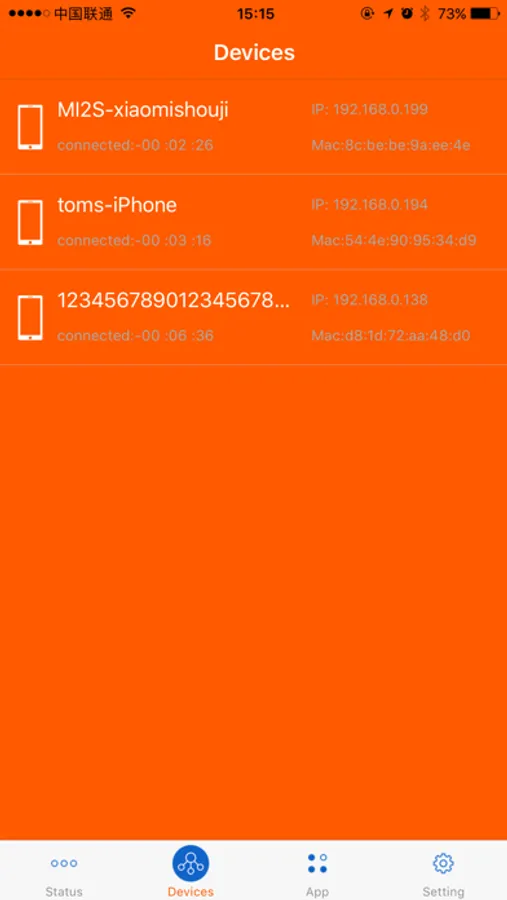
Display the connected device and relevant information.
Display carrier information and signal strength;
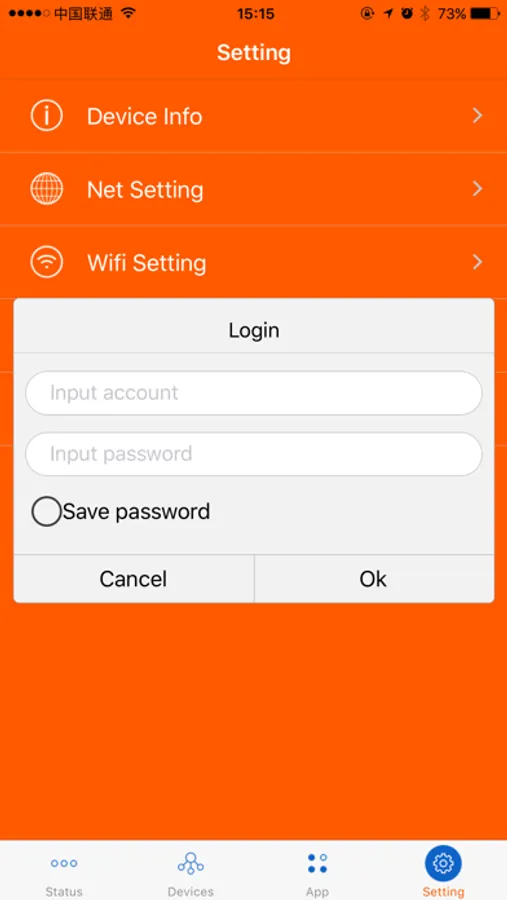
Change the Wi-Fi settings.
All can be done using Tenda Link app instead of computer and laptop.
Features
-Scan the two-dimensional code on screen of 4G185 then automatically connected to the WIFI (Double press “WPS” button then display code on screen).
-Check the current data traffic packet usage
- View the number of wireless terminals connected to the device and relevant information;
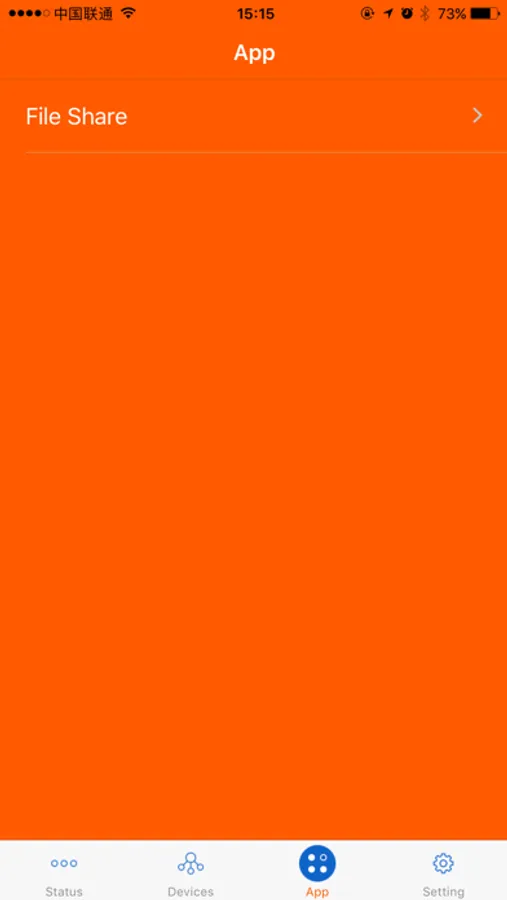
- Enable Micro SD memory card sharing management;
- Sharing MICRO SD memory card content that you inserted the 4G185; share with photo, video, music in WLAN;
-Upload and download the files between Micro SD memory card with your connected smart phone and tablet;
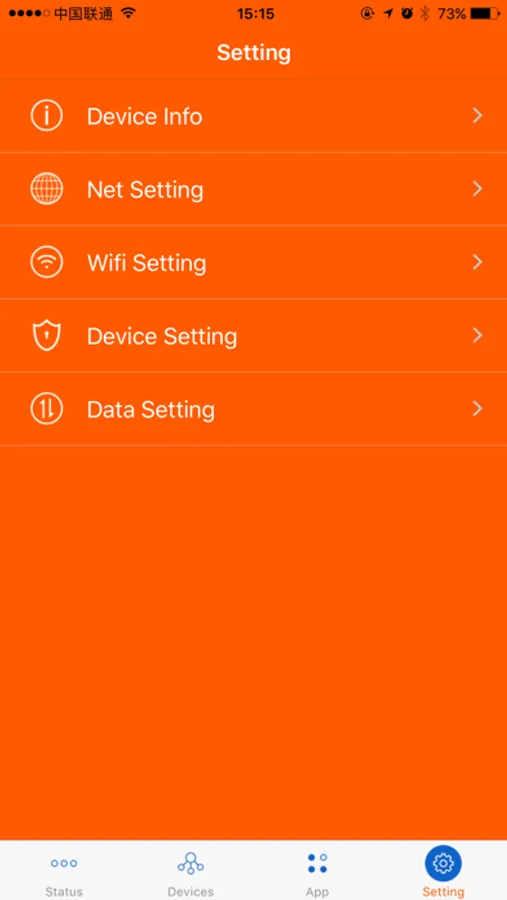
- Change Wi-Fi SSID and password;
- Enable roaming service.
-Set data traffic packet threshold
-Reset or reboot the router.
Connect the 4G185 Wi-Fi via scan QR code;
Check Mi-Fi carrier information
Check Mi-Fi data traffic packet usage information;
Check Mi-Fi current upload and download speed anywhere;
Check Mi-Fi battery life;
Display the connected device and relevant information.
Display carrier information and signal strength;
Change the Wi-Fi settings.
All can be done using Tenda Link app instead of computer and laptop.
Features
-Scan the two-dimensional code on screen of 4G185 then automatically connected to the WIFI (Double press “WPS” button then display code on screen).
-Check the current data traffic packet usage
- View the number of wireless terminals connected to the device and relevant information;
- Enable Micro SD memory card sharing management;
- Sharing MICRO SD memory card content that you inserted the 4G185; share with photo, video, music in WLAN;
-Upload and download the files between Micro SD memory card with your connected smart phone and tablet;
- Change Wi-Fi SSID and password;
- Enable roaming service.
-Set data traffic packet threshold
-Reset or reboot the router.