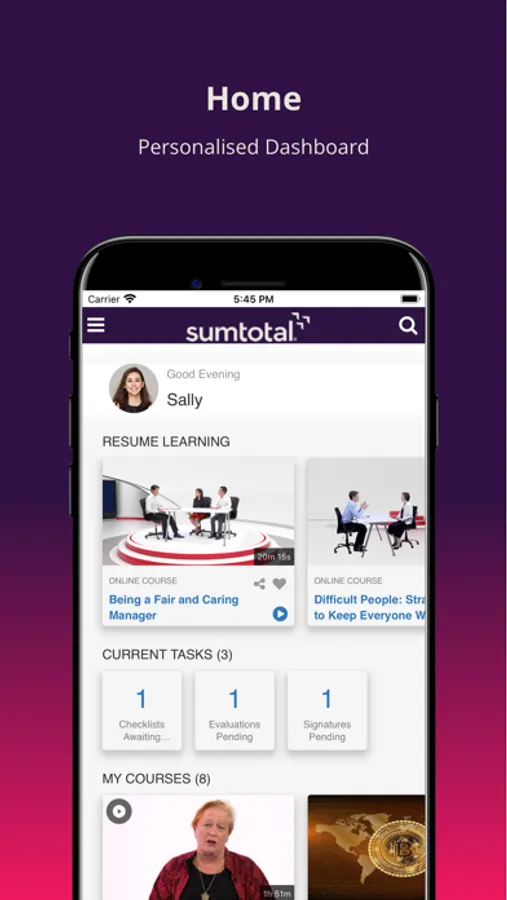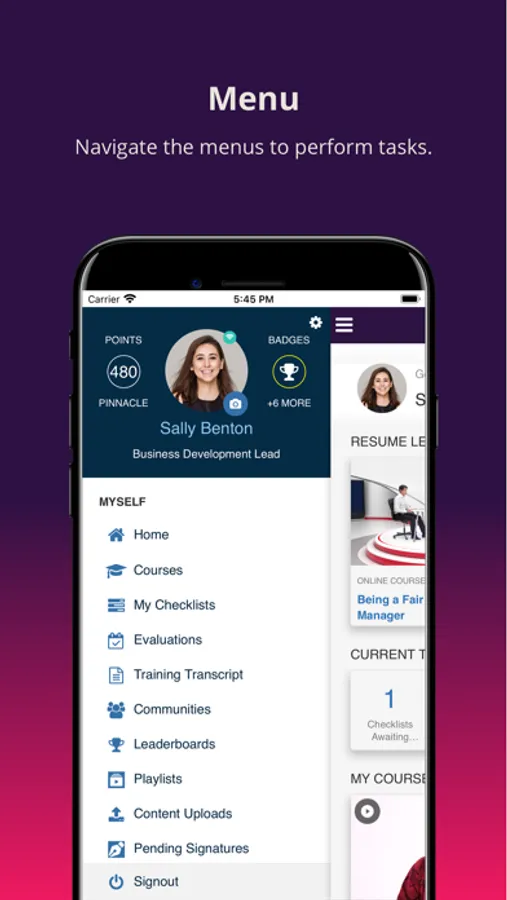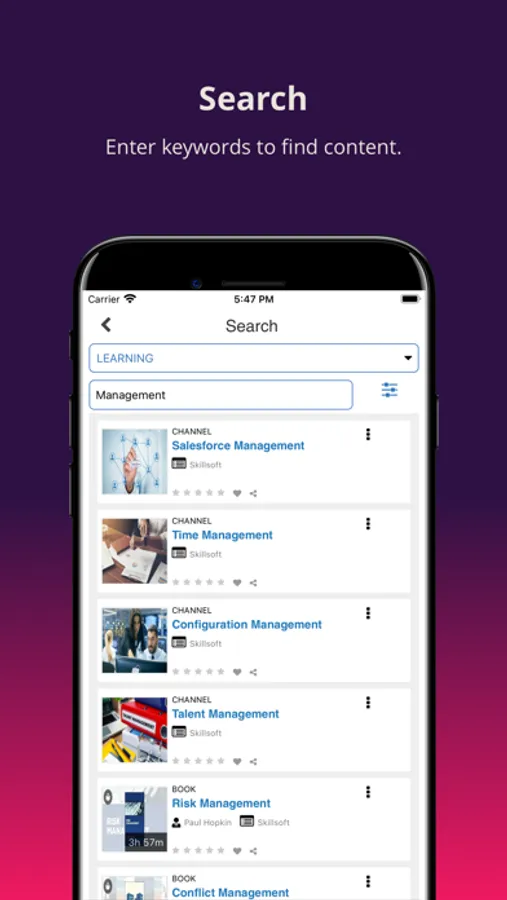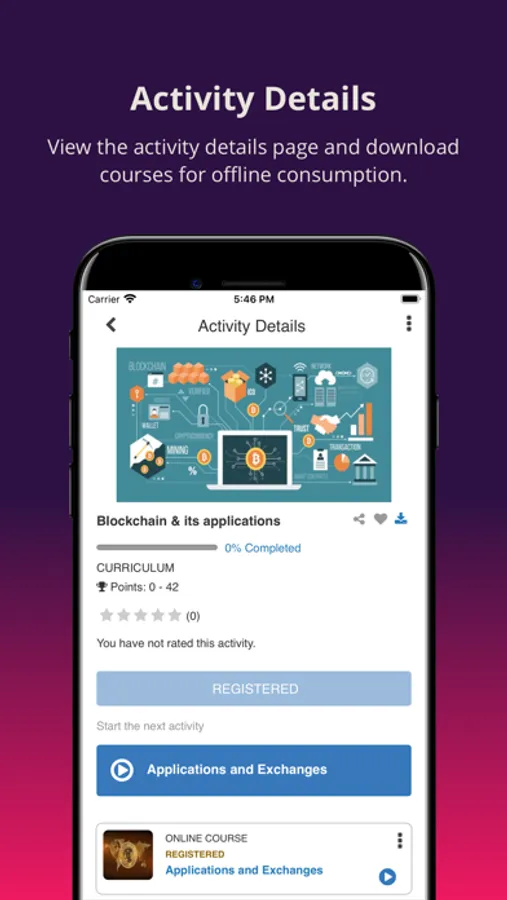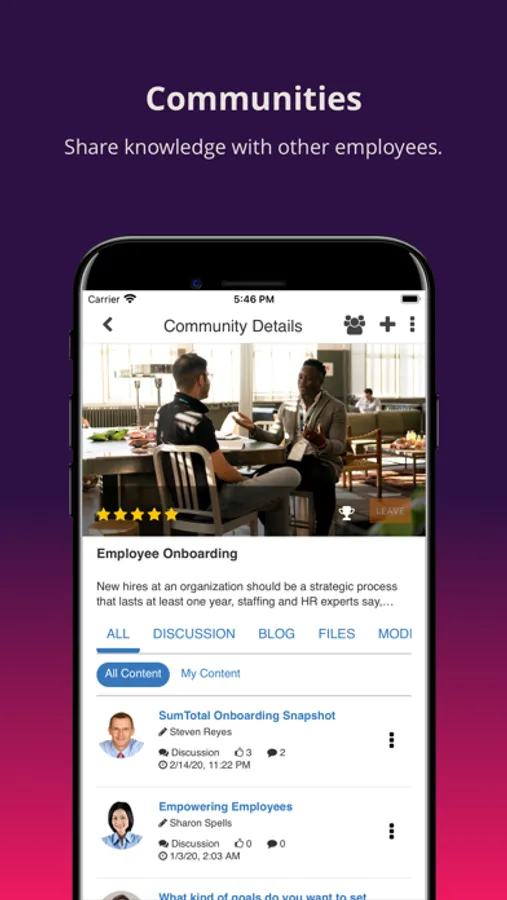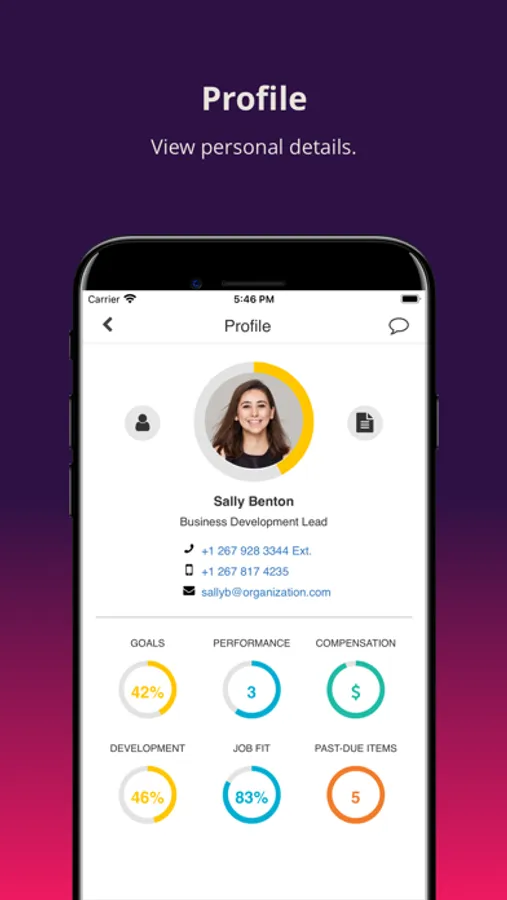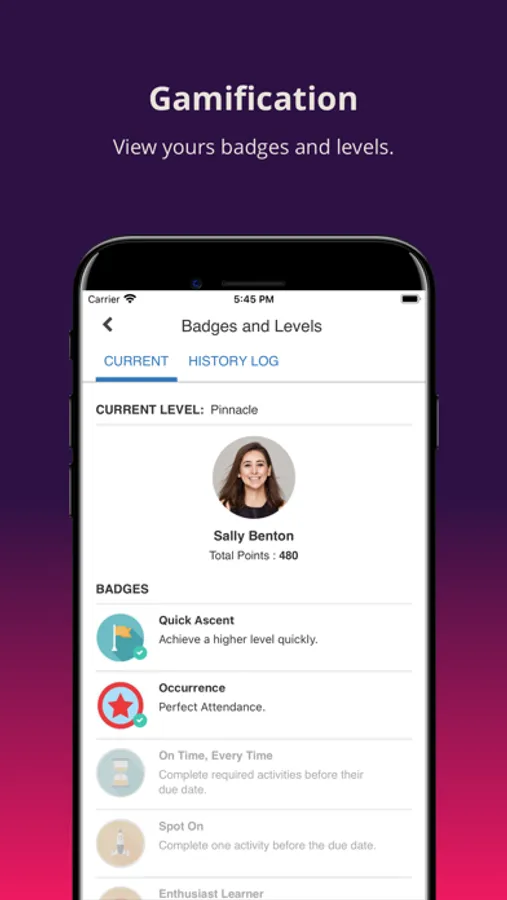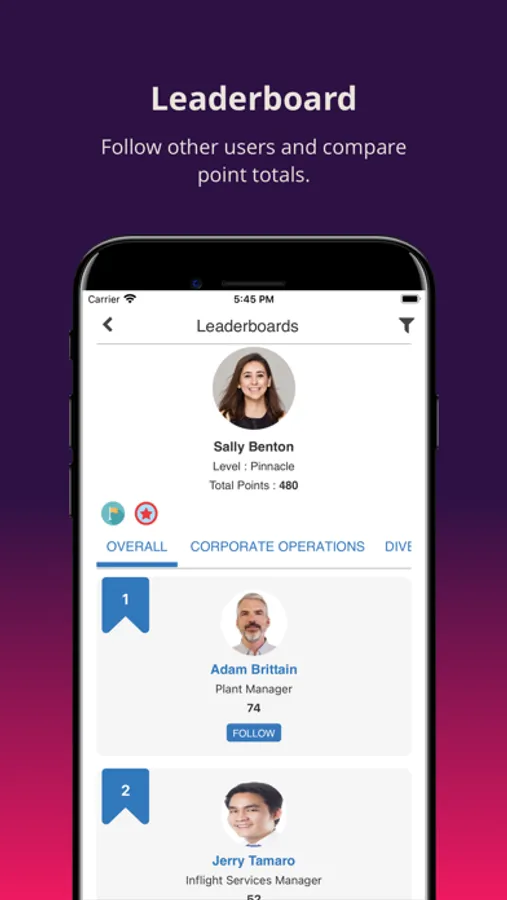
With this mobile app, you can access employee profiles, provide feedback, and view performance data. Includes offline content, notifications, and seamless synchronization with LMS.
AppRecs review analysis
AppRecs rating 1.0. Trustworthiness 63 out of 100. Review manipulation risk 25 out of 100. Based on a review sample analyzed.
★☆☆☆☆
1.0
AppRecs Rating
Ratings breakdown
5 star
11%
4 star
5%
3 star
3%
2 star
3%
1 star
78%
What to know
✓
Low review manipulation risk
25% review manipulation risk
⚠
Mixed user feedback
Average 1.7★ rating suggests room for improvement
⚠
High negative review ratio
81% of sampled ratings are 1–2 stars
About SumTotal Mobile
With the SumTotal Mobile App, managers and employees can learn, manage and give feedback, anywhere at any time. The app delivers an innovative experience on devices that are used every day including allowing employees to take the training they need to succeed in their current role or prepare for a new one, providing access to everything from a complete employee profile to compensation and performance details to the ability to provide continuous feedback to colleagues – increasing productivity and engagement.
Key features of the SumTotal Mobile app include:
· Provide feedback to your directs ‘in the moment’
· View Complete employee profile, including metrics and details for performance, goals, compensation, learning and development
· Ability for Manager to access 'My Team' view on mobile with key metrics details.
· Multi-Modality support allows users to learn on any device
· Launch content online or download it for offline consumption
· Unfinished and assigned activities can be viewed from the mobile timeline
· Simple Sign-On capabilities
· Push alerts notifies learners when new or required mobile content is assigned
· Search and launch support for any mobile enabled activity
· Recommended topics
· Bookmark content and pick up where you left off
· Seamlessly switch back and forth between the Mobile App and the LMS with automatic synchronization
· Training approval workflow
· Launching of xAPI enabled YouTube courses
· Instructor Roster
· Advanced Reporting on Mobile
To use the SumTotal Mobile app you must be a SumTotal customer and a SumTotal user with authorized credentials.
Key features of the SumTotal Mobile app include:
· Provide feedback to your directs ‘in the moment’
· View Complete employee profile, including metrics and details for performance, goals, compensation, learning and development
· Ability for Manager to access 'My Team' view on mobile with key metrics details.
· Multi-Modality support allows users to learn on any device
· Launch content online or download it for offline consumption
· Unfinished and assigned activities can be viewed from the mobile timeline
· Simple Sign-On capabilities
· Push alerts notifies learners when new or required mobile content is assigned
· Search and launch support for any mobile enabled activity
· Recommended topics
· Bookmark content and pick up where you left off
· Seamlessly switch back and forth between the Mobile App and the LMS with automatic synchronization
· Training approval workflow
· Launching of xAPI enabled YouTube courses
· Instructor Roster
· Advanced Reporting on Mobile
To use the SumTotal Mobile app you must be a SumTotal customer and a SumTotal user with authorized credentials.