LHSecondScreenApp
Deutsche Lufthansa AG
1.8 ★
store rating
Free
AppRecs review analysis
AppRecs rating 1.6. Trustworthiness 70 out of 100. Review manipulation risk 26 out of 100. Based on a review sample analyzed.
★☆☆☆☆
1.6
AppRecs Rating
Ratings breakdown
5 star
10%
4 star
10%
3 star
0%
2 star
10%
1 star
70%
What to know
✓
Low review manipulation risk
26% review manipulation risk
✓
Credible reviews
70% trustworthiness score from analyzed reviews
⚠
Mixed user feedback
Average 1.8★ rating suggests room for improvement
About LHSecondScreenApp
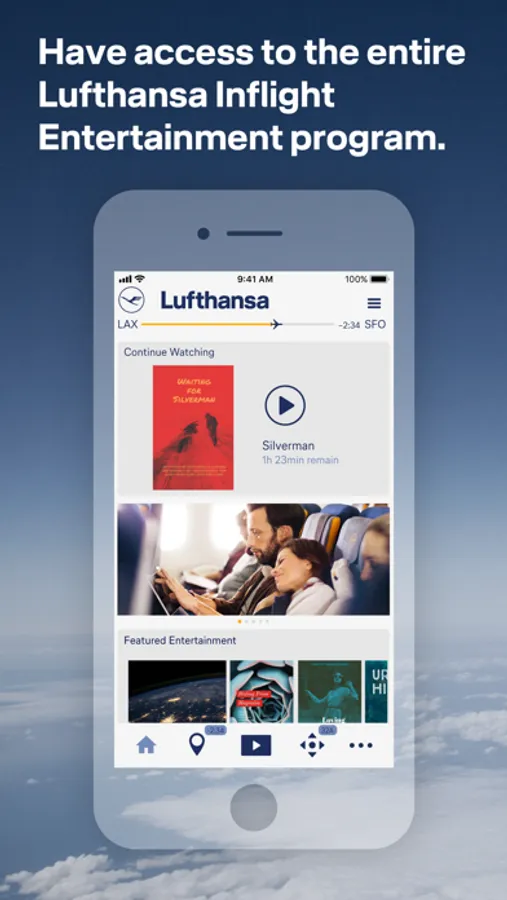
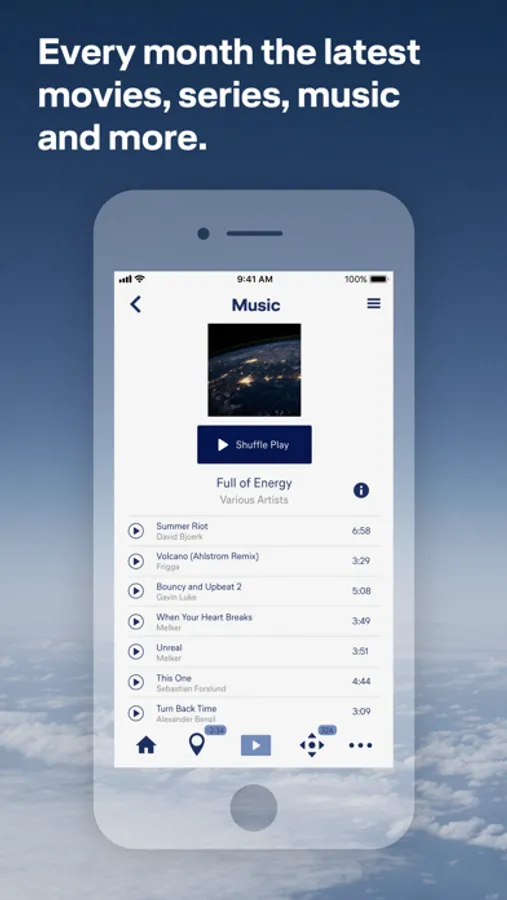
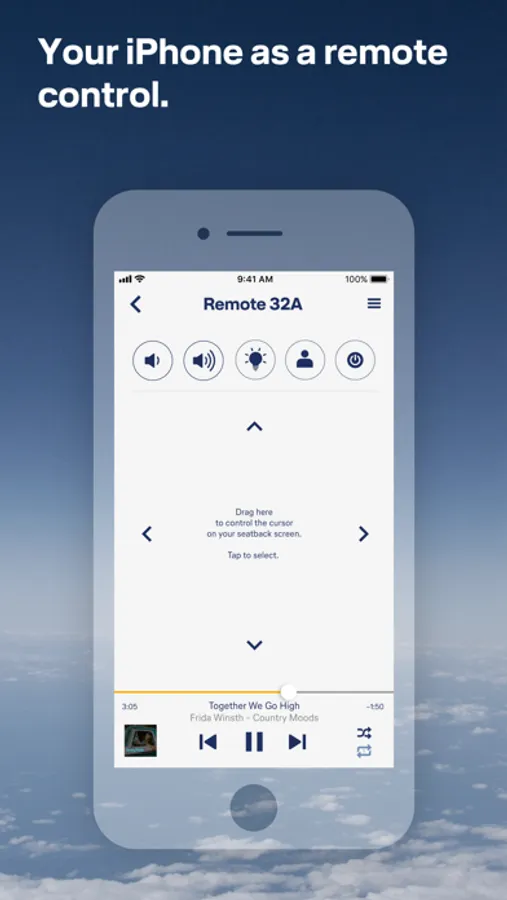
With the LHSecondScreenApp you can extend your Lufthansa Longhaul Inflight Entertainment experience into a new digital dimension. Easily control your seat screen with your own smartphone or tablet and choose from a constantly updated and ever-changing range of movies, audiobooks, music and more.
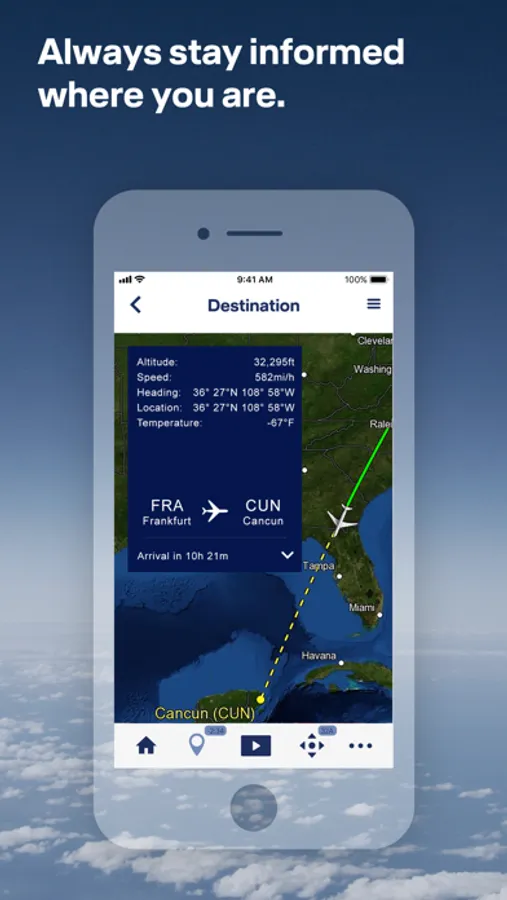
The LHSecondScreenApp also provides you with up-to-date flight information and the location of your flight on a map.
What do you need to do - once you're on board your Rave Inflight Entertainment flight, connect to the Telekom_FlyNet hotspot, launch the LHSecondScreenApp, connect your device to the seat screen and sync - ready.
Please note that this app is only available on flights with the Lufthansa Rave Inflight Entertainment. Flights with Rave Inflight Entertainment are longhaul flights starting in Berlin, Frankfurt, Munich or Düsseldorf.
For Lufthansa flights with the Airbus A350 you need a different version of the Entertainment App. These can be found in the App Store under the name “LH Entertainment App”. Whether you have booked a flight with the Lufthansa A350 can be seen in the booking or the preflight e-mail using the A350 symbol.
For Lufthansa flights with the Airbus A350 you need a different version of the Entertainment App. These can be found in the App Store under the name “LH Entertainment App”. Whether you have booked a flight with the Lufthansa A350 can be seen in the booking or the preflight e-mail using the A350 symbol.
The LHSecondScreenApp also provides you with up-to-date flight information and the location of your flight on a map.
What do you need to do - once you're on board your Rave Inflight Entertainment flight, connect to the Telekom_FlyNet hotspot, launch the LHSecondScreenApp, connect your device to the seat screen and sync - ready.
Please note that this app is only available on flights with the Lufthansa Rave Inflight Entertainment. Flights with Rave Inflight Entertainment are longhaul flights starting in Berlin, Frankfurt, Munich or Düsseldorf.
For Lufthansa flights with the Airbus A350 you need a different version of the Entertainment App. These can be found in the App Store under the name “LH Entertainment App”. Whether you have booked a flight with the Lufthansa A350 can be seen in the booking or the preflight e-mail using the A350 symbol.
For Lufthansa flights with the Airbus A350 you need a different version of the Entertainment App. These can be found in the App Store under the name “LH Entertainment App”. Whether you have booked a flight with the Lufthansa A350 can be seen in the booking or the preflight e-mail using the A350 symbol.