Inspect Browser
Parallax Dynamics Inc.
4.3 ★
store rating
$6.99
AppRecs review analysis
AppRecs rating 4.1. Trustworthiness 77 out of 100. Review manipulation risk 20 out of 100. Based on a review sample analyzed.
★★★★☆
4.1
AppRecs Rating
Ratings breakdown
5 star
68%
4 star
13%
3 star
5%
2 star
6%
1 star
8%
What to know
✓
Low review manipulation risk
20% review manipulation risk
✓
Credible reviews
77% trustworthiness score from analyzed reviews
⚠
Ad complaints
Many low ratings mention excessive ads
About Inspect Browser
Web development tools for iOS.
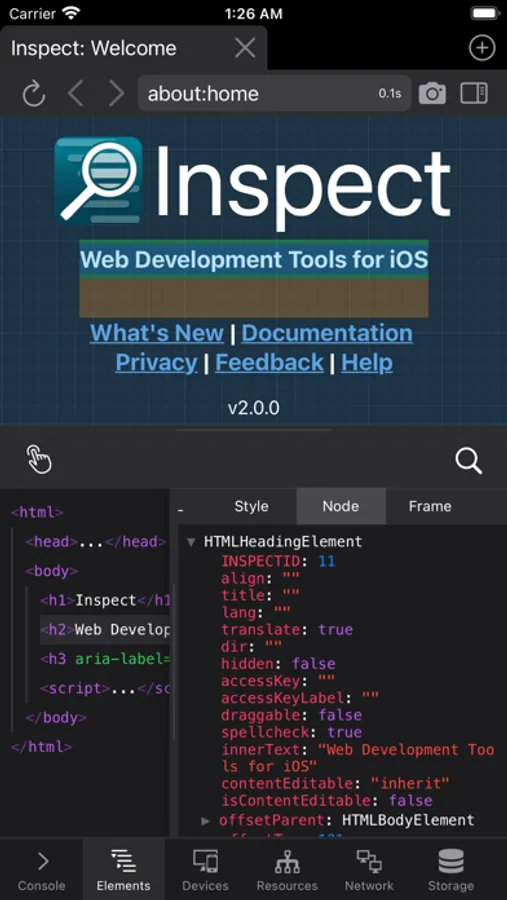
Inspect is a web inspector for iOS that provides desktop-class developer tools, right in the app. No need for remote debugging, connecting to a desktop, proxies, or remote systems.
Included are:
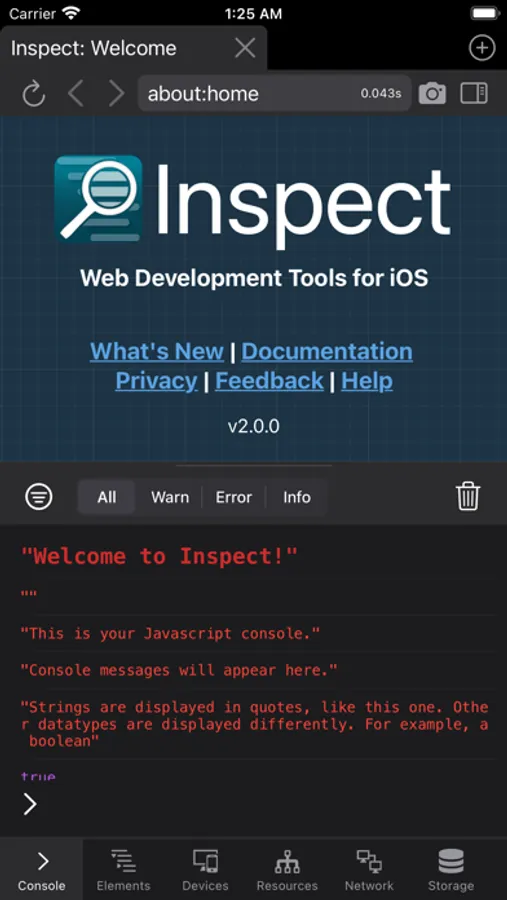
- JavaScript console.
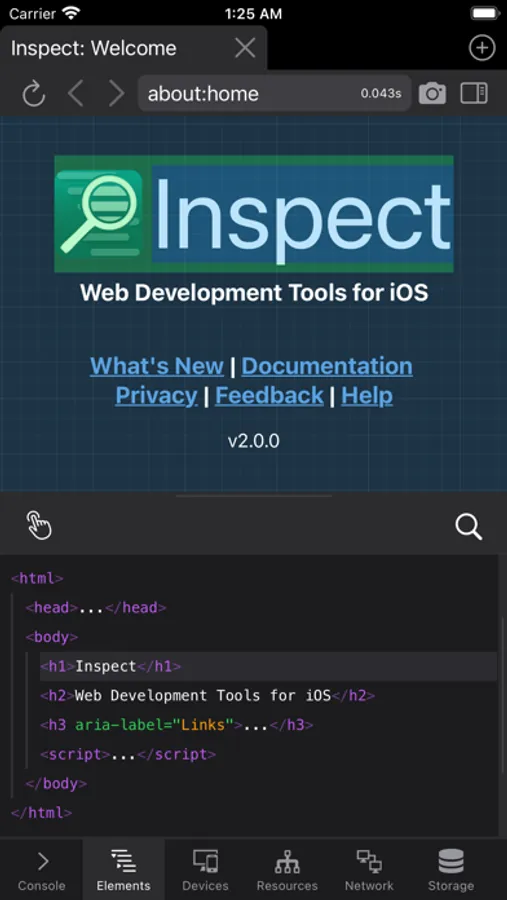
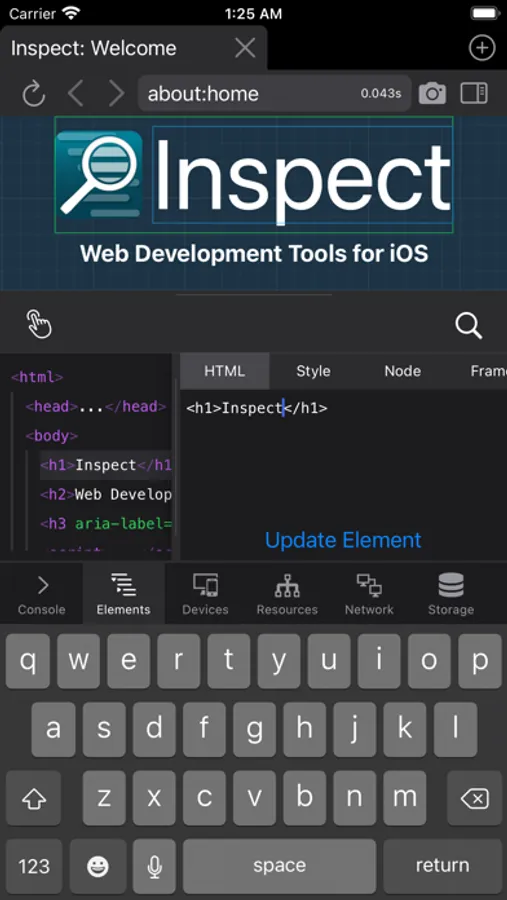
- HTML element inspection and editing (with live preview).
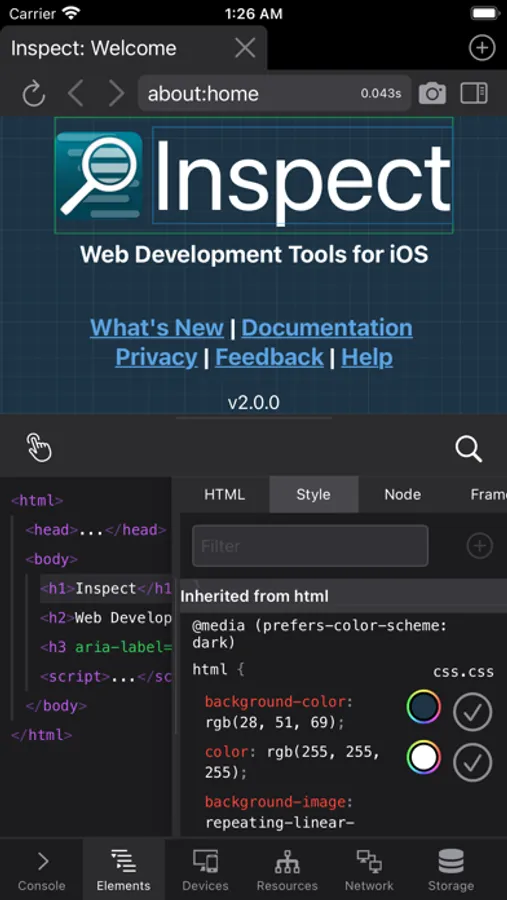
- CSS inspection and editing (with live preview).
- View element details: CSS rules, JavaScript properties, dimension statistics, and more.
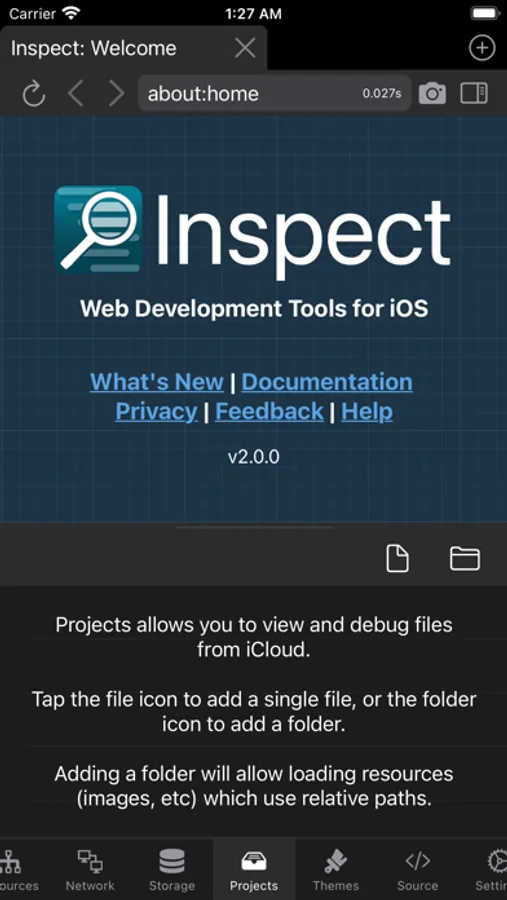
- Open files and folders from other apps (like Working Copy), or from iCloud to test locally.
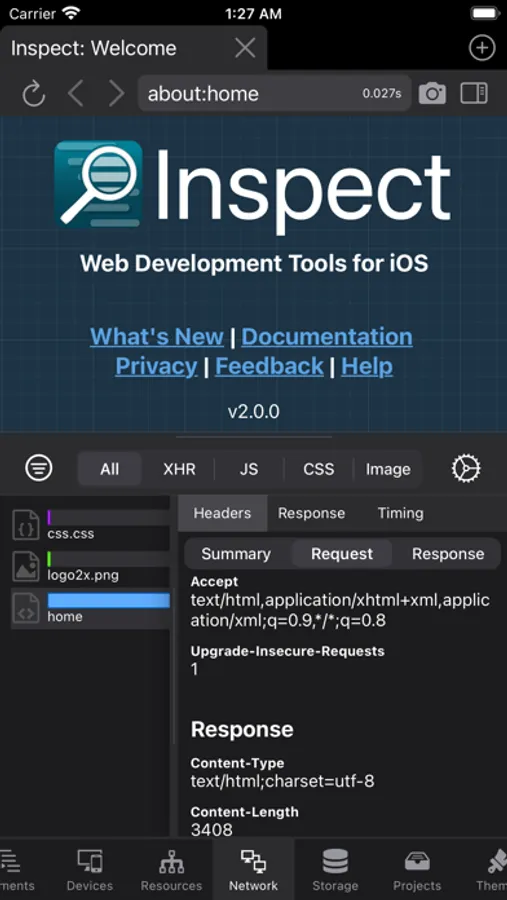
- Network panel, displaying page headers and XHR requests.
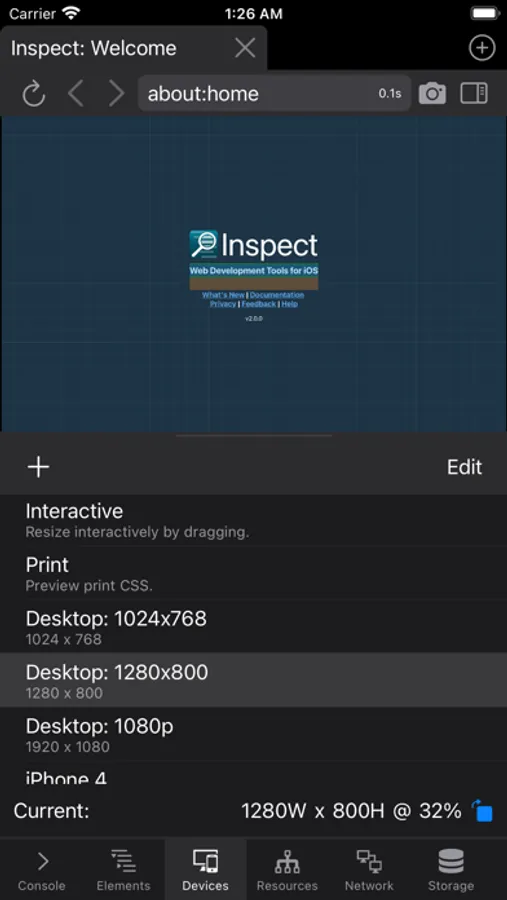
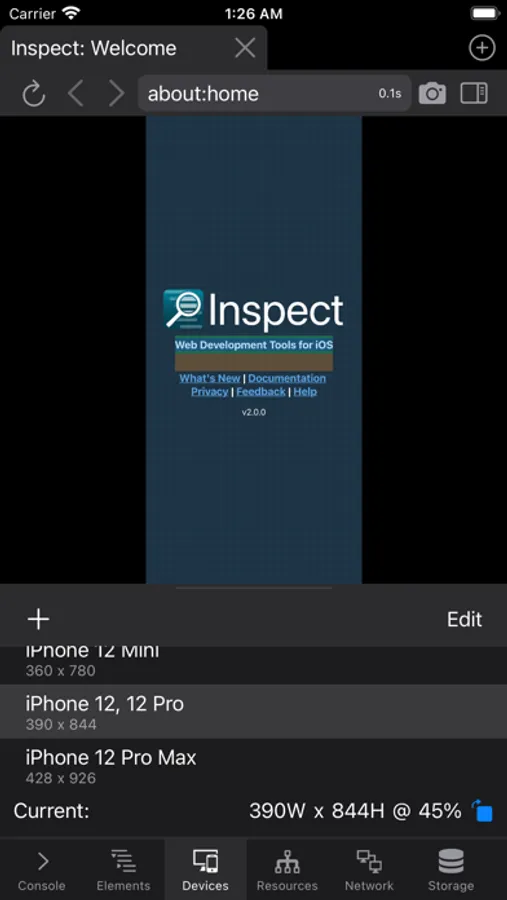
- Responsive design tools: View your site with a variety of mobile and desktop sizes and orientations, including support for custom sizes and user agents.
- Cookies, local storage, and session storage inspector and editor.
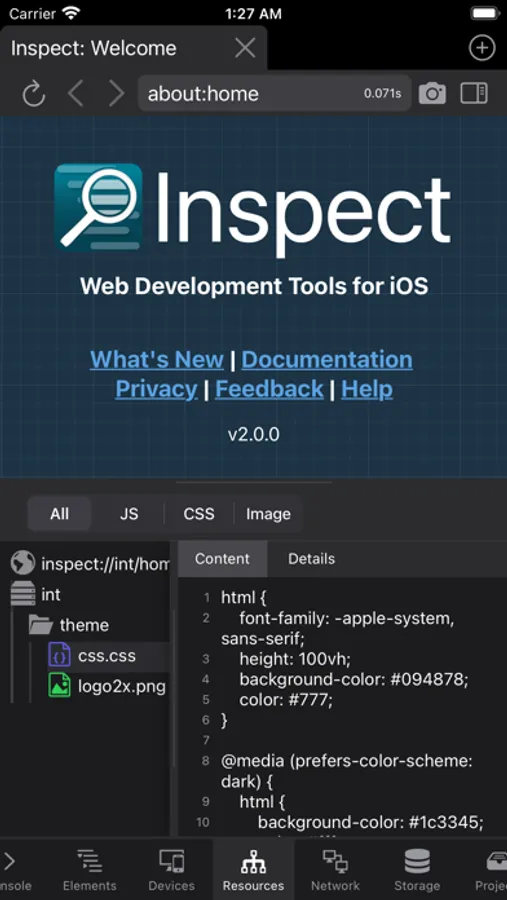
- Resource graph.
- View raw page source.
- Control over browser operation: disable JavaScript, cache, and clear cache and cookies to test various operations and states.
- Save a screenshot of your site, including the ability to save the full page.
Inspect is a web inspector for iOS that provides desktop-class developer tools, right in the app. No need for remote debugging, connecting to a desktop, proxies, or remote systems.
Included are:
- JavaScript console.
- HTML element inspection and editing (with live preview).
- CSS inspection and editing (with live preview).
- View element details: CSS rules, JavaScript properties, dimension statistics, and more.
- Open files and folders from other apps (like Working Copy), or from iCloud to test locally.
- Network panel, displaying page headers and XHR requests.
- Responsive design tools: View your site with a variety of mobile and desktop sizes and orientations, including support for custom sizes and user agents.
- Cookies, local storage, and session storage inspector and editor.
- Resource graph.
- View raw page source.
- Control over browser operation: disable JavaScript, cache, and clear cache and cookies to test various operations and states.
- Save a screenshot of your site, including the ability to save the full page.