About EnerSys EnVision Connect
Wirelessly manage your EnerSys ACE® batteries through the EnVision Connect app.
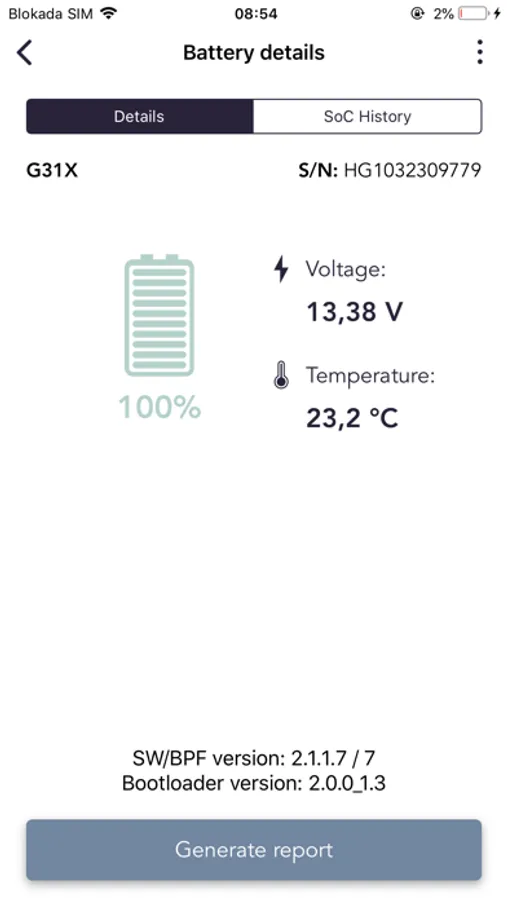
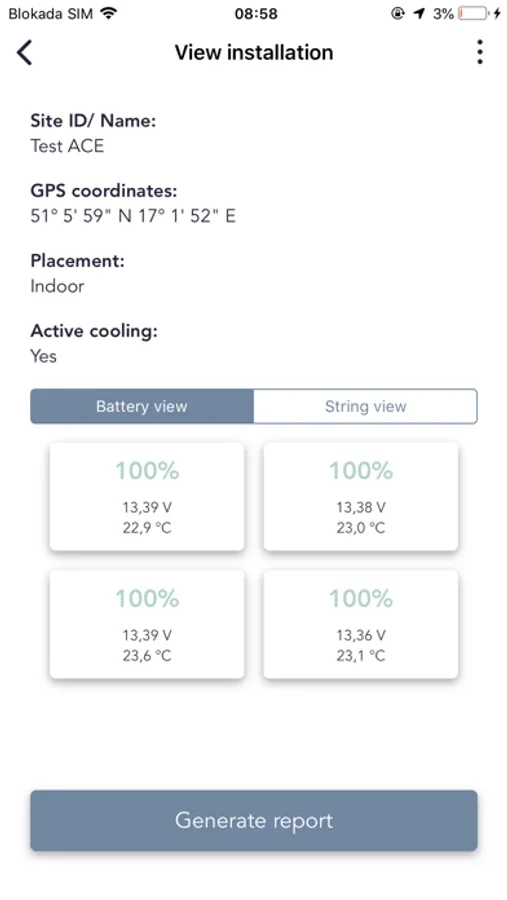
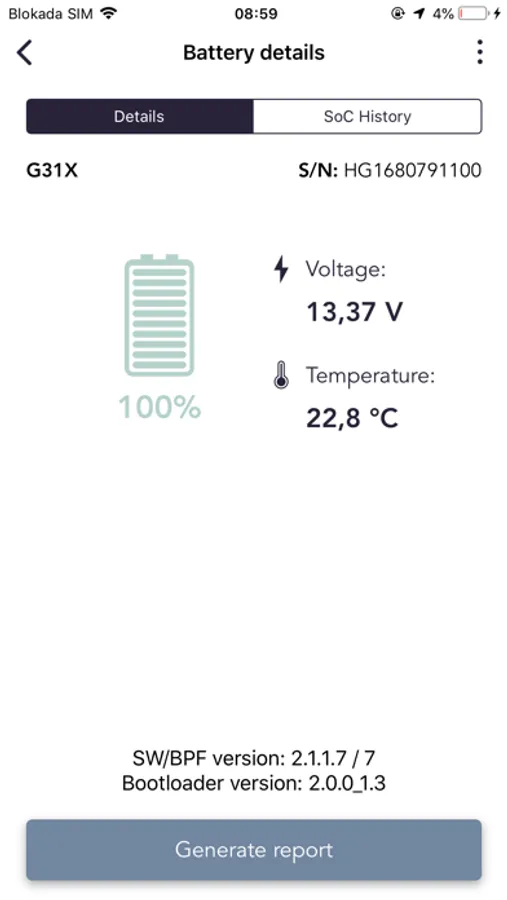
Checking the Voltage and Temperature of your batteries has never been easier, just click “Scan” and the app will automatically pick up all ACE batteries within Bluetooth range and show you their status. Integrating the ACE batteries with the EnerSys DC Power is effortless, through a simple export process that wirelessly transfers the battery configuration information from the app to the EnerSys Elite controller.
Information that will be available to users include:
• Battery voltage
• Battery temperature
• Battery State of Charge (SoC)
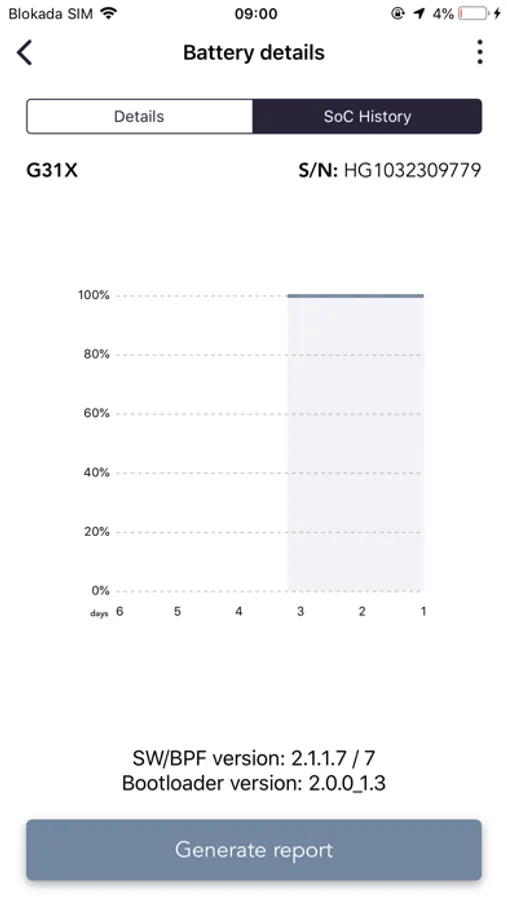
• State of Charge (SoC) graph
• Battery Model
For Warehouse technicians this app will ease the work-load by providing a mechanism to check the OCV of the batteries while they are still inside the battery crates.
Site installers will be guided step-by-step to ensure a safe, successful and long-lasting battery installation which will be automatically documented, including photos and installation comments. The site configuration details can be exported easily to the EnVision Elite controller, integrating the ACE batteries with the EnerSys DC Power system. Afterwards the PDF-report can be shared with co-workers through email. An easy way to ensure a conformed and documented installation procedure.
Download the app today and discover all the benefits of EnVision Connect!
Checking the Voltage and Temperature of your batteries has never been easier, just click “Scan” and the app will automatically pick up all ACE batteries within Bluetooth range and show you their status. Integrating the ACE batteries with the EnerSys DC Power is effortless, through a simple export process that wirelessly transfers the battery configuration information from the app to the EnerSys Elite controller.
Information that will be available to users include:
• Battery voltage
• Battery temperature
• Battery State of Charge (SoC)
• State of Charge (SoC) graph
• Battery Model
For Warehouse technicians this app will ease the work-load by providing a mechanism to check the OCV of the batteries while they are still inside the battery crates.
Site installers will be guided step-by-step to ensure a safe, successful and long-lasting battery installation which will be automatically documented, including photos and installation comments. The site configuration details can be exported easily to the EnVision Elite controller, integrating the ACE batteries with the EnerSys DC Power system. Afterwards the PDF-report can be shared with co-workers through email. An easy way to ensure a conformed and documented installation procedure.
Download the app today and discover all the benefits of EnVision Connect!