AppRecs review analysis
AppRecs rating 1.3. Trustworthiness 70 out of 100. Review manipulation risk 24 out of 100. Based on a review sample analyzed.
★☆☆☆☆
1.3
AppRecs Rating
Ratings breakdown
5 star
9%
4 star
0%
3 star
0%
2 star
9%
1 star
82%
What to know
✓
Low review manipulation risk
24% review manipulation risk
✓
Credible reviews
70% trustworthiness score from analyzed reviews
⚠
Mixed user feedback
Average 1.5★ rating suggests room for improvement
About Calley
Calling your prospects for promotions, events or for business has always been a most important part of a sales & marketing cycle. Bulk calling includes huge labor of dialing numbers manually and updating xls files. Calley - Automatic Call Dailer solves this problem of teams by allowing them to create an account on GetCalley and uploading the list of users to be called to the online panel.
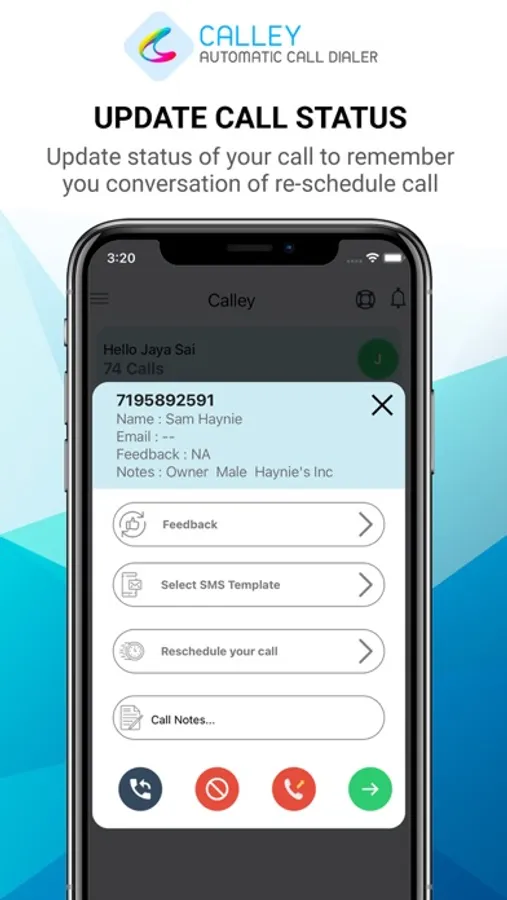
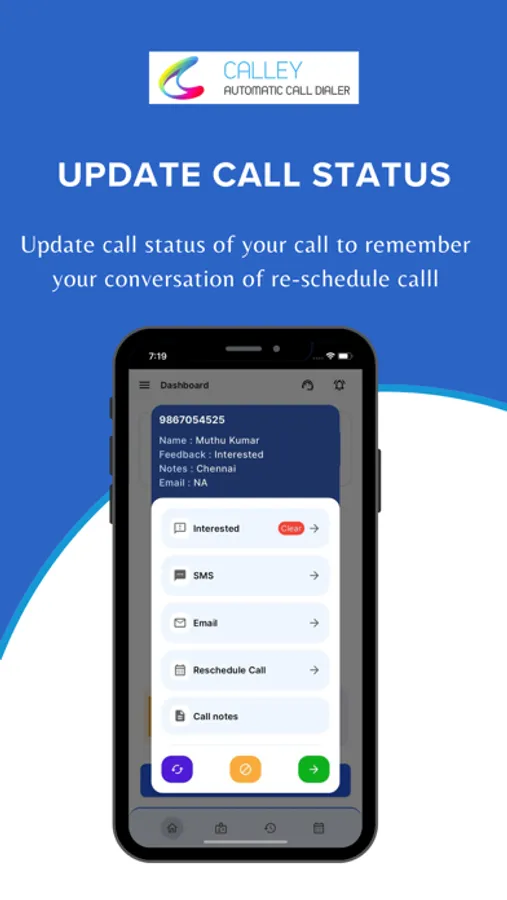
Upload the lists of users you want to call on your account on GetCalley and sync it on the Calley app on your mobile phone. Now all you need to do is click on "Start Calling" and the app will start making automatic calls to the desired numbers. You can update notes after each call or even reschedule call to be made at the end of the list.
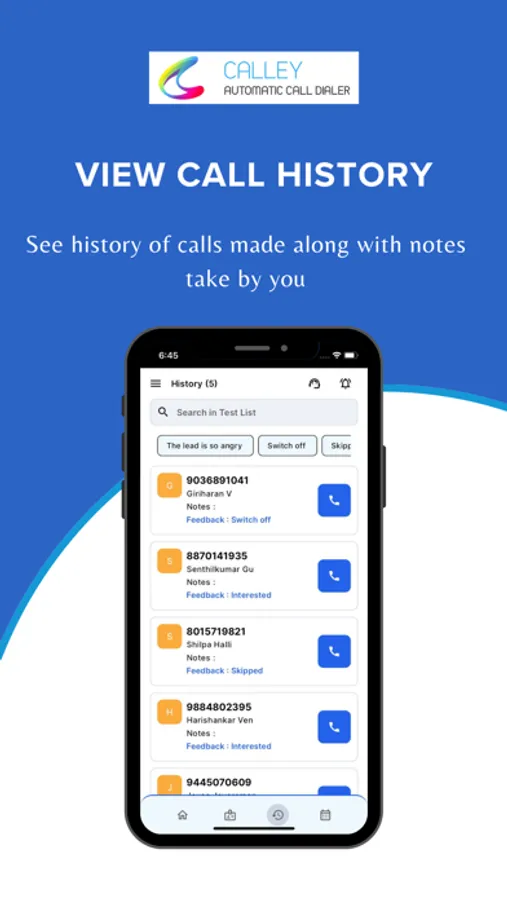
Once done you can send your call feedback back to your email directly from the app.
To view how you can add numbers on your Calley app and make the best out of it please see our getting started videos on the youtube channel.
Please give us your feedback on the app! Thanks for using Calley!
By downloading this app, you agree to the Apple Terms of Use, which can be found here: https://www.apple.com/legal/internet-services/itunes/dev/stdeula/
Team Calley.
Upload the lists of users you want to call on your account on GetCalley and sync it on the Calley app on your mobile phone. Now all you need to do is click on "Start Calling" and the app will start making automatic calls to the desired numbers. You can update notes after each call or even reschedule call to be made at the end of the list.
Once done you can send your call feedback back to your email directly from the app.
To view how you can add numbers on your Calley app and make the best out of it please see our getting started videos on the youtube channel.
Please give us your feedback on the app! Thanks for using Calley!
By downloading this app, you agree to the Apple Terms of Use, which can be found here: https://www.apple.com/legal/internet-services/itunes/dev/stdeula/
Team Calley.