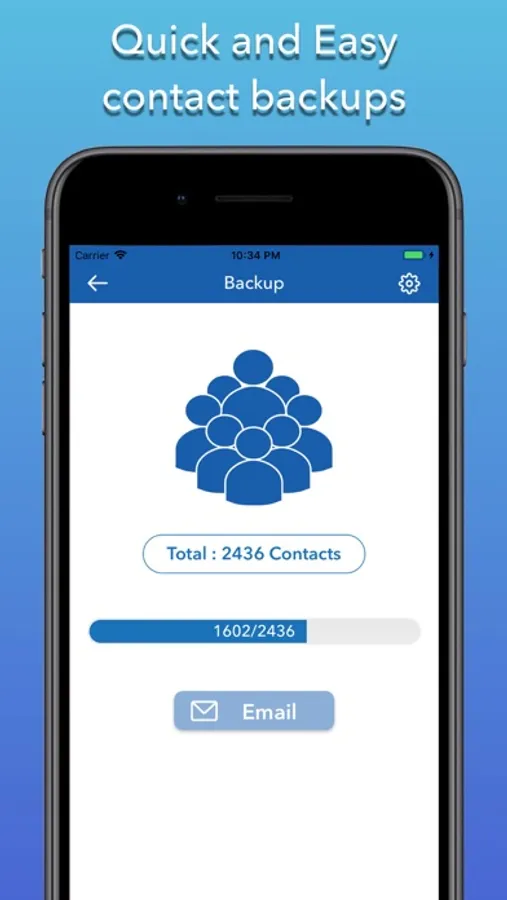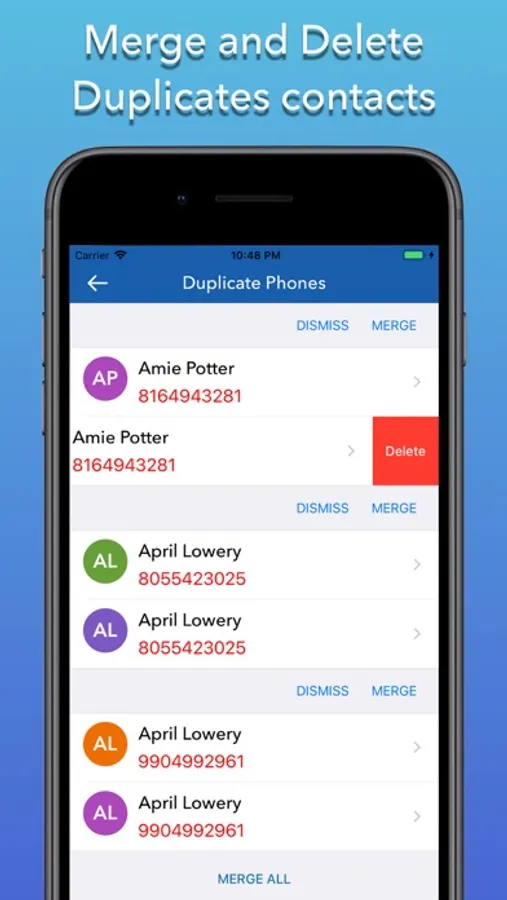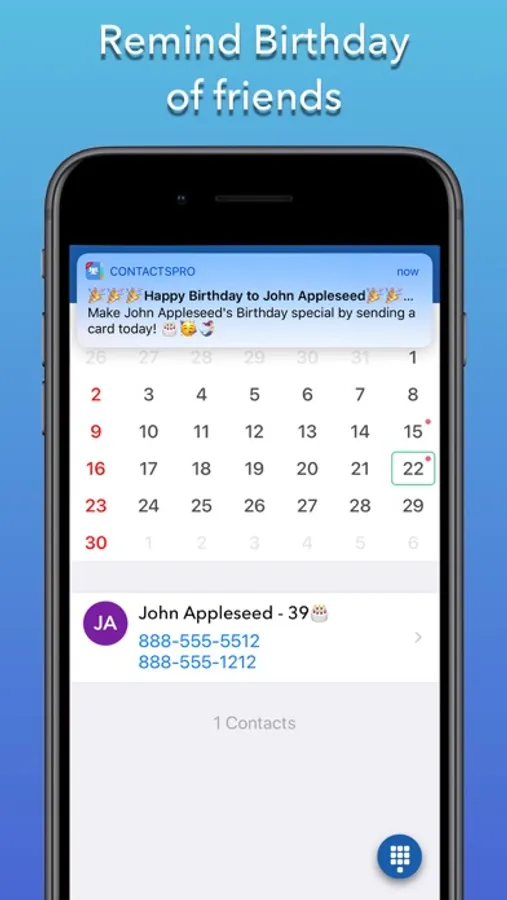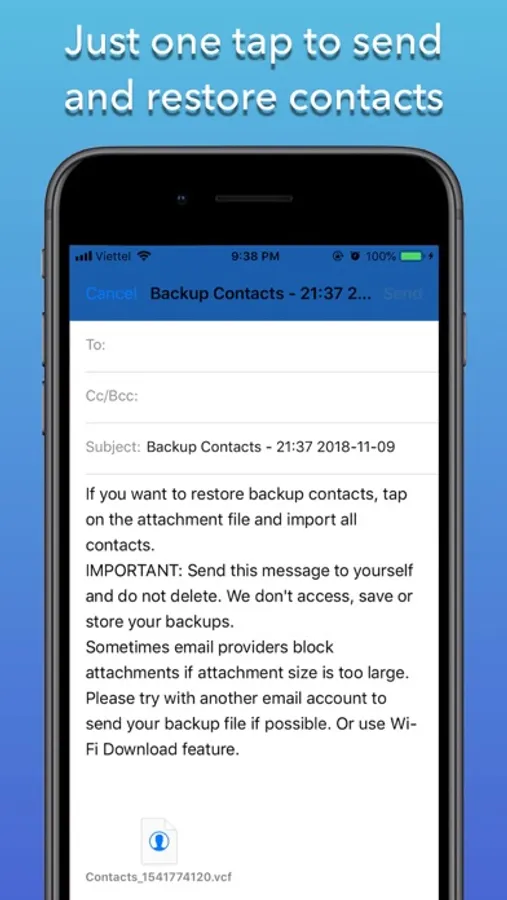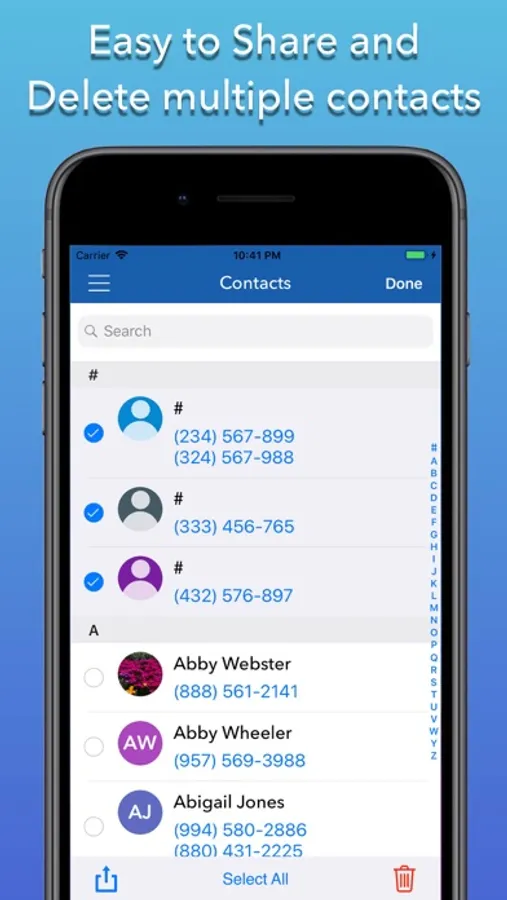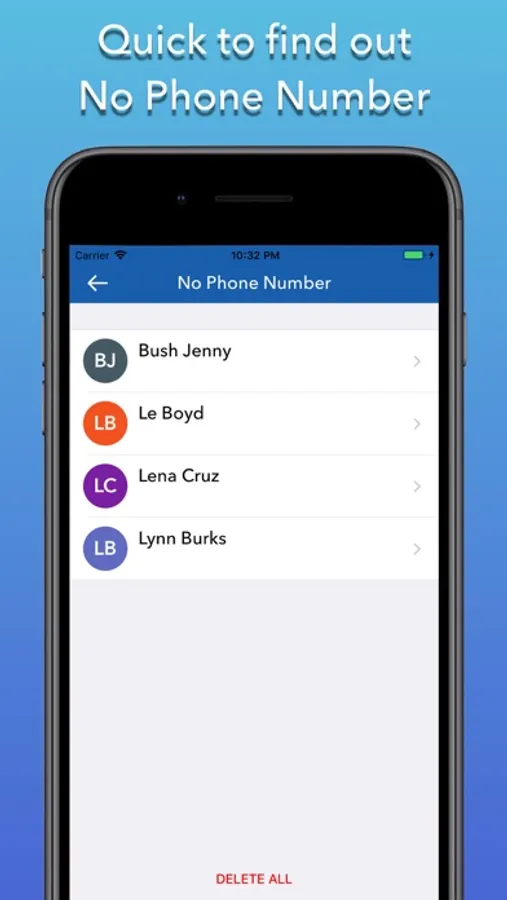
With this contact management app, you can backup, restore, and transfer your contacts easily with a single tap. Includes secure storage, manual sync options, and email sharing features.
AppRecs review analysis
AppRecs rating 4.6. Trustworthiness 76 out of 100. Review manipulation risk 27 out of 100. Based on a review sample analyzed.
★★★★☆
4.6
AppRecs Rating
Ratings breakdown
5 star
81%
4 star
9%
3 star
3%
2 star
3%
1 star
4%
What to know
✓
Low review manipulation risk
27% review manipulation risk
✓
Credible reviews
76% trustworthiness score from analyzed reviews
✓
High user satisfaction
81% of sampled ratings are 5 stars
About Backup Contacts Cleaner
Contacts Backup helps you to backup, restore and save all your precious contacts! Also, you can easily transfer all your contacts from your phone to another phone with just one tap! It’s an easy app that keeps your contacts safe and secure!
The easiest and the contact saving app that supports your iPhone!
→ Your contacts are saved! even if you lose or break your phone!
→ The easiest way to Secure your contacts - Just One Tap.
→ Completely safe, secure, and fast.
***** Features *****
→ Safe & secure contact backup.
→ You can manually sync with the Backup button.
→ Small in-app size (~15Mb).
→ Simple and to-the-point app and it does as it says.
***** This is how it works: *****
→ How to back up the contact list:
1. Download the Contacts Backup App on your iPhone
2. Go to Backup Screen
3. Press the "Backup" button in the app
4. Press "Email" after completed backup
5. Your contacts are now safely stored!
Customer Care:
We love to hear from you – so feel free to contact us at:
FB: https://www.facebook.com/Cheepapps-684007881726733/
Email: cheepapps@gmail.com
The easiest and the contact saving app that supports your iPhone!
→ Your contacts are saved! even if you lose or break your phone!
→ The easiest way to Secure your contacts - Just One Tap.
→ Completely safe, secure, and fast.
***** Features *****
→ Safe & secure contact backup.
→ You can manually sync with the Backup button.
→ Small in-app size (~15Mb).
→ Simple and to-the-point app and it does as it says.
***** This is how it works: *****
→ How to back up the contact list:
1. Download the Contacts Backup App on your iPhone
2. Go to Backup Screen
3. Press the "Backup" button in the app
4. Press "Email" after completed backup
5. Your contacts are now safely stored!
Customer Care:
We love to hear from you – so feel free to contact us at:
FB: https://www.facebook.com/Cheepapps-684007881726733/
Email: cheepapps@gmail.com