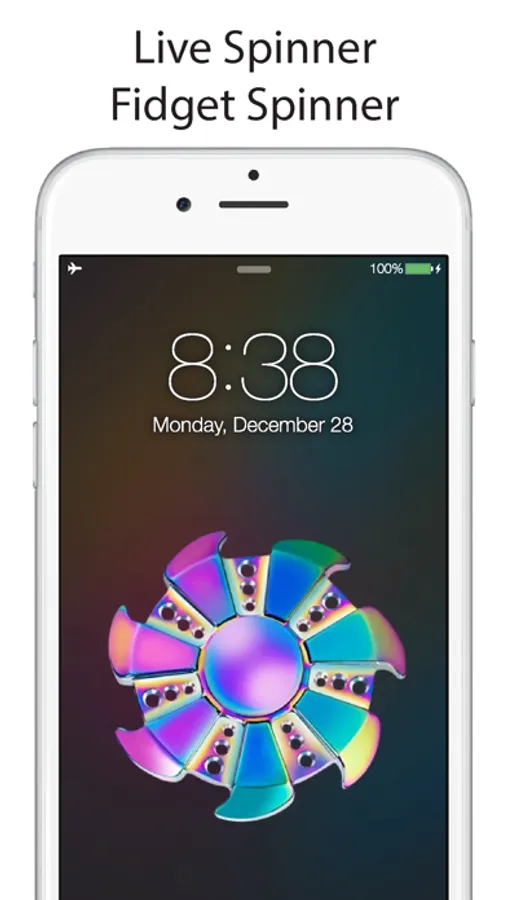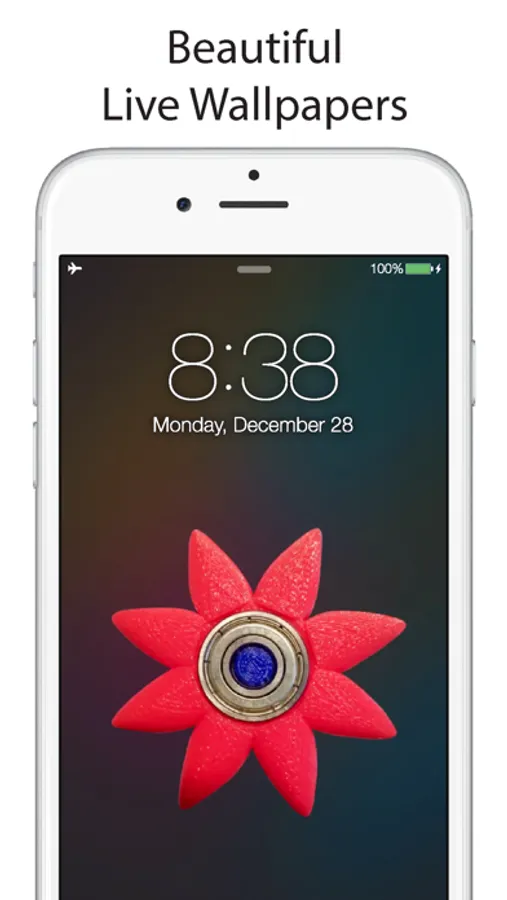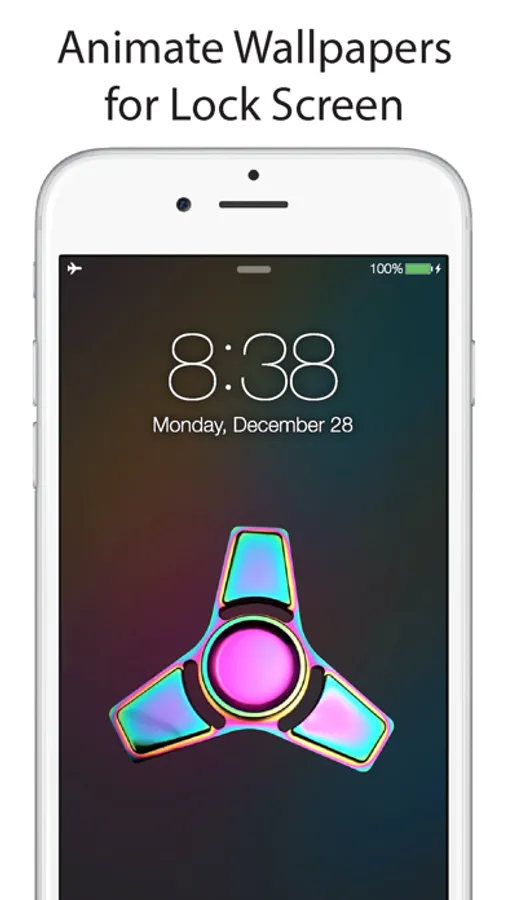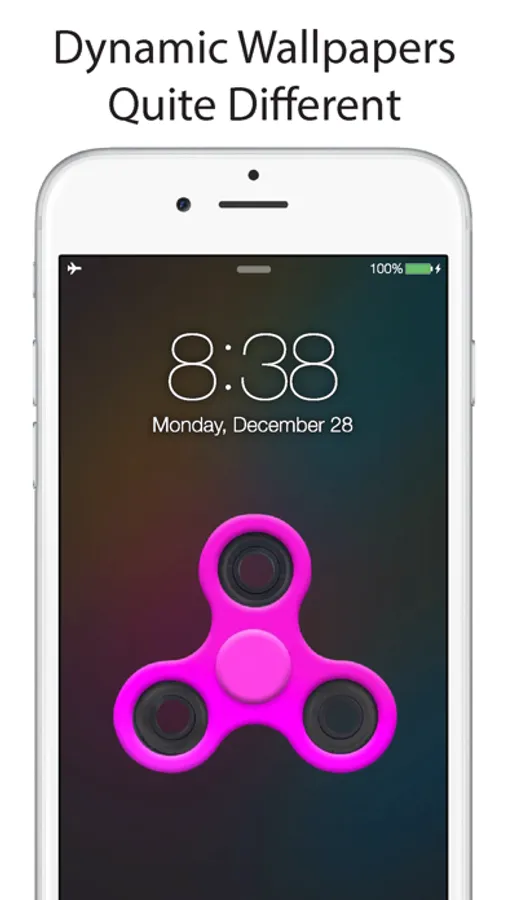
Live Spinner - Live Wallpapers for Fidget Spinner
Aaron Kwok
3.6 ★
store rating
Free
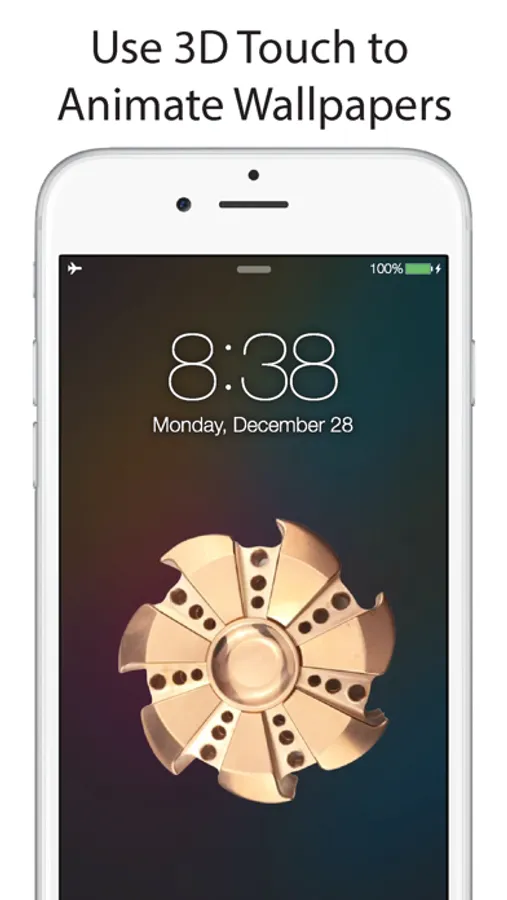
In this live wallpaper app, users select and set animated photos as lock screen wallpapers. Includes support for 3D Touch devices and options to customize Live Photo display.
AppRecs review analysis
AppRecs rating 3.1. Trustworthiness 74 out of 100. Review manipulation risk 27 out of 100. Based on a review sample analyzed.
★★★☆☆
3.1
AppRecs Rating
Ratings breakdown
5 star
57%
4 star
6%
3 star
4%
2 star
6%
1 star
26%
What to know
✓
Low review manipulation risk
27% review manipulation risk
⚠
Ad complaints
Many low ratings mention excessive ads
⚠
High negative review ratio
32% of sampled ratings are 1–2 stars
About Live Spinner - Live Wallpapers for Fidget Spinner
Live Wallpaper will change to static when your device is in Low Power mode. Live Wallpaper currently only work with 3D touch on iPhone 6s & iPhone 6s Plus.
Surprise!!! the long-awaited dynamic wallpaper, you can achieve beautiful animate wallpaper photo in your lock screen, be prepare to show your friends this amazing app – Live Spinner!
User Guide:
- Set iPhone Lock Screen -
1. Start up the Live Spinner app, choose any Live Photo you want, save to camera roll.
2. Go to the Photos app and select Live Photo you want.
3. Tap the Share button.
4. Tap the “Use as Wallpaper” button to the Share sheet (all the way to the right).
5. Swipe and pinch to zoom to frame the Live Photo just the way you want it.
6. Press down to play the Live Photo so you can make sure the action fits perfectly.
7. Make sure the Live Photo button is selected and tap Set.
8. Choose Set Lock Screen (or optionally, Set both).
+ The Live Photo won't animate on your Home Screen, just your Lock Screen, so if you do Set Both it' more of a way to keep the visuals consistent.
9. Press on the screen to see this wallpaper animate.
**Please note that if your device does not support 3D Touch, you can only set Live Photos as standard (non-animated) wallpapers.**
Download now, Enjoy it!
Disclaimer:
Live Spinner, its designs, and all other assets included in this application are the sole property of the developer. Any sort of reproduction of this app using the assets found within this app result in legal consequences.
Surprise!!! the long-awaited dynamic wallpaper, you can achieve beautiful animate wallpaper photo in your lock screen, be prepare to show your friends this amazing app – Live Spinner!
User Guide:
- Set iPhone Lock Screen -
1. Start up the Live Spinner app, choose any Live Photo you want, save to camera roll.
2. Go to the Photos app and select Live Photo you want.
3. Tap the Share button.
4. Tap the “Use as Wallpaper” button to the Share sheet (all the way to the right).
5. Swipe and pinch to zoom to frame the Live Photo just the way you want it.
6. Press down to play the Live Photo so you can make sure the action fits perfectly.
7. Make sure the Live Photo button is selected and tap Set.
8. Choose Set Lock Screen (or optionally, Set both).
+ The Live Photo won't animate on your Home Screen, just your Lock Screen, so if you do Set Both it' more of a way to keep the visuals consistent.
9. Press on the screen to see this wallpaper animate.
**Please note that if your device does not support 3D Touch, you can only set Live Photos as standard (non-animated) wallpapers.**
Download now, Enjoy it!
Disclaimer:
Live Spinner, its designs, and all other assets included in this application are the sole property of the developer. Any sort of reproduction of this app using the assets found within this app result in legal consequences.