Measure Map
Xuan Luong Do
4.7 ★
store rating
Free
AppRecs review analysis
AppRecs rating 4.5. Trustworthiness 72 out of 100. Review manipulation risk 27 out of 100. Based on a review sample analyzed.
★★★★☆
4.5
AppRecs Rating
Ratings breakdown
5 star
84%
4 star
9%
3 star
4%
2 star
1%
1 star
2%
What to know
✓
Low review manipulation risk
27% review manipulation risk
✓
Credible reviews
72% trustworthiness score from analyzed reviews
⚠
Ad complaints
Many low ratings mention excessive ads
About Measure Map
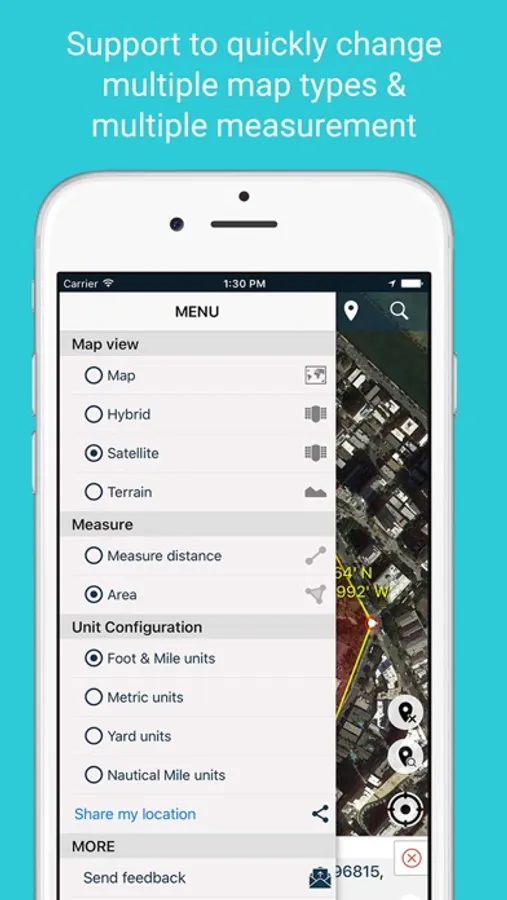
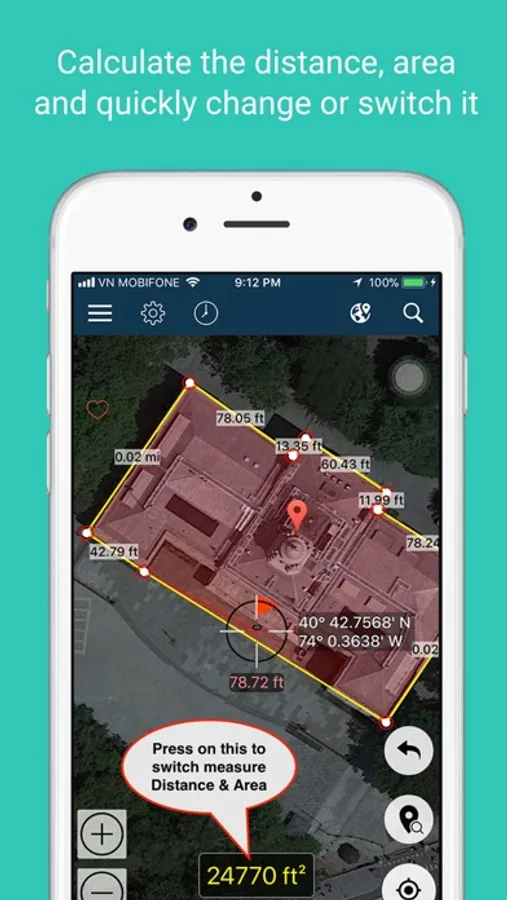
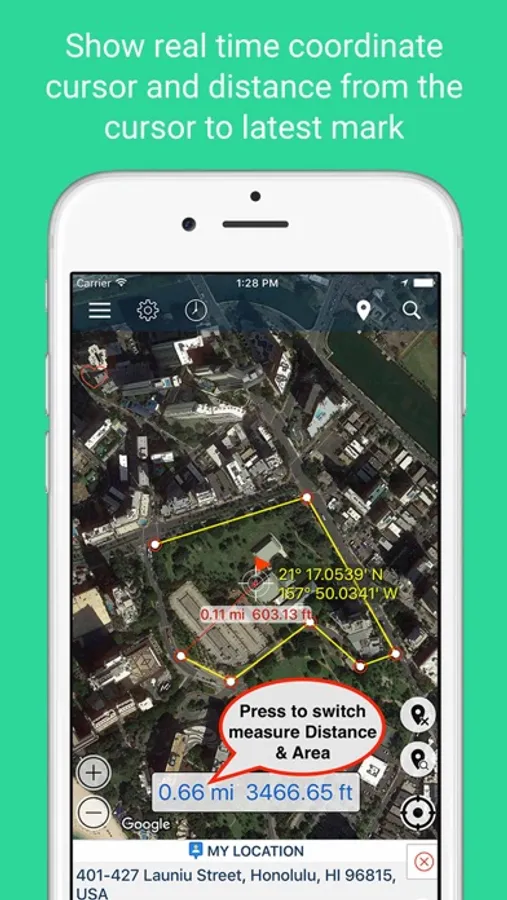
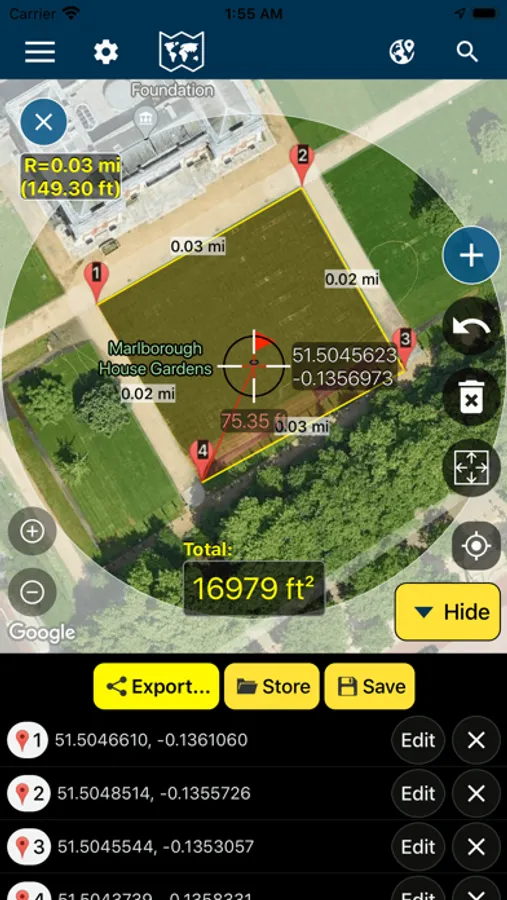
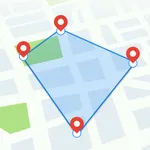
Measure Map is an application that supports a distance calculator to find out the distance between two or more points anywhere on the earth. In other words, the distance between A and B. Click once on the map to place the first marker, and then click again to position the second marker. The distance between the points will then be displayed. You can also build up a series of locations to find the total distance. A minimum of two markers are required to measure distance and a minimum of three markers to measure area.
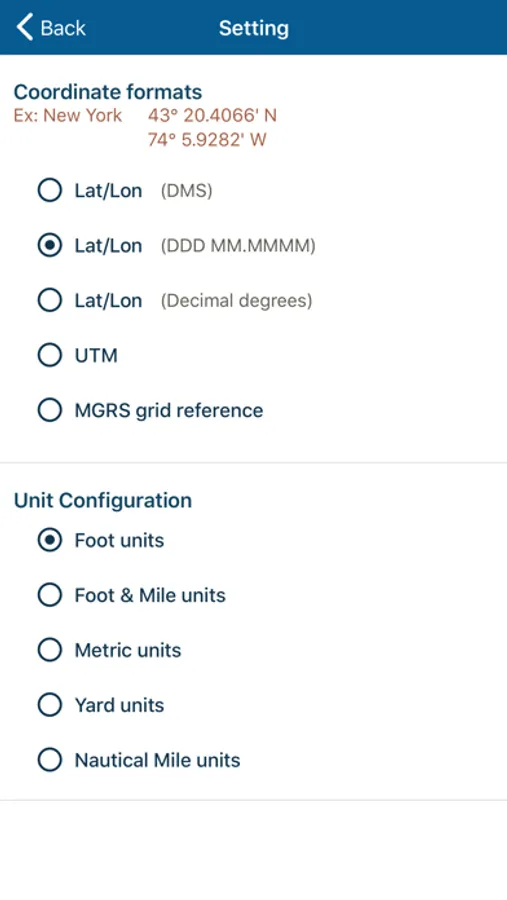
- Distance results will be output in meters, kilometers, nautical miles, feet, miles, and yards.
- Area will be output in meters², kilometers², feet², nmi², yards² and acres.
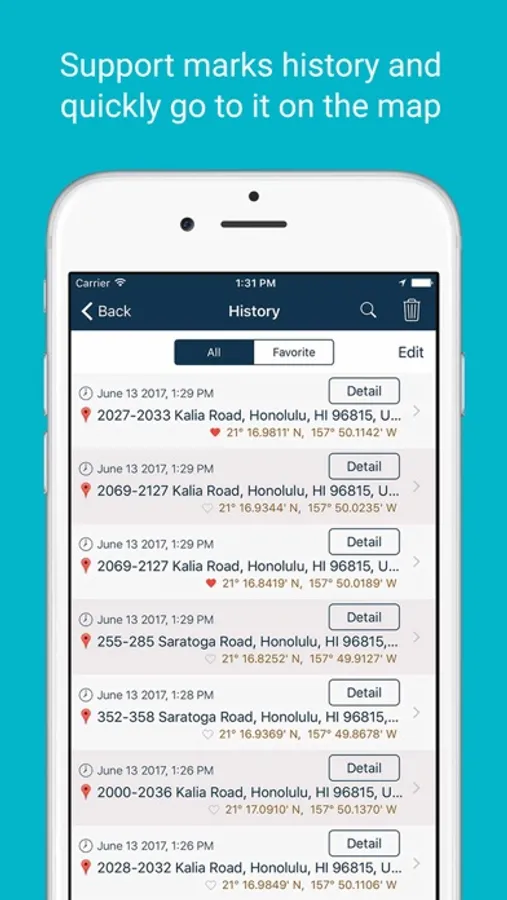
- Save and view measurement sessions
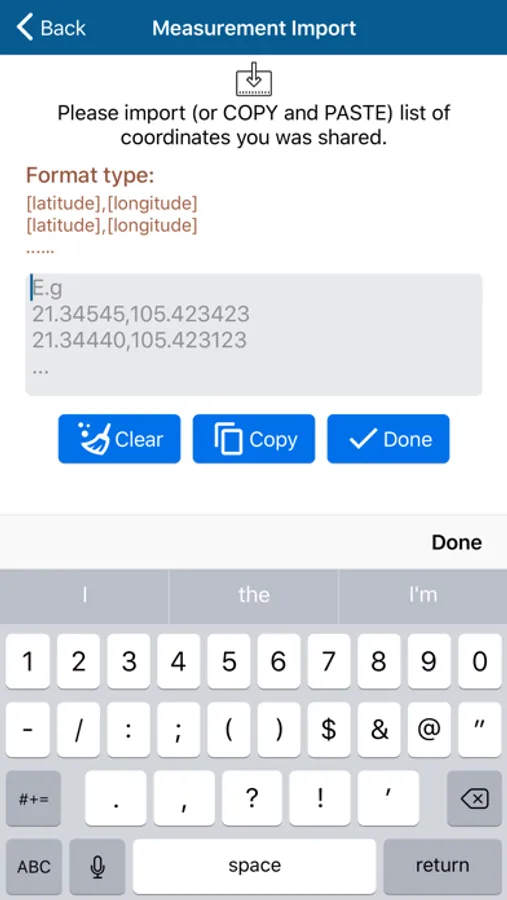
- Import list coordinates to draw measurements on the map.
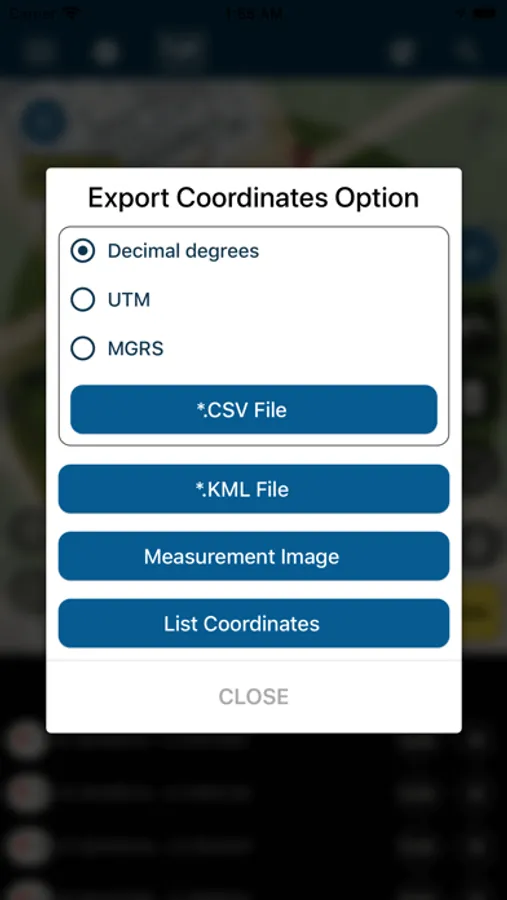
- Import and export KML, KMZ, and CSV files.
- Edit coordinates of measurement and Share them with other devices.
+ Support to quick change map type: normal, satellite, terrain, hybrid
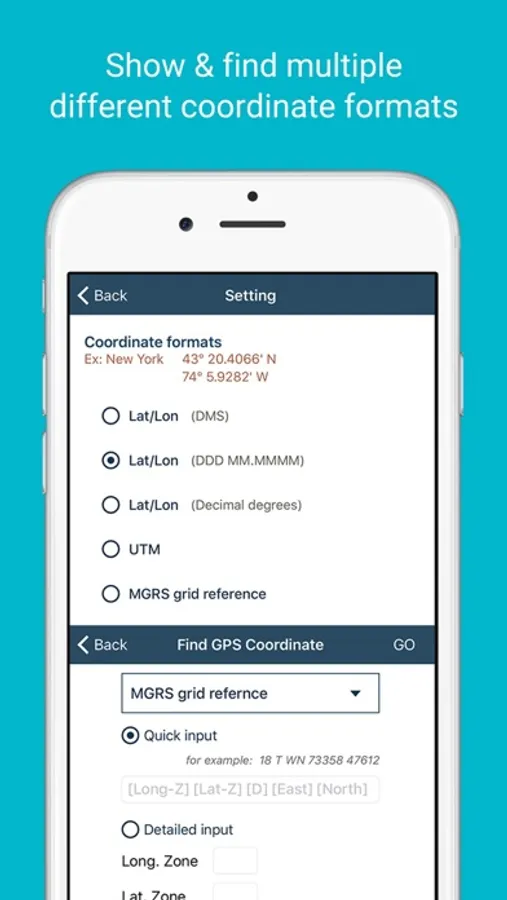
+ Support UTM, MGRS, and VN-2000 coordinates.
+ Support coordinates at your position
- The application uses some icons and designs on the website:
# icons8.com
# freepik.com
# clipartbro.com
# Pixeden.com
# logo reference from alpha.wallhaven.cc/wallpaper/379827
- The Application use third party open source from website:
# github.com/scalessec/Toast-Swift
# github.com/Alamofire/Alamofire
# github.com/volkerv/GeoCoordinateConverter
# github.com/AssistoLab/DropDown
# github.com/yukiasai/Gecco tutorial
# github.com/jonkykong/SideMenu
# github.com/groue/GRDB.swift
# github.com/CosmicMind/Material
# github.com/hackiftekhar/IQKeyboardManager
# github.com/tobihagemann/THLabel
# github.com/bizz84/SwiftyStoreKit
# github.com/Orderella/PopupDialog
# material.io/tools/icons/
---
Thank you for using my app!
- Distance results will be output in meters, kilometers, nautical miles, feet, miles, and yards.
- Area will be output in meters², kilometers², feet², nmi², yards² and acres.
- Save and view measurement sessions
- Import list coordinates to draw measurements on the map.
- Import and export KML, KMZ, and CSV files.
- Edit coordinates of measurement and Share them with other devices.
+ Support to quick change map type: normal, satellite, terrain, hybrid
+ Support UTM, MGRS, and VN-2000 coordinates.
+ Support coordinates at your position
- The application uses some icons and designs on the website:
# icons8.com
# freepik.com
# clipartbro.com
# Pixeden.com
# logo reference from alpha.wallhaven.cc/wallpaper/379827
- The Application use third party open source from website:
# github.com/scalessec/Toast-Swift
# github.com/Alamofire/Alamofire
# github.com/volkerv/GeoCoordinateConverter
# github.com/AssistoLab/DropDown
# github.com/yukiasai/Gecco tutorial
# github.com/jonkykong/SideMenu
# github.com/groue/GRDB.swift
# github.com/CosmicMind/Material
# github.com/hackiftekhar/IQKeyboardManager
# github.com/tobihagemann/THLabel
# github.com/bizz84/SwiftyStoreKit
# github.com/Orderella/PopupDialog
# material.io/tools/icons/
---
Thank you for using my app!