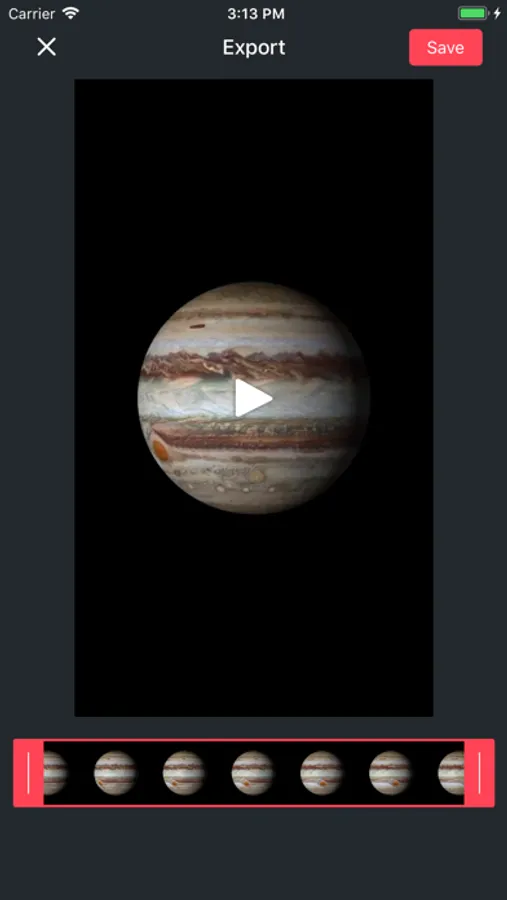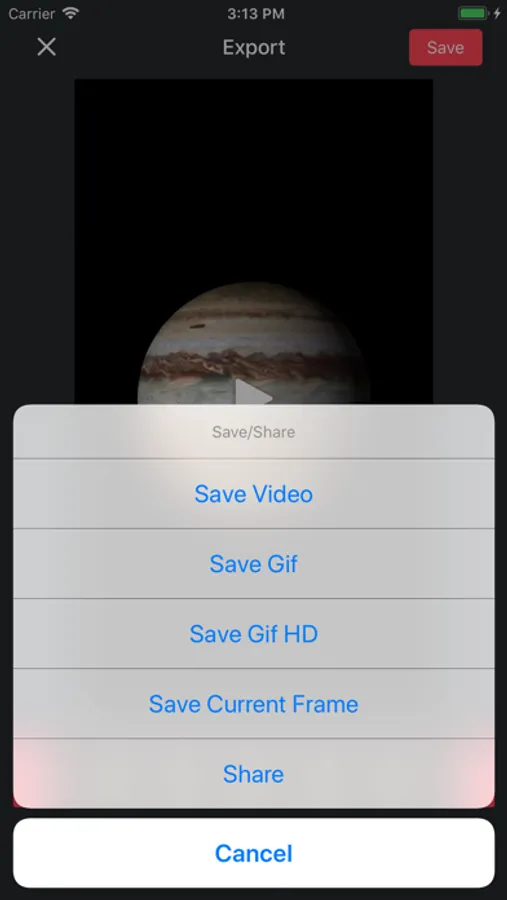
With this app, you can convert Live Photos into GIFs or movies and edit them with trimming and playback options. Includes exporting options, size adjustment, and frame extraction features.
AppRecs review analysis
AppRecs rating 3.6. Trustworthiness 70 out of 100. Review manipulation risk 21 out of 100. Based on a review sample analyzed.
★★★☆☆
3.6
AppRecs Rating
Ratings breakdown
5 star
62%
4 star
18%
3 star
5%
2 star
2%
1 star
13%
What to know
✓
Low review manipulation risk
21% review manipulation risk
✓
High user satisfaction
80% of sampled ratings are 4+ stars (4.1★ average)
✓
Authentic reviews
Natural distribution, no red flags
About Live Converter - Live to Gif
Make GIF and Movie from your Live Photos.
Live Converter lets you make GIF and Movie from Live Photos at ease. You can now share your Live Photos with your friends on iMessage, Facebook Messenger, Twitter, Slack, Tumblr and more.
Live Converter gives you full control of your GIFs with extensive editing features: trim, play backward,etc. GIF size too big? You can make it smaller too. Last by not least, full 3D Touch support. Gotta press that screen.
Oh, you can pick a single frame from the video part to save. Your child moves right the moment you take the shot? No worry, just grab the right frame from the video. All that, with correct metadata as the original Live Photo.
Live Converter lets you export for free with a watermark.
Important: You need an iPhone 6S/6S Plus or above to capture Live Photos. You can still use the app on older iPhone, just get your friends to send you one via iMessage.
Live Converter lets you make GIF and Movie from Live Photos at ease. You can now share your Live Photos with your friends on iMessage, Facebook Messenger, Twitter, Slack, Tumblr and more.
Live Converter gives you full control of your GIFs with extensive editing features: trim, play backward,etc. GIF size too big? You can make it smaller too. Last by not least, full 3D Touch support. Gotta press that screen.
Oh, you can pick a single frame from the video part to save. Your child moves right the moment you take the shot? No worry, just grab the right frame from the video. All that, with correct metadata as the original Live Photo.
Live Converter lets you export for free with a watermark.
Important: You need an iPhone 6S/6S Plus or above to capture Live Photos. You can still use the app on older iPhone, just get your friends to send you one via iMessage.