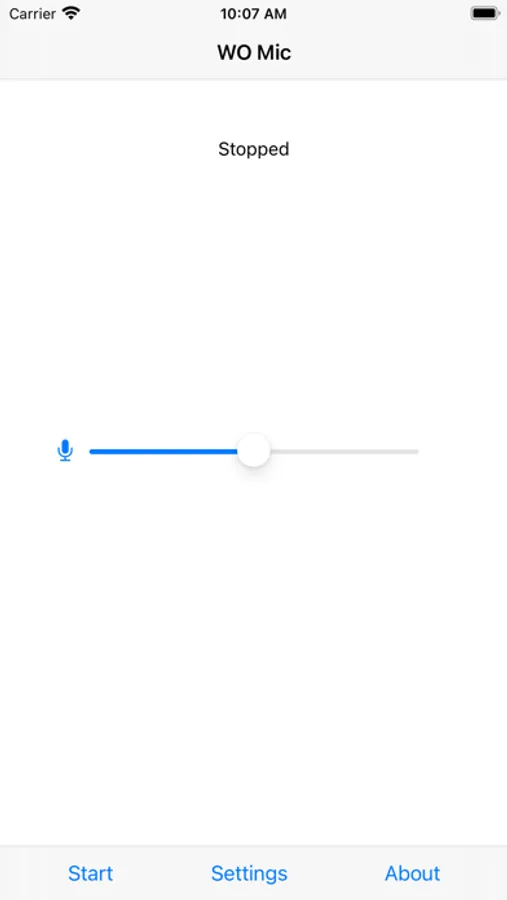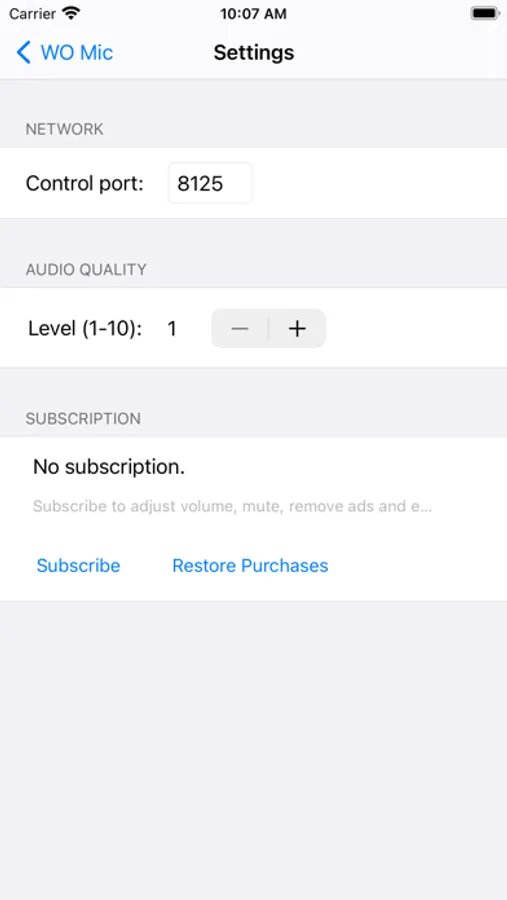
In this app, you can transmit voice data from your phone microphone to a computer via WiFi and use it for audio recording or communication. Includes wireless connection setup, virtual microphone creation, and configuration options.
AppRecs review analysis
AppRecs rating 1.7. Trustworthiness 76 out of 100. Review manipulation risk 26 out of 100. Based on a review sample analyzed.
★☆☆☆☆
1.7
AppRecs Rating
Ratings breakdown
5 star
20%
4 star
7%
3 star
4%
2 star
6%
1 star
63%
What to know
⚠
Ad complaints
Many low ratings mention excessive ads
⚠
Pricing complaints
Many low ratings mention paywalls or pricing
⚠
Mixed user feedback
Average 2.2★ rating suggests room for improvement
About WO Mic
WO Mic captures voice data from phone microphone and transmits the data to computer through WIFI. On computer, accompanying programs gets the audio data, simulate one virtual microphone device and forward data to all kinds of audio softwares just like a real hardware microphone.
Besides installing this app on your iPhone, you also need to install below 2 programs on your computer to make it work:
1. WO Mic Client
2. WO Mic virtual device
Visit http://wolicheng.com/womic to get more information.
You can subscribe to remove ads, adjust volume level and audio quality level of the virtual microphone on computer. Your subscription will be charged to your iTunes account at confirmation of purchase and will automatically renew (at the duration selected) unless auto-renew is turned off at least 24 hours before the end of the current period. Current subscription may not be cancelled during the active subscription period; however, you can manage your subscription and/or turn off auto-renewal by visiting your iTunes Account Settings after purchase.
Main features:
- Wireless microphone without any cost
- Connect by Wifi
- Can be used with any programs on computer just like REAL microphone
- Very short lag
- Easy to configure and use
- Audio format: 48000 sampling rate, 16 bits per sample, mono channel
Support:
https://wolicheng.com/womic
Privacy:
https://wolicheng.com/womic/privacy.html
Terms of Service:
https://wolicheng.com/womic/tos.html
Besides installing this app on your iPhone, you also need to install below 2 programs on your computer to make it work:
1. WO Mic Client
2. WO Mic virtual device
Visit http://wolicheng.com/womic to get more information.
You can subscribe to remove ads, adjust volume level and audio quality level of the virtual microphone on computer. Your subscription will be charged to your iTunes account at confirmation of purchase and will automatically renew (at the duration selected) unless auto-renew is turned off at least 24 hours before the end of the current period. Current subscription may not be cancelled during the active subscription period; however, you can manage your subscription and/or turn off auto-renewal by visiting your iTunes Account Settings after purchase.
Main features:
- Wireless microphone without any cost
- Connect by Wifi
- Can be used with any programs on computer just like REAL microphone
- Very short lag
- Easy to configure and use
- Audio format: 48000 sampling rate, 16 bits per sample, mono channel
Support:
https://wolicheng.com/womic
Privacy:
https://wolicheng.com/womic/privacy.html
Terms of Service:
https://wolicheng.com/womic/tos.html