Solving Pythagoras
Glindemann, Sennoun, Langer GbR
4.6 ★
store rating
Free
AppRecs review analysis
AppRecs rating 4.1. Trustworthiness 65 out of 100. Review manipulation risk 32 out of 100. Based on a review sample analyzed.
★★★★☆
4.1
AppRecs Rating
Ratings breakdown
5 star
81%
4 star
10%
3 star
1%
2 star
2%
1 star
6%
What to know
✓
High user satisfaction
81% of sampled ratings are 5 stars
✓
Authentic reviews
No red flags detected
About Solving Pythagoras
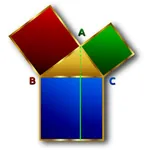
The calculation of a right-angled triangle is no longer a problem. All edges are calculated with the Pythagorean theorem. If you enter the value of two edges, the third is calculated. All calculations are stored in a history. The final solution can be shared.
[Contents]
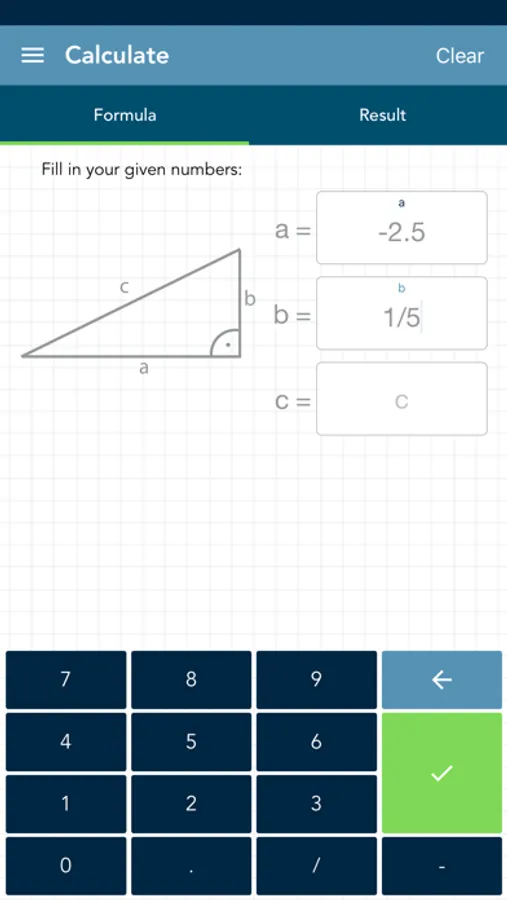
- the edges a, b and c can be entered
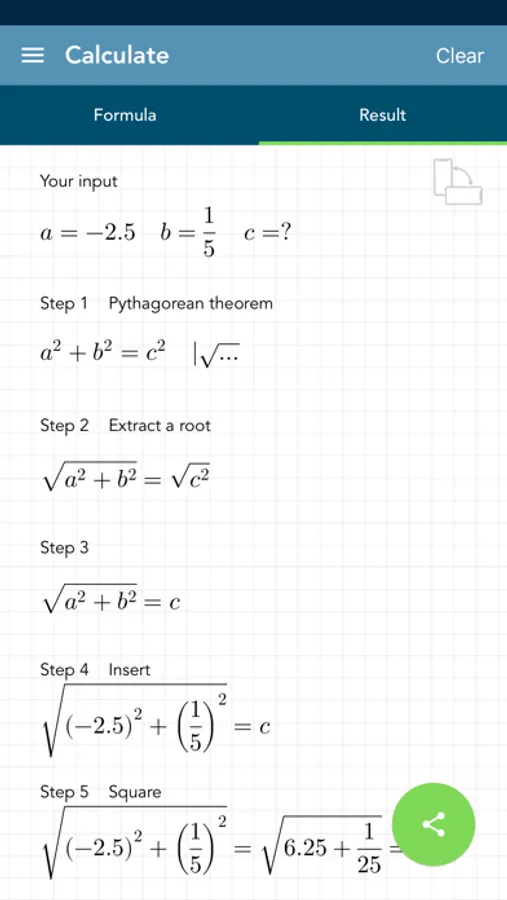
- calculation of the third edge with the Pythagorean theorem
- history function that saves the input
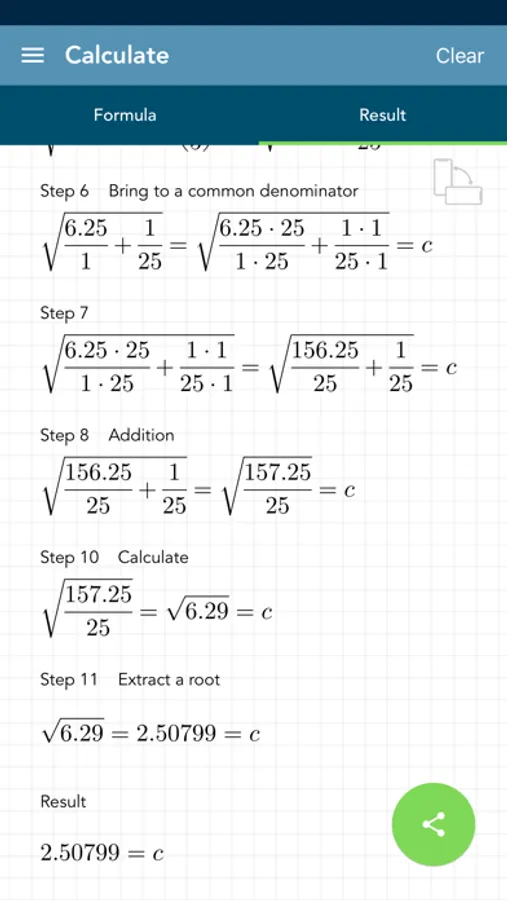
- complete solution
- the entering of fractions is supported
- option to remove ads
[ Application ]
- there are 3 fields for entering the values using a modified keyboard
- if you have not entered enough values, the text fields are highlighted in yellow
- if you have entered invalid values, the corresponding text field is highlighted in red
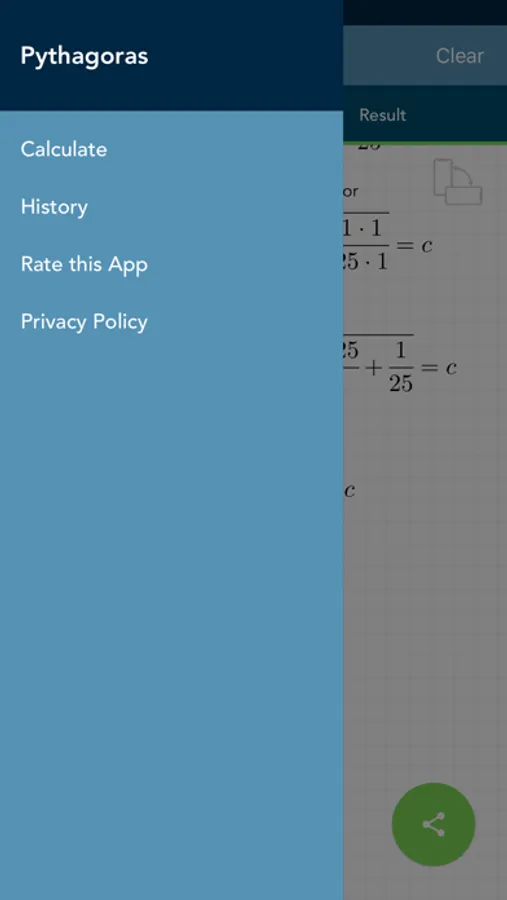
- you can switch between the solution view, the input view and the history by swiping and / or touching the buttons
- the entries in the history can be deleted or sorted manually
- if you select an entry in the history, it will be loaded automatically for the calculation
- the entire history can be deleted by pressing a key
[Contents]
- the edges a, b and c can be entered
- calculation of the third edge with the Pythagorean theorem
- history function that saves the input
- complete solution
- the entering of fractions is supported
- option to remove ads
[ Application ]
- there are 3 fields for entering the values using a modified keyboard
- if you have not entered enough values, the text fields are highlighted in yellow
- if you have entered invalid values, the corresponding text field is highlighted in red
- you can switch between the solution view, the input view and the history by swiping and / or touching the buttons
- the entries in the history can be deleted or sorted manually
- if you select an entry in the history, it will be loaded automatically for the calculation
- the entire history can be deleted by pressing a key