Cue Master
Kevin Arnold
4.8 ★
store rating
$19.99
AppRecs review analysis
AppRecs rating 4.6. Trustworthiness 71 out of 100. Review manipulation risk 23 out of 100. Based on a review sample analyzed.
★★★★☆
4.6
AppRecs Rating
Ratings breakdown
5 star
89%
4 star
7%
3 star
3%
2 star
0%
1 star
2%
What to know
✓
Low review manipulation risk
23% review manipulation risk
✓
Credible reviews
71% trustworthiness score from analyzed reviews
✓
High user satisfaction
89% of sampled ratings are 5 stars
About Cue Master
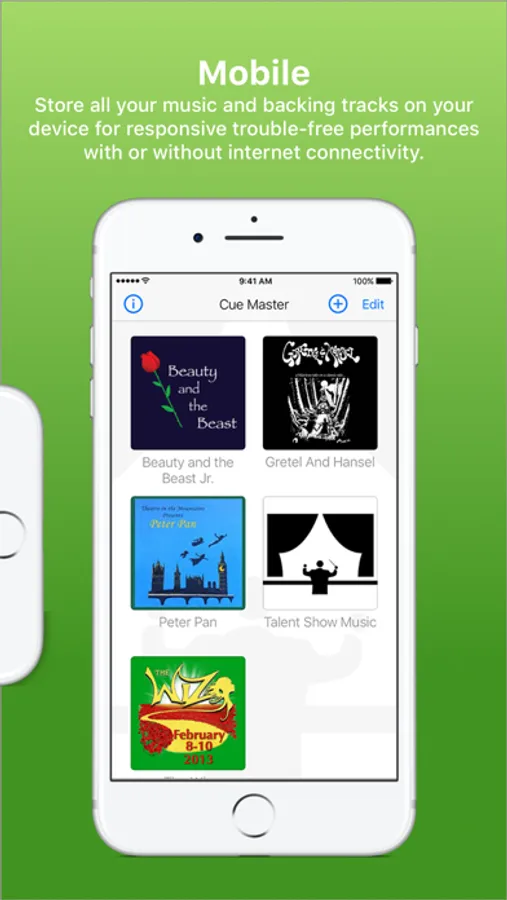
Cue Master is a elegantly simple track player for iPad targeted towards theatrical productions, talent shows, choreographers, dancers or other performers using backing tracks by allowing you to create Cue Playlists from your music library, Dropbox™ or Google Drive folder.
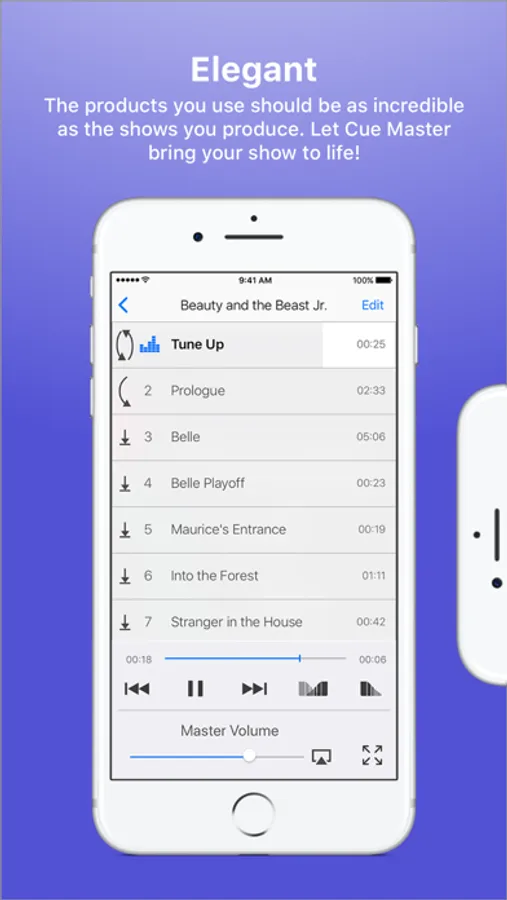
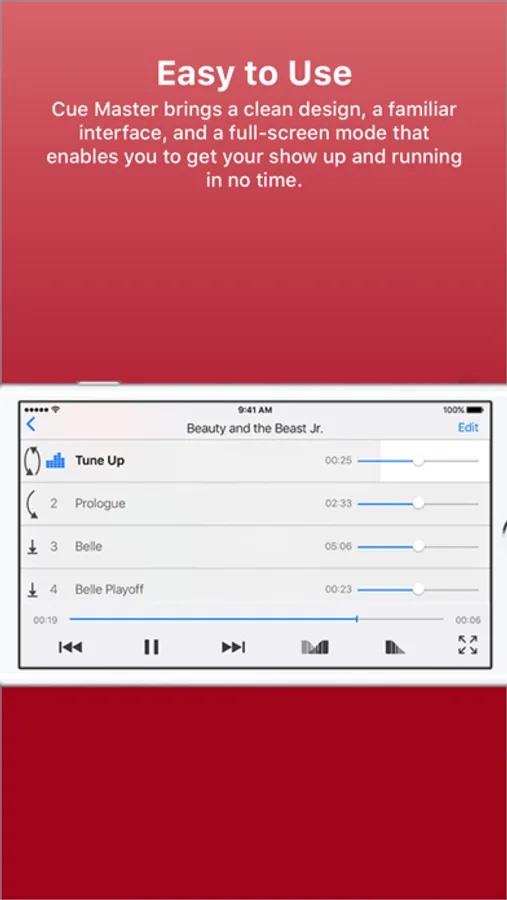
Unlike many cueing apps available, Cue Master is designed to be extremely easy to use and understand with the familiar layout of a standard music app. Unlike a music app, Cue Master allows for custom control over how songs are played back. Songs can be set to loop (repeat), stop at end, continue to the next song, or be skipped. Volume levels can also be easily set on a per song basis to fine tune your performance.
Create multiple Cue Playlists from albums or playlists downloaded in your music library on your iPad, from Dropbox™ or Google Drive, add, delete and reorder your cues.
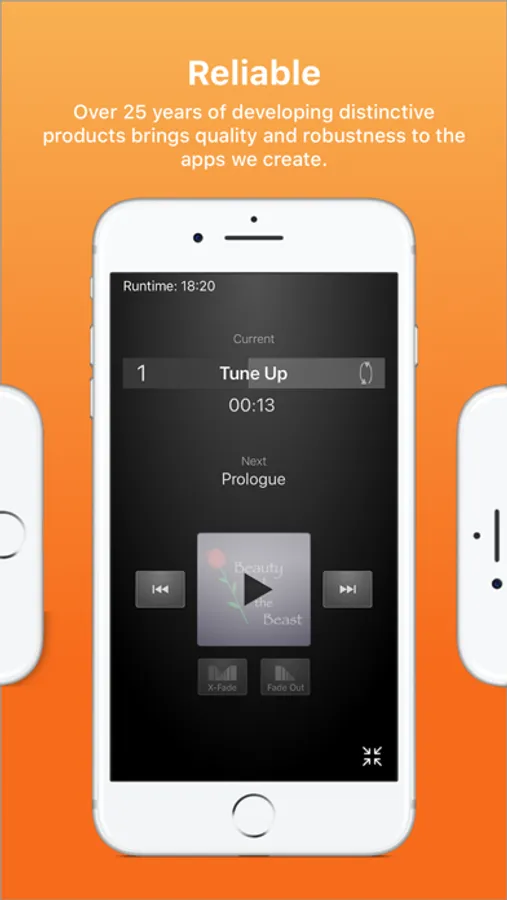
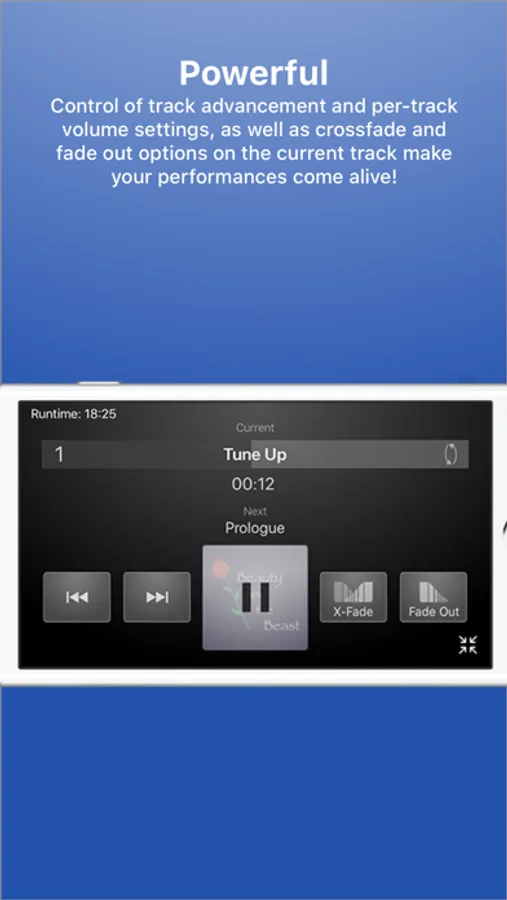
For performers that need easy access from the stage, Cue Master provides a full screen mode to easily see the currently playing track and time, show run time as well as the next cued track. A central cue button also allows you to easily start your next track.
Unlike many cueing apps available, Cue Master is designed to be extremely easy to use and understand with the familiar layout of a standard music app. Unlike a music app, Cue Master allows for custom control over how songs are played back. Songs can be set to loop (repeat), stop at end, continue to the next song, or be skipped. Volume levels can also be easily set on a per song basis to fine tune your performance.
Create multiple Cue Playlists from albums or playlists downloaded in your music library on your iPad, from Dropbox™ or Google Drive, add, delete and reorder your cues.
For performers that need easy access from the stage, Cue Master provides a full screen mode to easily see the currently playing track and time, show run time as well as the next cued track. A central cue button also allows you to easily start your next track.