About Call Deck
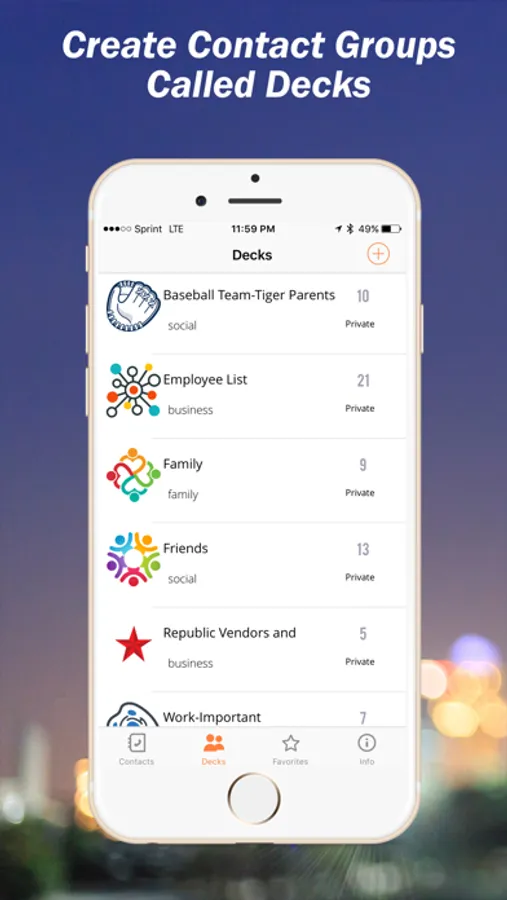
Call Deck allows you to create groups of contacts and then share with others publicly or privately using the Call Deck Mobile App. Simply create your contact groups and start sharing immediately.
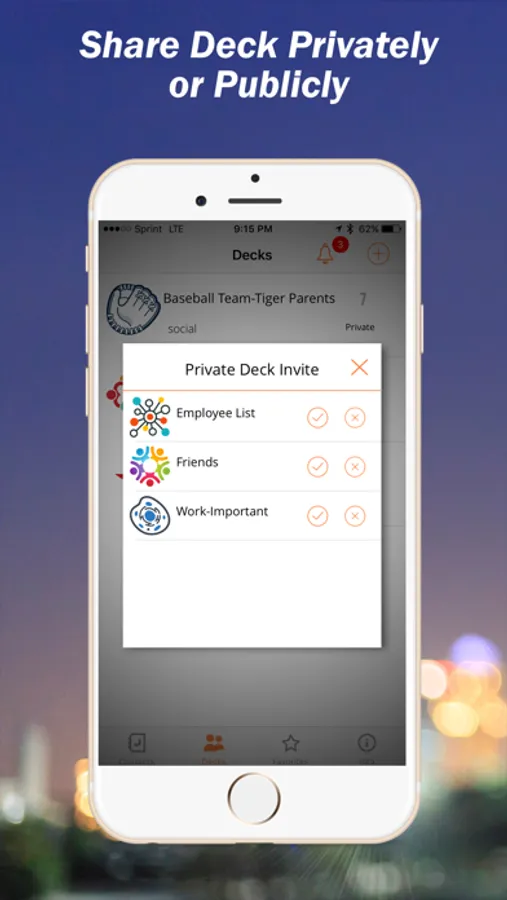
Your contact groups which are called “Decks” are first created by naming the Deck and determining if your Deck will be available publicly to the world or kept private to be shared only with those you invite. The steps in this process are simple!
1. Create and name your Deck.
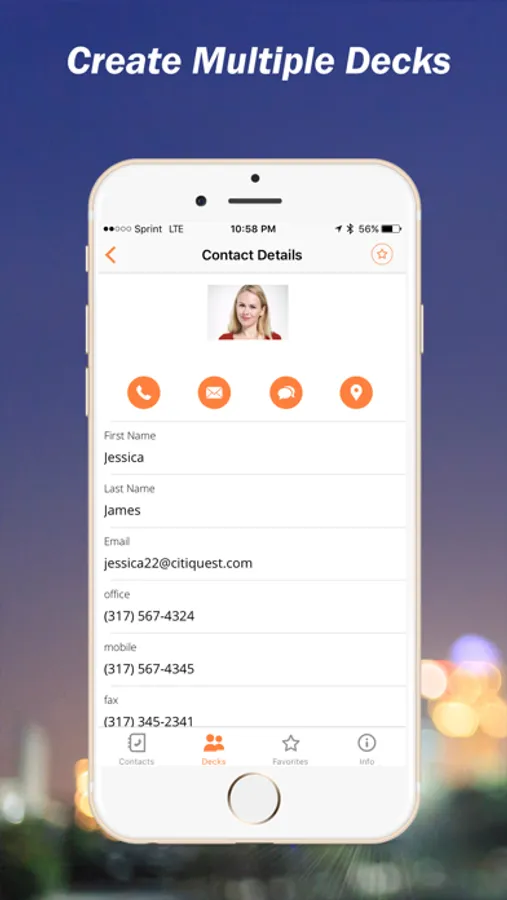
2. Decide if your new Deck is going to be made available privately or to the public. 3. Add records to your Deck.
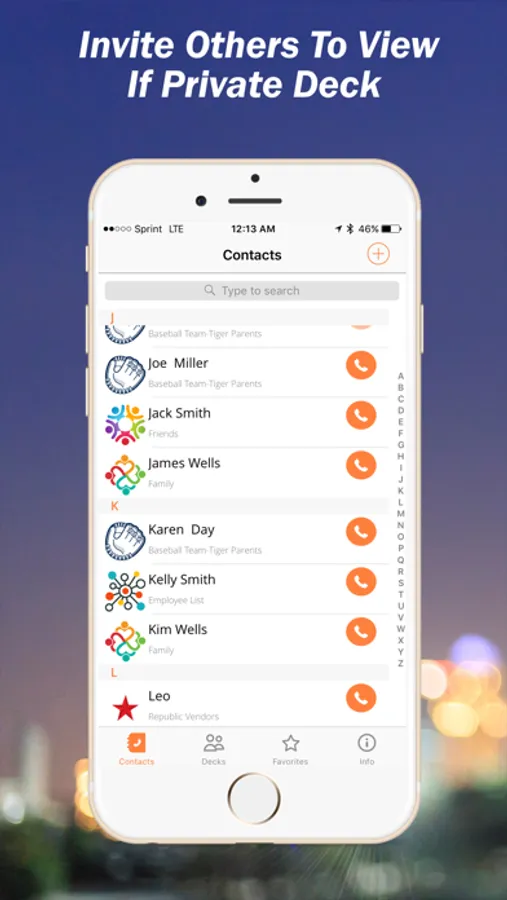
4. If you’ve created a private Deck invite other to view.
The Call Deck App Call Deck Website.
To Just View Decks
If you have been invited to view a private Deck simply download the App for free and register using the same email where your invitation was sent and your private invite appears instantly within your Call Deck App.
To view Public Decks simply download the Call Deck App for free and search Public Decks from within the App and add to your Call Deck App.
Your contact groups which are called “Decks” are first created by naming the Deck and determining if your Deck will be available publicly to the world or kept private to be shared only with those you invite. The steps in this process are simple!
1. Create and name your Deck.
2. Decide if your new Deck is going to be made available privately or to the public. 3. Add records to your Deck.
4. If you’ve created a private Deck invite other to view.
The Call Deck App Call Deck Website.
To Just View Decks
If you have been invited to view a private Deck simply download the App for free and register using the same email where your invitation was sent and your private invite appears instantly within your Call Deck App.
To view Public Decks simply download the Call Deck App for free and search Public Decks from within the App and add to your Call Deck App.