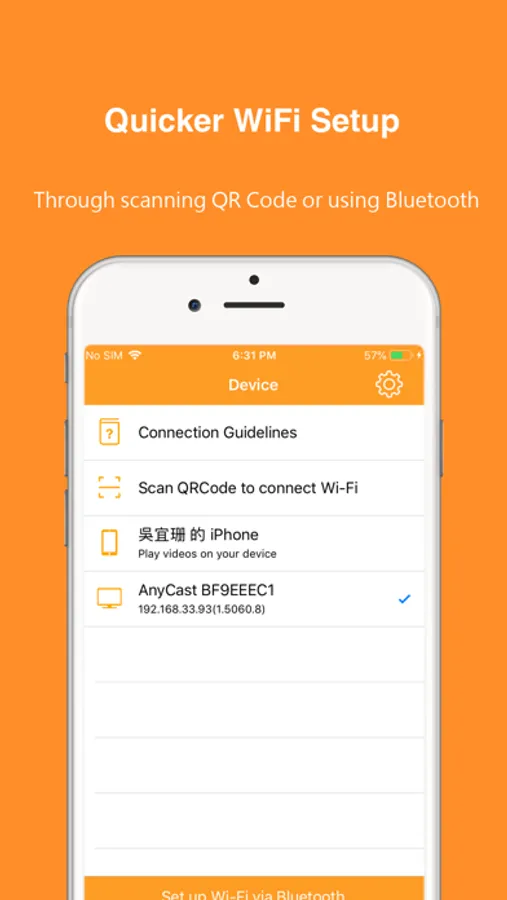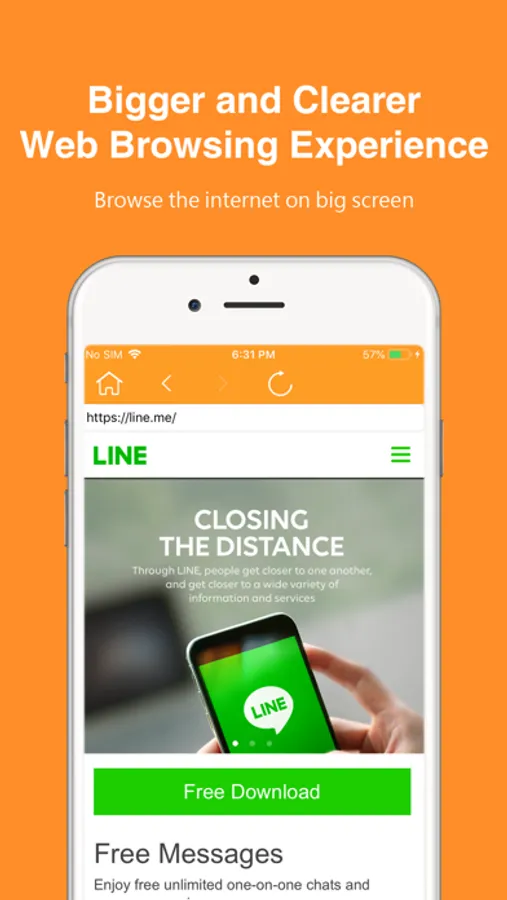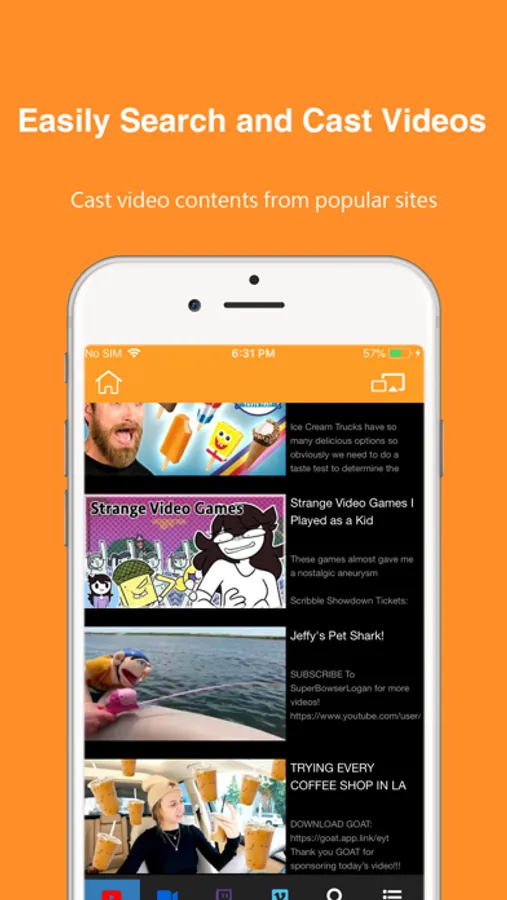
With this app, you can connect MiraScreen and AnyCast receivers to share videos and gaming content on larger screens. Includes QR code and Bluetooth setup, browsing internet, and streaming videos from popular sites.
AppRecs review analysis
AppRecs rating 2.0. Trustworthiness 73 out of 100. Review manipulation risk 24 out of 100. Based on a review sample analyzed.
★★☆☆☆
2.0
AppRecs Rating
Ratings breakdown
5 star
20%
4 star
4%
3 star
10%
2 star
7%
1 star
59%
What to know
⚠
Ad complaints
Many low ratings mention excessive ads
⚠
Pricing complaints
Many low ratings mention paywalls or pricing
⚠
Mixed user feedback
Average 2.2★ rating suggests room for improvement
About EZMira
EZMira is the official app that supports MiraScreen and AnyCast WiFi display receivers.
It makes sharing videos and gaming content to big screens easier.
#Features:
1. Supports quicker WiFi setup by scanning QRCode or using Bluetooth.
2. Supports browsing the internet on the big screen.
3. Easily search and cast video contents from popular sites like YouTube, Facebook, Dailymotion and Vimeo to HDTV.
4. Supports DLNA for a better video streaming experience, and let you multitask on your phone while the video plays on the big screen.
#Where to Buy Universal Display Receivers:
MiraScreen: https://mirascreen.com/
AnyCast: https://any-cast.com/
#Support:
If you have any problem with your MiraScreen products, please contact: support@mirascreen.com
If you have any problem with your AnyCast products, please contact: support@any-cast.com
It makes sharing videos and gaming content to big screens easier.
#Features:
1. Supports quicker WiFi setup by scanning QRCode or using Bluetooth.
2. Supports browsing the internet on the big screen.
3. Easily search and cast video contents from popular sites like YouTube, Facebook, Dailymotion and Vimeo to HDTV.
4. Supports DLNA for a better video streaming experience, and let you multitask on your phone while the video plays on the big screen.
#Where to Buy Universal Display Receivers:
MiraScreen: https://mirascreen.com/
AnyCast: https://any-cast.com/
#Support:
If you have any problem with your MiraScreen products, please contact: support@mirascreen.com
If you have any problem with your AnyCast products, please contact: support@any-cast.com