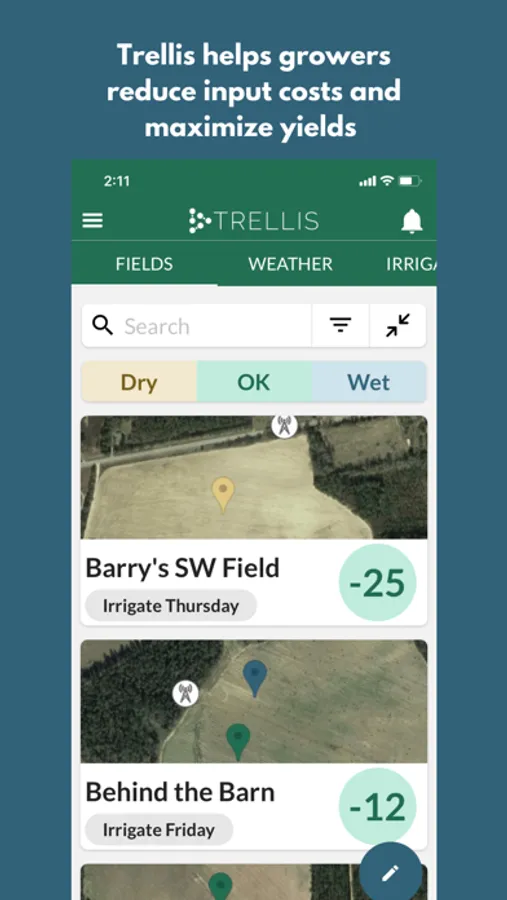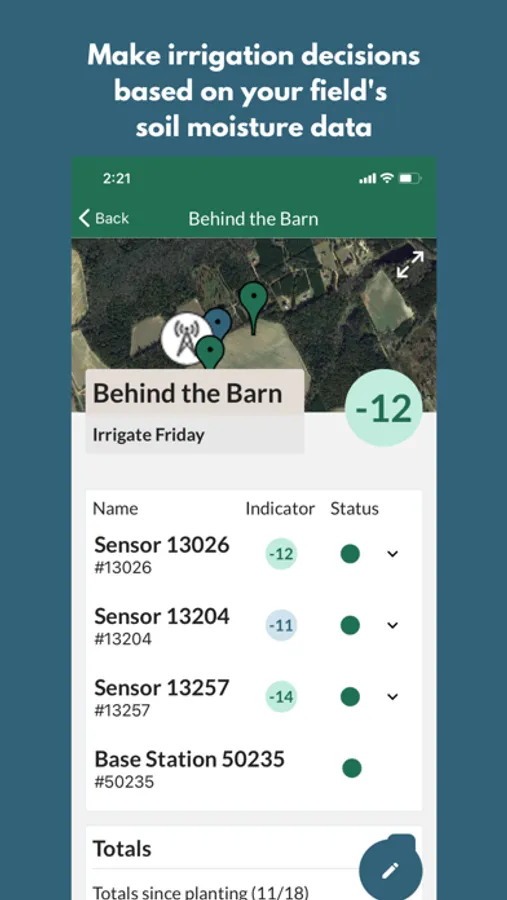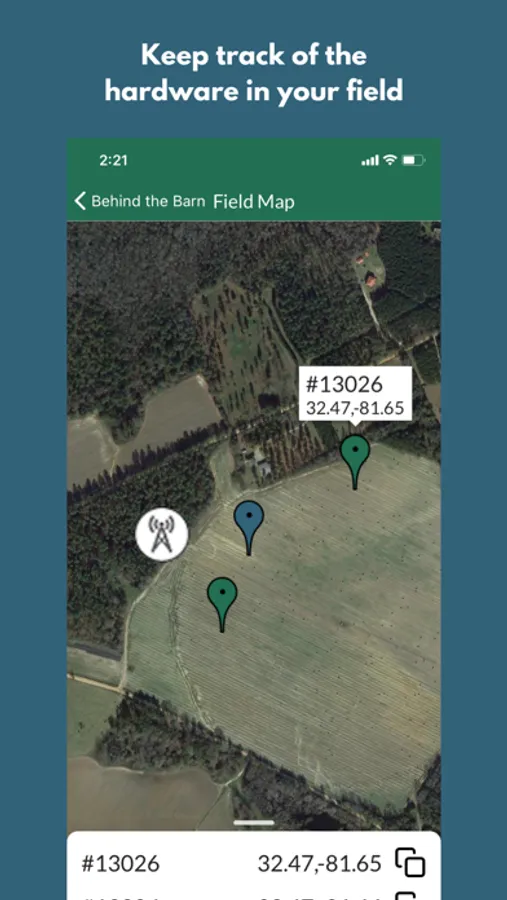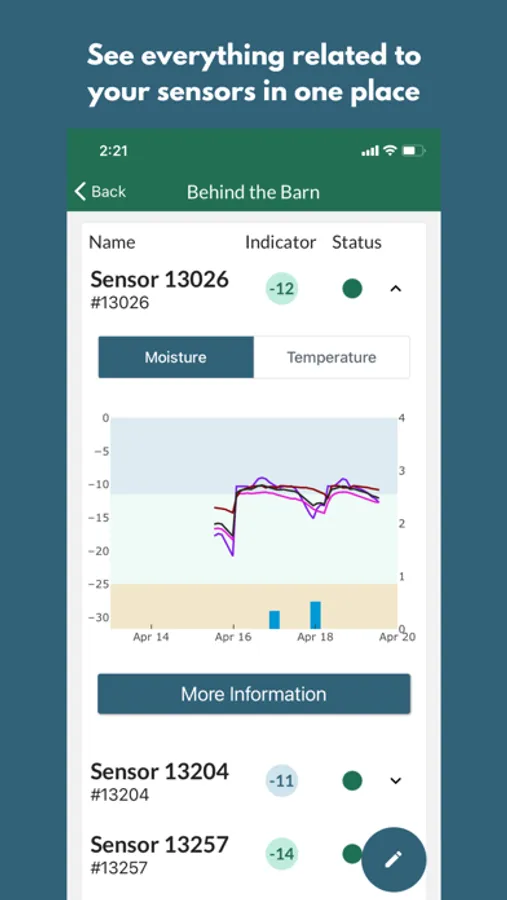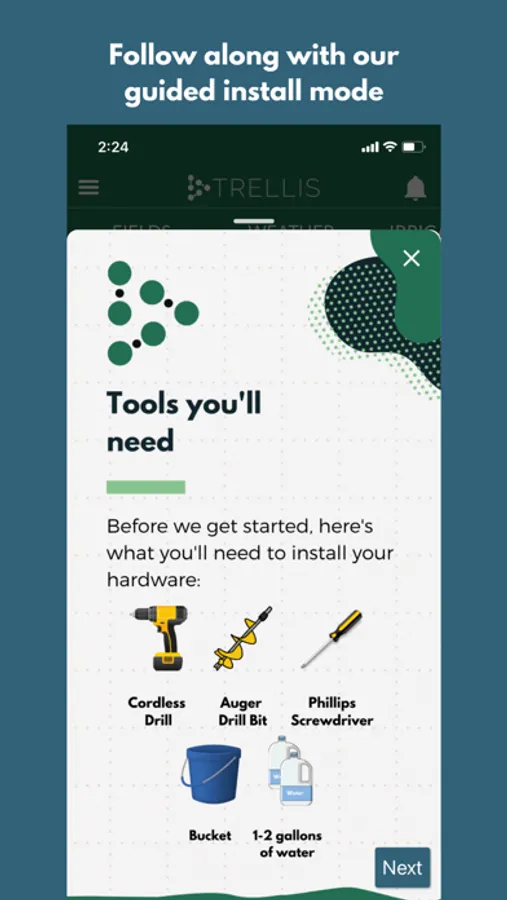
With this farm management app, you can monitor sensor data, edit weather and irrigation records, and customize sensor interpretation for crop stages. Includes live sensor graphs, weather data management, and notification settings.
About Trellis Dashboard
Trellis' easy-to-use farm intelligence platform helps growers maximize yields & reduce input costs. The Trellis Dashboard application allows you to view your data on-the-go.
This app allows you to:
- View graphs of live sensor data (soil moisture, temperature, electroconductivity, pressure sensors)
- View, edit, & delete weather data from connected rain gauge, weather station, or NOAA data
- Log irrigation & precipitation events
- Sensor Management Plans let you customize the way the sensor station data is interpreted throughout the growing season. As your crop develops, you can account for changing root depths & different crop growth stages that may require more or less water.
- Group sensors into fields and weight the sensors in each field
- Edit sensor information
- Change how you're notified that a sensor is dry (text/email notifications)
- View your sensors & their soil moisture status (wet/ok/dry) on a map
- Browse our knowledge base of helpful support articles & chat with Trellis employees to answer questions
This app allows you to:
- View graphs of live sensor data (soil moisture, temperature, electroconductivity, pressure sensors)
- View, edit, & delete weather data from connected rain gauge, weather station, or NOAA data
- Log irrigation & precipitation events
- Sensor Management Plans let you customize the way the sensor station data is interpreted throughout the growing season. As your crop develops, you can account for changing root depths & different crop growth stages that may require more or less water.
- Group sensors into fields and weight the sensors in each field
- Edit sensor information
- Change how you're notified that a sensor is dry (text/email notifications)
- View your sensors & their soil moisture status (wet/ok/dry) on a map
- Browse our knowledge base of helpful support articles & chat with Trellis employees to answer questions