AppRecs review analysis
AppRecs rating 1.4. Trustworthiness 65 out of 100. Review manipulation risk 29 out of 100. Based on a review sample analyzed.
★☆☆☆☆
1.4
AppRecs Rating
Ratings breakdown
5 star
14%
4 star
0%
3 star
14%
2 star
0%
1 star
71%
What to know
✓
Low review manipulation risk
29% review manipulation risk
⚠
Mixed user feedback
Average 1.9★ rating suggests room for improvement
About ARCHIBUS Mobile Client 3.0
The ARCHIBUS Mobile Client 3.0 is for use with Web Central version 23.2 and later.
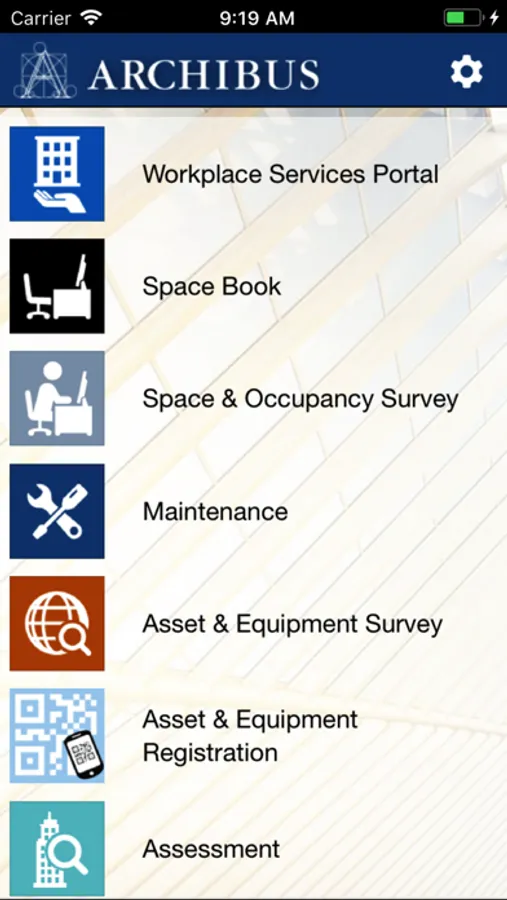
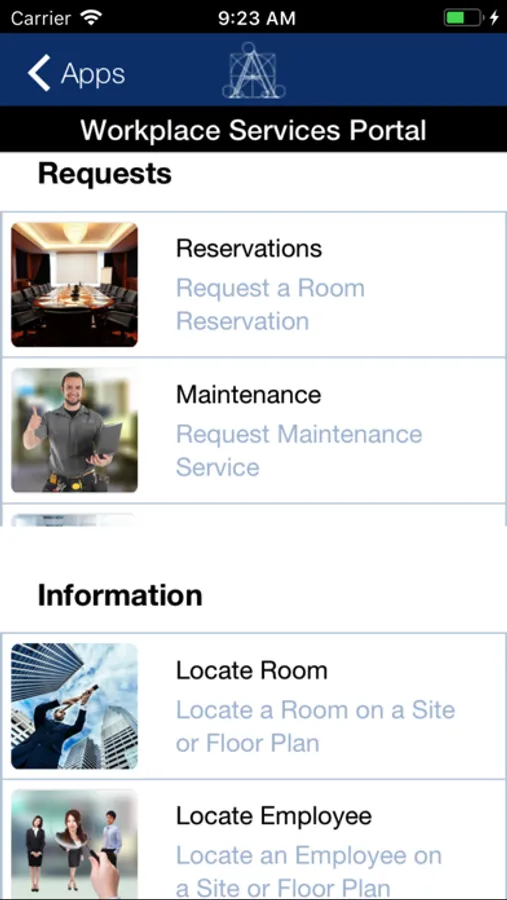
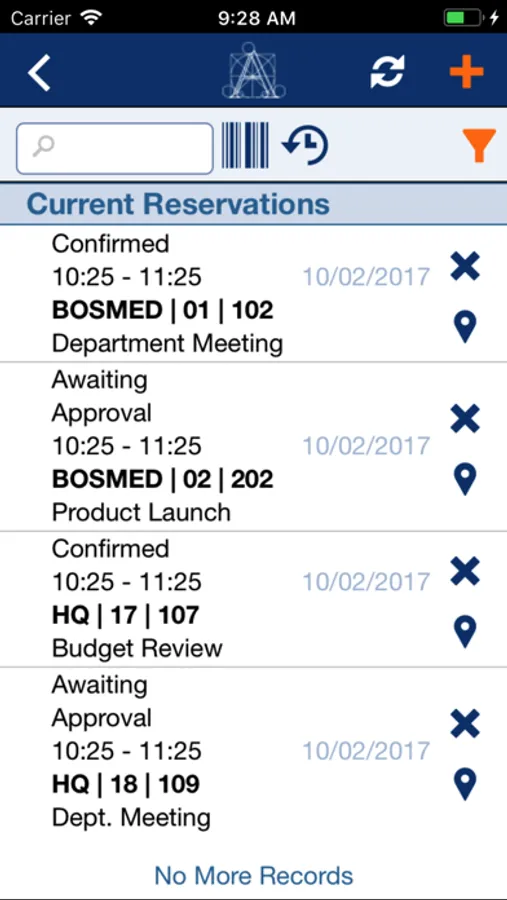
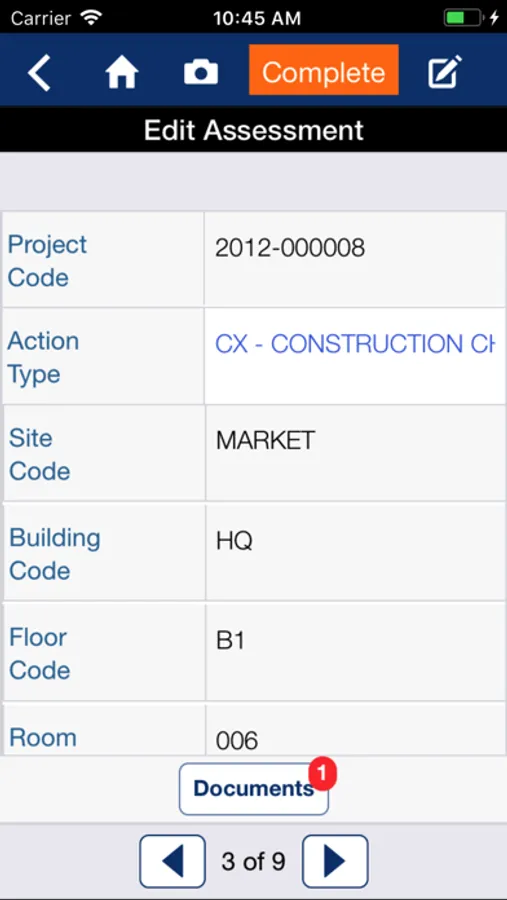
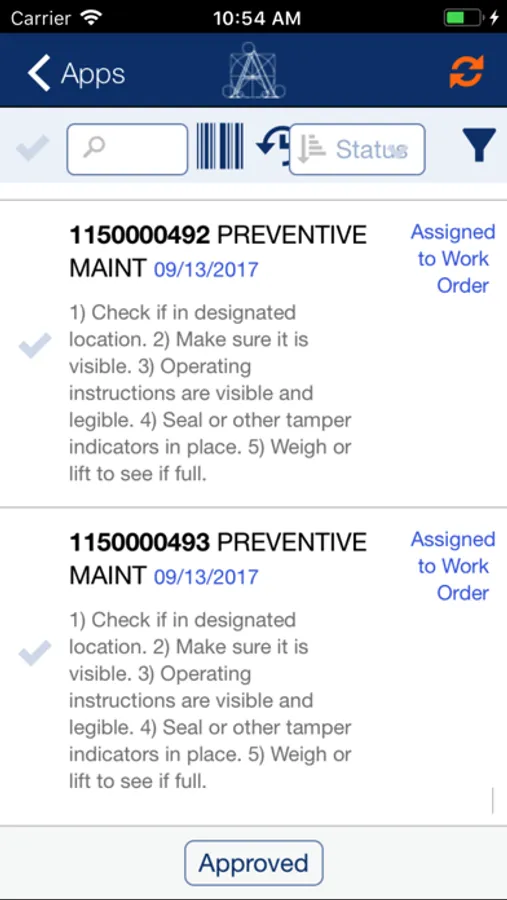
ARCHIBUS is the #1 Solution for Real Estate, Infrastructure, and Facilities Management in the World. The ARCHIBUS Mobile Client grants you immediate and ubiquitous access to the workflows and data in ARCHIBUS including graphical and non-graphical reports, forms, and views. The ARCHIBUS Mobile Client delivers both live and semi-connected access to ARCHIBUS, while ensuring proper validation of transmitted data, oversight of field submissions, adherence to business rules and workflows, and compliance with your organization’s IT security policies.
To be able to use the ARCHIBUS Mobile Client, install it on your iPhone or iPad, then enter the URL your ARCHIBUS Administrator provided (e.g. "http:archibusserver:8080"). If your site does not use single sign on, enter your ARCHIBUS credentials. The ARCHIBUS Mobile Client will then automatically install and load the features that your ARCHIBUS Administrator has enabled for your account.
ARCHIBUS is the #1 Solution for Real Estate, Infrastructure, and Facilities Management in the World. The ARCHIBUS Mobile Client grants you immediate and ubiquitous access to the workflows and data in ARCHIBUS including graphical and non-graphical reports, forms, and views. The ARCHIBUS Mobile Client delivers both live and semi-connected access to ARCHIBUS, while ensuring proper validation of transmitted data, oversight of field submissions, adherence to business rules and workflows, and compliance with your organization’s IT security policies.
To be able to use the ARCHIBUS Mobile Client, install it on your iPhone or iPad, then enter the URL your ARCHIBUS Administrator provided (e.g. "http:archibusserver:8080"). If your site does not use single sign on, enter your ARCHIBUS credentials. The ARCHIBUS Mobile Client will then automatically install and load the features that your ARCHIBUS Administrator has enabled for your account.