AppRecs review analysis
AppRecs rating 4.3. Trustworthiness 65 out of 100. Review manipulation risk 27 out of 100. Based on a review sample analyzed.
★★★★☆
4.3
AppRecs Rating
Ratings breakdown
5 star
95%
4 star
0%
3 star
0%
2 star
0%
1 star
5%
What to know
✓
Low review manipulation risk
27% review manipulation risk
✓
High user satisfaction
95% of sampled ratings are 5 stars
About PixelStix
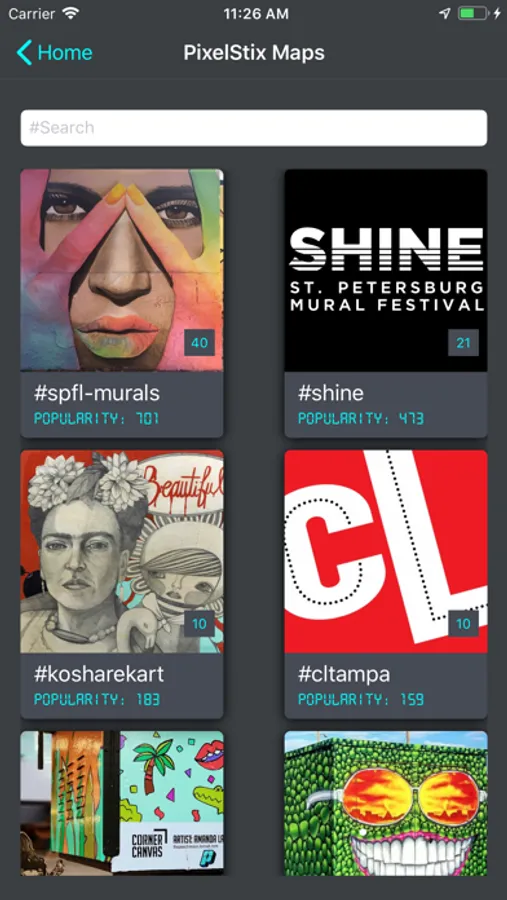
Whether you are hunting for murals near you or wanting to add your collection of murals to a gallery for others to find and learn about, the PixelStix app and PixelStix plaques or stickers are all you need.
After installing, If you already have a PixelStix plaque or sticker, short press the PixelStix P in the app to launch the scanner and touch the nose of your phone to the plaque or sticker to assign / view it's content.
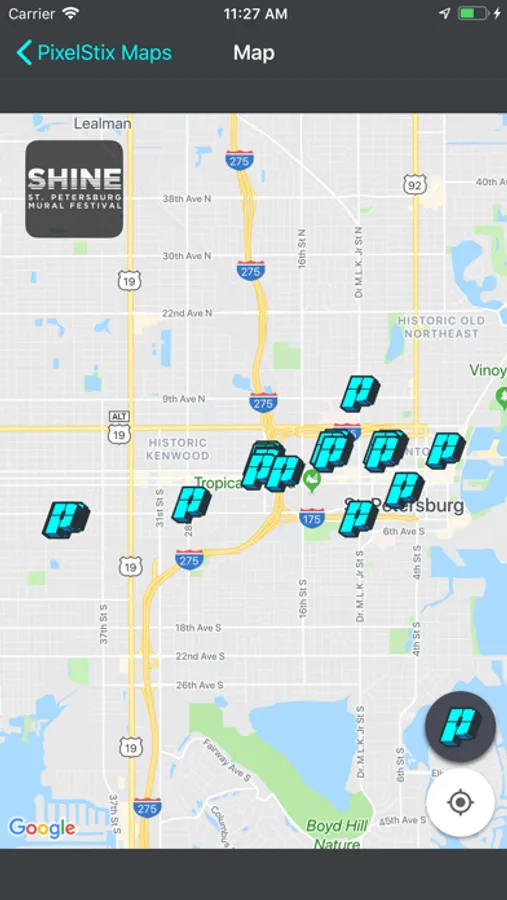
Tap on the small Map button at the bottom of the screen to find all of the Street Art and Murals near you. Travel to the mural by using the map. Zoom into the map to find the precise location of the PixelStix plaque on the mural. Walk up to the PixelStix plaque, press the PixelStix P in the app to launch the scanner and touch the nose of your phone to the plaque to learn about the artists and art you are enjoying.
After installing, If you already have a PixelStix plaque or sticker, short press the PixelStix P in the app to launch the scanner and touch the nose of your phone to the plaque or sticker to assign / view it's content.
Tap on the small Map button at the bottom of the screen to find all of the Street Art and Murals near you. Travel to the mural by using the map. Zoom into the map to find the precise location of the PixelStix plaque on the mural. Walk up to the PixelStix plaque, press the PixelStix P in the app to launch the scanner and touch the nose of your phone to the plaque to learn about the artists and art you are enjoying.