Use this remote app to control song playback and manage settings on Worship Backing Tracks. Includes connection setup, device management, and playback control features.
AppRecs review analysis
AppRecs rating 4.3. Trustworthiness 65 out of 100. Review manipulation risk 29 out of 100. Based on a review sample analyzed.
★★★★☆
4.3
AppRecs Rating
Ratings breakdown
5 star
93%
4 star
4%
3 star
1%
2 star
1%
1 star
2%
What to know
✓
Low review manipulation risk
29% review manipulation risk
✓
High user satisfaction
93% of sampled ratings are 5 stars
✓
Authentic reviews
No red flags detected
About Worship Remote
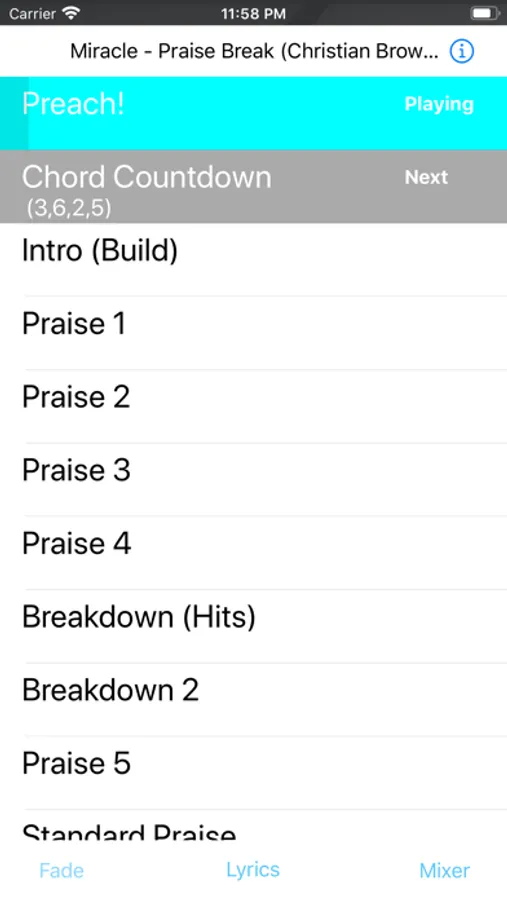
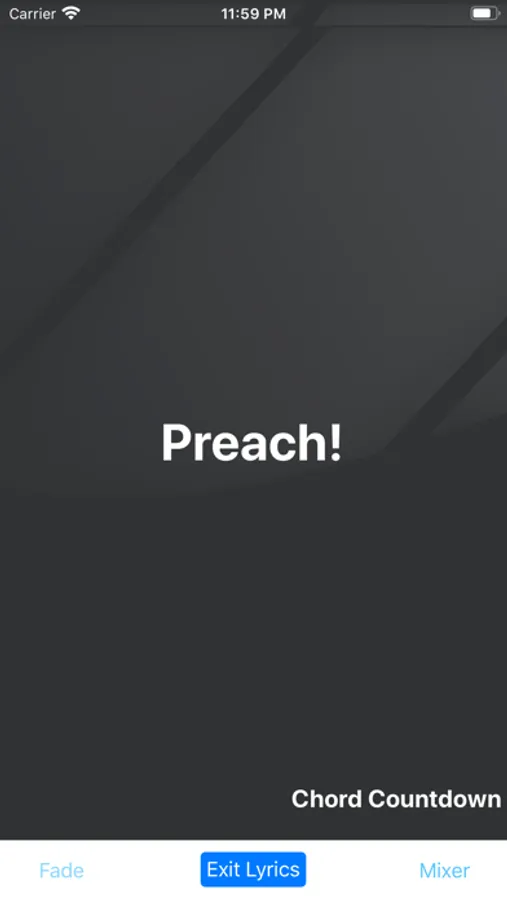
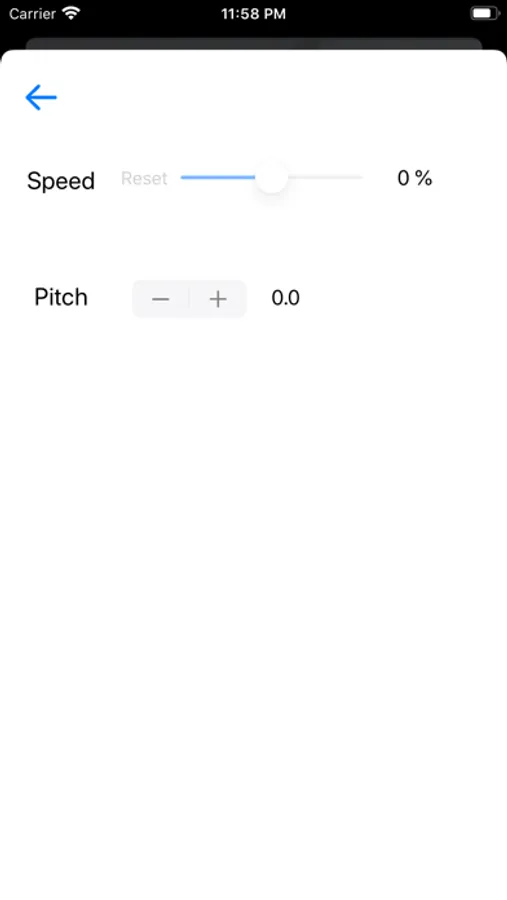
See and control the song playing on Worship Backing Tracks!
Instructions:
1.) Open the main Worship Backing Tracks app on your ministries main device.
2.) Tap the remote button on the top right of the main app.
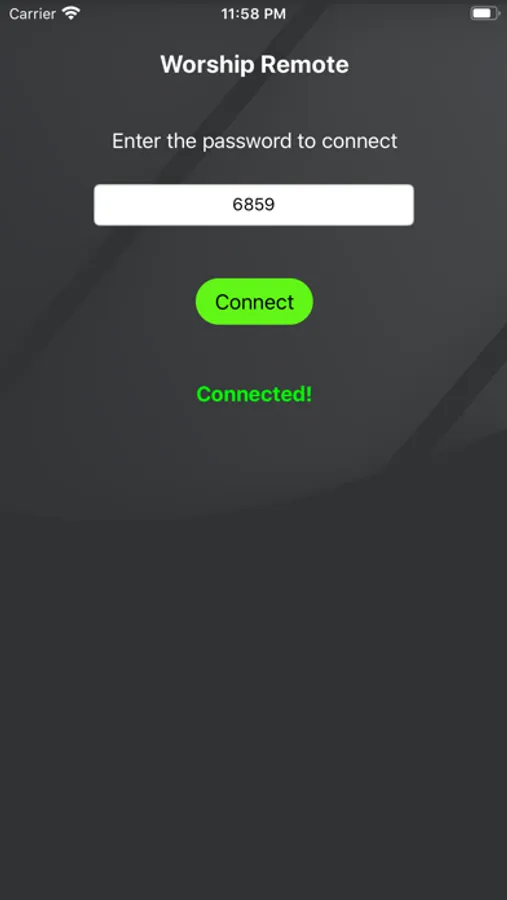
3.) There will be a 4 digit passcode shown. Enter this code into the remote app on your phone or iPad.
- only up to 5 iOS devices using Worship Remote can connect at a time.
4.) Tap “Connect”
5.) On the main app, tap the “Allow Control” switch to give access to your device to control the main app.
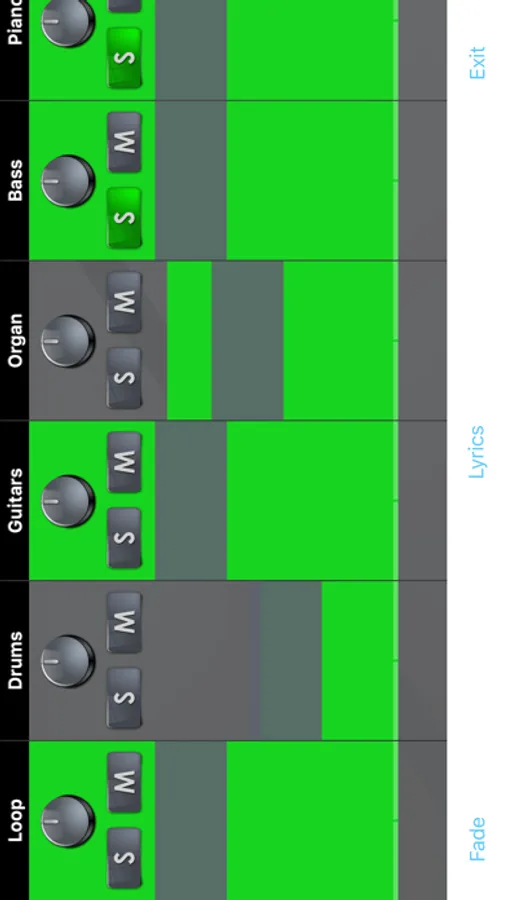
- otherwise, you’ll just be able to see what is happening on the main app in the song. Allowing control allows the person to play/pause, change keys and speed and adjust the mixer setting.
Instructions:
1.) Open the main Worship Backing Tracks app on your ministries main device.
2.) Tap the remote button on the top right of the main app.
3.) There will be a 4 digit passcode shown. Enter this code into the remote app on your phone or iPad.
- only up to 5 iOS devices using Worship Remote can connect at a time.
4.) Tap “Connect”
5.) On the main app, tap the “Allow Control” switch to give access to your device to control the main app.
- otherwise, you’ll just be able to see what is happening on the main app in the song. Allowing control allows the person to play/pause, change keys and speed and adjust the mixer setting.