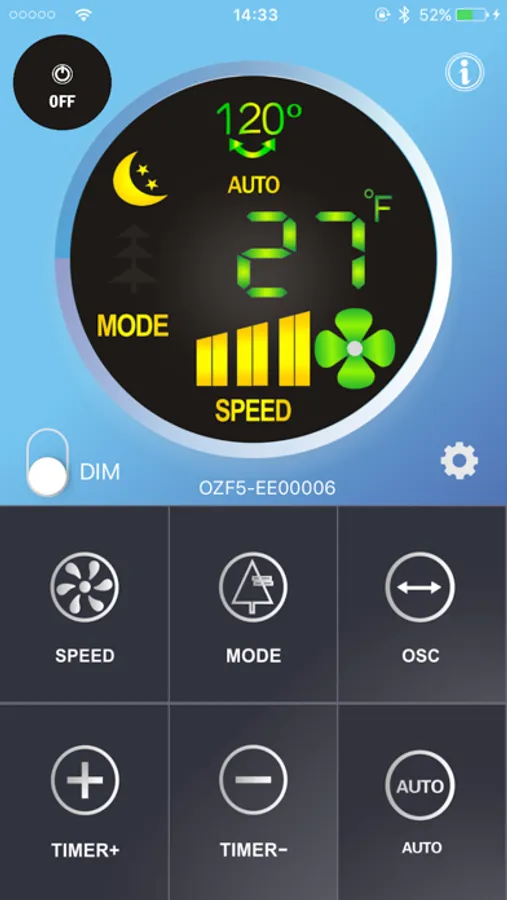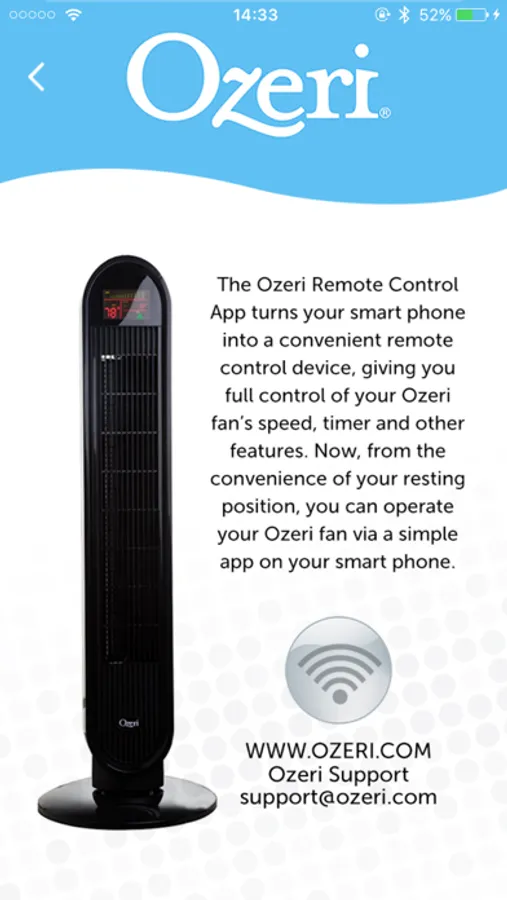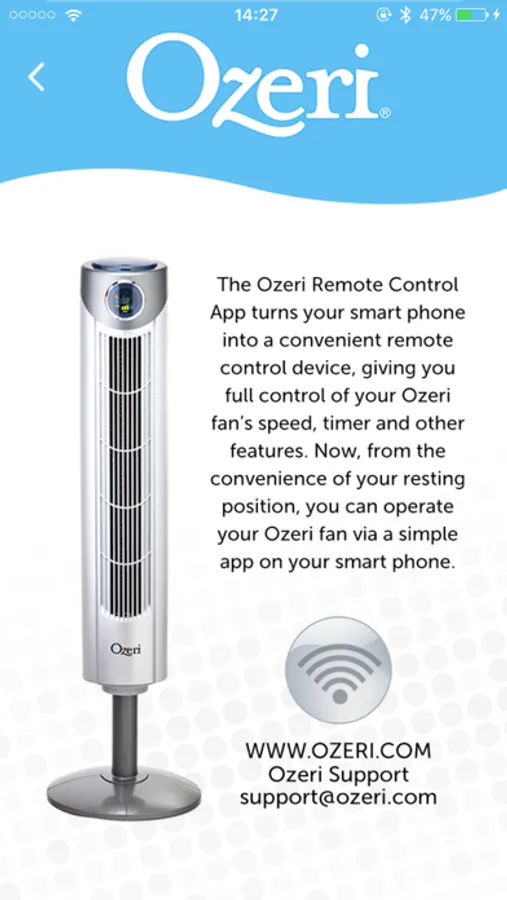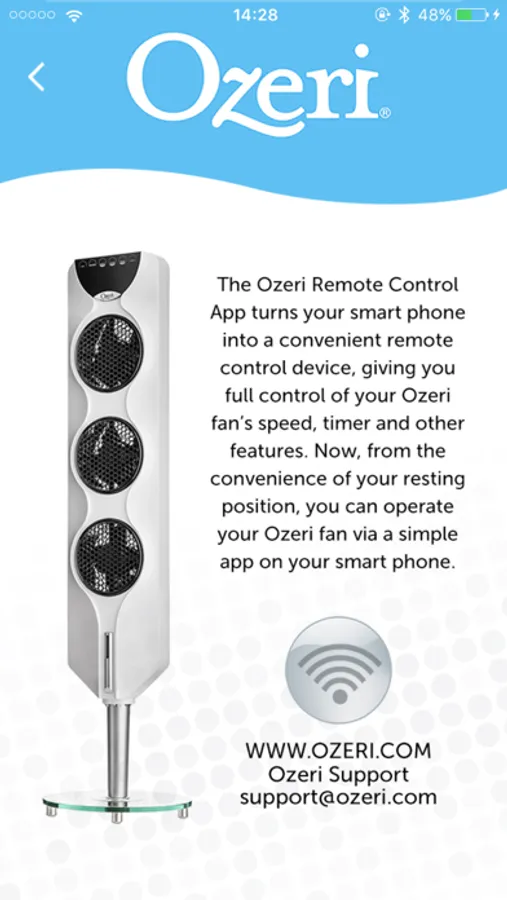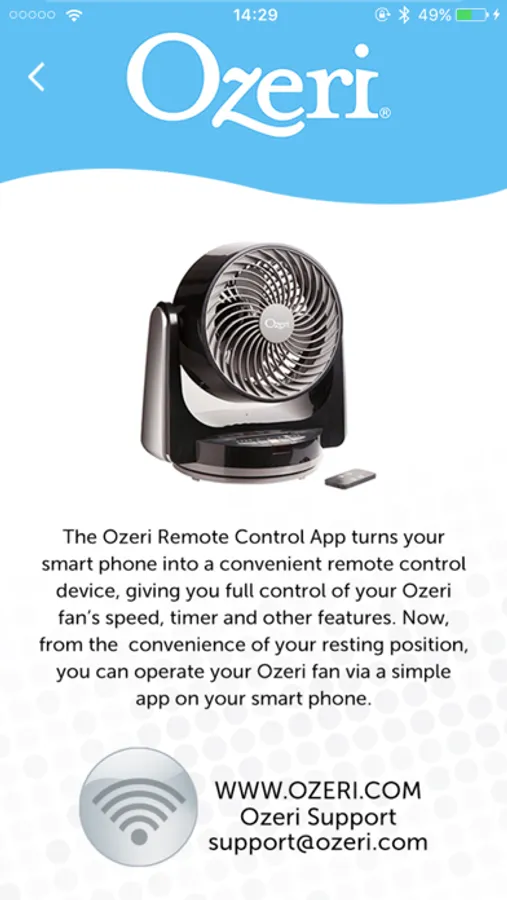
With this remote control app, you can adjust fan settings such as speed, timer, and LCD brightness remotely. Includes Bluetooth connection, multiple control methods, and device status monitoring.
About OZFX
The OZFX turns your iPhone into a convenient remote control device, giving you full control of your Ozeri Bluetooth controlled fan’s speed setting, timer, LCD brightness and more. Now, from the convenience of your resting position, you can control your Ozeri fan with push-button simplicity. The Ozeri OZFX Remote App works alongside the Ozeri Bluetooth fan’s included remote control unit so that you can enjoy a 2nd remote control method, or a handy backup in case you lose the included remote control unit. With the Ozeri OZFX Remote App, your fan can be now controlled in 3 ways:
1) Via your iPhone using the OZFX Remote App.
2) Via the Ozeri Bluetooth fan’s included remote control unit.
3) Via the Ozeri Bluetooth fan’s control panel.
1) Via your iPhone using the OZFX Remote App.
2) Via the Ozeri Bluetooth fan’s included remote control unit.
3) Via the Ozeri Bluetooth fan’s control panel.