About LAMAX Cam
The LAMAX CamApp 5.0 is a remote controller.
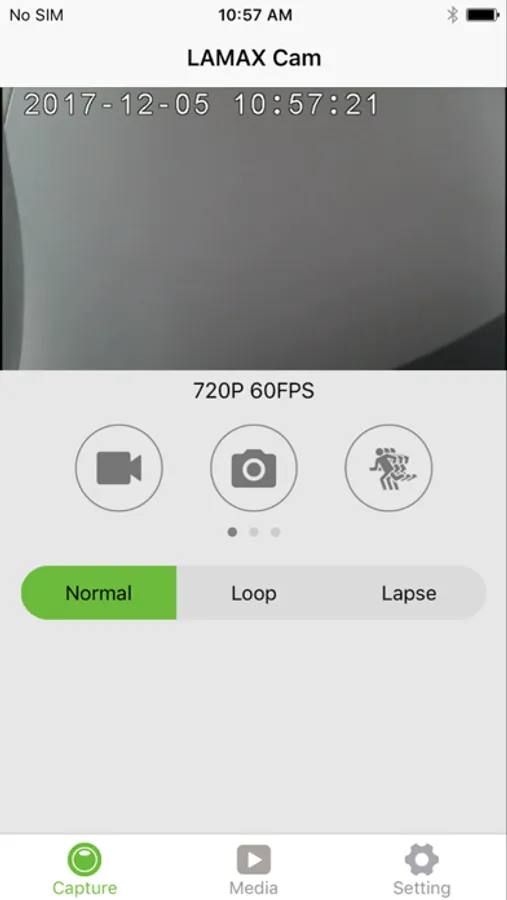
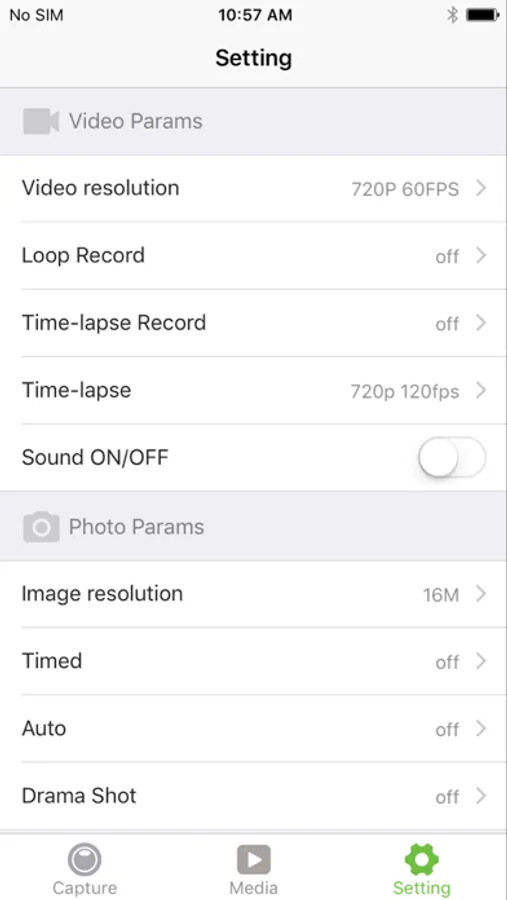
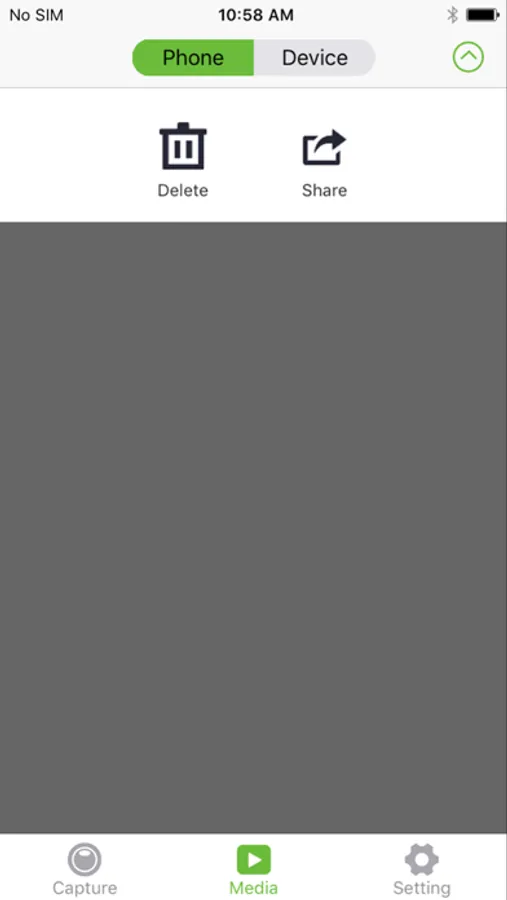
You can connect your LAMAX X3.1 Atlas action camera to a smartphone or tablet with LAMAX CamApp 5.0. After the connection has been established, you can preview the camera video stream in real-time, trigger the recording start, take pictures, record slow-motion shots, view thumbnails, adjust settings and download videos or pictures.
Connection steps:
1. Enable camera WiFi 2. Connect the mobile device to the camera WiFi; the password information is in the manual 3. Launch the LAMAX CamApp 5.0 and confirm the current WiFi connection 4. When successfully connected, you can control your camera remotely via your smart device
Connection steps:
1. Enable camera WiFi 2. Connect the mobile device to the camera WiFi; the password information is in the manual 3. Launch the LAMAX CamApp 5.0 and confirm the current WiFi connection 4. When successfully connected, you can control your camera remotely via your smart device